
Pitch deck maker
Transform ideas into compelling pitch decks using customizable templates, graphics, and Copilot in Microsoft PowerPoint.

Persuade decision-makers with professional pitch deck templates
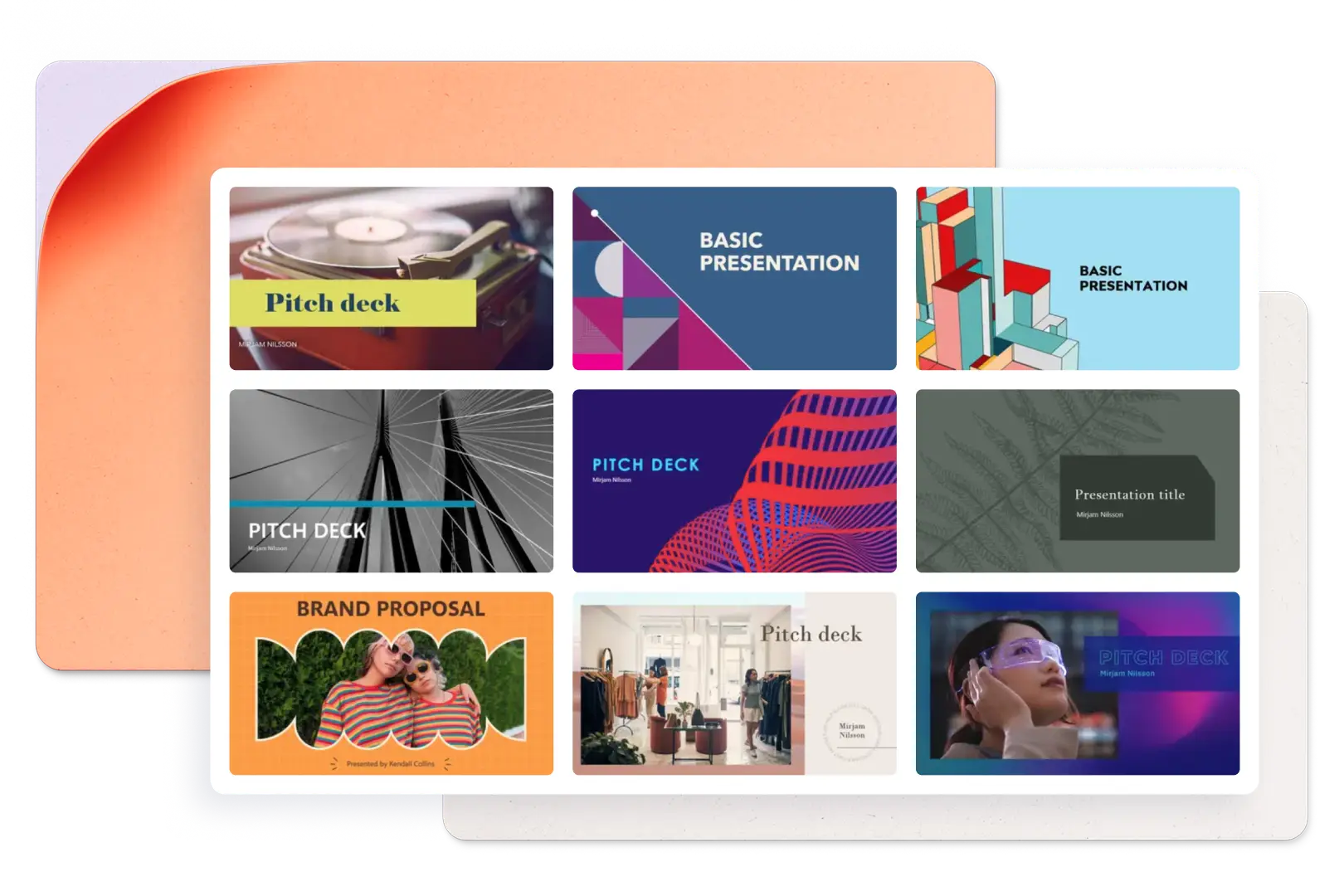
Create a great impression with pitch deck templates that help present ideas to investors, clients, and stakeholders. Browse customizable template options, including marketing, sales, finance, startup, and agency layouts to suit any brand or message.
Create polished pitch decks with design and AI features

Make pitch decks with design elements
Create pitch presentations from scratch or start with customizable templates, AI design suggestions, and drag-and-drop layouts. Bring slides to life with animated SmartArt, embedded videos, and smooth transitions.

Generate and refine slide content with AI
Chat with Copilot in PowerPoint to create pitch deck outlines, slide content, or refine slides for maximum impact. Pull content from existing Word documents, Excel trackers, and reports to build pitch-ready slides.

Collaborate and edit in real-time
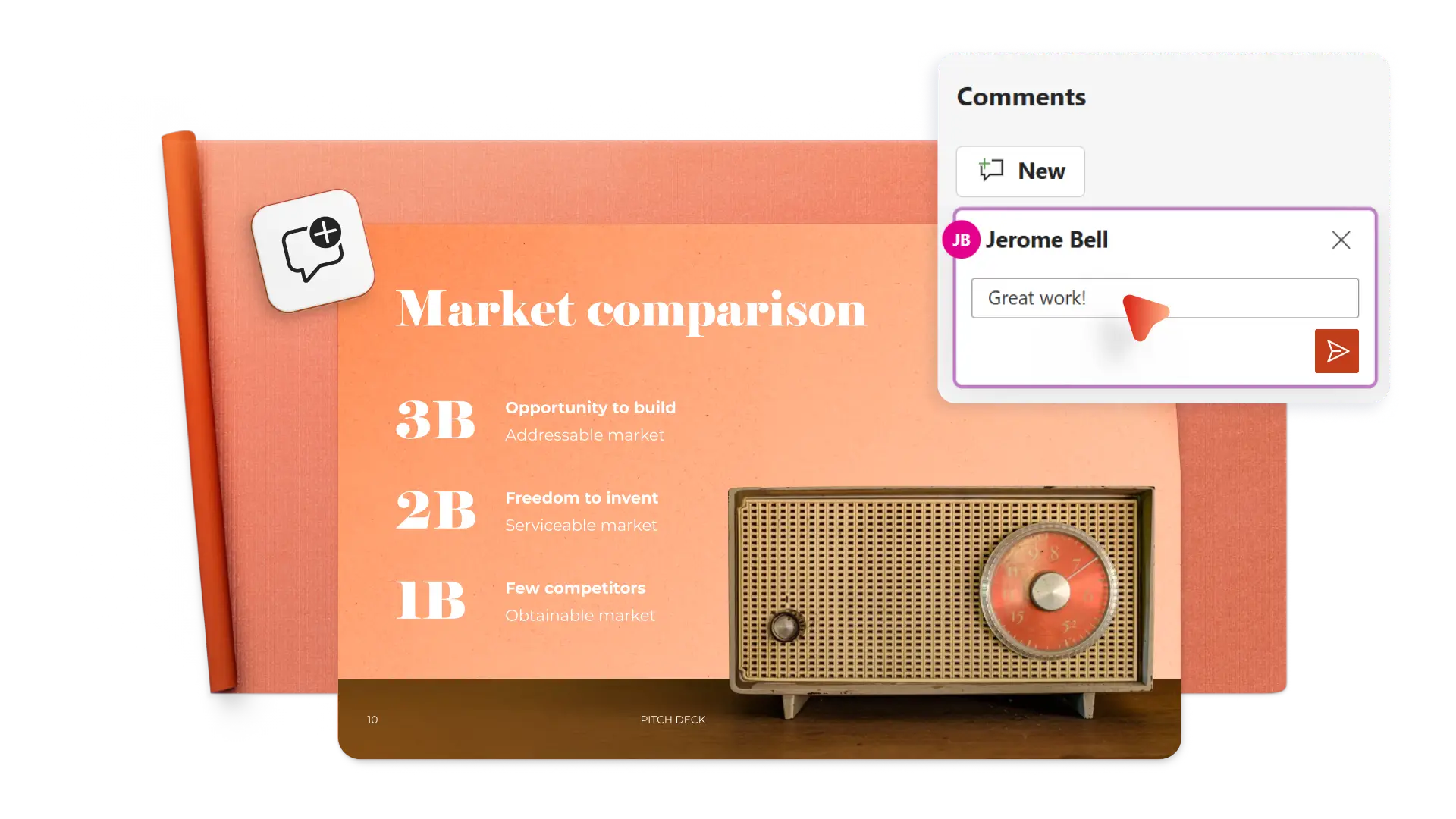
Invite team members to edit and review pitch decks in real-time. Gather feedback faster with comments, suggestions, and live editing without switching between files.
Generate pitch decks with AI-powered features
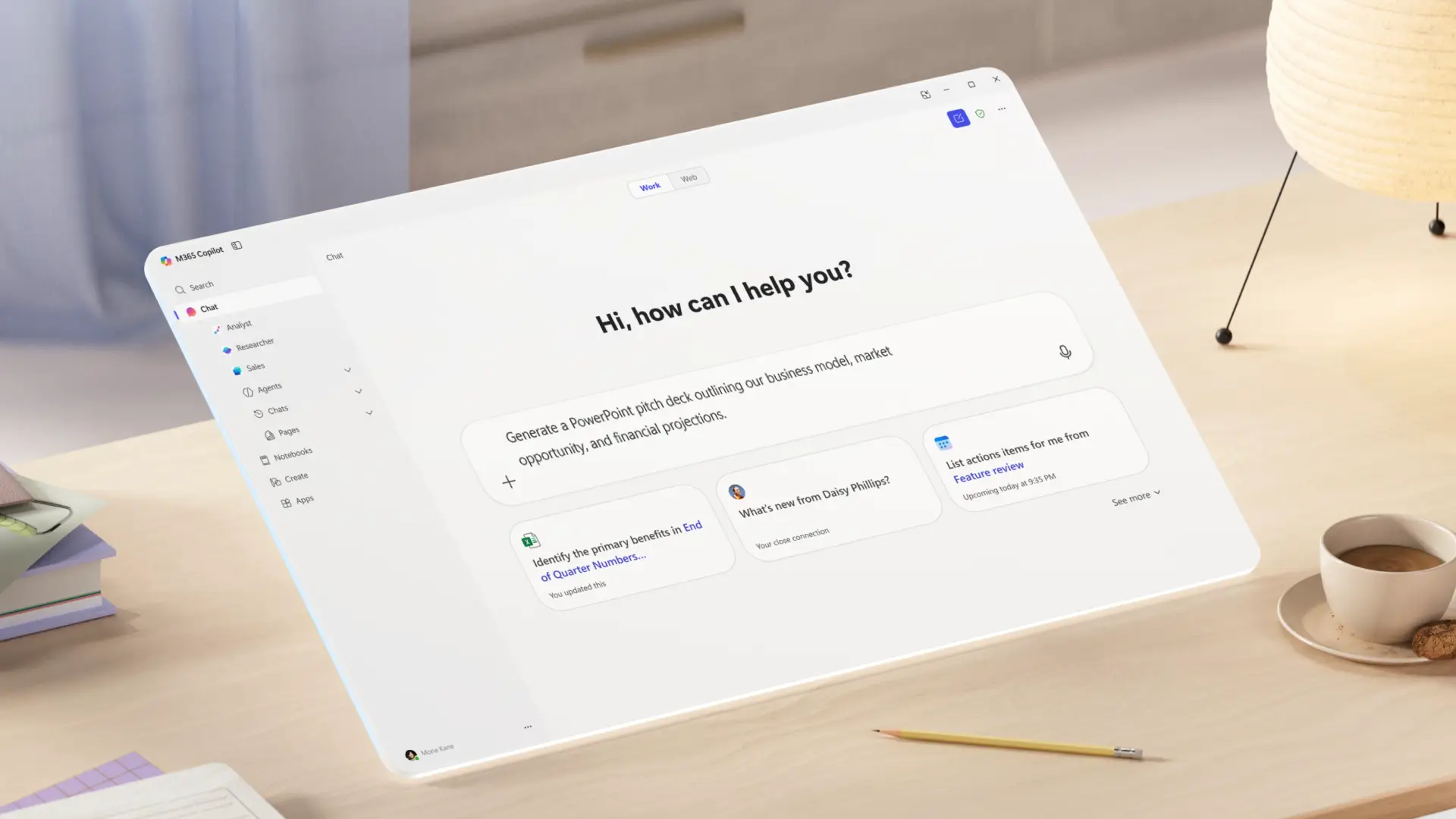
Speed up creating any marketing pitch, investor, or start up pitch deck using the AI pitch deck generator. Chat with Microsoft Copilot to generate a logical pitch flow, pulling content from reference documents, and accepting design suggestions from custom AI images.
Turn documents into engaging pitch decks
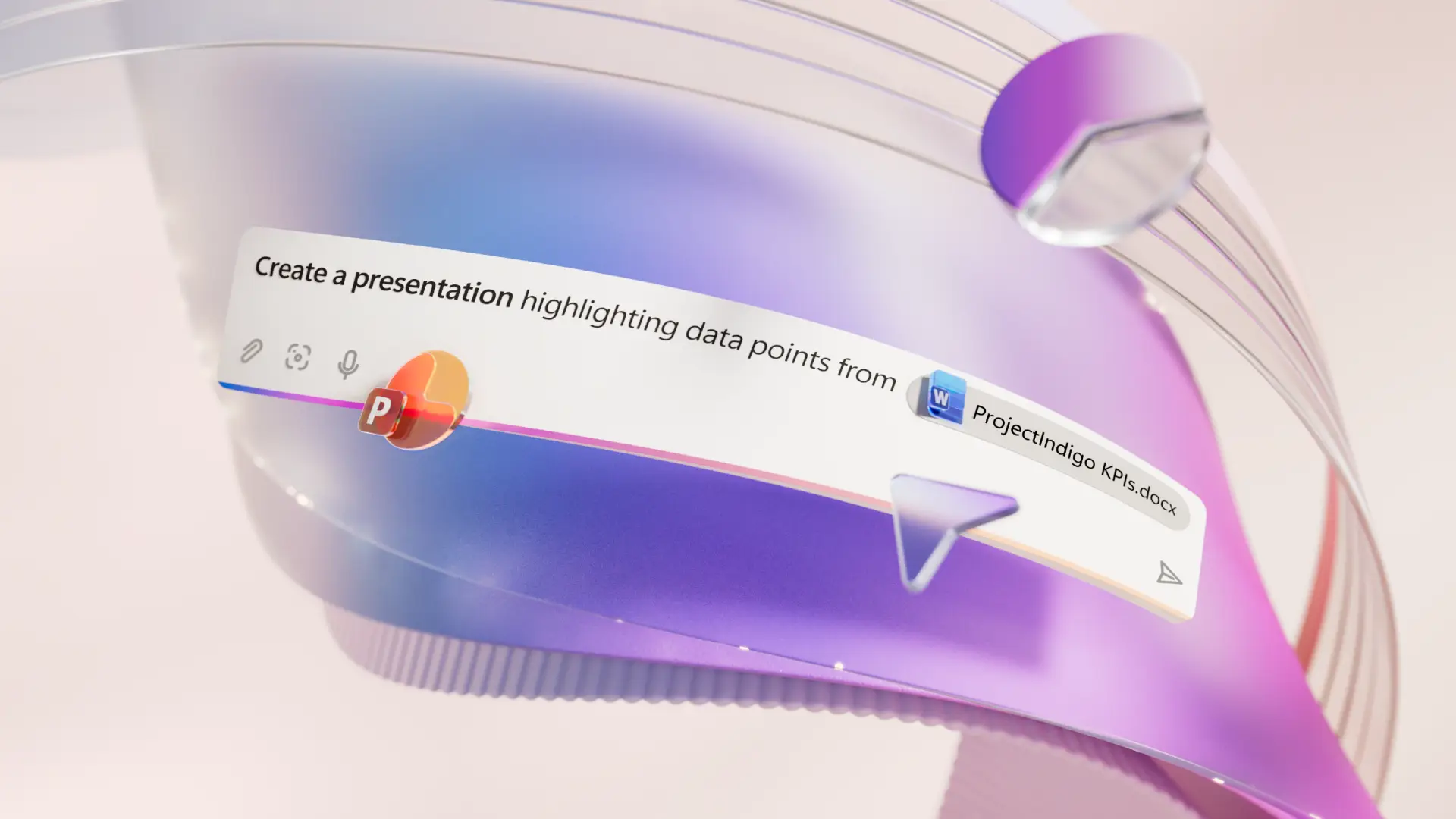
Skip the blank page by converting existing content into a pitch deck using AI. Attach a Word document into the Copilot chat, requesting AI to create a slide for each heading and section. Copilot can also extract information and fill in any content gaps by further attaching documents like Excel trackers, reports, and proposals.
Write impactful pitches with AI
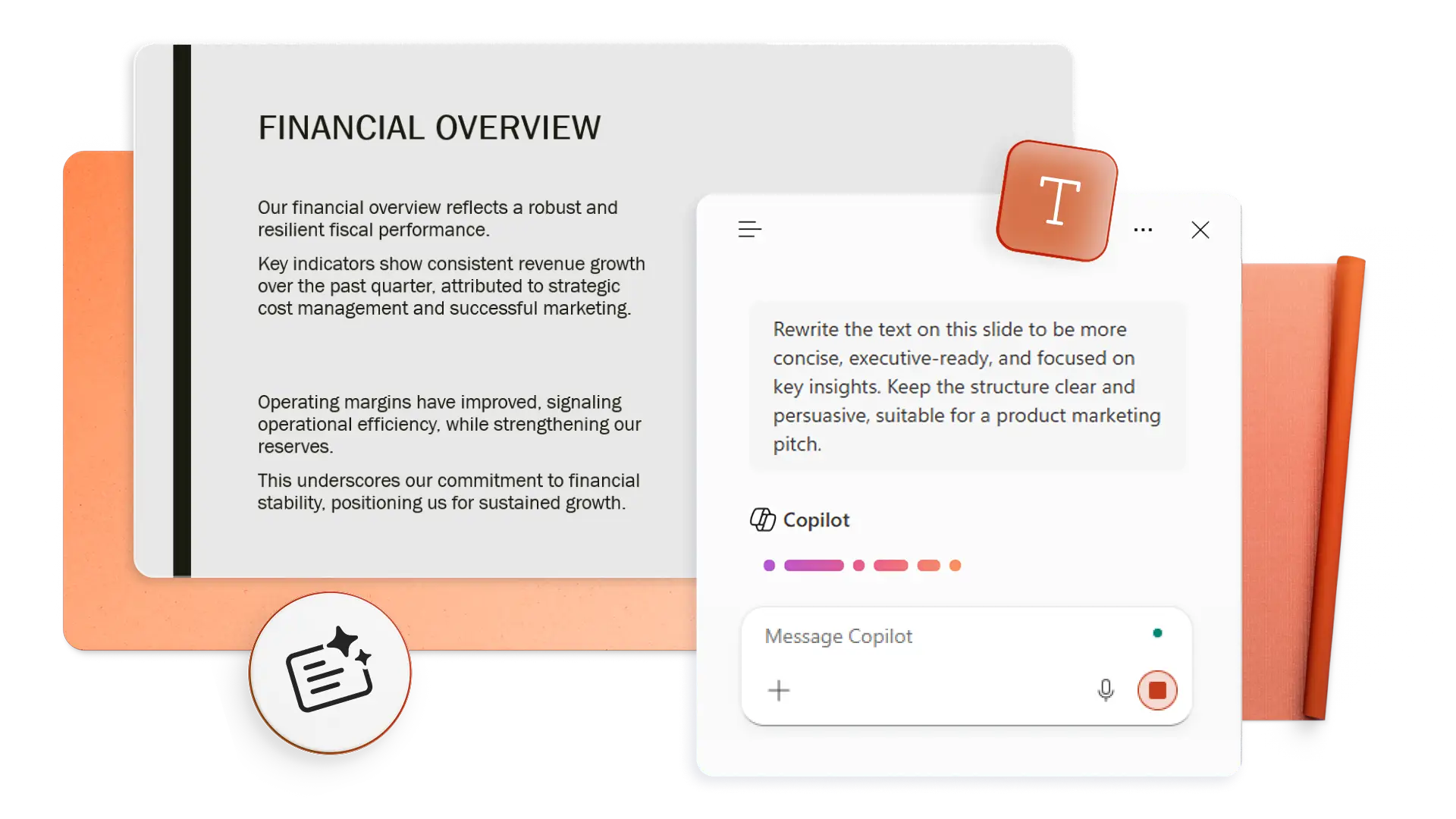
Improve the structure and clarity of pitch content with AI-powered rewriting using Copilot. Condense complex ideas into bullet points that resonate with investors, clients, and stakeholders. Save valuable preparation time by generating speaker notes with Copilot and confidently present every business pitch.
Establish brand identity in every pitch deck
Re-inforce brand identity and apply approved logos, color palettes, fonts, and branded icons from the organization asset library to every slide. Request design suggestions from Copilot to discover layouts that support the message.

Present big ideas with dynamic visuals
Grab attention and enrich pitch decks with stock images, product mockups, infographics, and custom photos. Add SmartArt, charts, and diagrams to easily highlight results and timelines. Embed Cameo pitch videos or link videos from YouTube or OneDrive to enhance storytelling.
Collaborate and refine pitch decks
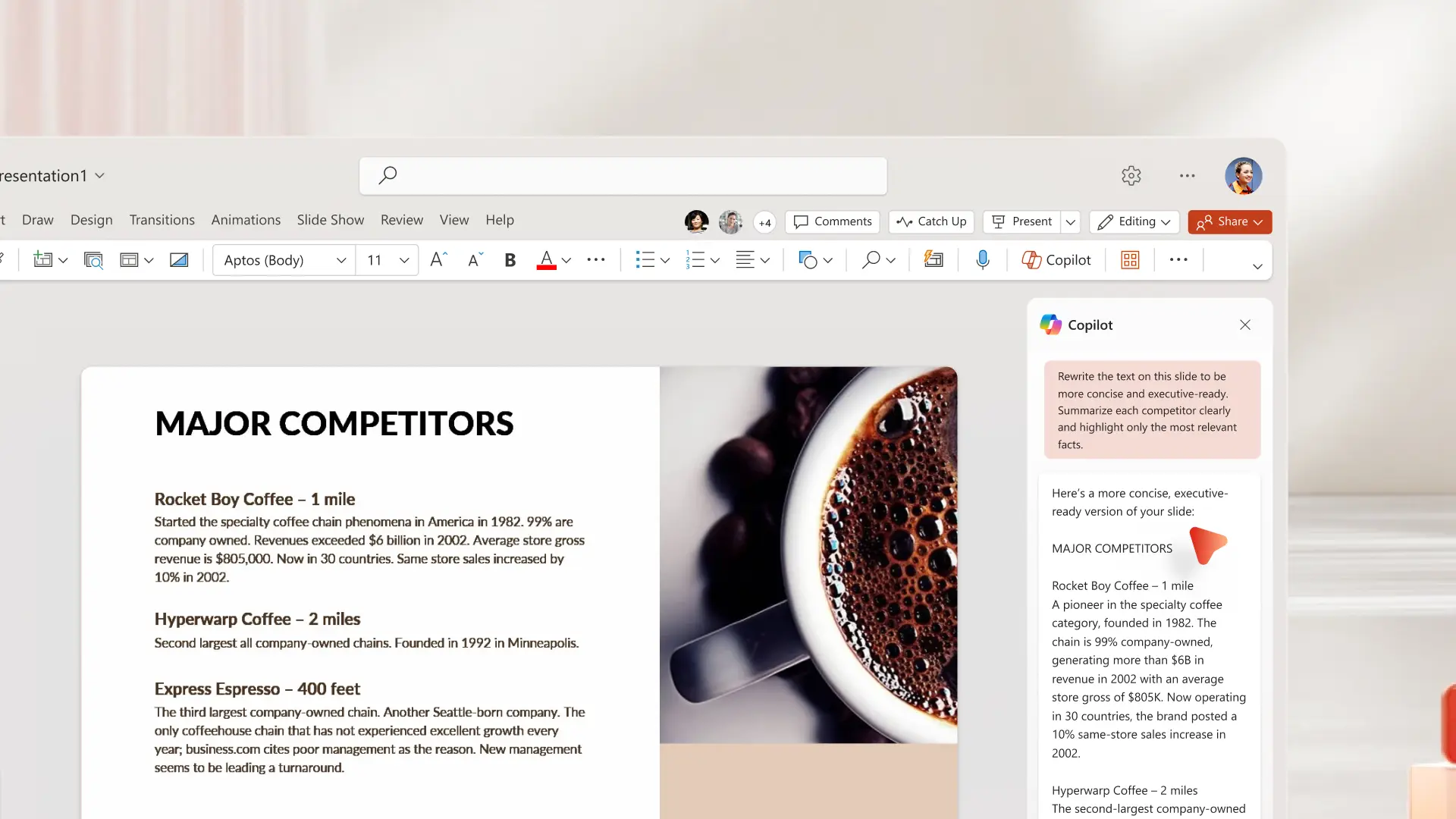
Build and update pitch decks with team members in real-time editing. Streamline feedback using comments and thread replies to keep discussions on track. Manage access with editing permissions and ask Copilot for text revisions based on reviewer feedback.
Share pitch decks securely from anywhere
Save and share presentations with investors and clients using secure sharable links. Convert a PowerPoint pitch deck into PDF to send via email, LinkedIn messages, and even print copies for in-person pitch meetings.

How to create a pitch deck using a template in PowerPoint
In your browser, explore PowerPoint pitch deck templates
Choose a template and replace placeholder text with your own
Add infographics, stock media, and branding
Download, print, or share pitch decks online for free



Frequently asked questions
What is a pitch deck in business?
A pitch deck is a short, visual presentation that communicates a business idea, proposal, or plan to investors and stakeholders. The goal is to present key details clearly and persuade decision-makers to take action.
What sequence of slides do pitch decks follow?
Pitch decks generally follow a sequence that covers the problem, solution, business model, traction, market opportunity, asks, and next steps. This structure guides the audience through the story and builds a clear call-to-action.
How to end a pitch presentation?
Close a pitch presentation with clear contact information, relevant website links, and social media business profiles. Make it easy for investors or stakeholders to follow up and learn more about the business.