
AI presentation maker
Make AI presentations in minutes through simple prompts with Copilot in Microsoft PowerPoint.
Generate PowerPoint presentations from text and documents with AI

Make AI presentations from prompts with Copilot
Prompt Copilot using natural language to create an AI generated PowerPoint presentation based on any topic. Describe what you need, and Copilot will instantly generate text, design layouts, and custom images allowing you to go from presentation concept to delivery faster.

Refine existing presentations with revised content and design
Let Copilot enhance existing presentations through intuitive prompting. Chat with Copilot to improve presentation clarity by rewriting slide text, reorganizing content, and adding new topics to cover gaps. Then, prompt Copilot to generate speaker notes to be fully prepared for a presentation.

Create presentations pulling information from existing files
Have Copilot generate presentations from existing files to maintain accurate data and tone of voice. With a single prompt, generate a PowerPoint from a PDF file, reference Word documents, Excel sheets, or Loop pages for Copilot to extract insights. This provides a fully designed AI presentation consistent with your linked file using the latest data.

Generate a presentation from a single text prompt
Create on-brand presentations faster and easier from a single prompt. Rewrite text, adjust the tone, reorganize slides, and insert new text and images all through natural language commands. Copilot automatically organizes slides with design-aware layouts and branding, and you can get even more visual ideas through Design Suggestions in PowerPoint.

Make individual slides specific to a presentation
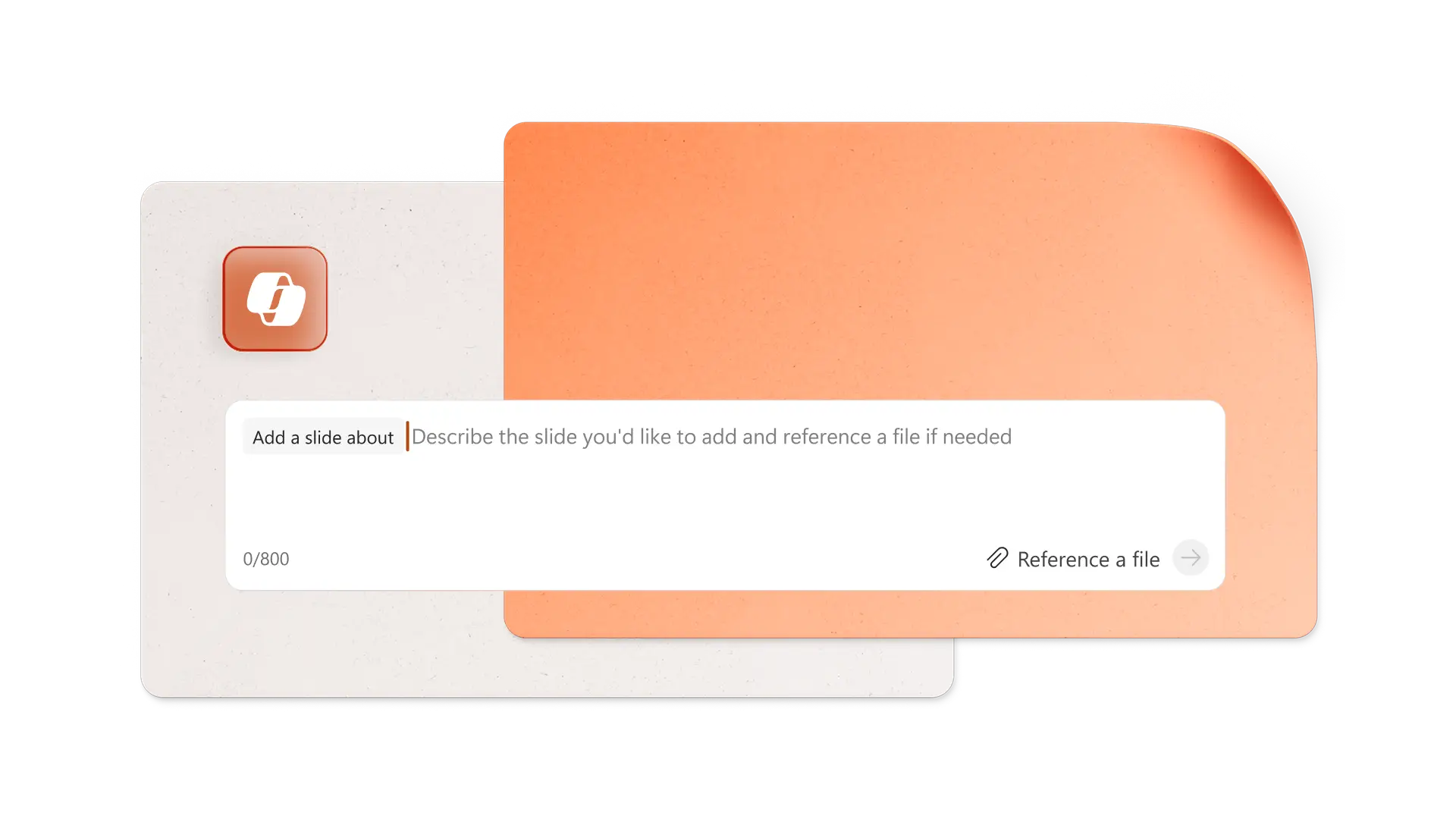
Elevate existing presentations by having Copilot insert customized slides. For example, create a title slide to introduce key points or an agenda slide to set expectations. Transform an Excel file into an engaging visualization slide grounded in the spreadsheet data. When it’s time to wrap up, ask Copilot to insert a call-to-action slide to encourage the audience to take the next step.
Create speaker notes to simplify presentation preparation
Instantly generate context-aware talking points tailored to each slide’s content. Prompt Copilot to create speaker notes based on the presentation text or on a source file to use the same messaging and data when speaking. Alternatively, have Copilot rewrite existing speaker notes to better align them with an audience on improved clarity and tone for delivery.

Translate multilingual presentations effortlessly with Copilot
Translate an entire presentation into one of over 40 languages using a single prompt with Copilot. In minutes, open a copy of the presentation in the new language, including slide text in boxes, charts, tables, and shapes, along with speaker notes and comments. The translated copy retains the same sensitivity labels and can be password protected to comply with enterprise data policies.
Note: Copilot doesn’t currently differentiate regional dialects.

Collaborate, save, and share presentations
Collaborate with team members online through comments and tags, save your work and present to your audience. Once you have finalized the presentation formatting, share with the required recipients directly within PowerPoint for the web. Alternatively, share a OneDrive link in Outlook, or download the PDF presentation to attach elsewhere. Share a hard copy of presentation by saving and printing the PDF version to distribute in team or board meetings.

Learn how to use Copilot to create a presentation with AI
Discover how Copilot can generate topic ideas, design slides, add visuals, improve formatting, and more right inside PowerPoint. Get specific prompt ideas to build and refine your AI presentation, saving time from ideation to delivery.
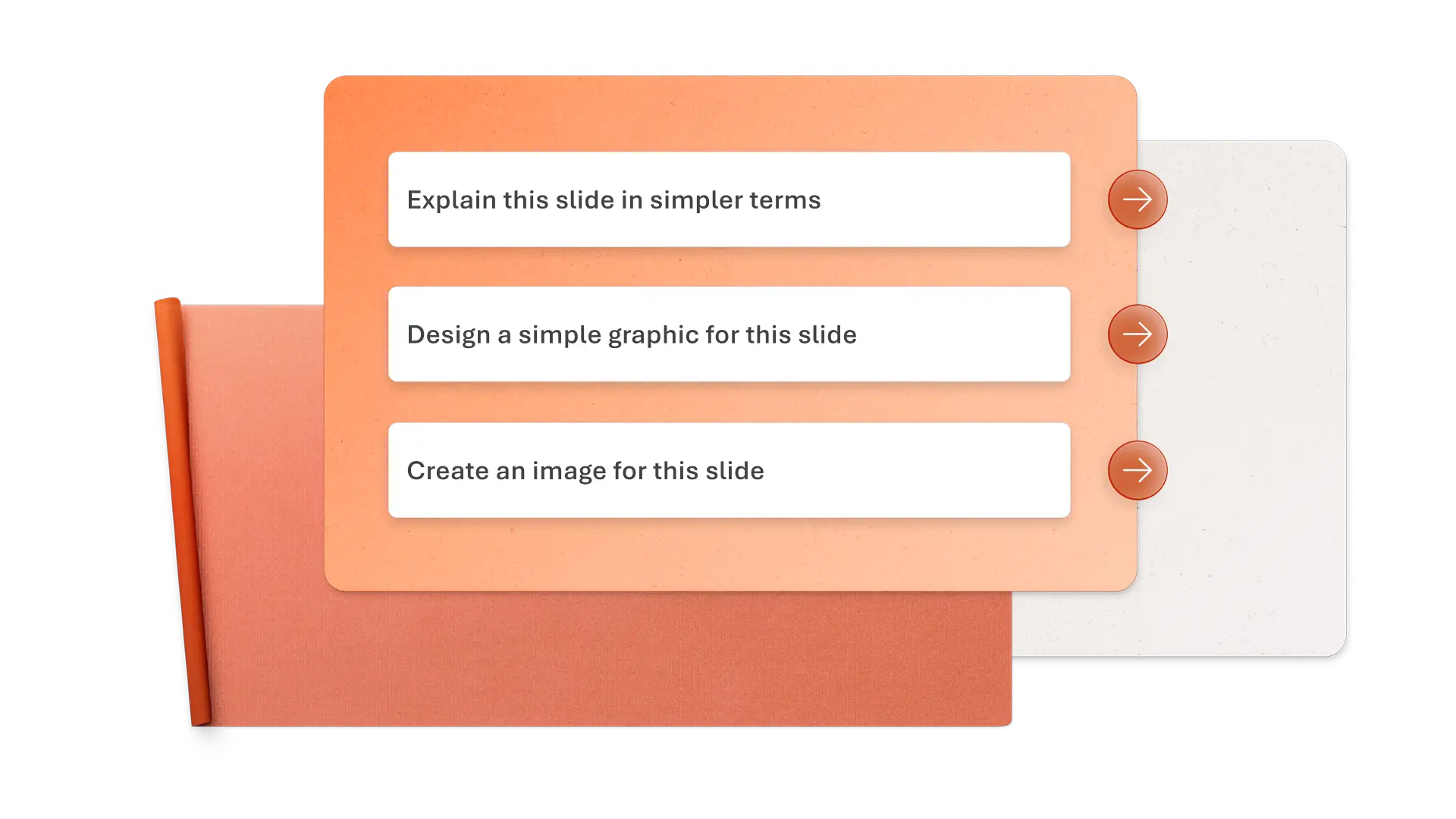
How to create an AI presentation with Copilot in PowerPoint
Prompt Copilot to start a new presentation, adding reference documents as needed
Review the initial outline and refine your prompt if necessary
Refine the AI presentation with creative designs, speaker notes, and custom formatting
Collaborate with others, save the deck to OneDrive, and share it with recipients
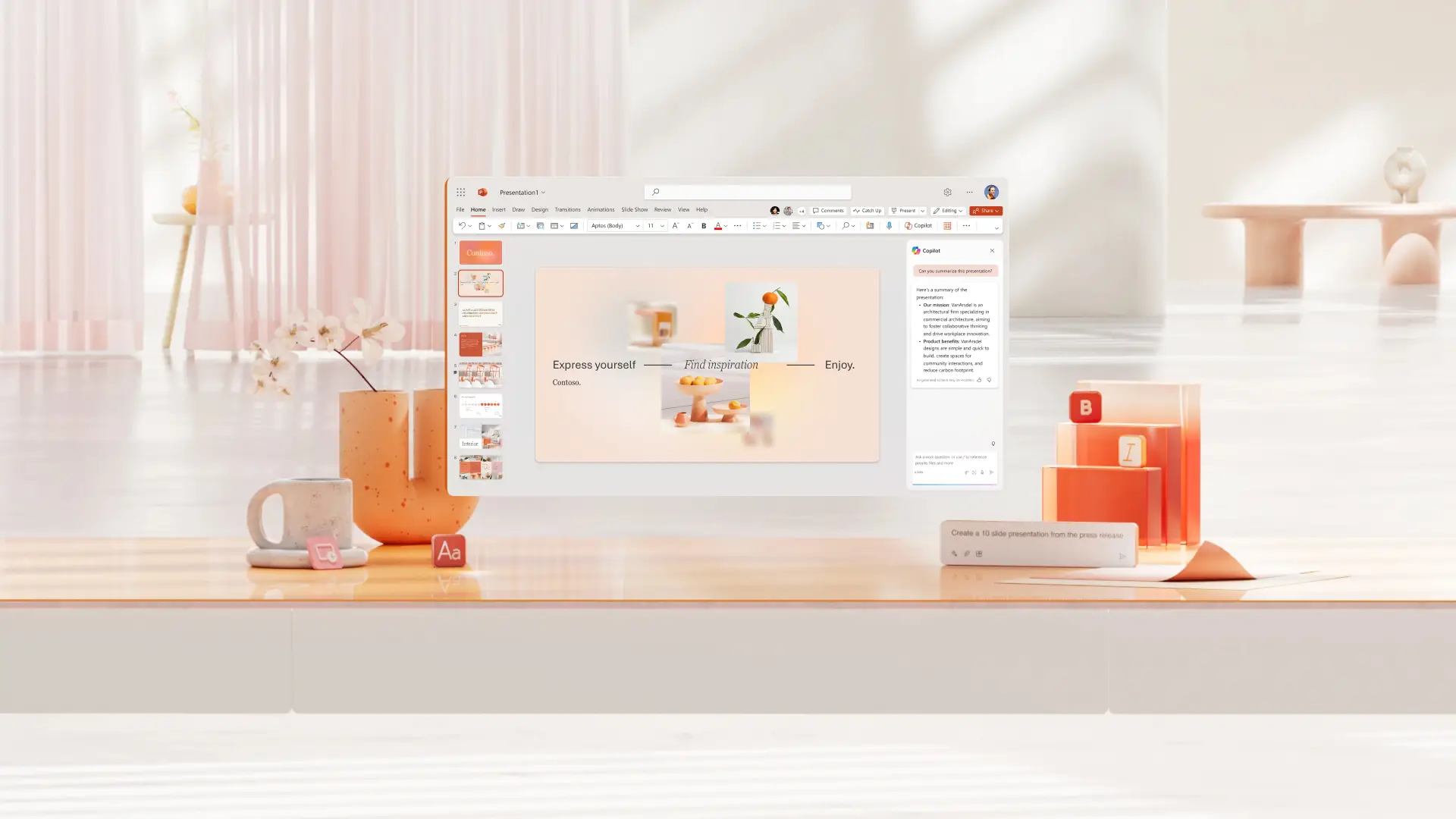
Start with a professional presentation example template
Leverage professionally designed templates to make a good impression on your audience. Choose from company profiles, business proposals, educational guides, sales presentation examples, and more.
Read more



Frequently asked questions
Can AI create a PowerPoint presentation?
Copilot can make a presentation in PowerPoint according to your specifications through simple prompts. As a presentation maker with AI, Copilot provides complete text, images, formatting, and professional design.
How to use AI to create a PowerPoint presentation?
Use Copilot in PowerPoint to create an AI presentation through natural language prompts or use it as a text-to-presentation tool. Explain to Copilot what you want to create and provide background files to guide the presentation tone of voice and information.
Can AI improve my PowerPoint presentation?
Improve a presentation with AI using Copilot in PowerPoint in multiple ways. Prompt Copilot to reorder slides, add a new slide to better cover a topic, create a visual based on an Excel file, or improve the clarity of your speaker notes.