On this page
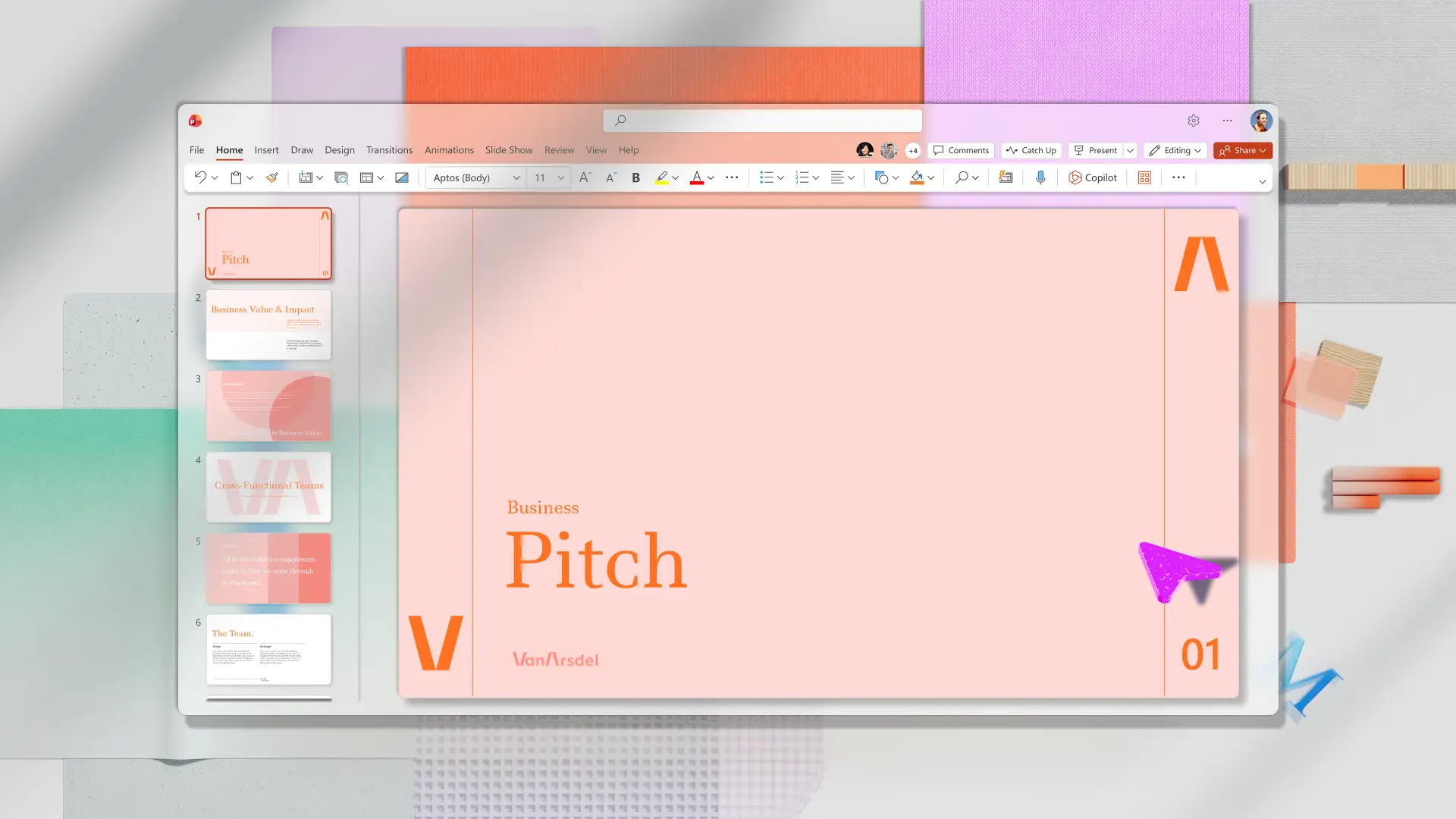
The best pitch presentations communicate value through visuals and narratives that resonate with the audience. An effective pitch deck moves listeners from the problem to the solution with clear structure and engaging designs.
Learn about pitch planning, pitch design trends, and useful sharing tips to make compelling presentations that capture attention with the Microsoft PowerPoint pitch deck maker.
How to plan a pitch presentation
A good pitch moves listeners through a structured narrative rather than presenting a list of facts or product features. An effective structure starts with a clear problem statement that defines the main pain point and identifies which audience feels it the most. The presentation should then introduce the solution or offer and explain how it works. Pitchers should use market data about the size of the problem and the value of solving it.
The next section validates the business model by demonstrating traction like pre-orders, milestones, and other measurable growth. At this point, the right audience should understand the opportunity and be excited about the solution. The pitch should close with a clear call-to-action that outlines exactly what the next steps are for the audience.
The visuals and themes of the pitch should match a personal or company brand style guide to create a consistent and trustworthy experience, complementing existing web and marketing designs.
Test the three Cs of pitching
Check if a pitch presentation makes an impact by evaluating if it meets these factors:
Clear pitch: listeners should be able to summarize a clear pitch in one sentence. Pitchers should test this out with friends and colleagues and make the presentation clearer if the audience focus on the wrong point or take a long time to explain it.
Concise pitch: a simplified presentation keeps an audience’s attention and helps them absorb key points. Minimize text on slides, focusing each slide on one idea, and using the minimum number of slides to tell the whole story.
Compelling pitch: give the audience a good reason to take the next step. Highlight the listener's needs, the presenter’s credentials, and share social proof to generate trust with the audience.
Follow the 10-20-30 rule
Guy Kawasaki created the 10/20/30 rule for presentations framework. In this approach, an ideal pitch presentation has a maximum of ten slides, takes 20 minutes or less to present, and uses 30-point text or larger. This all works to keep the listener’s attention, remove unnecessary content, and focus on the story.
Keep in mind the pitch deck is one piece in a business development, fundraising, or sales strategy. It’s important, but the deck isn’t meant to answer every objection and finalize the deal on its own. A short pitch deck that supports the next step is more effective than a longer deck with unnecessary detail.

10 best pitch presentation tips to win any room
1. Create a clear narrative
According to the three C’s, a clear narrative can lead to a successful pitch presentation. Potential partners and investors will resonate with a story that means something to them. On the other hand, if they open a deck full of information with no clear story, they’re likely to move on. A story uses tension and resolution to move people, and pitches do that by empathizing with an audience’s problem, showing how to rise above it, and revealing why they should move forward.
2. Open with a hook
Grab the audience’s attention with a hook that builds credibility right away. Try opening with a thought-provoking question, big promise, surprising fact, or acute frustration of the audience. Alternatively, open with a short story that focuses on the transformation from before to after having the solution. This way, the audience can follow the core message from the start. Consider AI presentation tools that can help brainstorm introductions based on context to find the right hook. Try using Copilot in PowerPoint for different hook ideas to make a presentation with AI.
3. Match language to the audience
Understand audience attitudes and expectations to tailor the language of a presentation effectively. Question whether the audience is already aware of the problem, solution, or offer yet. A referred client that's dealing with the problem requires a different approach than a new prospect who replied to a cold outreach email.
Similarly, pitching a handful of investors is different than presenting at a pitch competition. Investors may want to know more about the company’s team and ability to execute strategy, while a pitch competition requires a short inspirational presentation highlighting values and overall business plan.
Make various versions of a pitch deck by chatting with Copilot to rewrite a presentation with AI. Describe details about the audience, their location, and their product awareness levels, to create tailored language with Copilot.
4. Emphasize one idea per slide
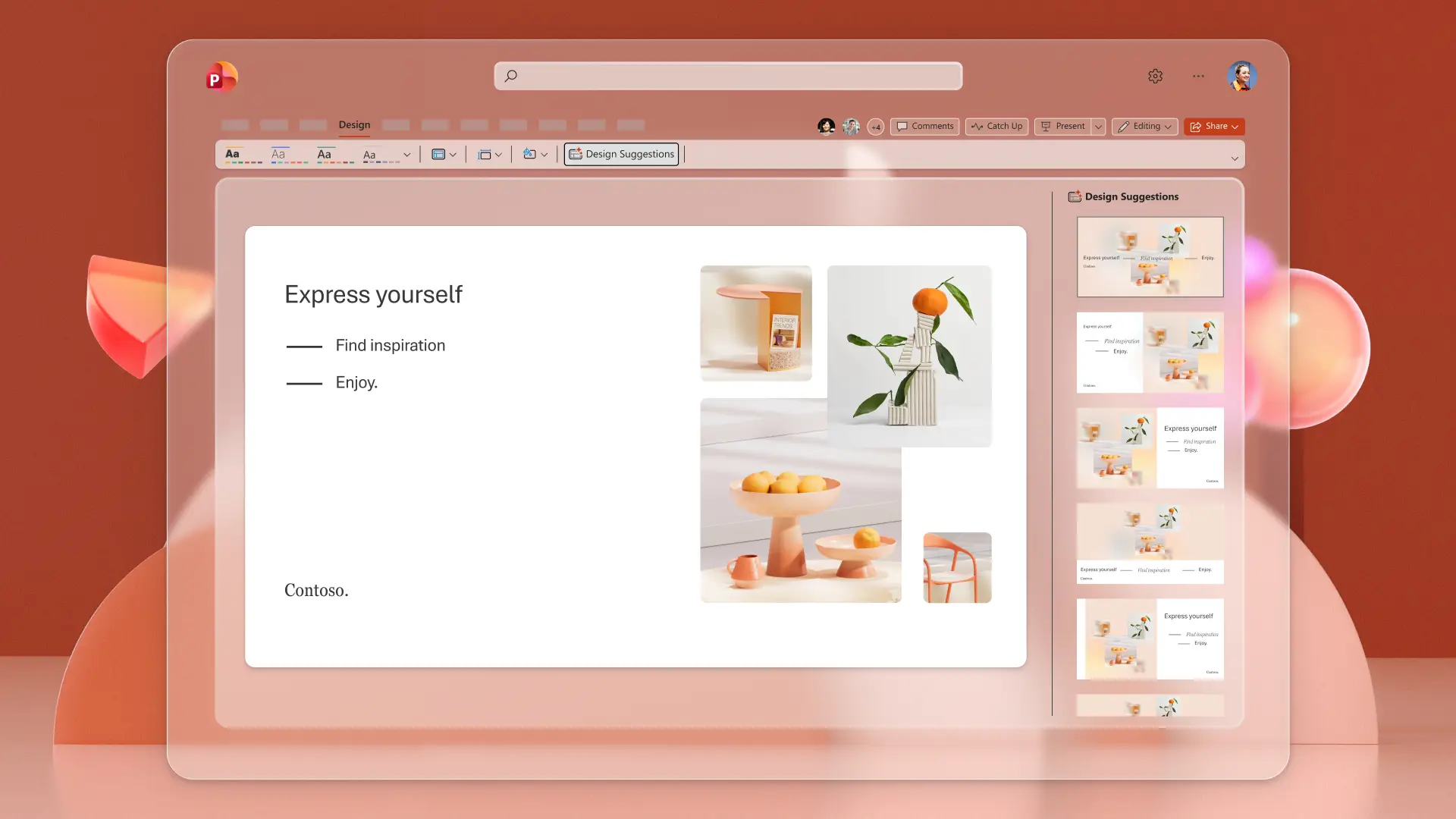
Keep things simple by using one slide for one idea so the audience can follow content easily. Use one slide each to present the problem, solution, market size, or final ask. Consider the presentation design and balance white space with short headlines to keep the focus on the presenter, not slide text. To get quick visual options, compare layouts from AI-powered Design Suggestions. Review multiple AI presentation designs based on the context and choose the layout that complements the content.
5. Time sections for good pacing
Pacing is one of the five Ps of speaking well in presentations, alongside pitch, pause, projection, and passion. Good pacing signals preparation and respect for the audience’s time. Practicing the timing of a pitch prevents taking too much or too little time on pitch day. Speak at a relaxed pace and record the time for each section to maintain consistent timing throughout. Remember to allocate time to answer questions at the end of the meeting without feeling rushed.
6. Prepare speaker notes for a winning pitch
Speaker notes can help pitchers present key information without forgetting lines or changing topics. When shared with virtual pitch decks, it can add supporting details while keeping the slides without clutter. Request Copilot to suggest AI-generated speaker notes that suits the slides, then review, copy, and paste them into the presentation as needed. Use Copilot as a built-in presentation coach to improve storytelling skills and present more effectively to others in person and virtually.
7. Practice for online and live pitches
Presenting pitches live and online both have challenges. Online presentations lack body language and finer emotional cues, but there are other ways to make an interactive presentation. In-person presentations require managing room dynamics and live reactions. In both situations, pitch practice is essential.
Online presenters can use the AI-powered Presenter Coach in PowerPoint online to get real-time feedback on speaking patterns like pauses, filler words, and pacing. Go to the Slide Show tab then select Rehearse with Coach to prepare for a pitch. Preview the video to observe body language, gestures, and eye contact to make improvements for the real pitch.

8. Visualize data clearly
Data-heavy visuals and tables can distract an audience and break the flow of a pitch. Instead, utlize simple charts and visuals that communicate one thing each, like a trend line or pie chart. Simplify the visual by removing unnecessary gridlines, legends, and labels. Make sure visuals are readable from a distance or on smaller screens.
9. Rehearse follow-up questions
Answering questions confidently is a big part of moving a listener to the next step like a product demo, investment decision, or partnership. Be prepared to answer questions about the market, product differentiation, competitors, and advantages. Have Copilot review the deck and suggest potential questions in the chat to prepare ahead about what the audience might ask.
10. Use a polished pitch deck
Bring the entire pitch together with cohesive visuals and legible slides. Use headers and bullet points distinguish key messages from supporting detail. Choose a large enough font to see on all screens, including mobile devices. Lastly, select clear visuals and a simple branded colour palette maintain audience attention. To save time, start with a professional pitch deck template in PowerPoint and modify it by chatting with Copilot.
Pitch presentation tips by audience
Tips for pitches like having a clear narrative and using speaker notes apply across scenarios, but the structure and focus change depending on who is in the room. Speaking to investors, clients, and internal stakeholders requires different approaches.
Pitching to investors
Investors want to know if an opportunity is sound. In this case, emphasize traction with things like active users, customer retention, case studies, and growth rate. Prove that people are already using the product or have submitted pre-orders to convince investors. This separates it from products that are just ideas without any commercial interest. Provide specific details on the funding goal, allocation, and the next milestone at the end of an investor pitch to inspire action.
Pitching to clients
Potential clients want their problem to be solved. Focus on benefits to the audience, rather than focusing on a list of features of the product or service. This type of pitch should sell the transformation the client wants to see, like saving time, reducing risk, or gaining a competitive edge. When pitching marketing Provide specific details on what the client gets, what it costs, and how fast they can expect results in the call to action.
Pitching to internal stakeholders
Internal stakeholders respond best to clear business impact. Use a narrative to show them how a current process could be improved with a specific initiative. Include concrete asks like budget, time, or headcount and define what success looks like to align stakeholders on the outcome.
Combine these pitch planning, design, and presentation tips to capture attention and make an impactful presentation. Create a new pitch presentation or save time by editing pitch deck templates in Microsoft PowerPoint.