
Business presentations
Create enterprise-grade business presentations using flexible templates, collaborative editing, and AI tools in Microsoft PowerPoint.
Create impressive presentations easily

Design effective presentations
Make corporate or startup presentations with drag-and-drop layouts, slide transitions, and SmartArt. Visualize information with timelines, process flows, and diagrams, or insert images and videos to create compelling presentations.

Collaborate securely with teams
Work online to edit company presentation templates together and finalize content in real-time. Easily share pitch decks with anyone, track edit progress with comments and mentions, and control who can change content with permission settings.

Make polished presentations with AI
Chat with Copilot in PowerPoint to generate slide content quickly. Use Copilot as an AI presentation designer to generate slide content from notes and attached documents like a Word report or Excel tracker, or rewrite slide content to be more impactful.

Save time with customizable business presentation templates
Leverage corporate PowerPoint templates to quickly design and share business presentations. Easily customize a financial presentation, investor pitch, or business plan PowerPoint template to create meeting-ready decks.
Drive growth with business plan presentations
Create business plan presentations to scale growth. Start with a template to speed up drafting, then customize the text and media. Add a video using Cameo for better engagement. Use Copilot for AI presentation design, like generating custom images to enhance an investor deck. Save and share over email, LinkedIn, or present during meetings.

Develop teams with training presentations
Produce engaging training presentations to teach and inspire teams. Use templates and tools like SmartArt to make infographics that illustrate complex processes. Transition between slides to guide viewers through procedures. Instead of rewriting training materials, have Copilot in PowerPoint reference Word documents and create new slides or speaker notes.

Inspire action with proposal presentations
Start with proposal presentation templates to quickly showcase strategies and secure new clients. Use Copilot to rewrite and tailor presentation content to suit investors, executives, and agency partners. Rearrange the slide layout to highlight key points, or create custom slide backgrounds to match branding needs. Generate AI speaker notes to present with confidence.
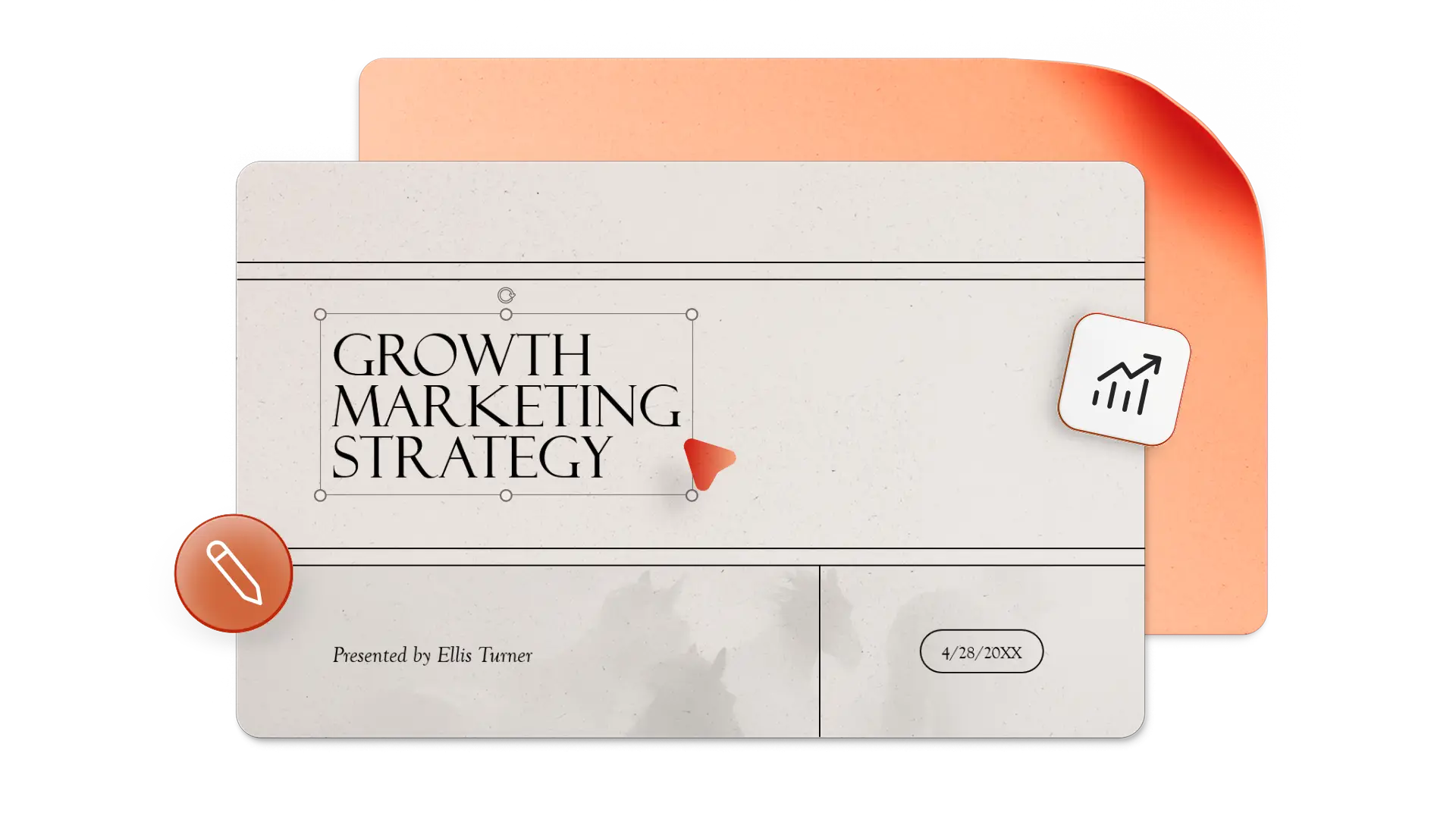
How to make a business presentation with PowerPoint templates
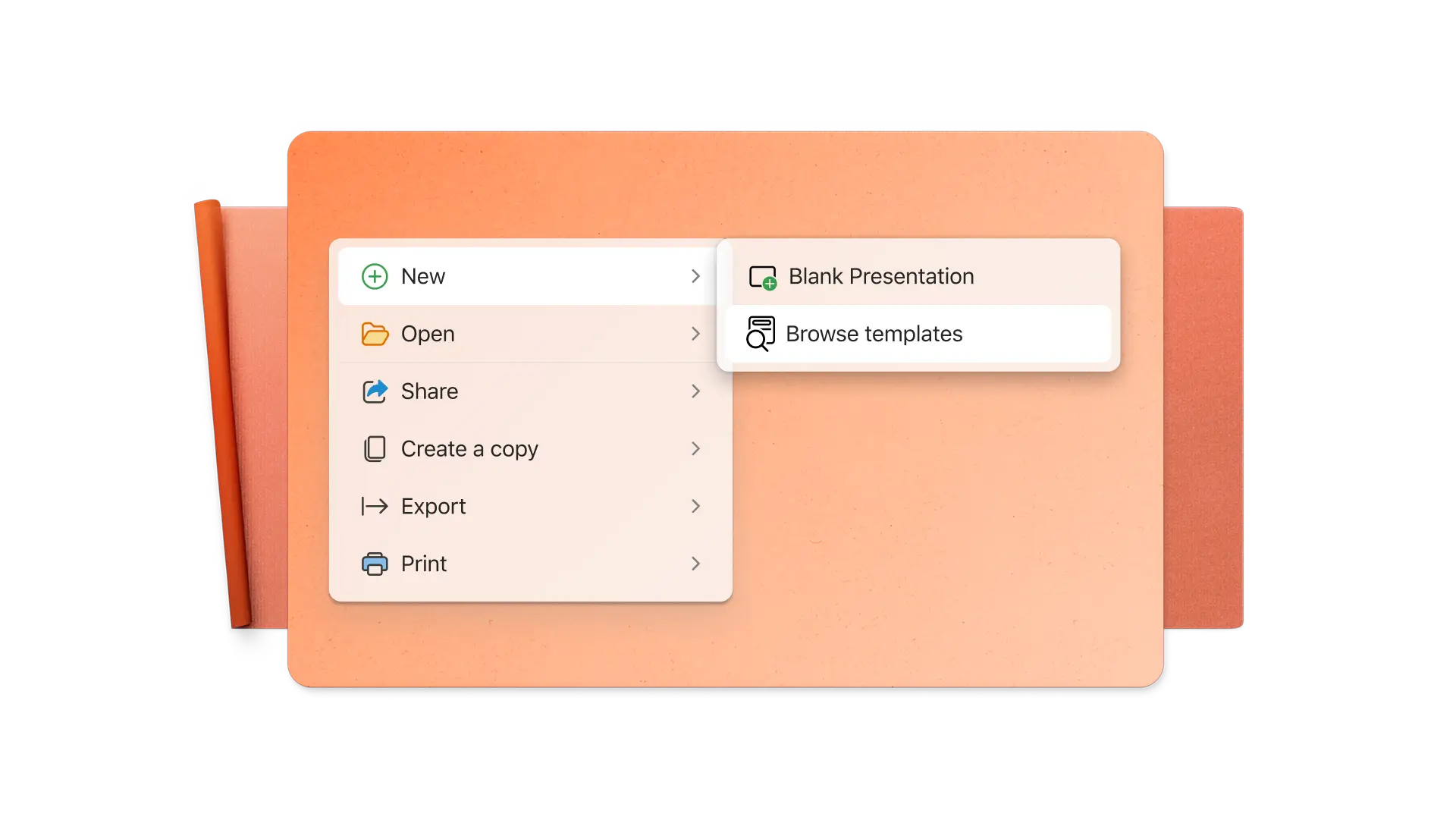
In a browser, explore PowerPoint business presentation templates.
Cuztomize text or use Copilot as an AI presentation maker to generate slide content and speaker notes.
Enrich the presentation with infographics, media, and company branding.
Download and print, share online, or present in Teams with PowerPoint Live.



Frequently asked questions
How to make a business presentation for investors?
Create a concise slide deck that outlines the business strategy, how it meets the needs of a target market, and growth expectations. Combine data with a relatable storyline or anecdote to make an impression on investors and then leave time in the presentation to answer questions.
How to make a business proposal presentation?
Start with a strong opening and executive summary, then describe the customer’s problem and the business solution. Highlight expertise, include asks, and close with a call to action. Minimize slide text to key points and include speaker notes for presenting.
What are some popular business presentation ideas?
Popular business presentations include company vision presentations, sales presentations, product demos, pitch decks, brand style guides, annual report presentations, financial presentations, keynote presentations, and marketing presentations. In terms of structure, use clear visuals, storytelling, and interactive elements to communicate effectively.