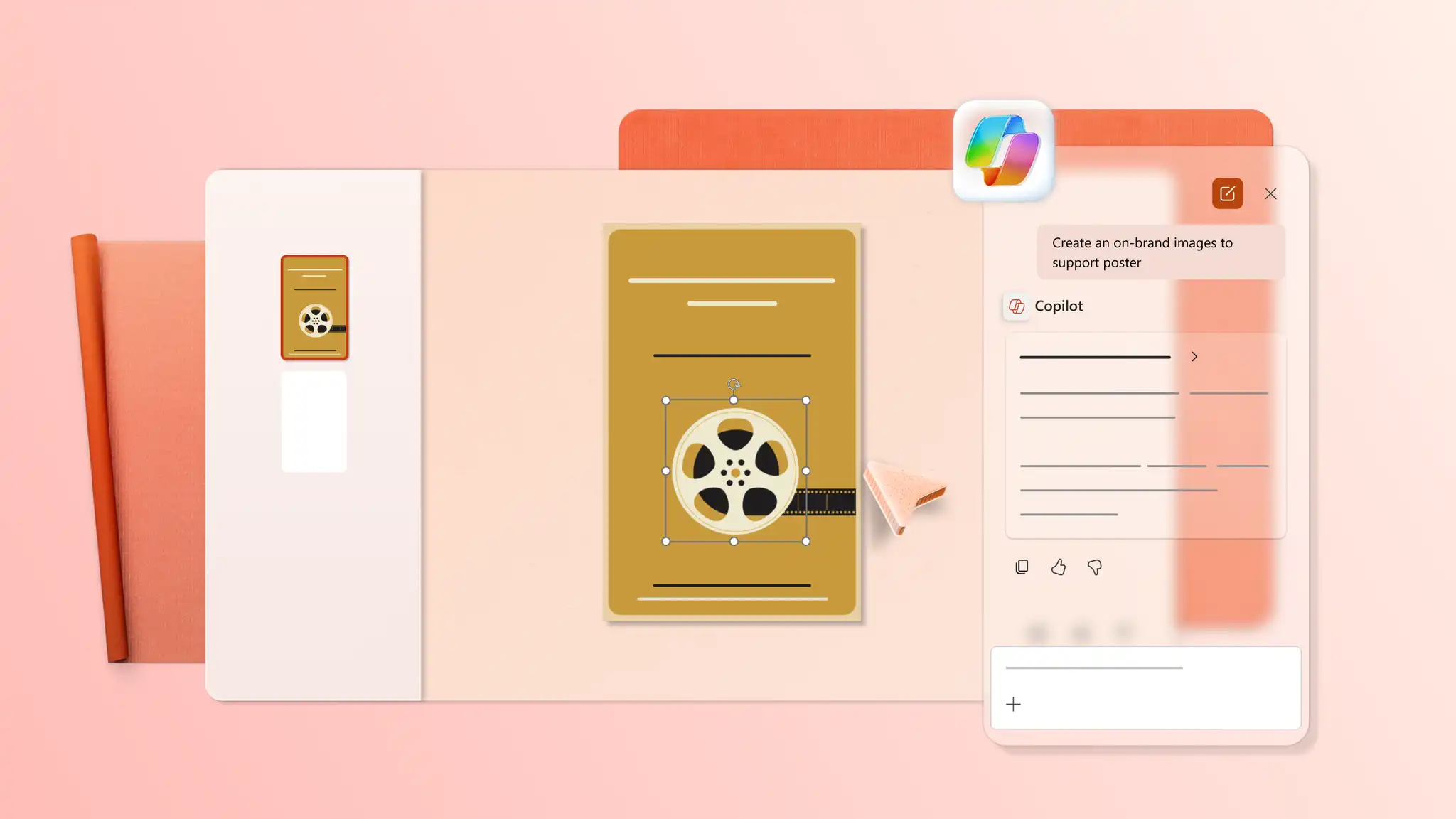
Flyer and poster design templates
Create informative flyers and posters using editable templates and AI design tools in Microsoft PowerPoint.
Share messages with poster templates
Spread the word about events, new research, or social initiatives with informational poster templates designed for clear communication. Present relevant details using unique visuals and charts.

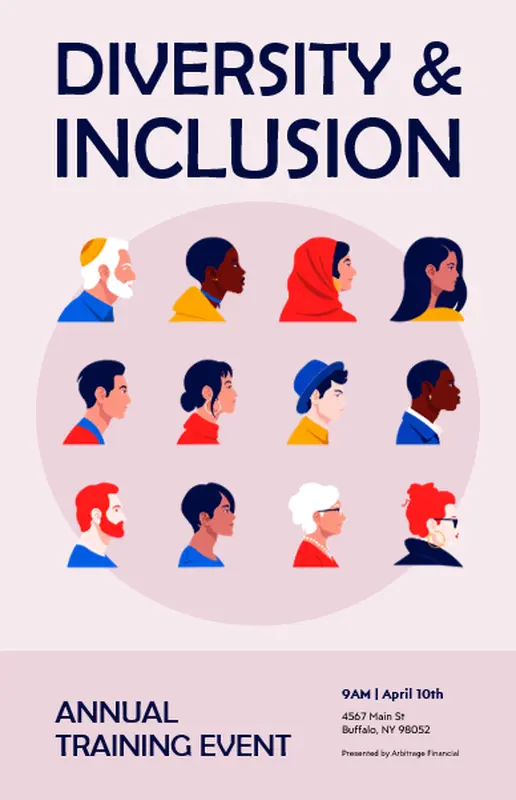




Capture interest with flyer templates
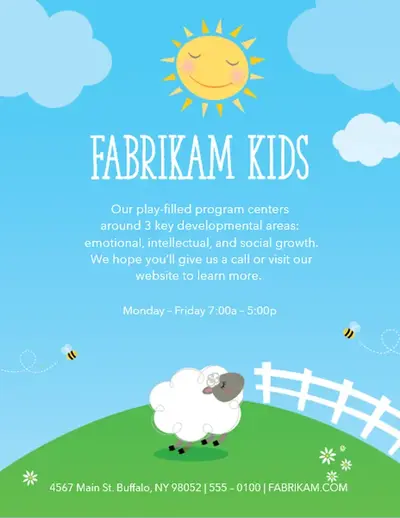
Promote upcoming business activities with flyer templates and advertising flyers designed for visual engagement. Organize data with infographics, custom icons, and high-quality stock images.
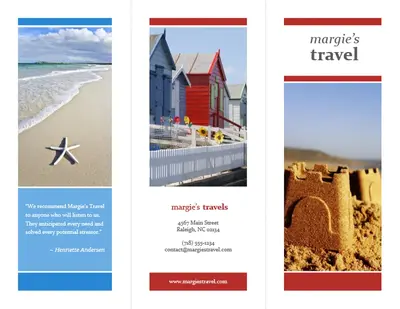

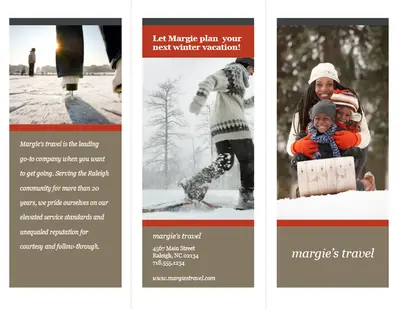

How to use poster and flyer templates in Microsoft PowerPoint
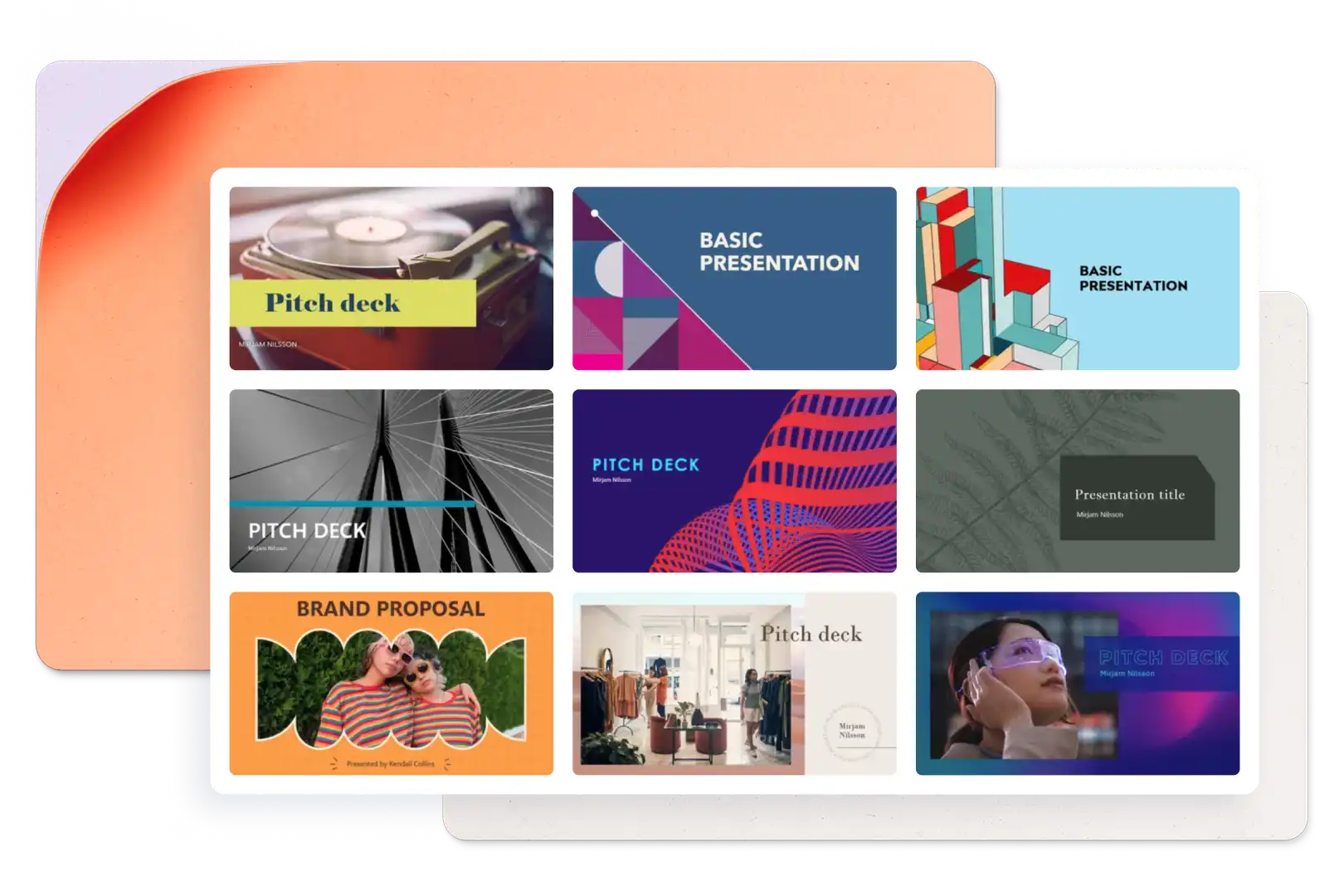
In PowerPoint for the web, create a new presentation using portrait slide size or browse flyer and poster templates.
Select the poster or flyer template to start customizing the placeholder text.
Add relevant stock images, icons, and infographics to complement the design.
Save, print, send as a PDF, or present using PowerPoint Live.
Prepare impressive flyer designs
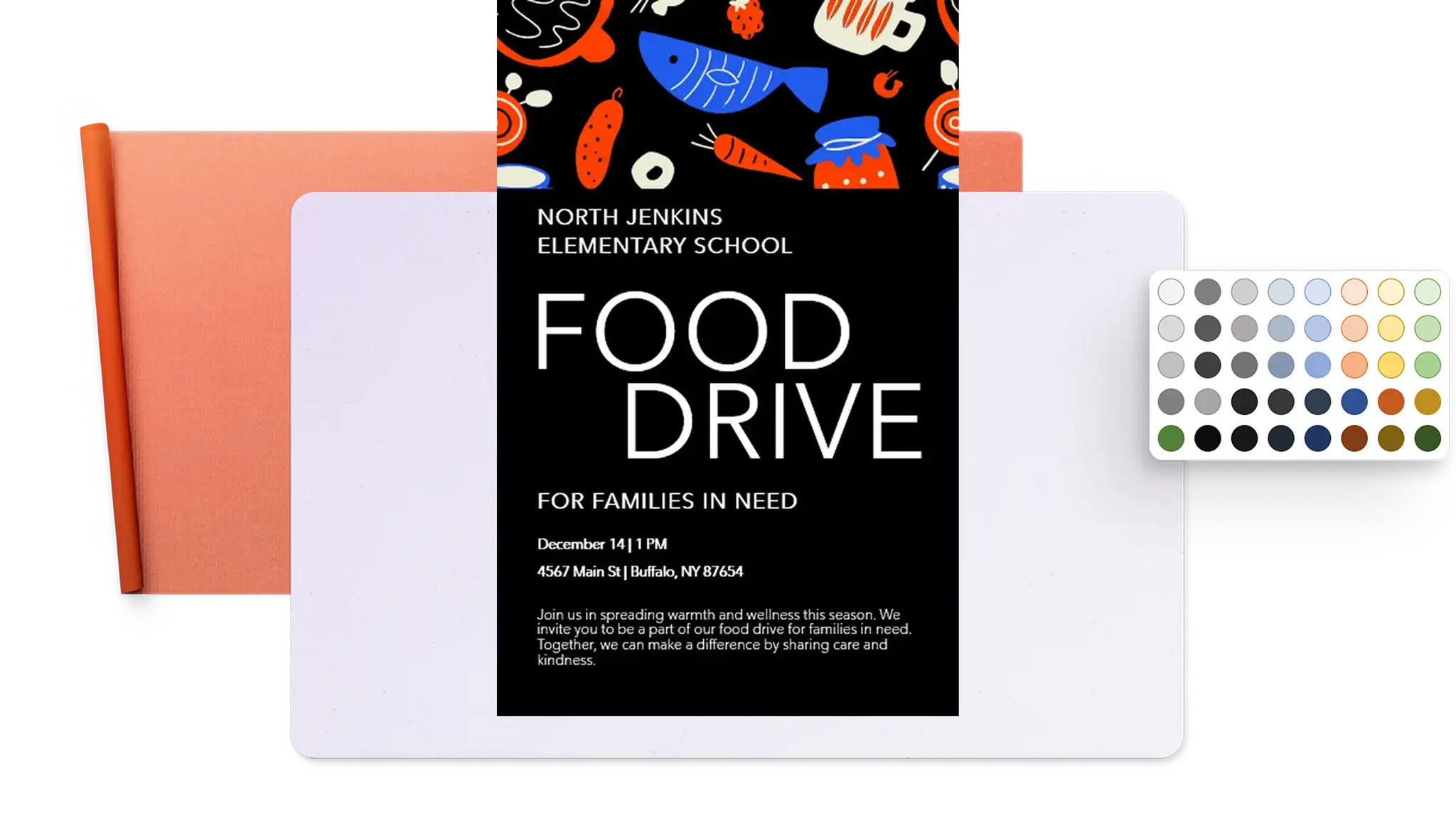
Guide readers with flyer design templates that help organize information in an easy-to-scan layout, from headlines to next steps. Highlight key details and improve brand recall with logos, charts, infographics, and stock images from the PowerPoint library. Save a flyer design as a PDF to share as an attachment, display digitally, or print in high quality.
Create unique poster designs
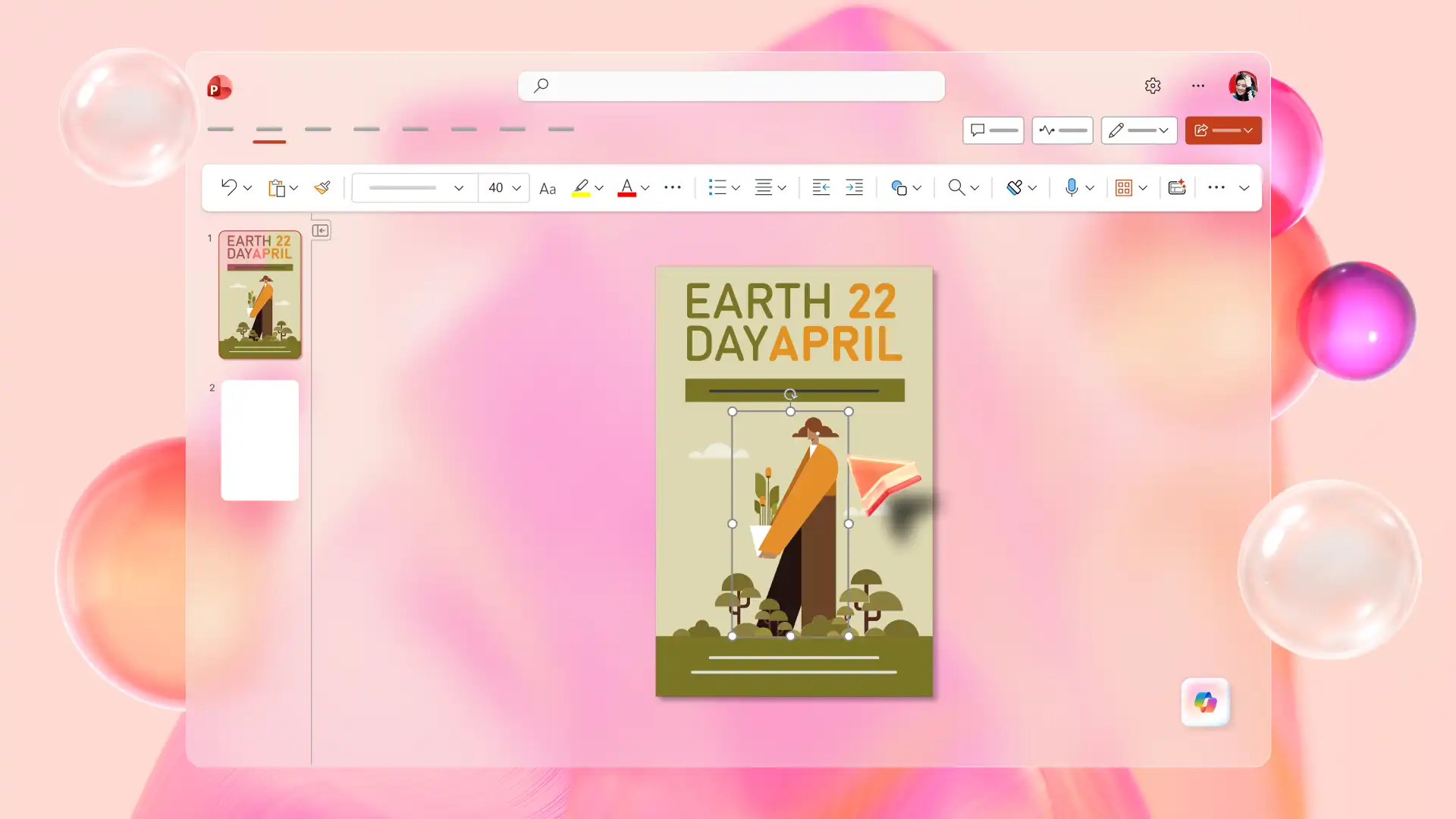
Choose a pre-made template in PowerPoint for neat, structured designs that support readability. Maintain high design standards with custom, on-brand slide backgrounds, logos, and themes to ensure posters appear cohesive. Turn poster templates into high-quality printable designs in PowerPoint by saving the file as a PDF.
Polish flyers and posters with AI
Ask Copilot in PowerPoint to generate creative design ideas and save time on brainstorming. Review and paste the suggested design into a new portrait-size slide, then summarize ideas into well-written points to ensure readers remember essential information better. Maintain brand consistency by creating custom images, themes, and icons with the AI presentation designer.