
Project planning templates
Build clear personal or business project plan presentations easily with customizable templates in Microsoft PowerPoint.
Explore dynamic project planning templates
Select from a variety of pre-formatted designs, from project timeline templates to business presentations. Use versatile layouts to outline goals, track milestones, and share updates with teams.









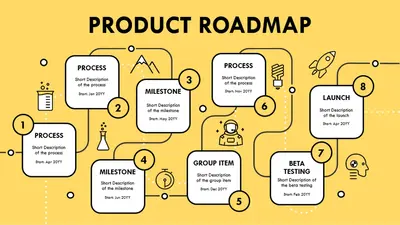


How to use project planning templates in Microsoft PowerPoint
In the browser, explore PowerPoint project planning templates.
Select the project planning template to start customizing the layout.
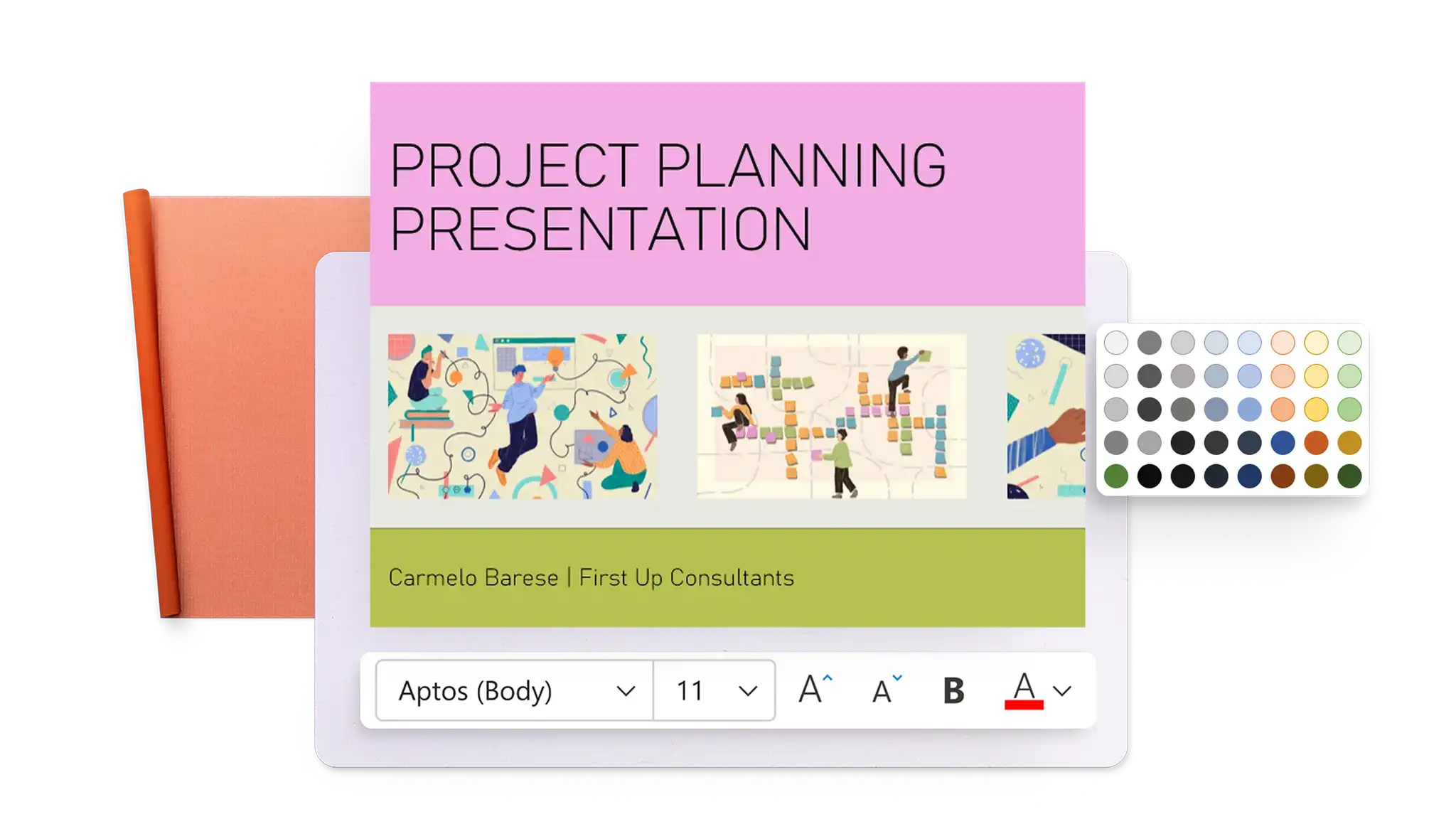
Replace placeholder text, add images, and adjust theme colors.
Save, print, send as a PDF, or present using PowerPoint Live.
Improve productivity with pre-made templates
Manage deadlines efficiently with a range of easy-to-use project planning templates for PowerPoint, suitable for both personal and business projects. Adjust slide backgrounds to match a theme, add text and infographics to explain timelines, or customize layouts for a cohesive look.
Enhance project presentations with AI
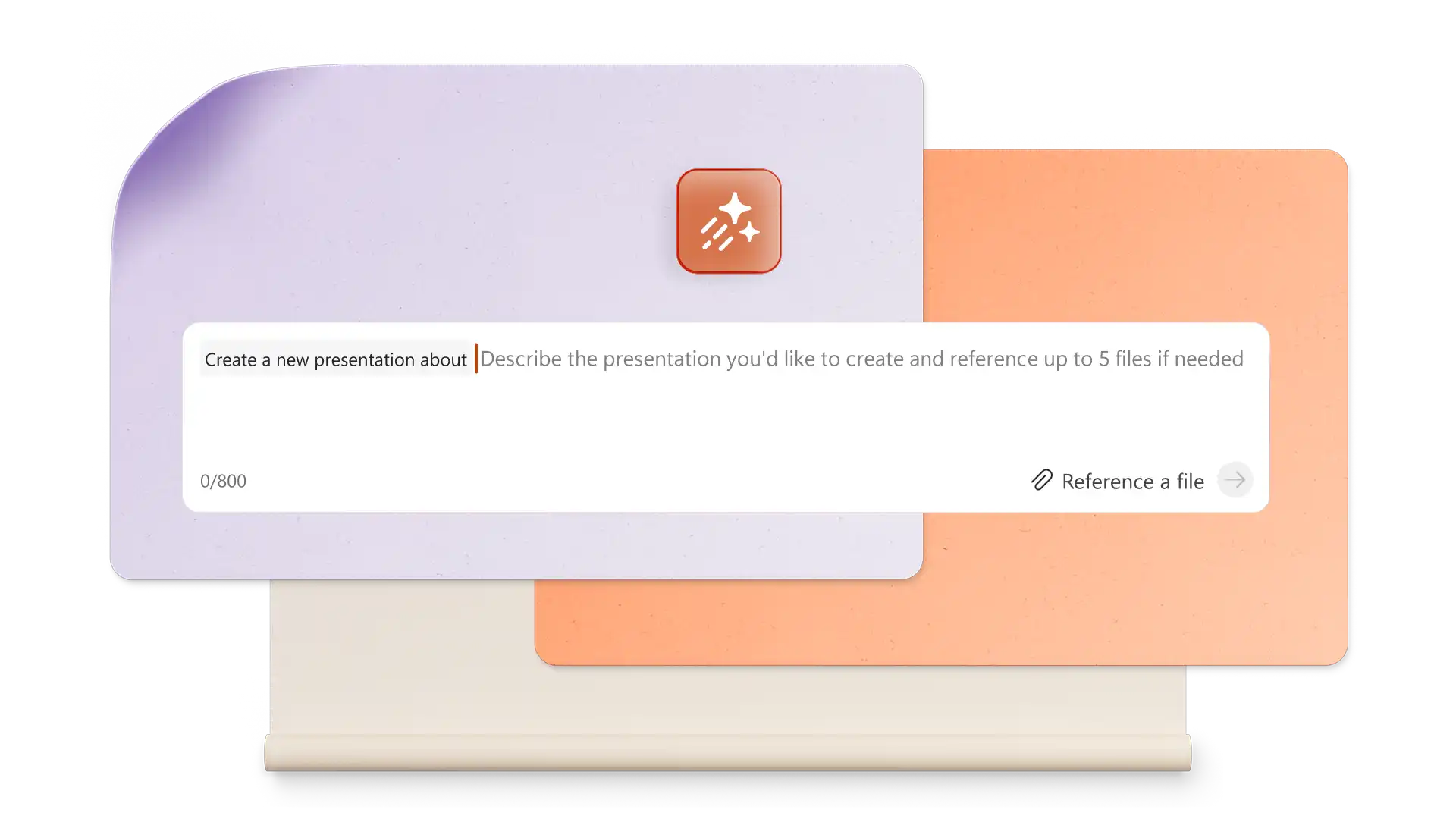
Draft slides from an existing Word project document by attaching it in a Copilot in PowerPoint chat. Refine slide content for clarity by asking AI to highlight and correct errors in grammar and flow. Generate business presentation notes inside Copilot chat, then copy and paste it to create project summary slides, or project update email drafts.