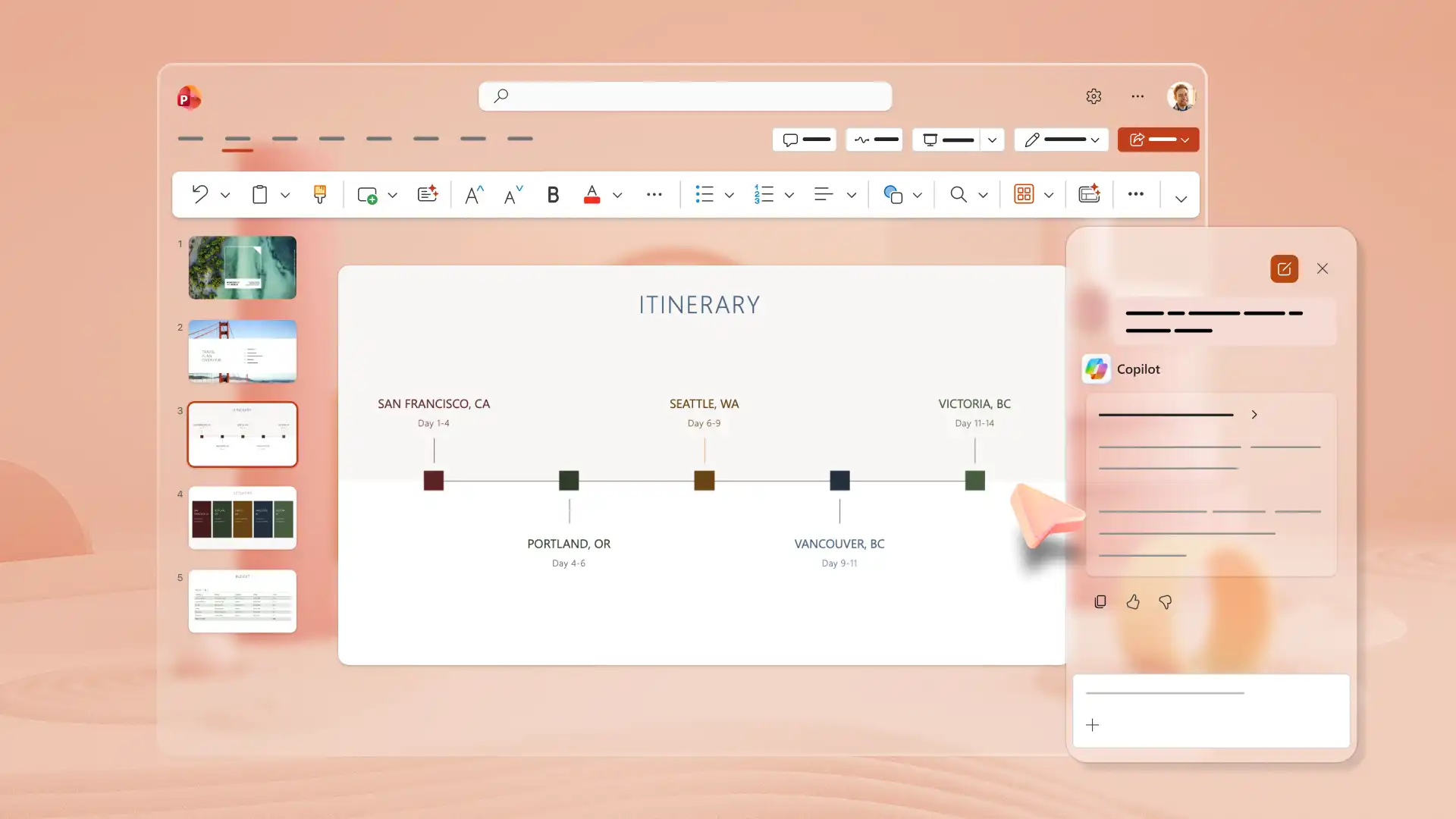
Free travel slides
Create standout travel plans and photo albums with vibrant images, videos, stylish layouts, and AI features in Microsoft PowerPoint.

Plan itineraries with travel and trip planning templates
Browse templates for vacation slides, road trip presentations, and travel photo albums with editable layouts and visual elements. Customize slides for itineraries, packing lists, or trip journals and add photos, maps, and icons for airports, hotels, restaurants, and attractions.





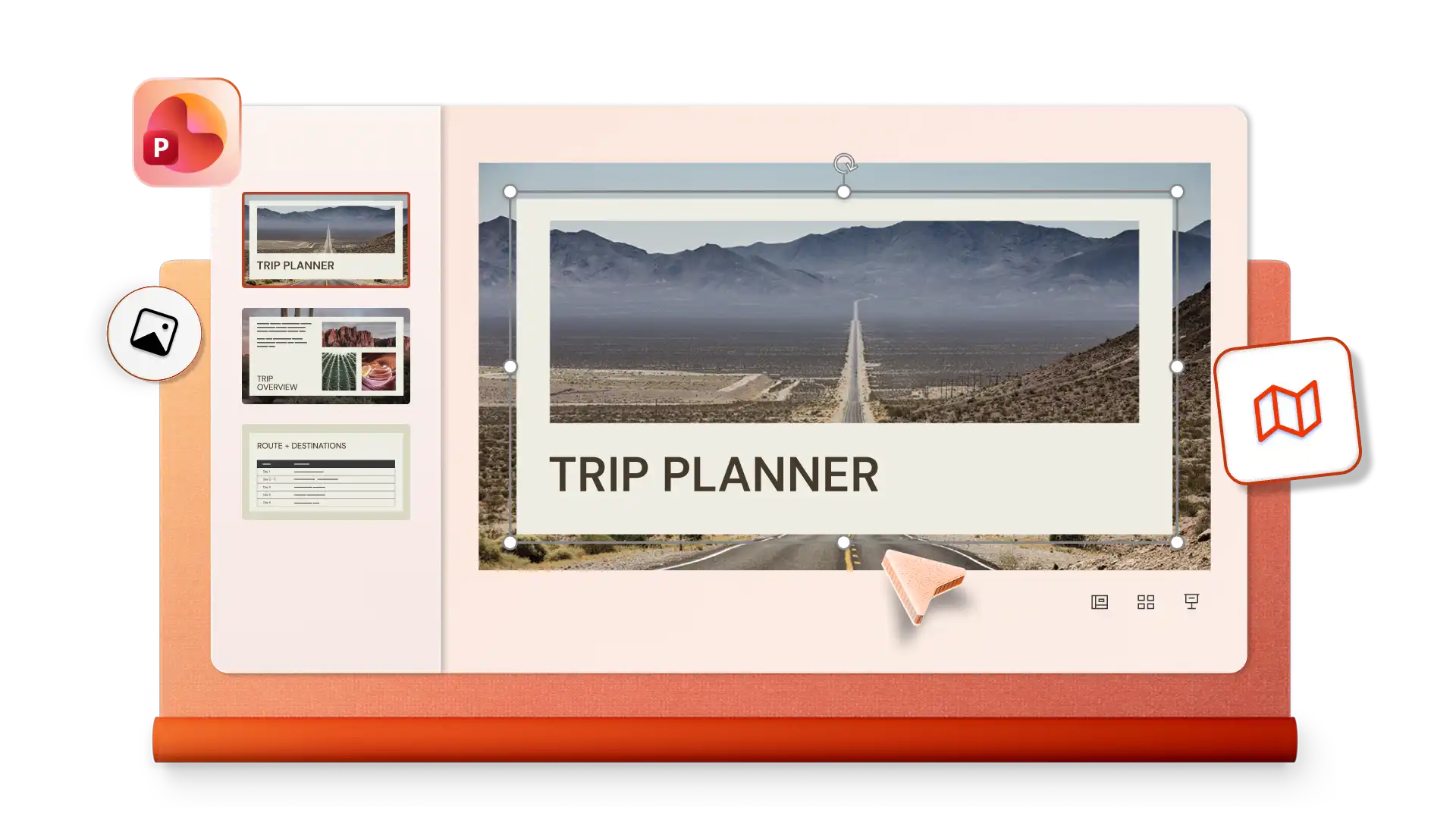
How to use travel templates in Microsoft PowerPoint
Open PowerPoint for the web and browse travel templates for itineraries, photo albums, or trip plans.
Select a template and replace placeholder text with destination and transport details.
Add photos, maps, and icons to bring the travel plan or memories to life.
Save and share the presentation with friends, family, or travel companions.
Create travel presentations with AI
Use AI to create custom travel itineraries, road trip plans, or vacation presentations after selecting a suitable template. Ask Copilot in PowerPoint to review the generated outline and suggest refinements for text, layout, and structure to draft an impressive presentation. Design a travel photo album with AI-powered suggestions to share memories from the journey.