
Fashion photo book
Use this template

Make photo slideshows with templates, transitions, and AI design tools in Microsoft PowerPoint.

Browse photo slideshow templates and replace images, videos, and captions to make any layout unique and tell a story with style. Customize colors and fonts to suit a wedding album or photography portfolio for a clean professional finish.

Invite family, friends, or colleagues to contribute images and edit a photo slideshow in real-time. Share a link to collaborate on slideshows for birthdays or conferences, with full control over who can view and edit online, so the right people are always involved.

Browse smart layout variations in Design suggestions to give every slide an impactful style. Choose a layout that emphasizes visuals or text, then easily apply to each slide. Complement slideshows with unique slide backgrounds made with Copilot in PowerPoint.

Select a template to arrange photos, videos, and captions into a memorable slideshow with adjustable layouts. Add slide transitions and animations to give slideshows personality, then share memories or showcase a portfolio online.
Insert photos from a device or use free stock images that suit a theme. Add online videos to any slide or record a Cameo to give a personal touch to family photo albums and design portfolios. Format photos for large screens to play slideshows in any setting.


Import audio files to add a background track and give slideshows more personality. Use personal audio files or licensed music, then set tracks per slide to match the mood, whether it's a wedding photo album or nature slideshow. Adjust playback to automatic or on click and fine-tune volume, so music complements the narration.
Add some flair with slide transitions and animations. Try the morph effect for a polished look, or use the classic fade, cube, or checkerboard. Layer text and image animations to build scenes step by step, so every business presentation and photo memory book holds attention from the first slide.

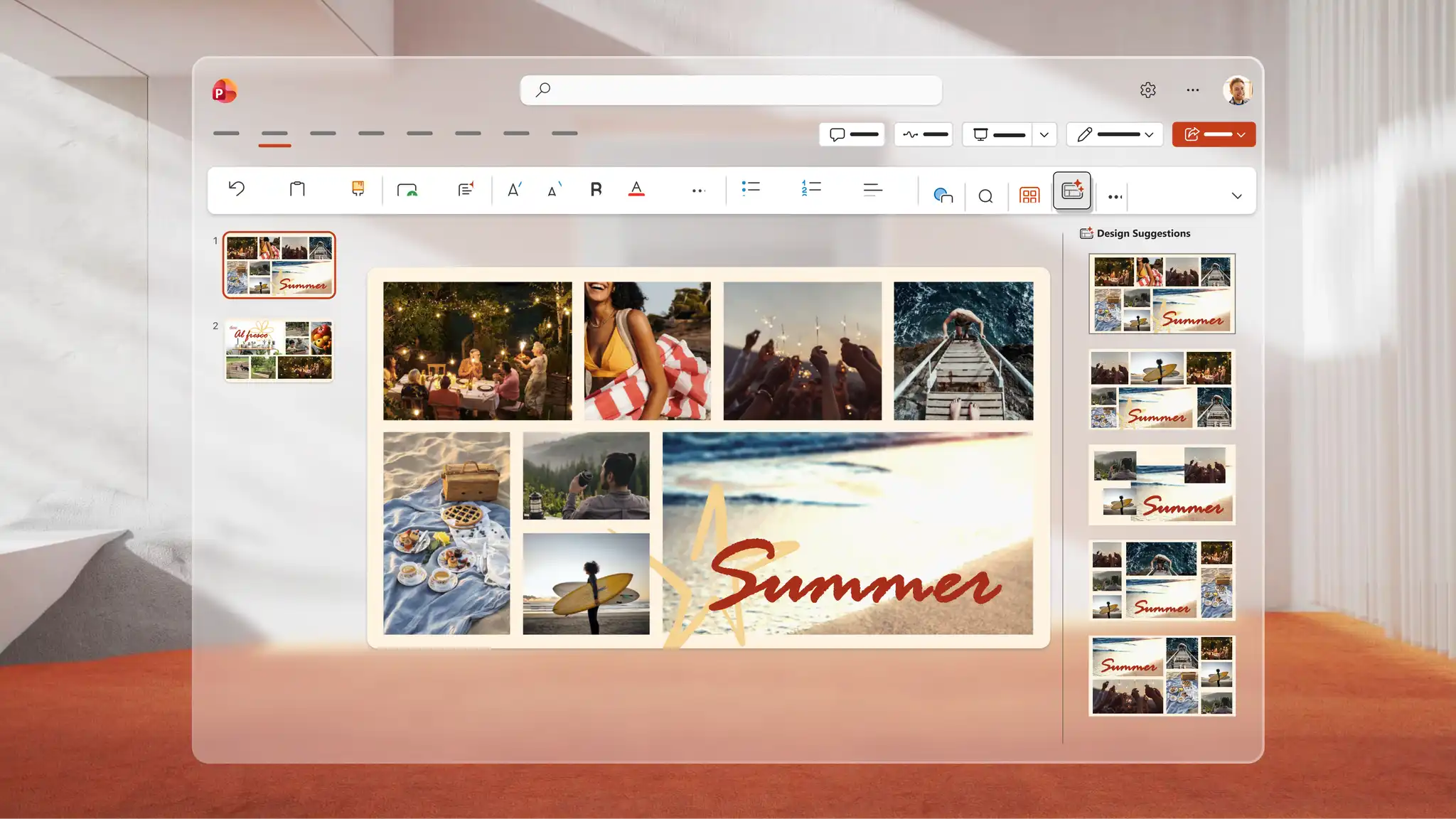
Use Copilot in PowerPoint to generate a unique image for any slideshow. Describe the idea to Copilot, and AI generates a visual to review in the chat, download, and add directly to any slide. Use Design suggestions to find smart layouts that transform every slide into a polished AI presentation design.
Save to OneDrive and share a link so recipients can view it across devices or download as a PDF to print and distribute at events. Rehearse a speech alongside the slideshow with Coach in PowerPoint to refine delivery and present confidently for keynote presentations and personal celebrations.


Content creators: share milestones like travel, weddings, or graduations.
Artists, photographers, and designers: showcase portfolios and artwork.
Teachers: tell visual stories or document field trips with education templates.
Real estate professionals: create virtual home sales decks with pitch deck templates.
Open PowerPoint for the web and choose a photo slideshow template to start.
Replace the placeholders with photos, videos, and captions to each slide.
Apply slide transitions and add music from personal audio files or online libraries.
Use Copilot in PowerPoint to generate images or browse Design suggestions for polished layouts.
Save to OneDrive and share the slideshow via a secure link, or present live to an audience.
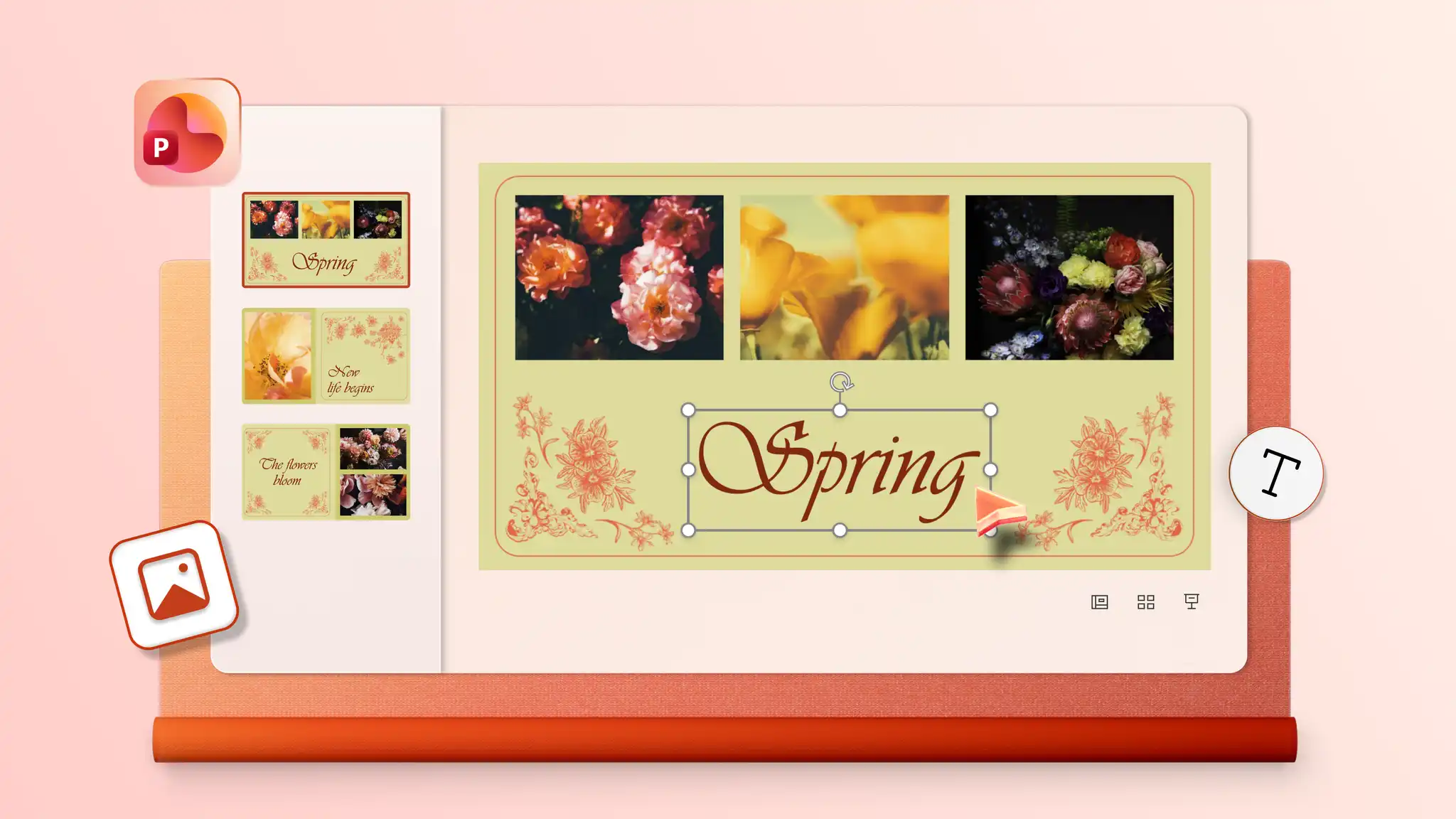
Start by adding photos to a template or blank slideshow in PowerPoint for the web. Insert audio and choose from playback options including automatic start, on click, or play as a loop to give the slideshow a soundtrack. Audio settings may vary depending on the PowerPoint version in use.
Combine static images and video clips into a single slideshow with PowerPoint for the web. Start with a template or blank presentation, then insert images and videos on chosen slides and resize and trim videos to suit the design. Make creative slideshows for everyday memories, personal milestones, or professional slideshows for portfolios and pitch decks.
Start with a photo album template or create blank slides with collage layouts using PowerPoint presentation maker. Add photos one at a time to the image placeholders.
To add old physical photos, digitize them first with a scanner or scanner app in a smartphone. Open PowerPoint for the web, click the Insert tab, and select Insert picture from device to upload the scanned images. Add the images to any slide in the presentation.