Aesthetic slides
Design presentations with clean layouts, elegant visuals, and aesthetic fonts using customizable templates in Microsoft PowerPoint.
Create polished slides with aesthetic templates
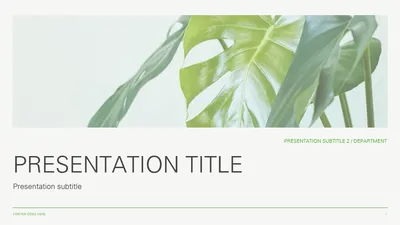
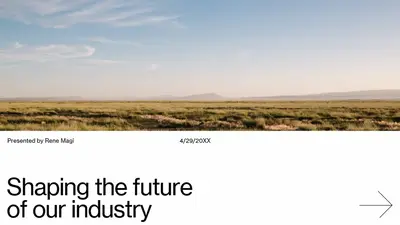
Choose from a range of aesthetic templates featuring soft color palettes, clean designs, and modern typography. Personalize slides for trip itineraries, event planning, budget presentations, or project updates.





Present ideas clearly with modern presentation templates
Select from modern templates with current design trends, bold typography, and striking layouts. Customize slides for creative portfolios, product pitch decks, or business presentations.

How to edit an aesthetic presentation in Microsoft PowerPoint
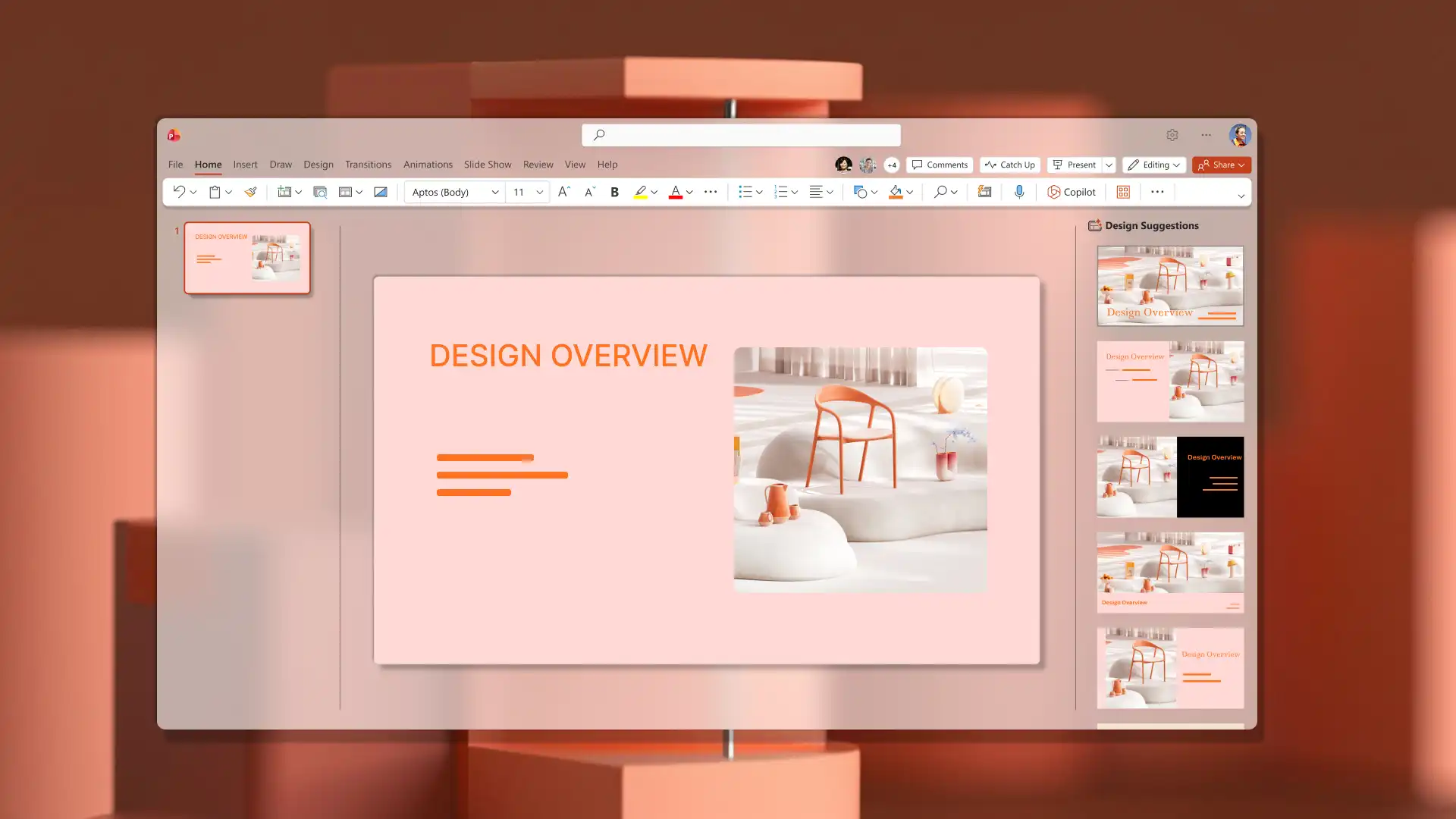
Open PowerPoint and browse aesthetic presentation templates.
Select a template and replace placeholder text with presentation content.
Update colors, fonts, and add aesthetic transitions between slides.
Open the Design tab to review layout suggestions and refine the aesthetic look.
Save, print, send as a PDF, or present using PowerPoint Live.
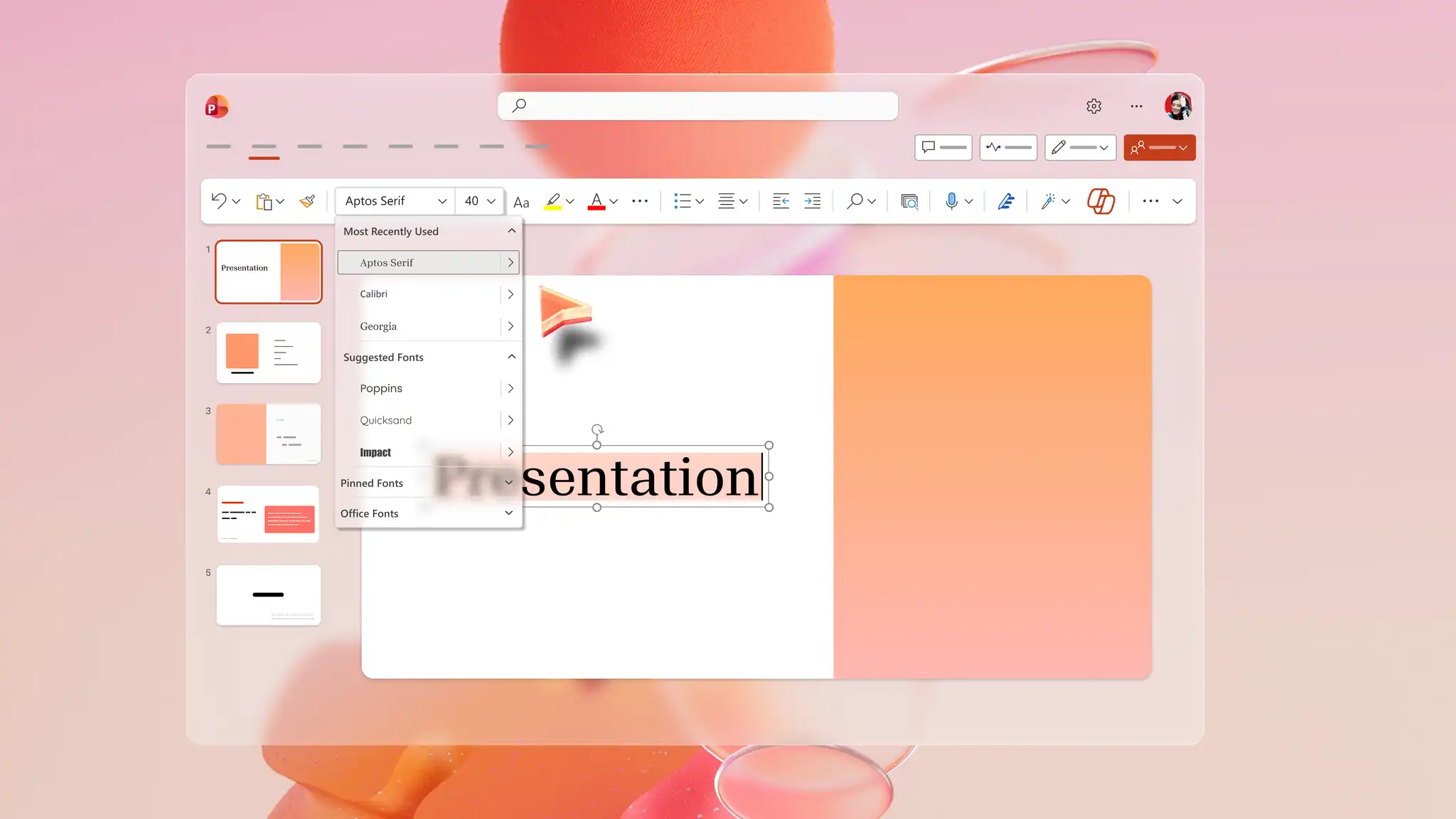
Select fonts that match an aesthetic style
Explore a range of fonts in PowerPoint to match any design style. Choose elegant serif fonts for a classic look, clean sans serif fonts for a modern business presentation, or handwritten fonts for a personal deck. Choosing the right fonts creates visual consistency and helps audiences focus on the content.
Add visuals from stock images and Copilot
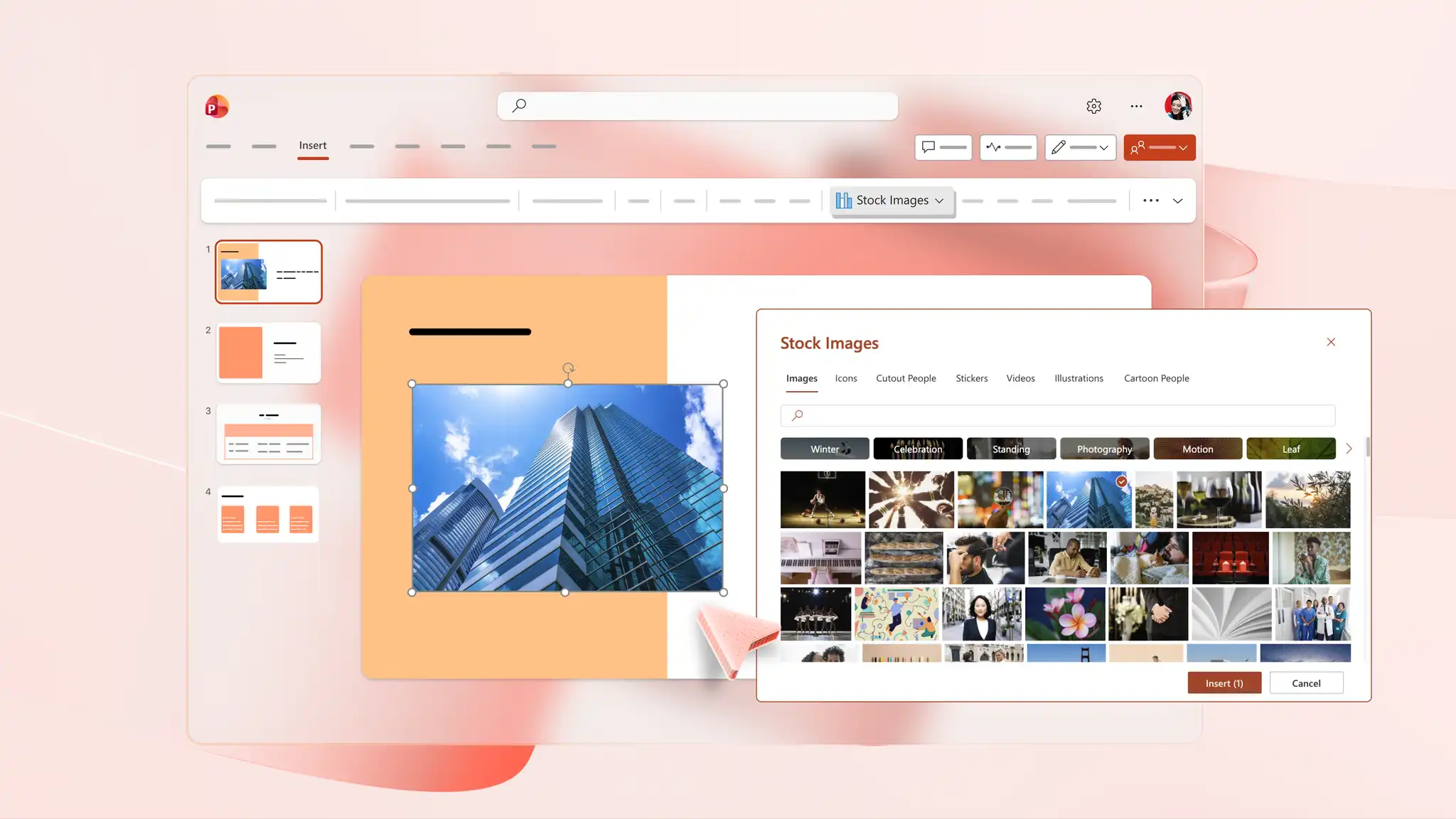
Search the PowerPoint stock library for images that match an aesthetic look, perfect for sales and marketing decks. For something more unique, generate custom visuals with Copilot in PowerPoint by describing the image, infographic, or slide background needs in the chat. Download the final image from the chat and add it to any slide in the presentation.
Download and share aesthetic presentations
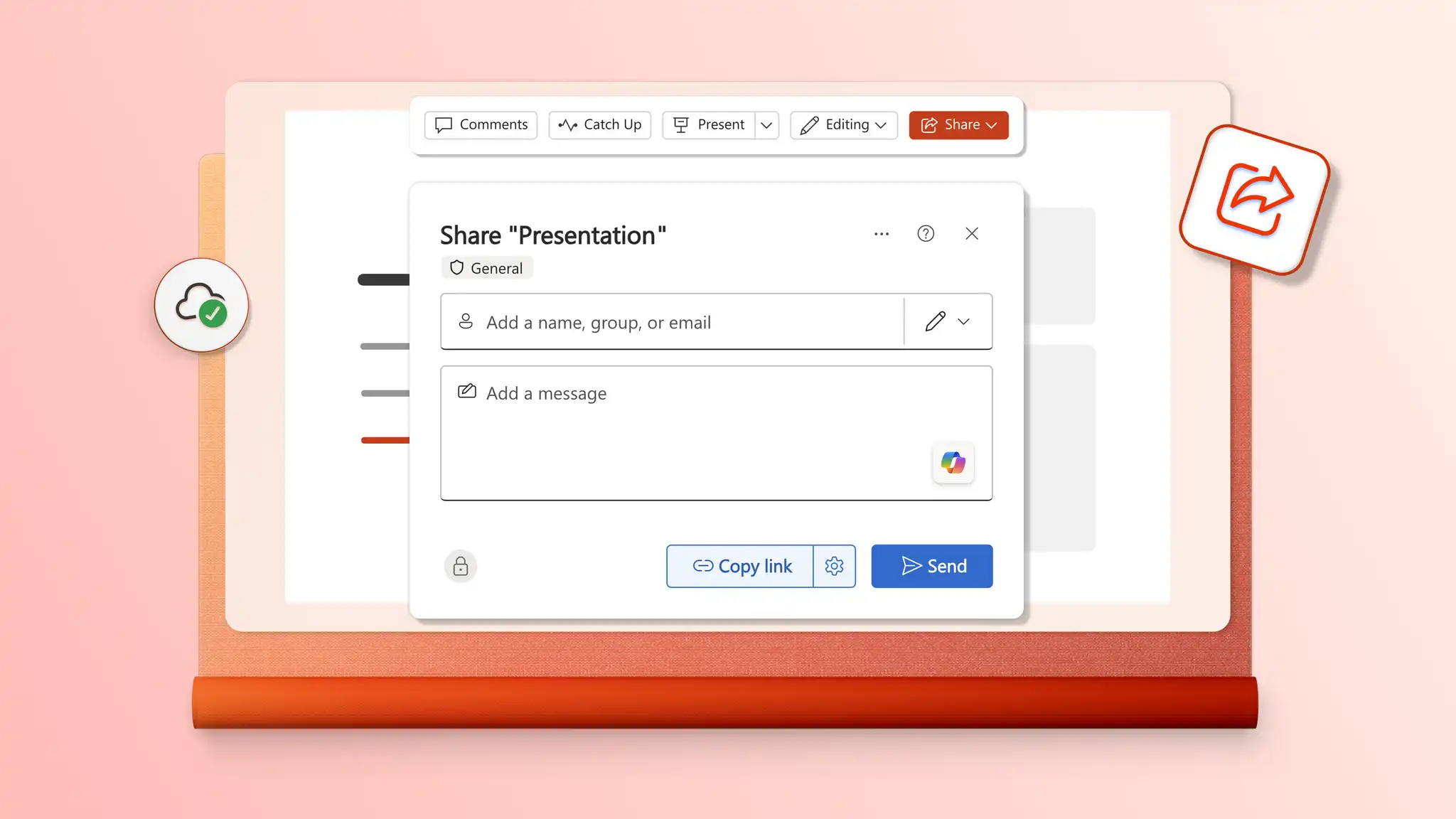
Share a deck using a secure OneDrive link that reflects the latest version for all recipients. Save a presentation as a PDF to send with email attachments or print copies to share in person at meetings and events.