Botanical marketing meeting
Use this template

Create and share marketing plans, and pitches with templates and AI in Microsoft PowerPoint.

Build on a template or start from scratch. Drag and drop to rearrange layouts, then add text, icons, graphics, and charts to match any marketing context, from quick campaign pitch decks to full brand strategies.

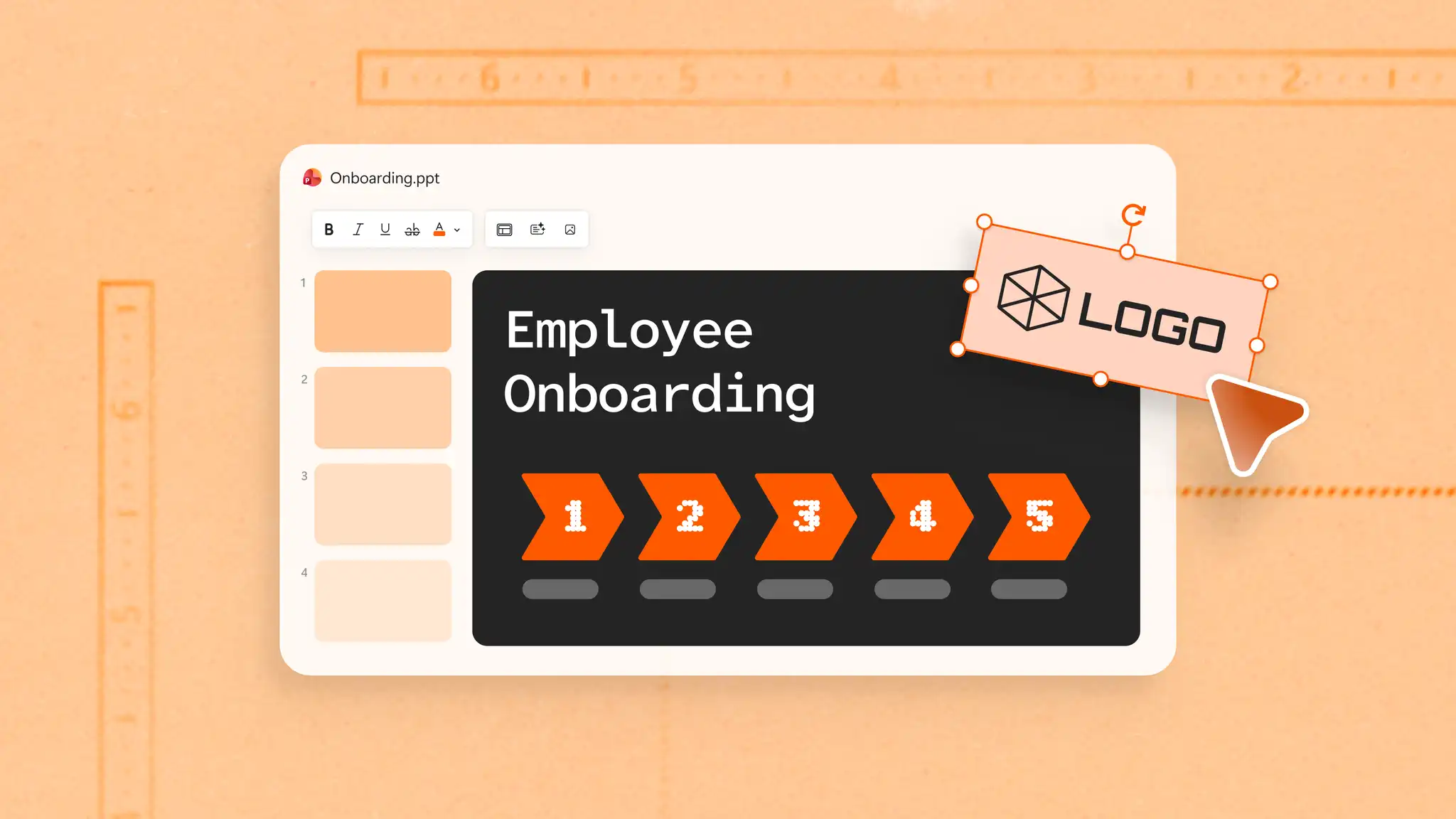
Use brand colors consistently across every slide with Slide Master settings, keeping presentations polished without manual formatting. Add a logo for instant credibility and build recognition among clients and stakeholders.

Draft marketing headlines, key messages, and turn campaign documents into decks with Copilot in PowerPoint. Adapt decks for different target audiences with AI rewriting to tailor messaging and design without starting from scratch.

Browse examples for social media campaigns, digital marketing plan pitches, and brand strategy decks. Adapt with custom logos, colors, and fonts.
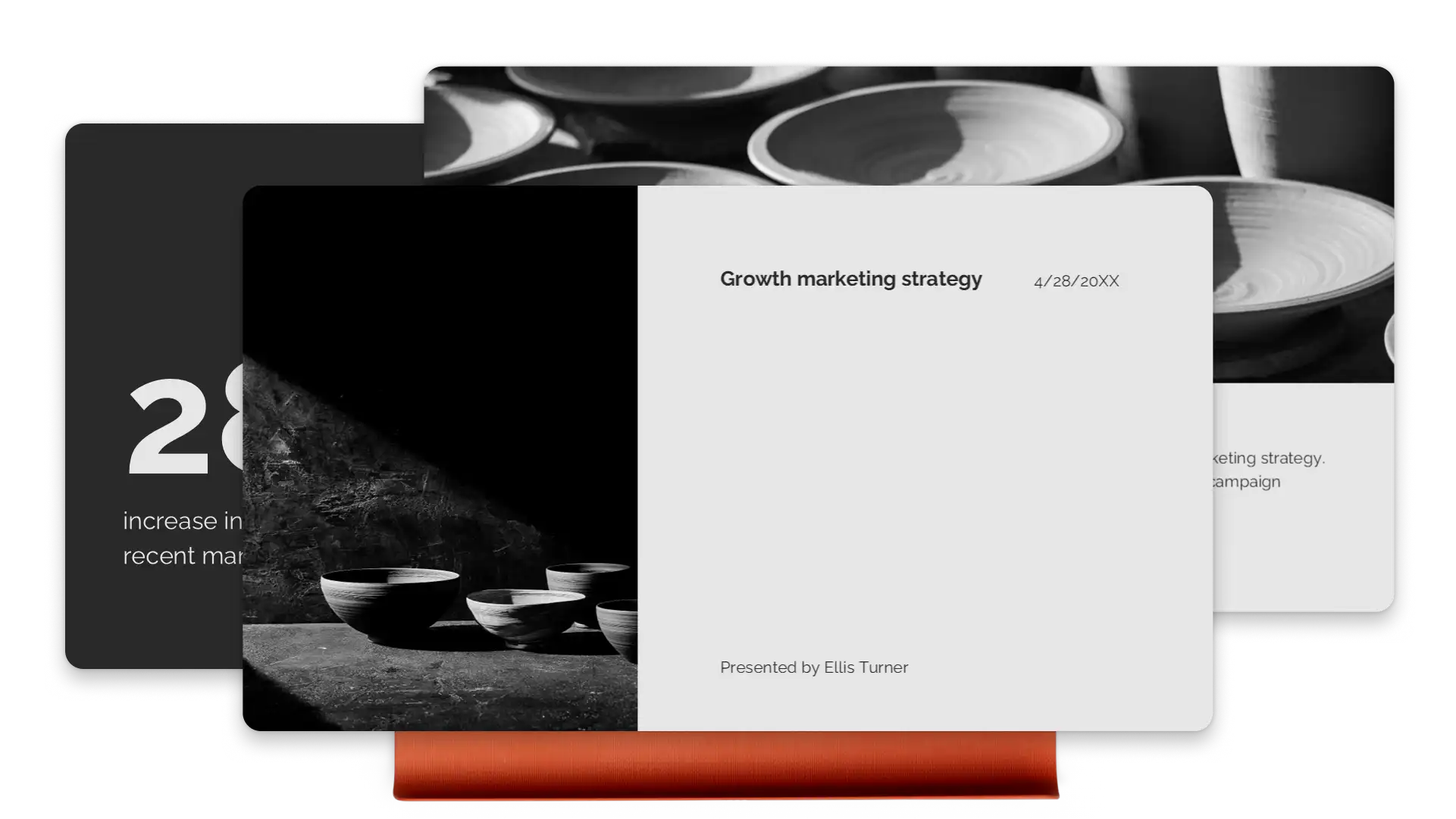
Guide viewers through key points using engaging slide animations and transitions that make complex ideas feel effortless to follow. Transform text, images, and charts with the seamless Morph slide transition. Impress viewers with marketing pitches and portfolios that flow well.
Turn performance metrics into visual stories with the infographic maker and SmartArt charts. Display campaign timelines with clear, scannable visuals. Embed brand videos or use Cameo to put a face to the pitch and build a personal connection.
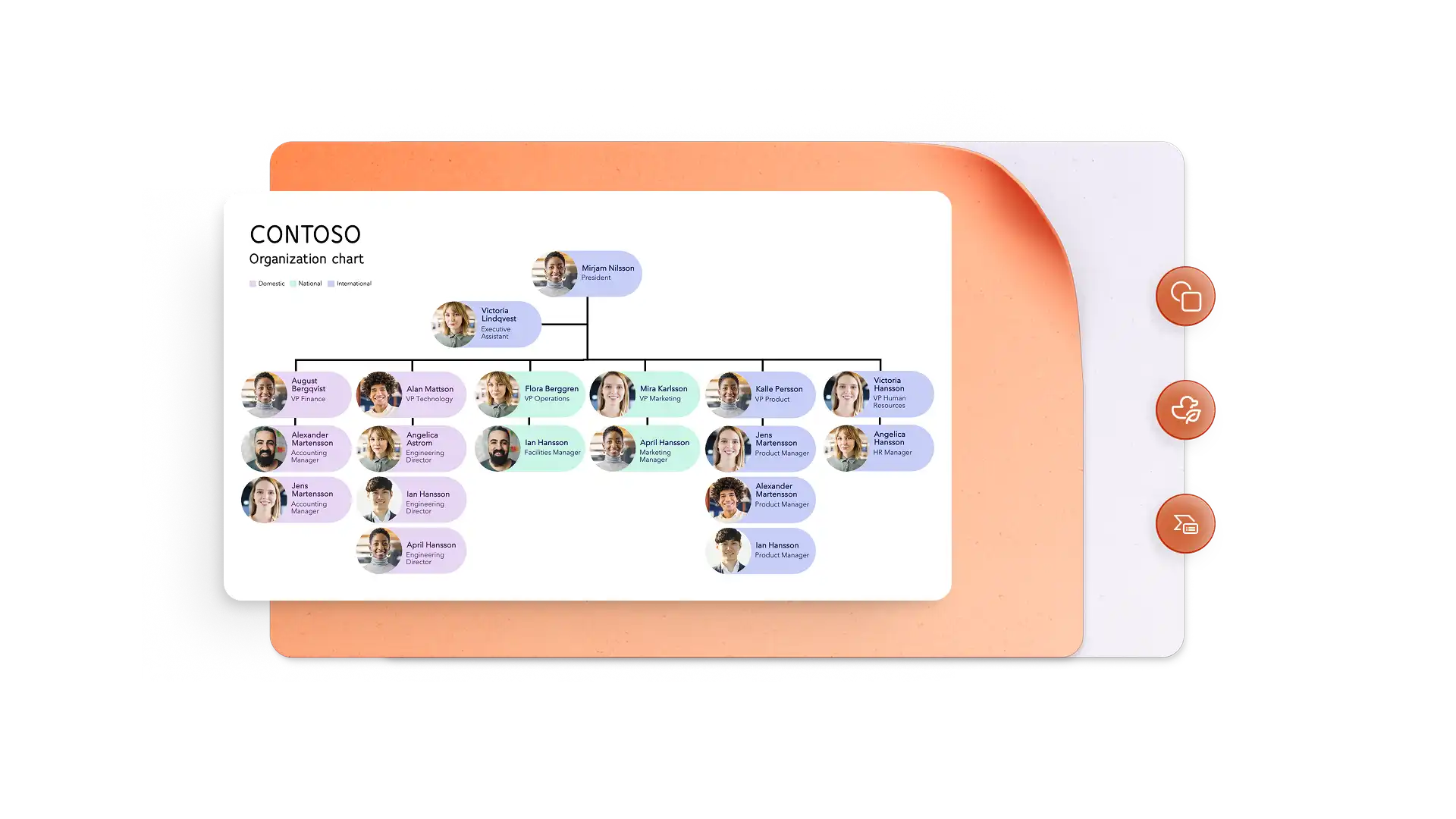
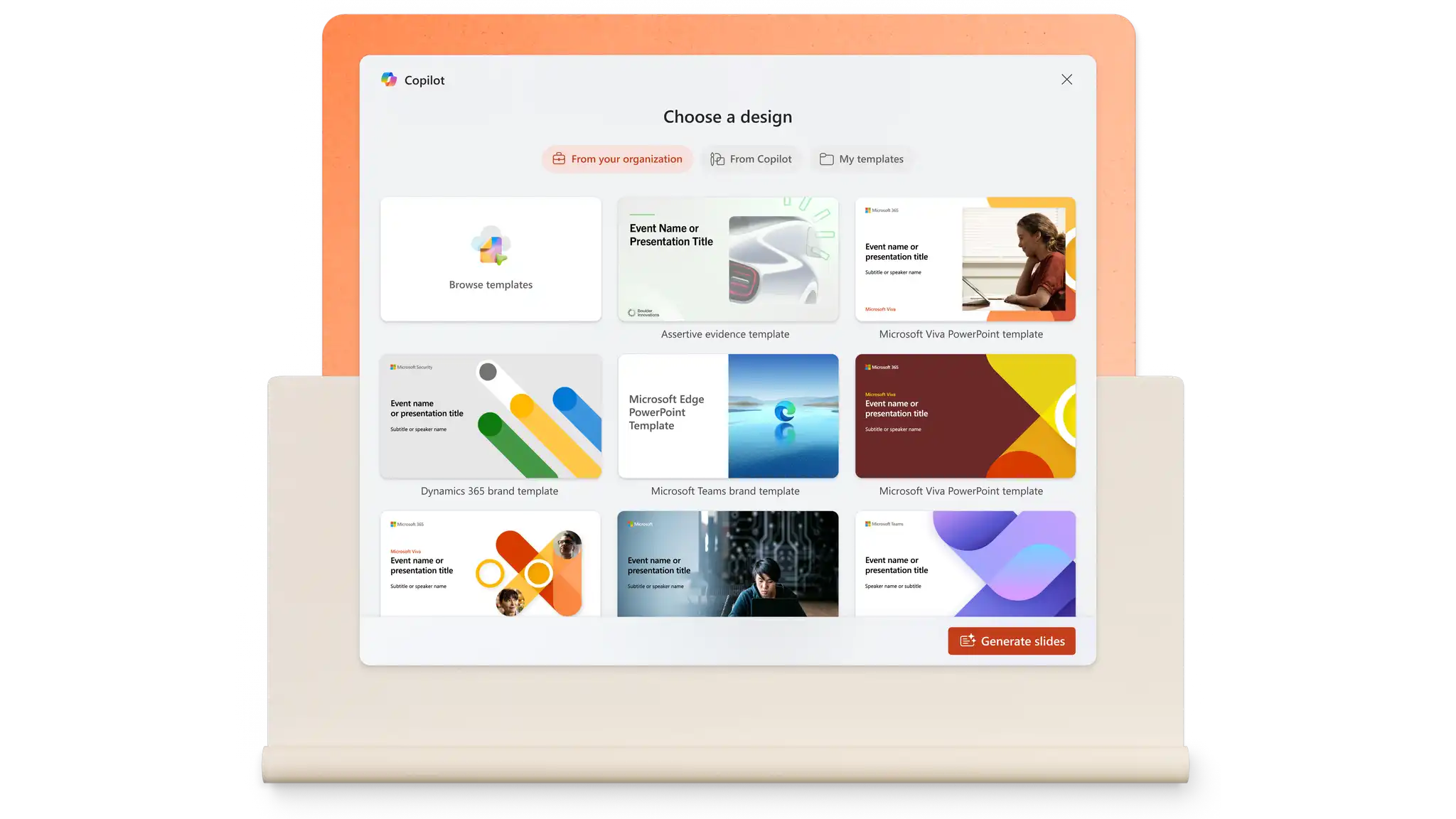
Build slides from a prompt or pull content from existing files with Copilot in PowerPoint. Generate speaker notes, tailor messaging for different audiences, and refine design with a single prompt. The AI presentation maker handles structure and formatting in seconds.
Marketing decks come together faster when everyone can contribute in one place. Comments and mentions keep feedback tied to slides, making it easy to tag people and move tasks forward. Organization-safe links protect sensitive content while giving agencies and freelancers the access they need.


Sharing a finished deck takes seconds. Download a presentation as a PDF or send a secure OneDrive link that always shows the latest version. For meetings, PowerPoint Live on Microsoft Teams keeps remote audiences engaged with interactive features. With everything in the cloud, presenting works smoothly.
In the browser, explore PowerPoint marketing presentation templates.
Choose a template and replace placeholder text with marketing content.
Edit visuals and add images, brand logo, and preferred font styles.
Save and share presentations online for free, or download as PDF to email.
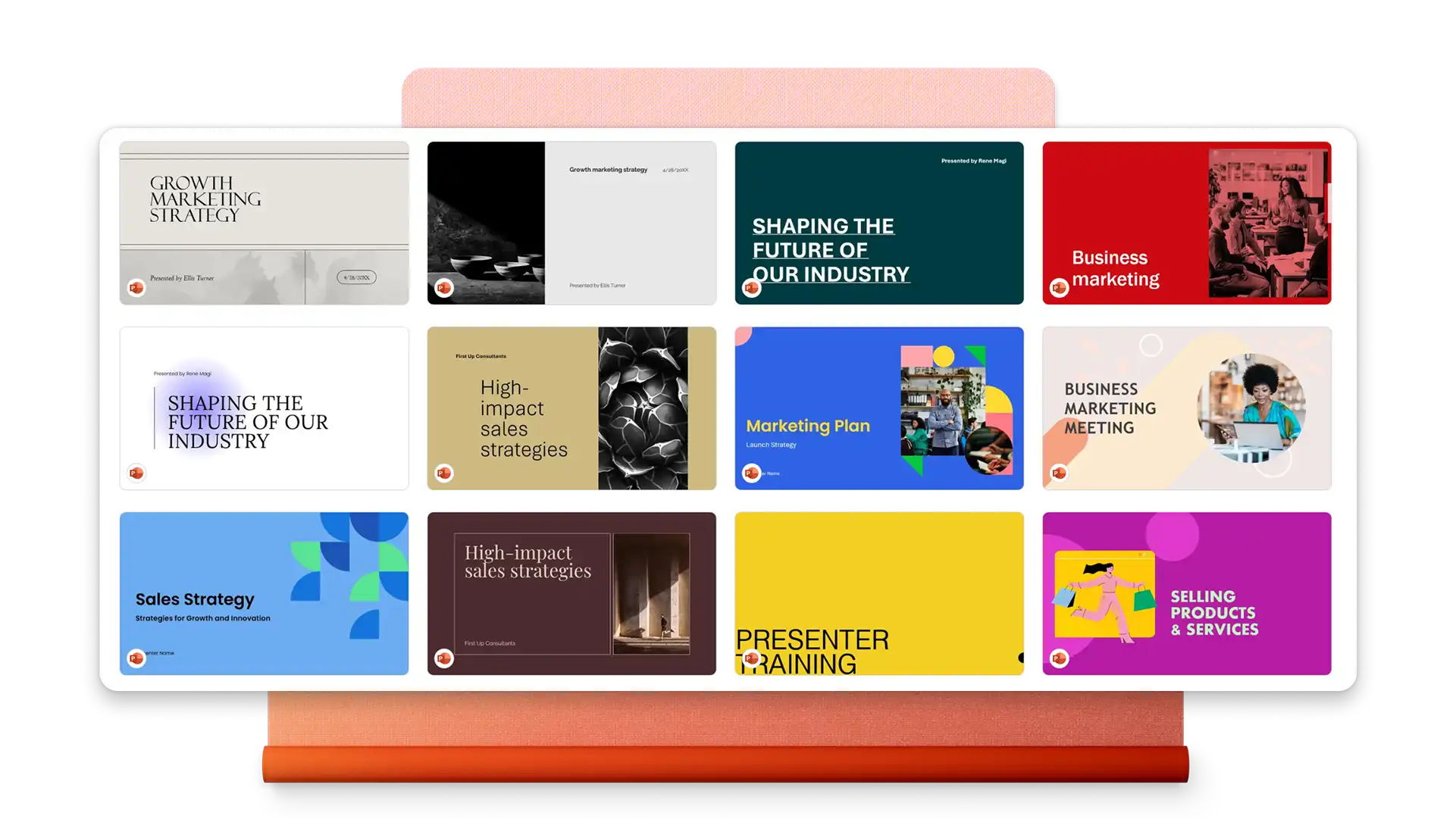
A marketing presentation typically includes an overview of marketing objectives, target audience insights, strategy and tactics, implementation timeline, budget allocation, and key performance metrics. Visual elements like charts, brand assets, and data visualizations help communicate complex information clearly to stakeholders.
Start with a marketing plan presentation template in PowerPoint. Replace placeholder content with an executive summary, market analysis, goals, strategies, and action items. Add charts to visualize budgets and timelines, then use Copilot in PowerPoint to refine messaging and generate speaker notes.
PowerPoint offers templates designed for social media marketing presentations. Add campaign calendars, platform-specific strategies, marketing flyer examples, and performance metrics. Embed videos and use SmartArt to illustrate content workflows and audience targeting approaches.