
Portfolio maker
Showcase projects with free digital portfolio templates, interactive text, visuals, and Copilot in Microsoft PowerPoint.

Display polished work with customizable portfolio templates






Create visual portfolios with design and AI features

Personalize portfolio style
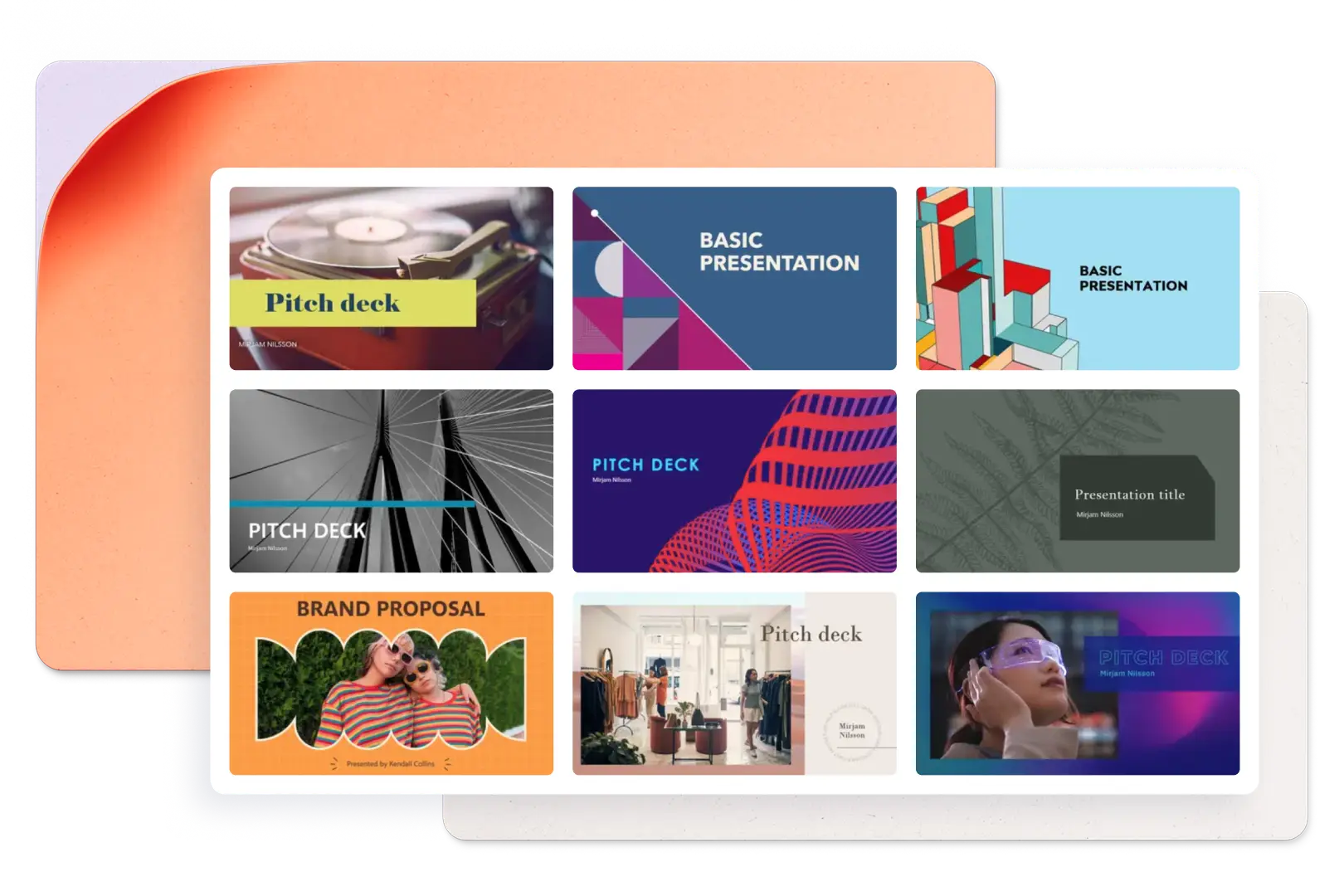
Create a tailored portfolio presentation from scratch or use a template for ease. Layer text, images, and videos in modular layouts to showcase work in an immersive way. Easily modify template colors and fonts to make a presentation in a style that matches a creative vision or brand.

Add engaging visuals
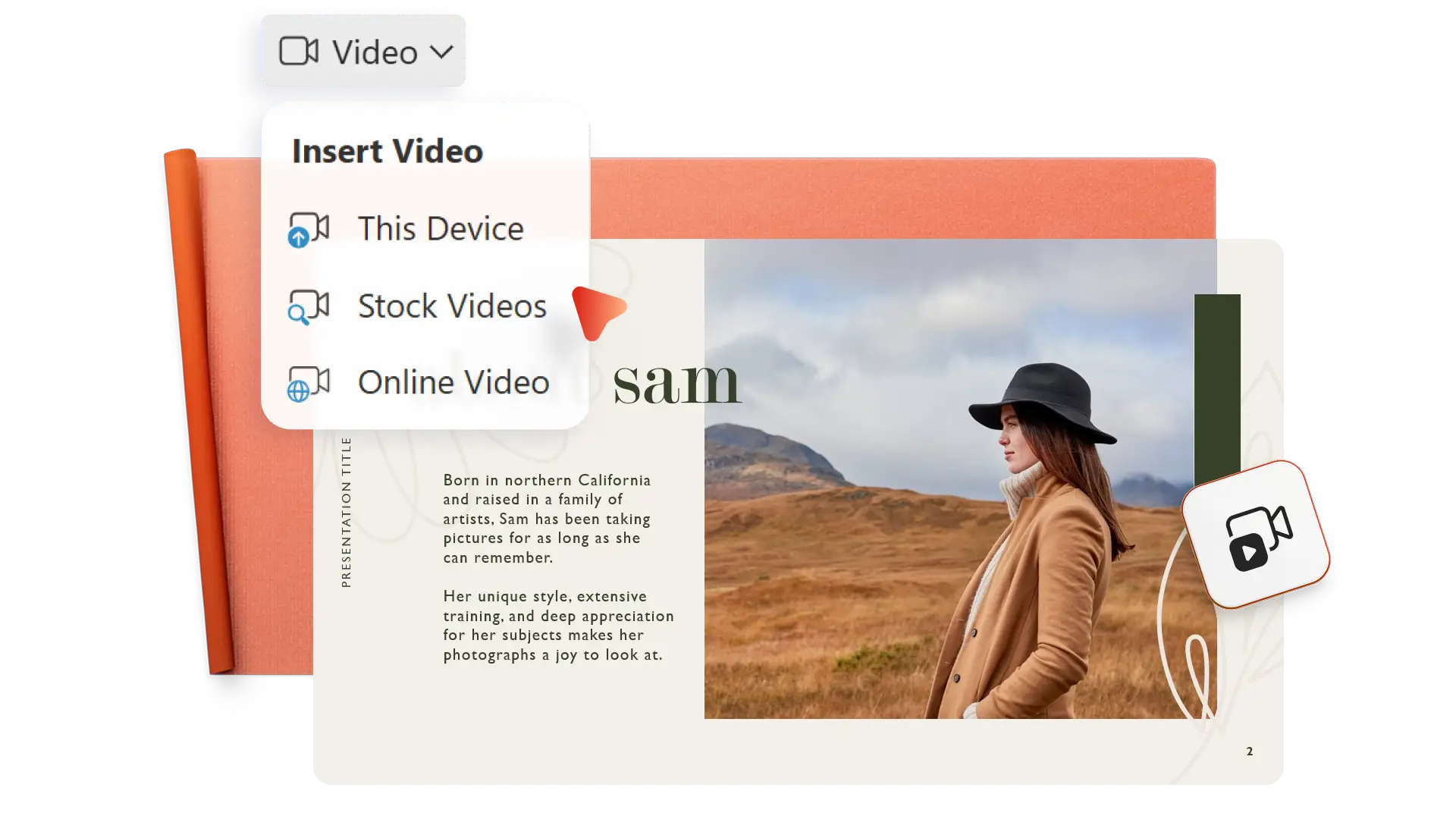
Tell a visual story about a project or milestone with full-frame images or collages to make an elevated photo slideshow portfolio. Capture attention with an introductory Cameo video or add a YouTube video to present information with personality.

Explore AI portfolio tools
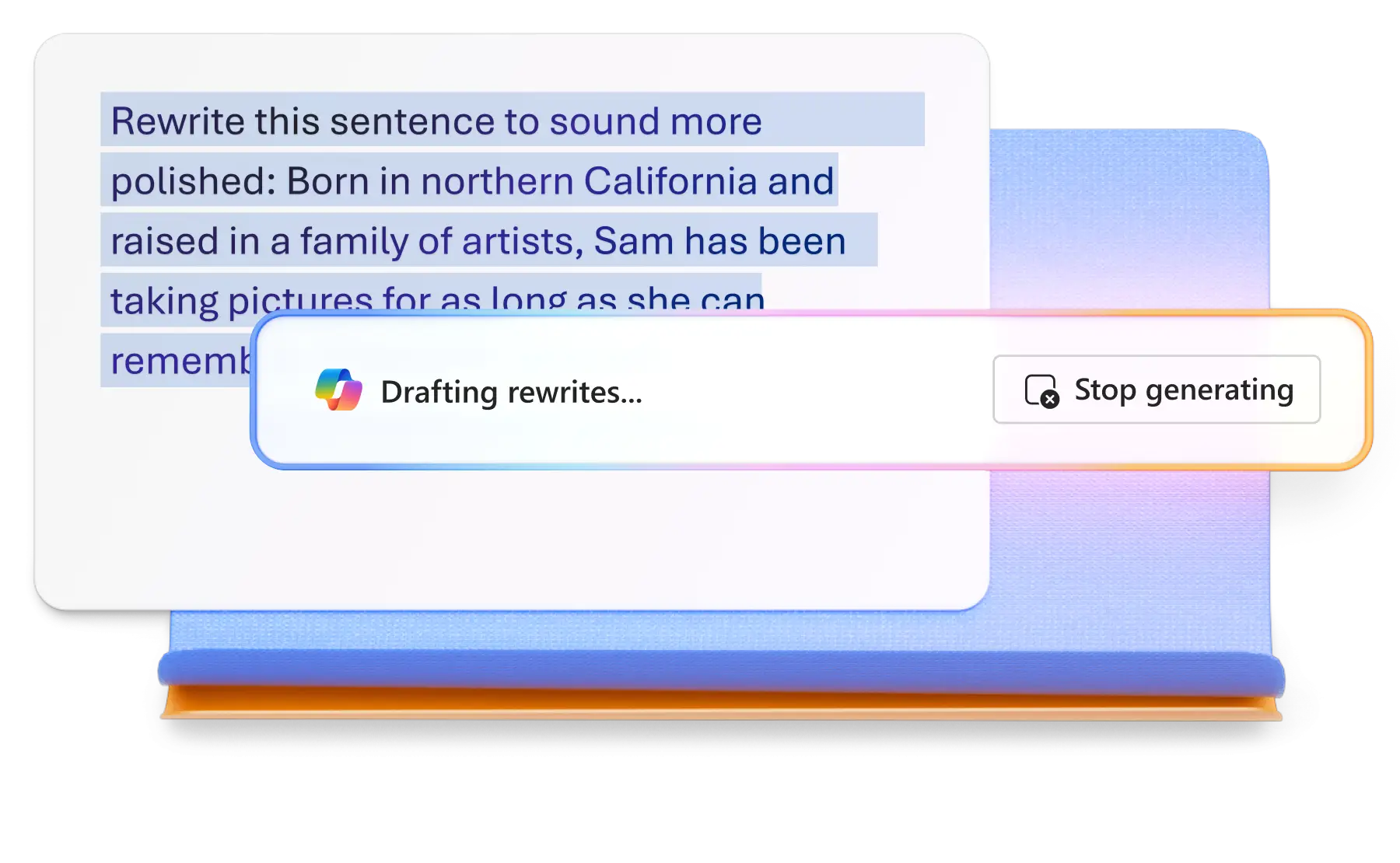
Boost productivity by asking Copilot in PowerPoint to create a structured narrative for a portfolio presentation or rewrite project descriptions for clarity. Attach a Word document like a resume or project plan so Copilot can extract information and generate a draft presentation.
Design and edit portfolios effortlessly
Easily make a portfolio from scratch or customize a template with drag-and-drop editing tools. Add images, videos, and work samples using brand colors and logos. With layout options like side-by-side, gallery, and case study, you can create portfolios such as design and UX portfolios, marketing presentations, social media portfolios, and college portfolios.

Highlight work with multimedia
Incorporate a range of media types to create a compelling portfolio. Upload photos to build the narrative or insert stock photos to illustrate conceptual work. Elevate the energy by adding video elements like screen recordings, Cameo videos, or videos from OneDrive or YouTube. Highlight results with infographics, clarify expectations with timeline visuals, and provide supporting documents through hyperlinks.
Present faster with AI portfolio maker tools
Transform ideas into a polished digital portfolio using Copilot for design, ideation, writing, and coaching. Have Copilot generate a narrative arc from notes and recommend sections like About Me, Outcomes, and Skills to expand a draft. Refine project descriptions, summarize achievements with dot points, and tell a story with case studies.
Produce branded portfolio presentations
Customize portfolio style to fit a personal or corporate brand. Incorporate color accents and fonts from a resume to create a consistent brand identity. Add logos, branded icons, and header and footer elements to match a brand kit. Align portfolio visuals with agency and freelancer marketing materials for a seamless presentation.

Share a portfolio securely
Send a portfolio digitally with secure sharing or print without limits to distribute at interviews. Save to OneDrive and share a direct link giving guests viewing permissions. Add the sharing link to emails or Word documents like resumes, or download a PDF version to share the portfolio as an attachment or a LinkedIn upload.


Frequently asked questions
How to make an online portfolio?
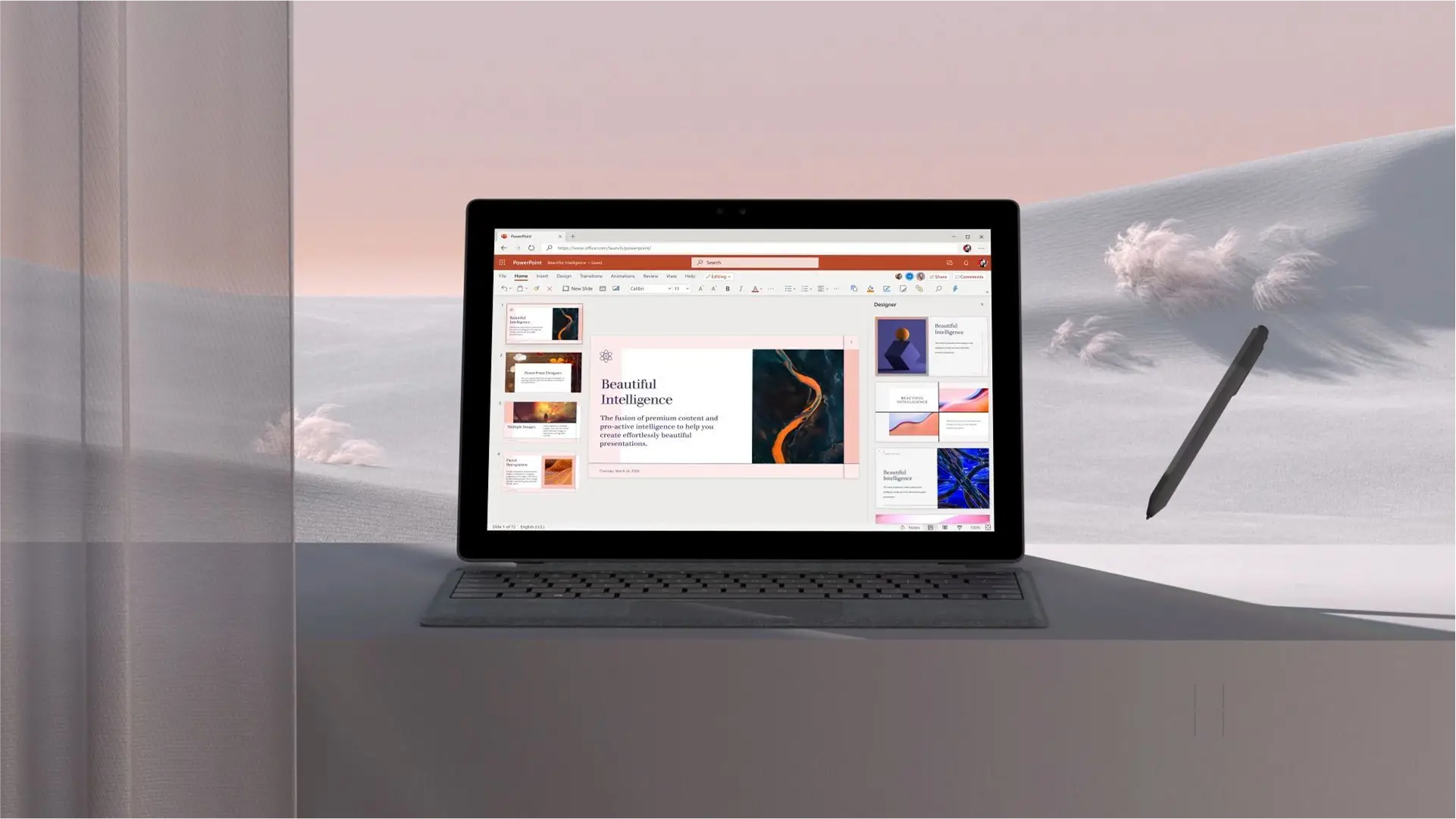
Start by creating a PowerPoint portfolio to showcase work. Next, share the PowerPoint file over the web or save a PDF to OneDrive and share that via email or messaging. Either way, the online portfolio stays secure in OneDrive with no need to create a personal portfolio website.
How to present a digital portfolio in an interview?
You can share a digital portfolio directly through Microsoft Teams with the PowerPoint Live option. You will see slide speaker notes when you present the portfolio, while the interviewer will see each slide clearly and can read at their own pace if you choose.
How many projects to include in a portfolio?
Since many recruiters and potential clients review portfolios on their own time, choose quality over quantity. Ensure each project in the portfolio highlights something unique and fits into the job and opportunity description. Additionally, add certificates and spotlight achievements per project.
How to end a portfolio presentation?
End a portfolio presentation with contact information, website links, and links to professional social networks. Include a clear call to action, like inviting the reader to request a consultation, connect through LinkedIn, or view a resume.