
Teacher slides and backgrounds
Create and customize engaging teacher slides for every lesson with editable templates and Copilot in Microsoft PowerPoint.
Build lesson slides for any classroom with teacher templates
Prepare daily lessons, in-class quizzes, and lecture decks using editable layouts and templates designed for clear, structured teaching. Enhance classroom slides with infographics and images.

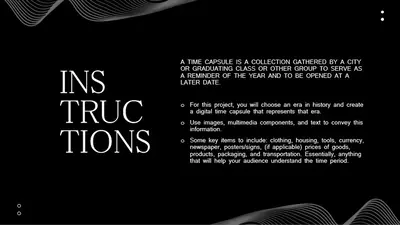




Teach large groups with workshop slide templates
Lead training sessions, group activities, and guided discussions with workshop slides built around structured agendas. Refine each layout with interactive elements and visuals for confident facilitation across any audience.





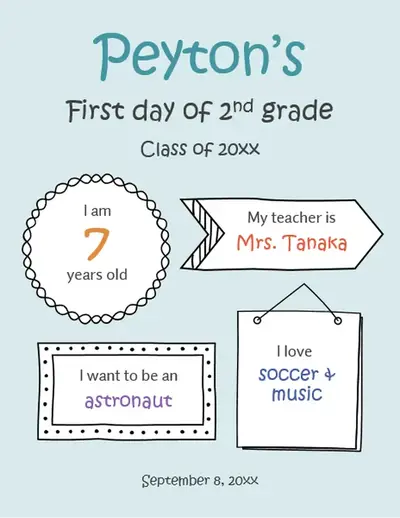
Welcome students with back to school slide templates
Open the school year with editable templates for classroom routines, student introductions, and schedules. Personalize back to school slides with icons, transitions, and personalized themes.




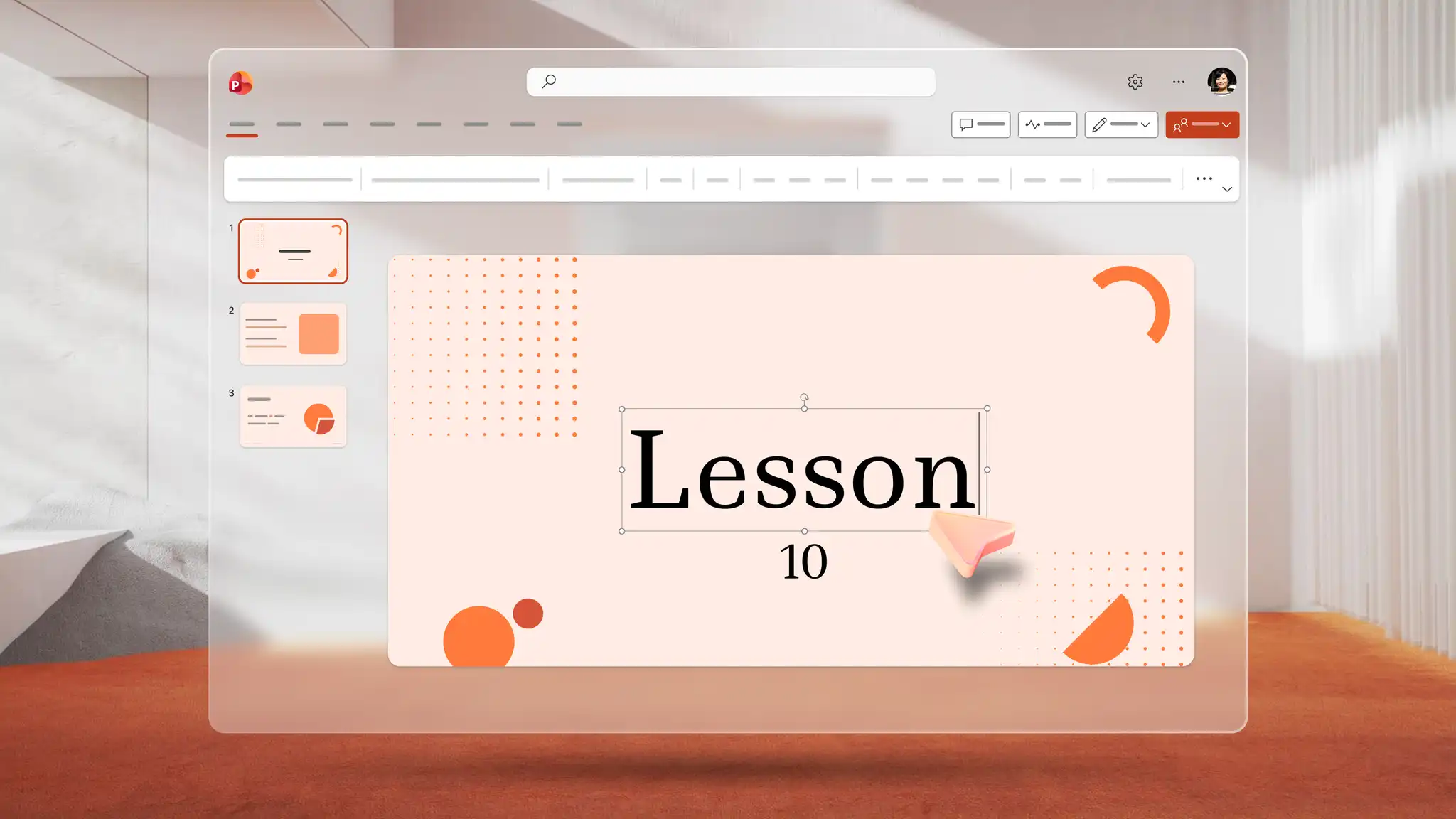
How to use teacher templates in Microsoft PowerPoint
Open PowerPoint for the web and browse teacher presentation templates.
Select a template and customize the layout, text, and theme.
Add visuals, icons, charts, and infographics to make the lesson content engaging.
Save, print, send as a PDF, or present using PowerPoint Live.
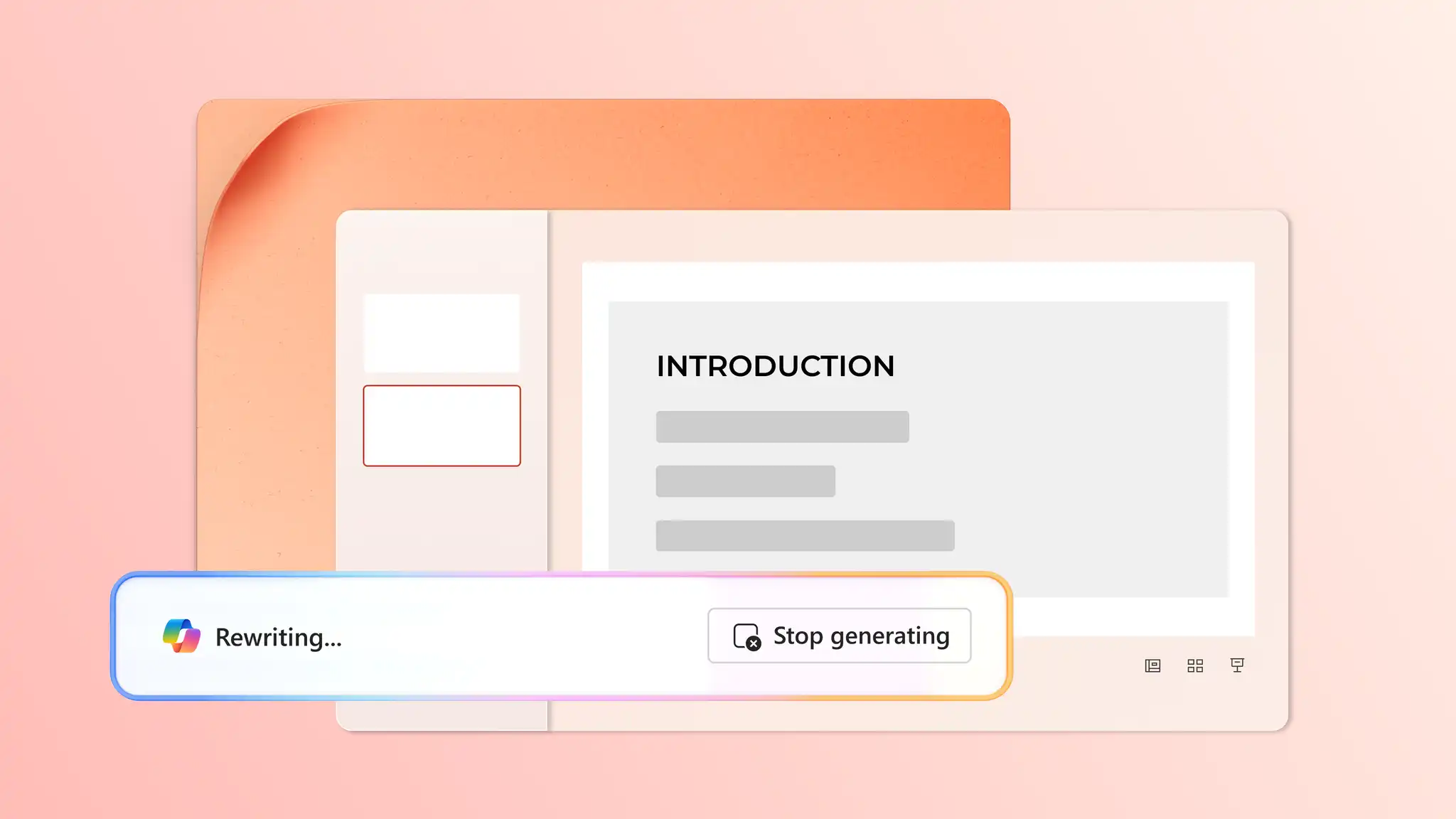
Generate lesson slides with Copilot in PowerPoint
Turn content ideas for lessons and quizzes into structured presentations with AI. Describe a topic in a Copilot chat, and AI will suggest relevant text, layouts, and custom visuals. Add AI-generated speaker notes for confident delivery, or browse education templates for more classroom-ready designs.
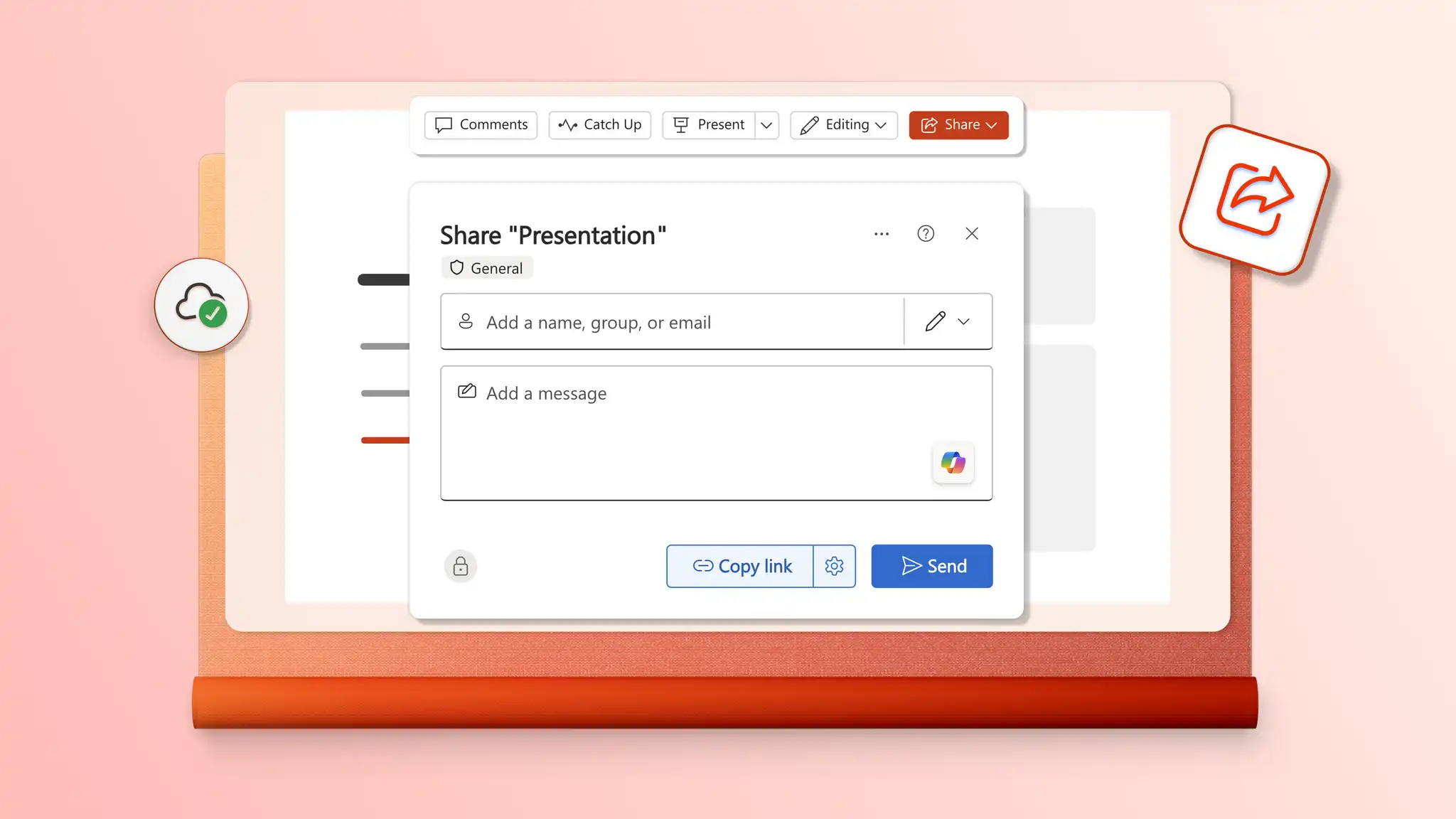
Print and share lesson presentations for school
Collaborate on presentations or share slides for classes using a secure OneDrive link. Export as a PDF for email attachments or print in high quality to distribute as classroom handouts, study notes, or worksheets for study and classroom activities online and in school.