Sjablonen voor onderwijspresentaties
Maak lesdia's, klaspresentaties en workshopmateriaal met behulp van aanpasbare sjablonen en Copilot in Microsoft PowerPoint.
Sjablonen voor onderwijspresentaties verkennen
Kies uit professioneel ontworpen sjablonen voor onderwijspresentaties voor klaslokalen, lezingen en workshops. Dia's en leermateriaal voor docenten aanpassen aan elk onderwerp of cijferniveau.
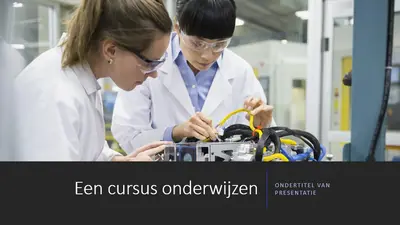

Leer goed met sjablonen voor lesdia's
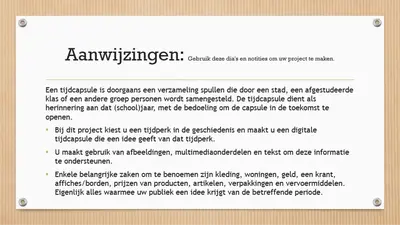
Maak lesdia's voor elk onderwerp met behulp van sjablonen die zijn ontworpen voor helder, gestructureerd onderwijs. Pas indelingen aan met tekst, afbeeldingen en afbeeldingen om leerdoelen te ondersteunen.


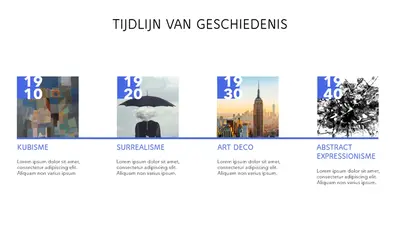
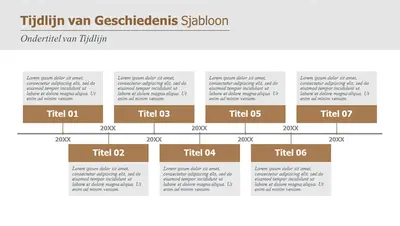
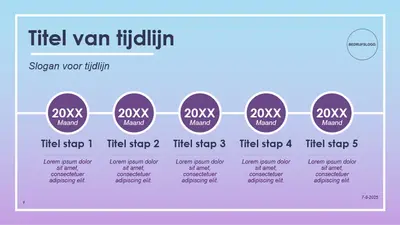
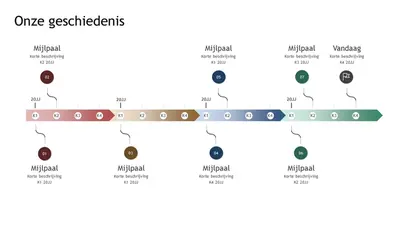
Verhalen vertellen met sjablonen voor geschiedenispresentaties
Ontwerp geschiedenispresentaties voor klaslokalen en lezingen met behulp van sjablonen die zijn ontworpen voor tijdlijnen, gebeurtenissen en historische figuren. Pas indelingen aan met afbeeldingen, kaarten en ondersteunende details.

Engage cursisten met sjablonen voor wetenschappelijke presentaties
Maak wetenschappelijke presentaties voor klaslokalen, labs en workshops met behulp van sjablonen die zijn ontworpen voor experimenten, gegevens en onderzoeksonderwerpen. Indelingen aanpassen met grafieken, diagrammen en visuals.
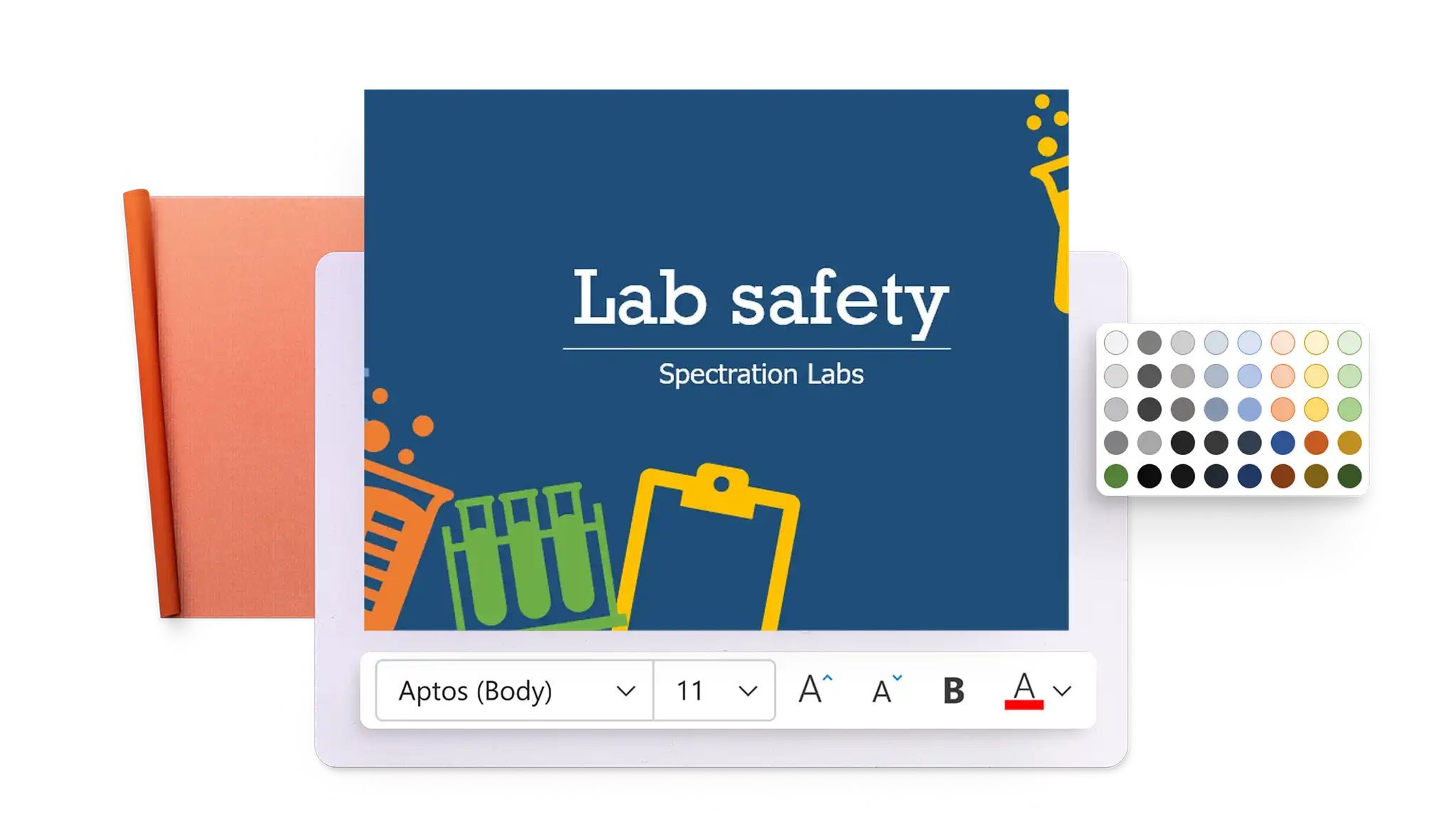
Sjablonen voor onderwijs in Microsoft PowerPoint gebruiken
Open de webversie van PowerPoint en blader door de presentatiesjablonen voor onderwijs.
Selecteer een sjabloon en pas de indeling, tekst en de afbeeldingen aan.
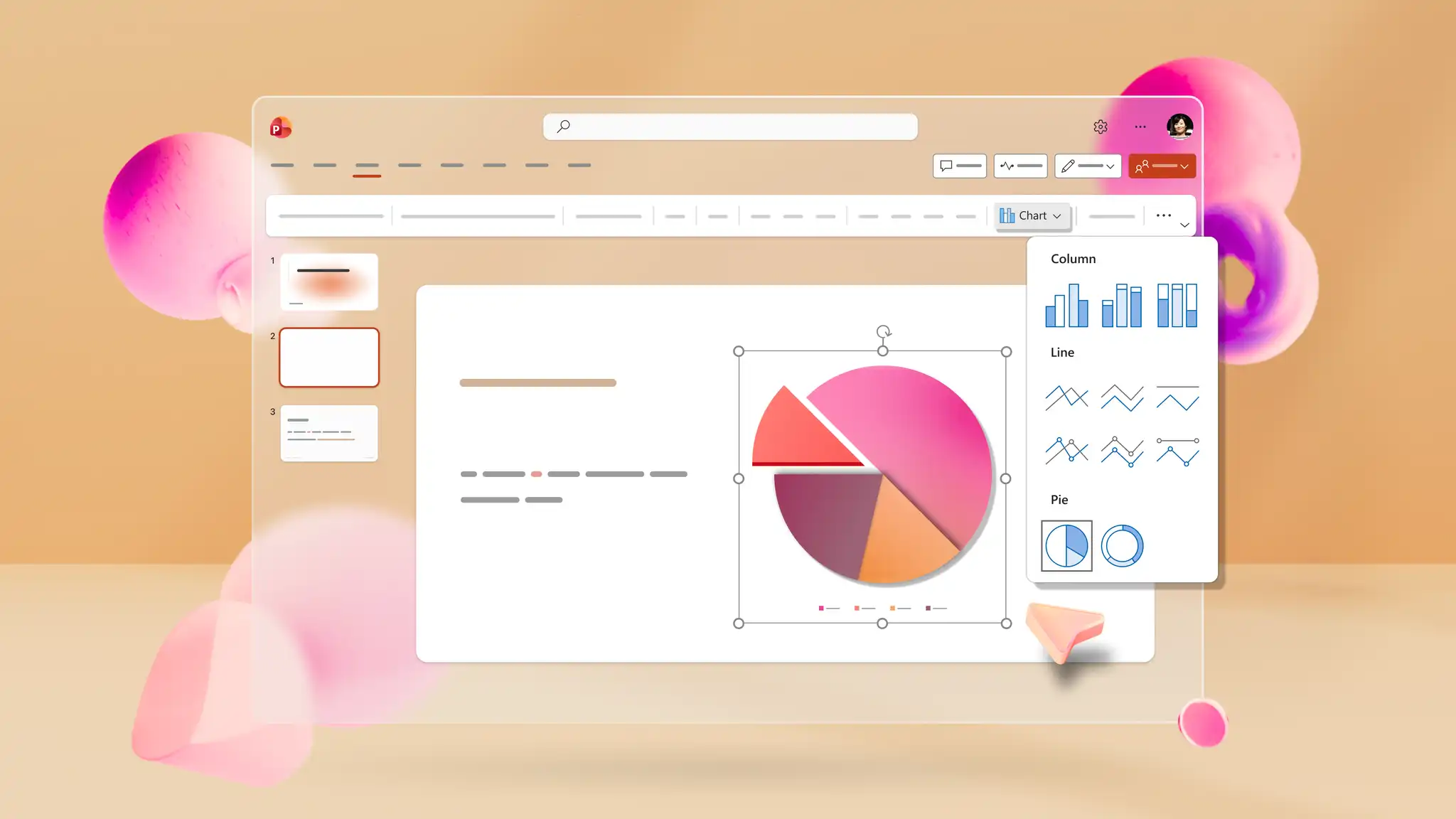
Voeg visuals, grafieken of infographics toe ter ondersteuning van de lesinhoud.
Opslaan, afdrukken, verzenden als PDF of presenteren met behulp van PowerPoint Live.
Infographics ontwerpen voor klaslokalen
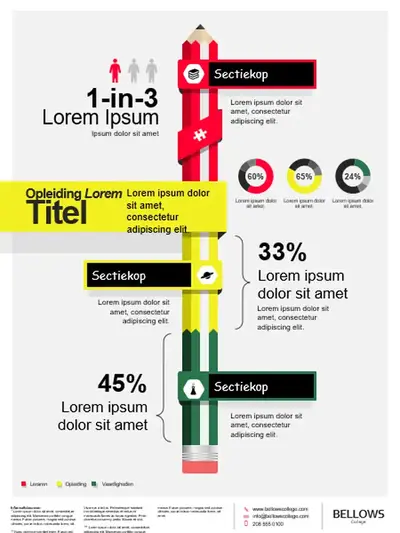
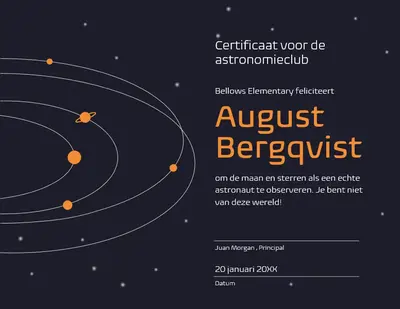
Maak klasdia's en visuele samenvattingen met behulp van de infographic maker en bewerkbare indelingen. Voeg grafieken, pictogrammen en afbeeldingen toe om onderwerpen duidelijk uit te leggen of toe te voegen aan een quiz. Gebruik de certificaatmaker om prestaties van leerlingen/studenten te herkennen of aantrekkelijke presentaties te maken met animaties.
Inhoud genereren met Copilot
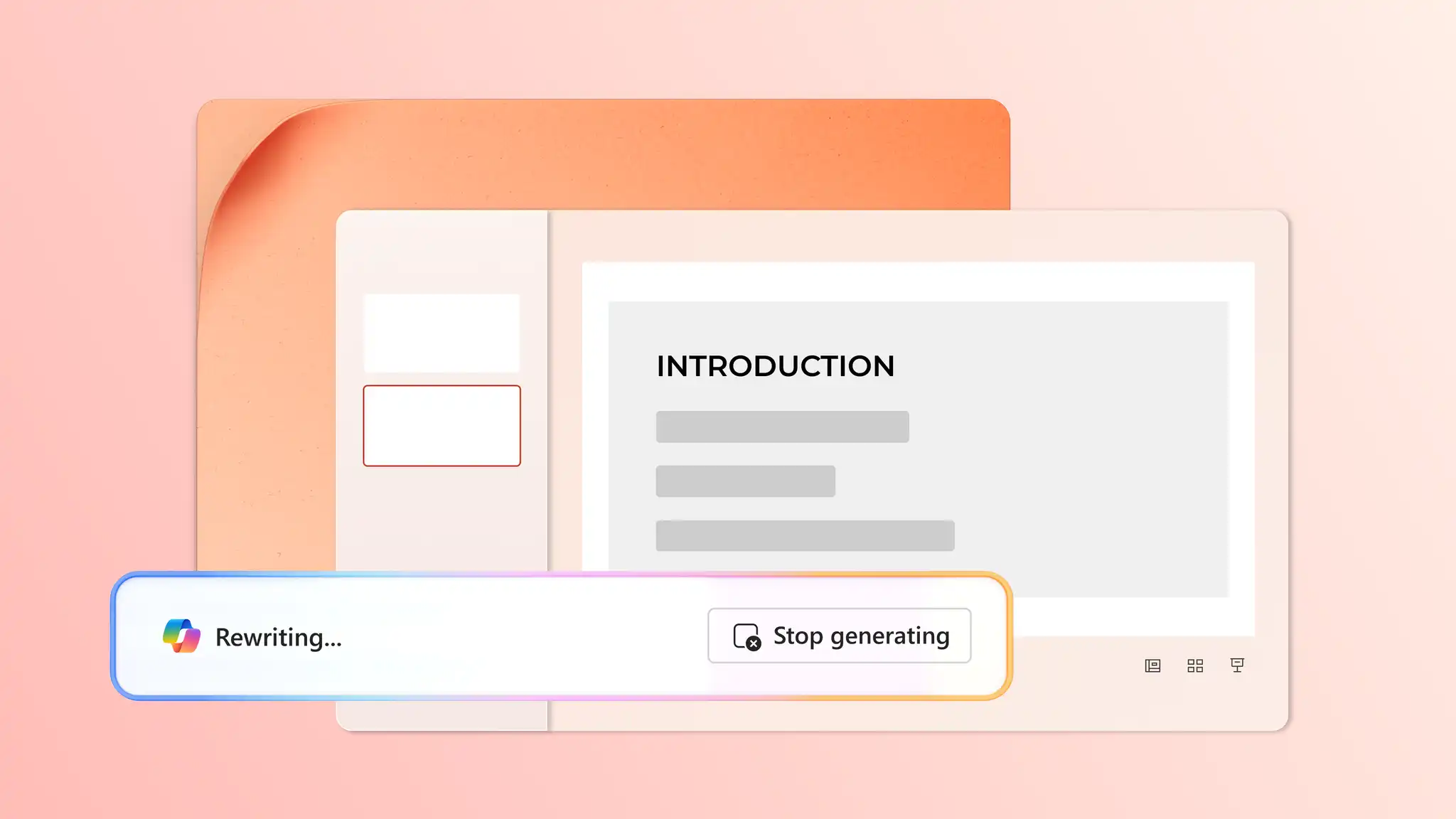
Beschrijf een lesonderwerp in Copilot in PowerPoint en krijg suggesties voor tekst, ontwerpindelingen en visuals om van concept naar voltooide dia's te gaan. Genereer aangepaste posterontwerpen, afbeeldingen of dia-achtergronden in de chat en download deze en voeg ze toe aan de presentatie.
Afdrukken, downloaden en delen in klaslokalen
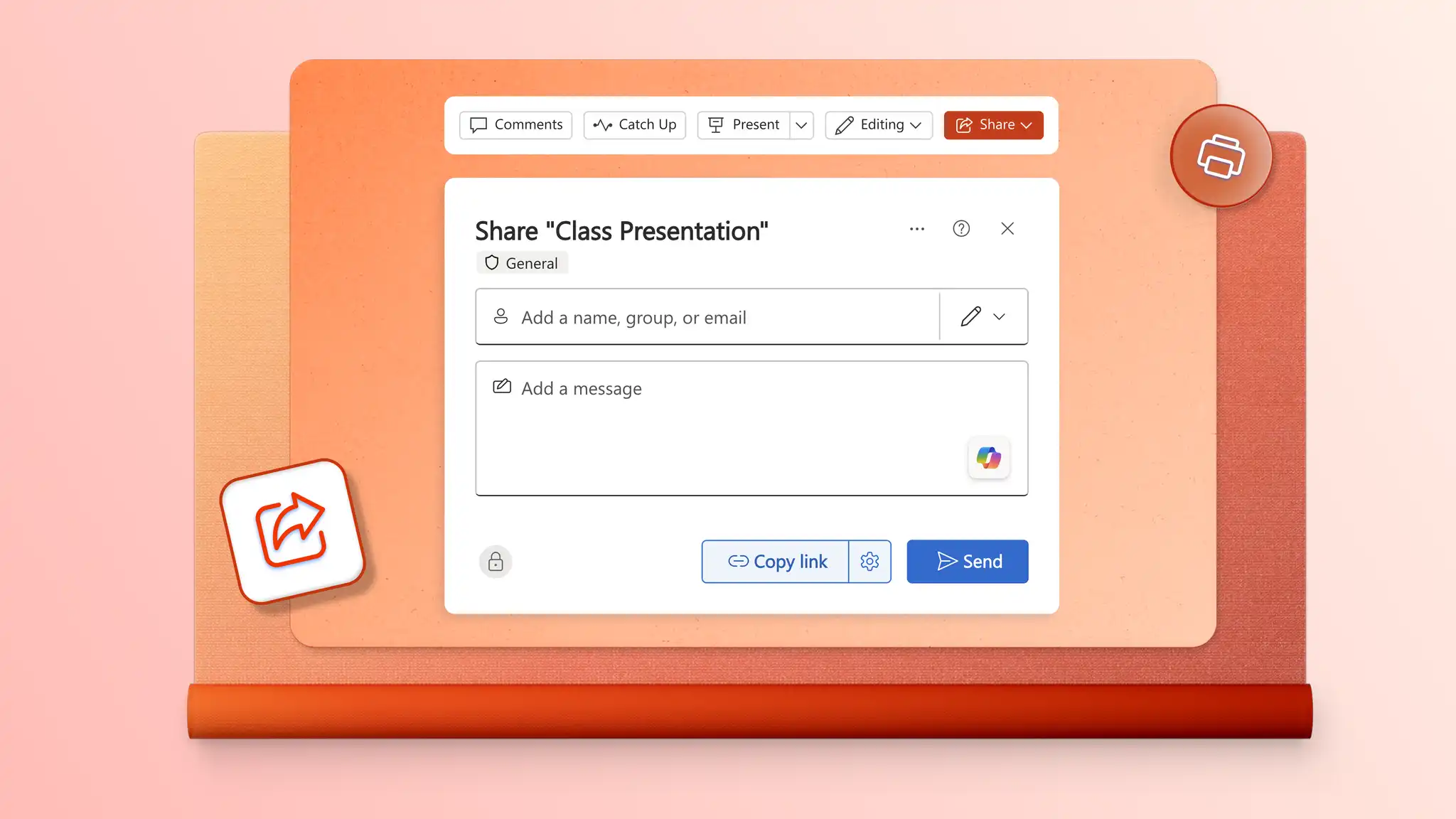
Deel onderwijspresentaties met leerlingen/studenten en collega's met behulp van beveiligde OneDrive-koppelingen die de toegang beheren. Voeg dia's als pdf-bestand toe aan e-mail voor eenvoudige distributie. Druk af in hoge kwaliteit voor hand-outs, studiegidsen en klasactiviteiten.