
Знакомство с Copilot в PowerPoint
Экономьте время при разработке и создании презентаций с использованием ИИ, применяя Copilot в Microsoft PowerPoint.
Создавайте профессиональные презентации с помощью ИИ

Презентации, сгенерированные ИИ с помощью простых запросов
Используйте Copilot для преобразования идей в полноценную презентацию, сгенерированную ИИ. Просто опишите тему, и Copilot предложит текст, варианты оформления и пользовательские визуальные элементы, что поможет быстро перейти от концепции к готовым слайдам.

Создавайте уникальные изображения и графику с помощью ИИ
Создавайте высококачественные пользовательские графические элементы в PowerPoint с помощью ИИ. Попросите Copilot сгенерировать дизайн, например, изображение, инфографику или фон, а затем легко скачайте и добавьте его на слайды. Выберите один из множества вариантов дизайна.

Создайте черновик увлекательных заметок говорящего, подготовленных с использованием ИИ
Превратите слайды в последовательный рассказ с помощью сгенерированных ИИ заметок говорящего. Используйте Copilot для создания контекстно-зависимых заметок к каждому слайду, что улучшает повествование и помогает говорящему уверенно взаимодействовать с любой аудиторией.
Узнайте, как использовать Copilot в PowerPoint для создания потрясающих презентаций

Создайте презентацию PowerPoint с помощью одного запроса
Опишите свои идеи в чате Copilot, чтобы создать презентацию с помощью ИИ. Быстро генерируйте запросы по структуре слайдов и предоставляйте уточненные параметры для существующего текста слайдов и пользовательского содержимого слайдов. Просмотрите умные предложения по макету из идей дизайна, чтобы улучшить презентацию. Ускорьте создание коммерческих предложений, презентаций для продаж и многого другого.
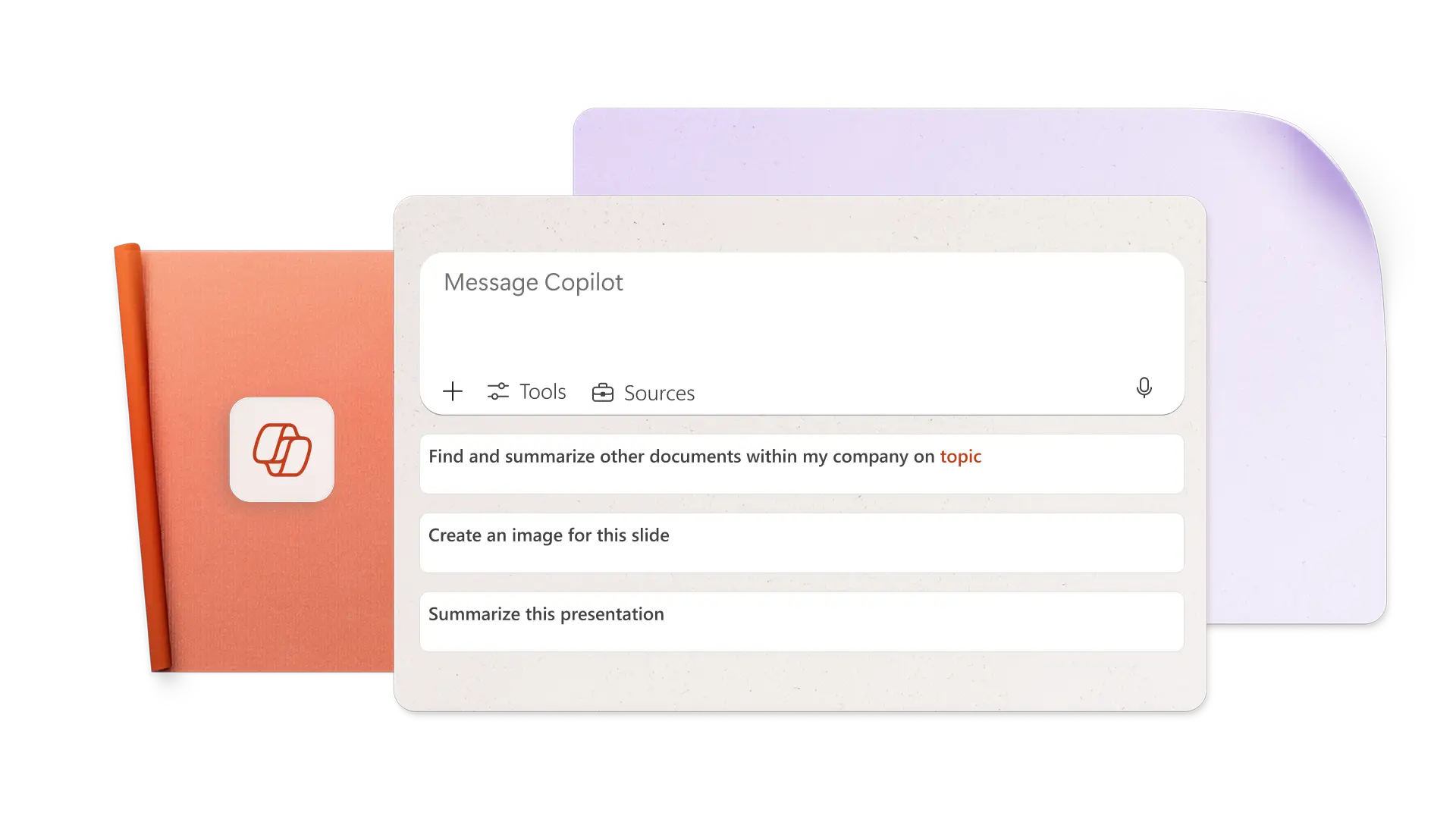
Создавайте ИИ-изображения на основе запросов в Copilot
Создайте идеальное изображение для любого слайда, описав требования к изображению и стиль оформления простыми словами. Попросите Copilot создать ИИ‑изображения и фоны для слайдов, затем легко скачайте и примените их. Он также может осуществлять поиск стоковых изображений и предлагать утвержденные материалы из Центра фирменной символики, идеально подходящие для маркетинговых презентаций.

Добавьте заметки для говорящего, созданные с помощью ИИ, для уверенного выступления
Создавайте предложения заметок говорящего с помощью ИИ одним кликом, затем добавляйте их к слайдам и выступайте уверенно. Чтобы изменить заметки, просто попросите Copilot адаптировать тон голоса к аудитории. Предугадывайте вопросы аудитории и используйте ИИ для предложения ответов. Идеальные заметки, соответствующие общему ограничению времени презентации для учебы или выступлений.
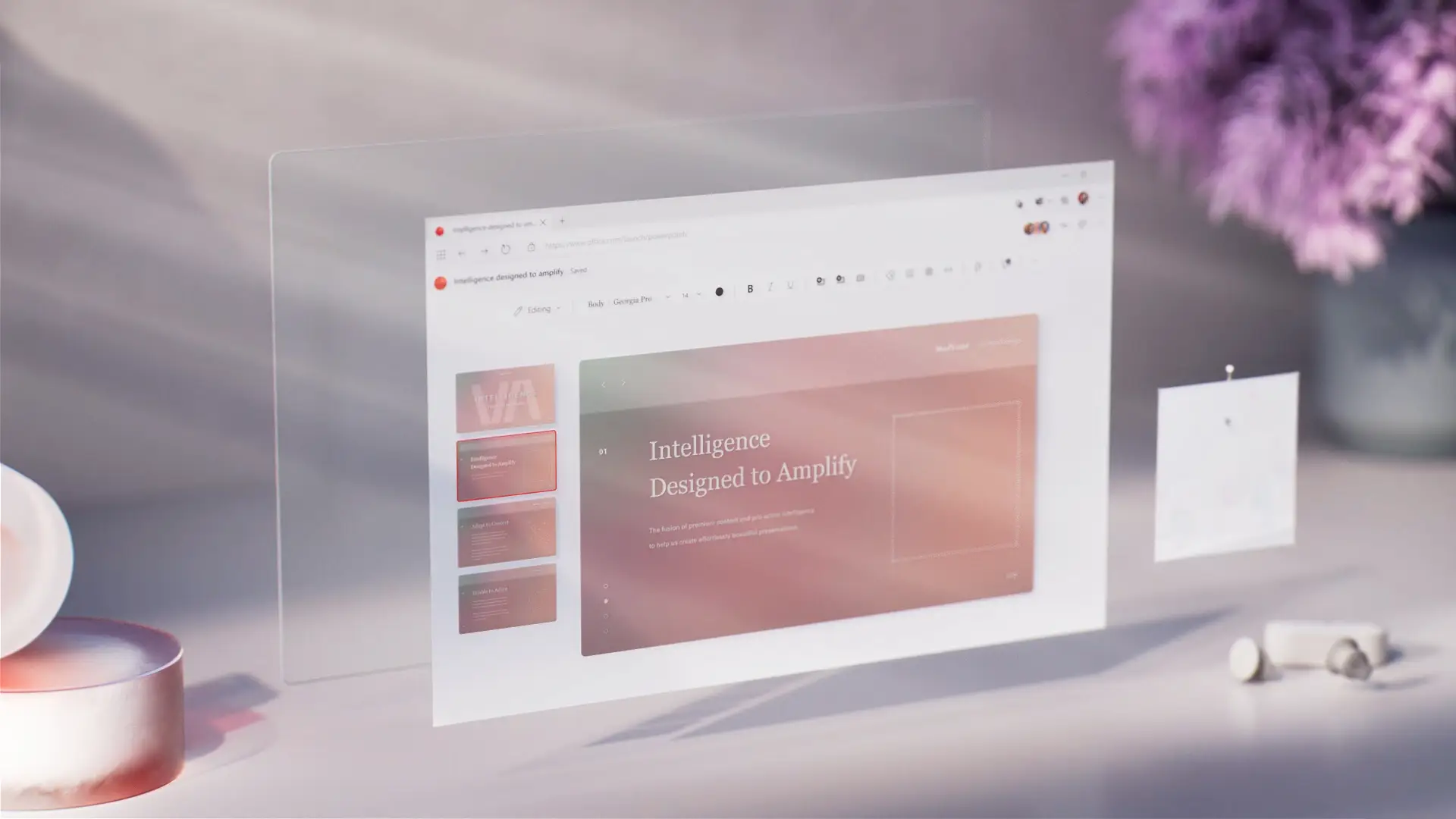
Совместно работайте в сети и делитесь сведениями с кем угодно
Пригласите участников группы редактировать презентации PowerPoint в реальном времени. Для удобного просмотра пунктов плана действий попросите Copilot определить их по комментариям. Когда презентация будет готова к показу, отправьте защищенную ссылку для доступа по электронной почте получателю или распечатайте ее, чтобы поделиться ею на собраниях.

Как создать презентацию ИИ с помощью Copilot в PowerPoint
Откройте PowerPoint и нажмите кнопку Copilot, чтобы начать чат.
Объясните идею темы или приложите справочный документ или электронную таблицу для пояснения контекста.
Просмотрите предложенный план, добавьте или удалите разделы, затем создайте черновик презентации.
Создавайте настраиваемые изображения с помощью ИИ, и добавляйте заметки говорящего.
Поделитесь презентацией об ИИ, используя защищенные ссылки OneDrive, или прикрепите ее в формате PDF к сообщению.
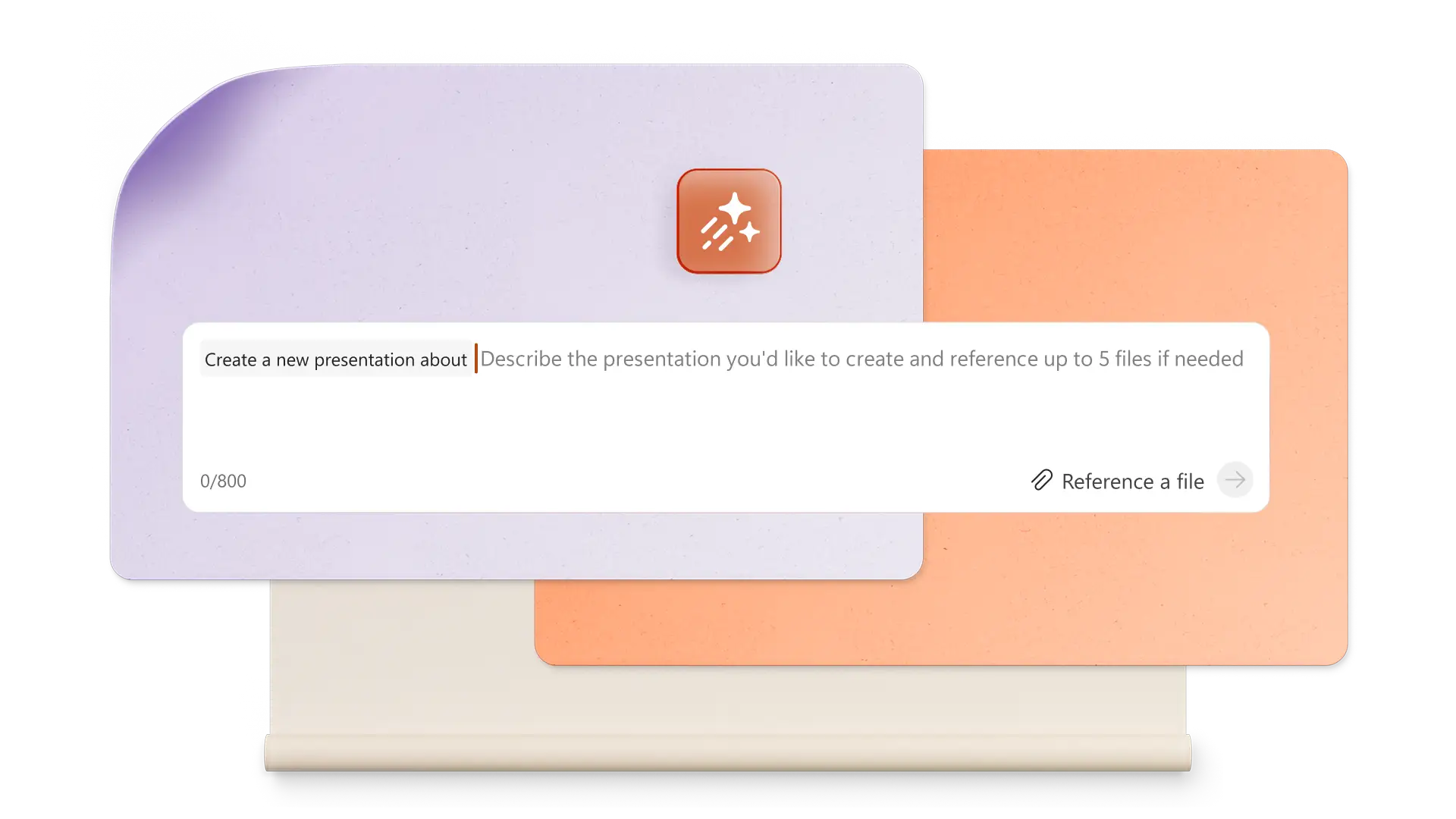
Начните с шаблонов PowerPoint для адаптации Copilot
Выберите шаблоны для бизнеса, маркетинга, творческих проектов, учебы, мероприятий и многого другого, а затем используйте Copilot для настройки шаблонов в соответствии с потребностями презентации.
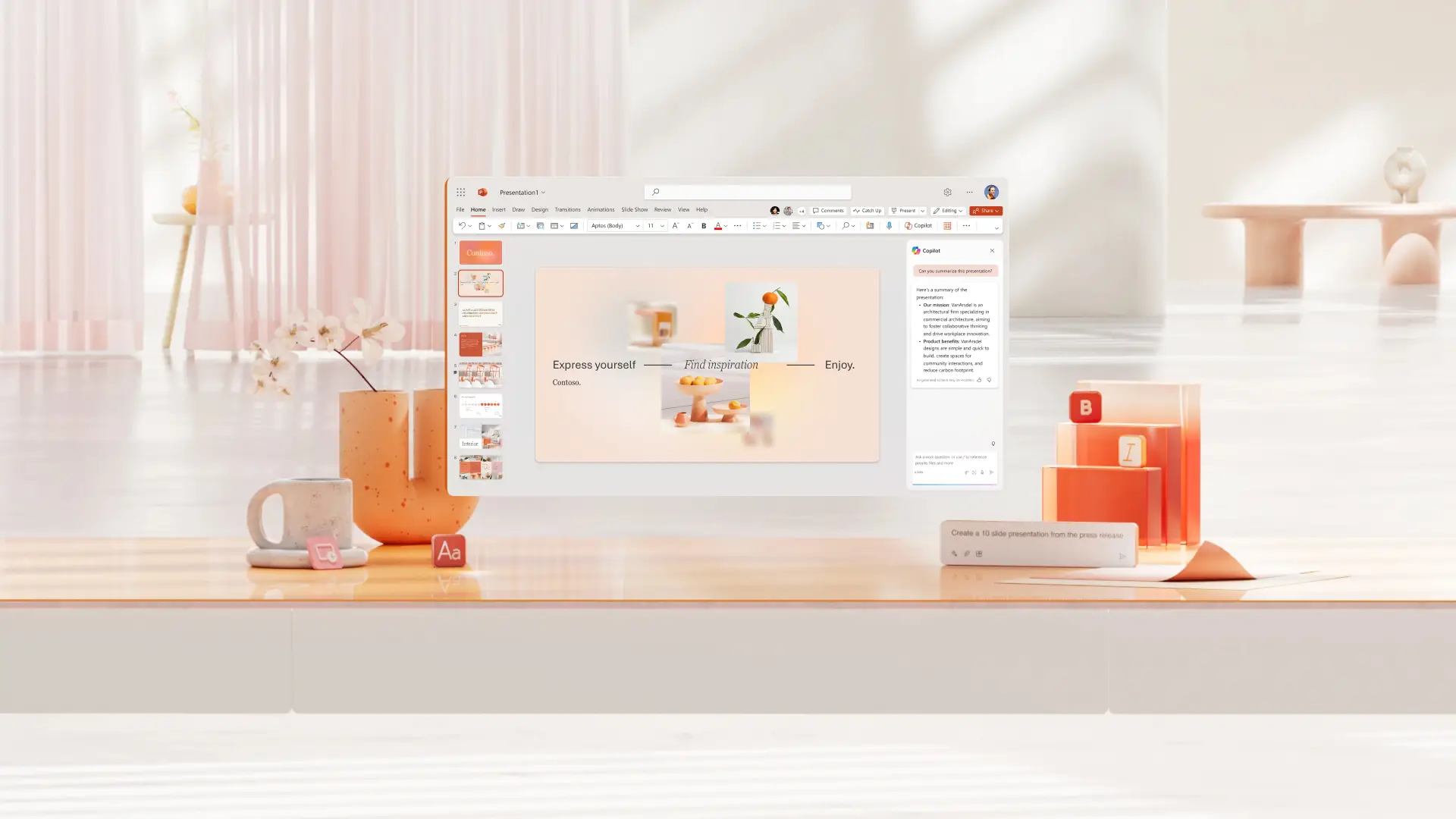


Вопросы и ответы
Как найти Copilot в PowerPoint?
В PowerPoint щелкните значок Copilot, затем опишите необходимые параметры презентации и прикрепите соответствующие документы Word, электронные таблицы и другие графические материалы, чтобы предоставить контекст и создать презентацию.
Может ли Copilot создать презентацию PowerPoint?
Copilot может создать презентацию PowerPoint с использованием ИИ на основе темы или документа. Предоставьте Copilot сведения о презентации, просмотрите начальный план, а затем создайте презентацию.
Добавление Copilot в PowerPoint
Функция Copilot доступна в PowerPoint для всех, у кого есть подписка на Microsoft 365 персональный или для всей семьи или подписка на Copilot Pro. В бесплатных тарифных планах и некоторых бизнес-планах доступ к Copilot отсутствует; чтобы воспользоваться функциями создания презентаций на основе ИИ, рассмотрите возможность перехода на более дорогой тарифный план.
Может ли Copilot создавать слайды PowerPoint?
Общайтесь в чате с Copilot, чтобы быстро создавать отдельные слайды PowerPoint и добавлять их в презентацию. Позвольте Copilot создать новую визуализацию на основе таблицы данных, слайда с ключевыми выводами, слайда с заключением или другого типа слайда.