Botanik pazarlama toplantısı

Microsoft PowerPoint'te şablonlar ve yapay zeka ile pazarlama planları ve satış konuşmaları oluşturup paylaşın.

Bir şablon üzerinde oluşturun veya sıfırdan başlayın. Düzenleri yeniden düzenlemek için sürükleyip bırakın, ardından hızlı kampanya sunumlarından herhangi bir pazarlama bağlamına uygun metin, simgeler, grafikler ve çizelgeler ekleyin, eksiksiz marka stratejilerine kadar uyarlayın.

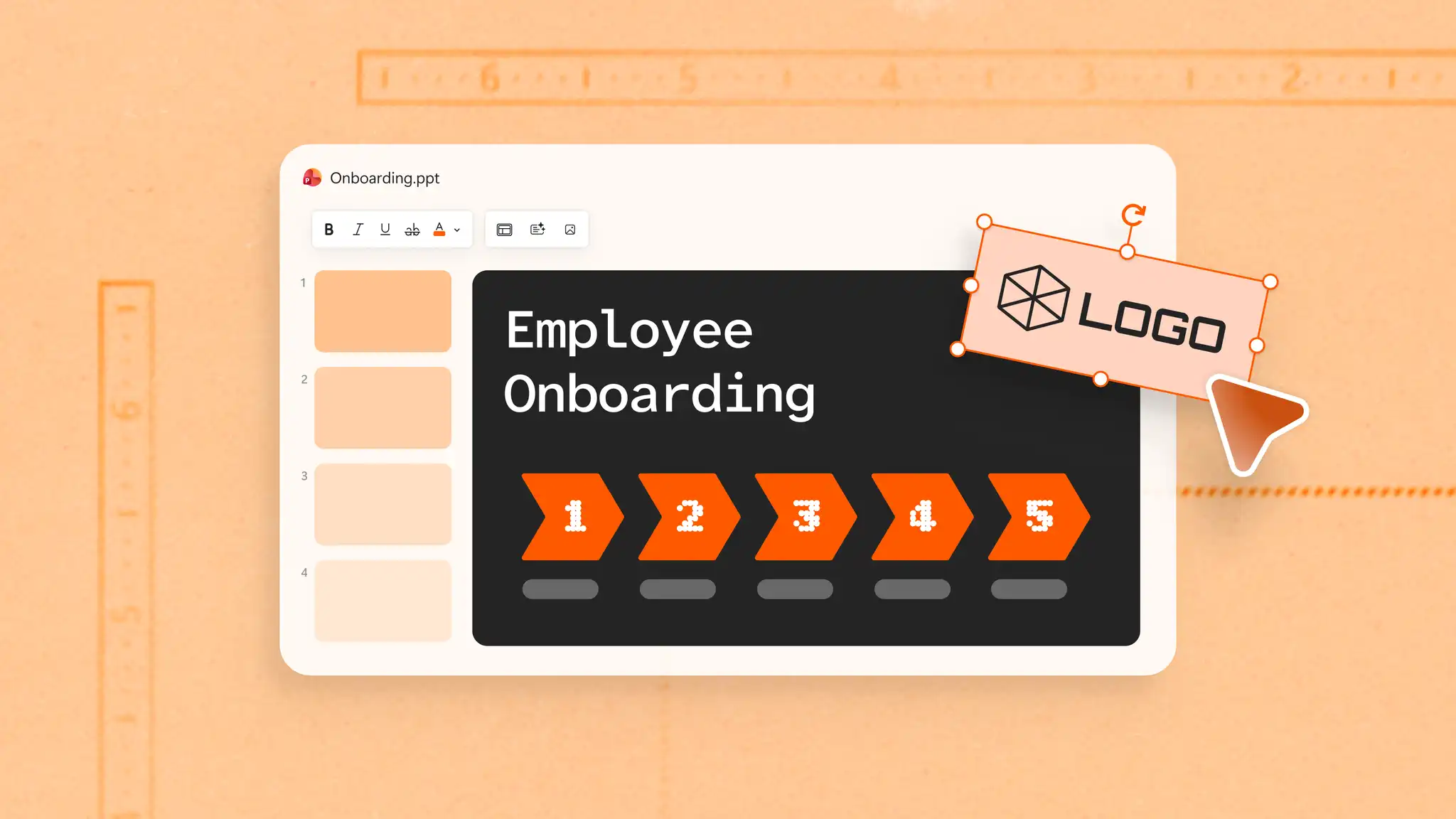
marka renklerini her slaytta Asıl Slayt ayarlarıyla tutarlı bir şekilde kullanın ve sunuların el ile biçimlendirme olmadan şık kalmasını sağlayın. Anında güvenilirlik için bir logo ekleyin ve müşteriler ve paydaşlar arasında tanınırlık oluşturun.

PowerPoint'te Copilot ile pazarlama başlıklarını, ana mesajları taslak haline getirin ve kampanya belgelerini destelere dönüştürün. Desteleri farklı hedef kitleler için YAPAY ZEKA ile yeniden yazma kullanarak mesajlaşmayı ve tasarımı sıfırdan başlamadan uyarlayın.

Sosyal medya kampanyaları, dijital pazarlama planı sunumları ve marka stratejisi sunumları için örneklere göz atın. Özel logolar, renkler ve yazı tipleriyle uyum sağlayın.
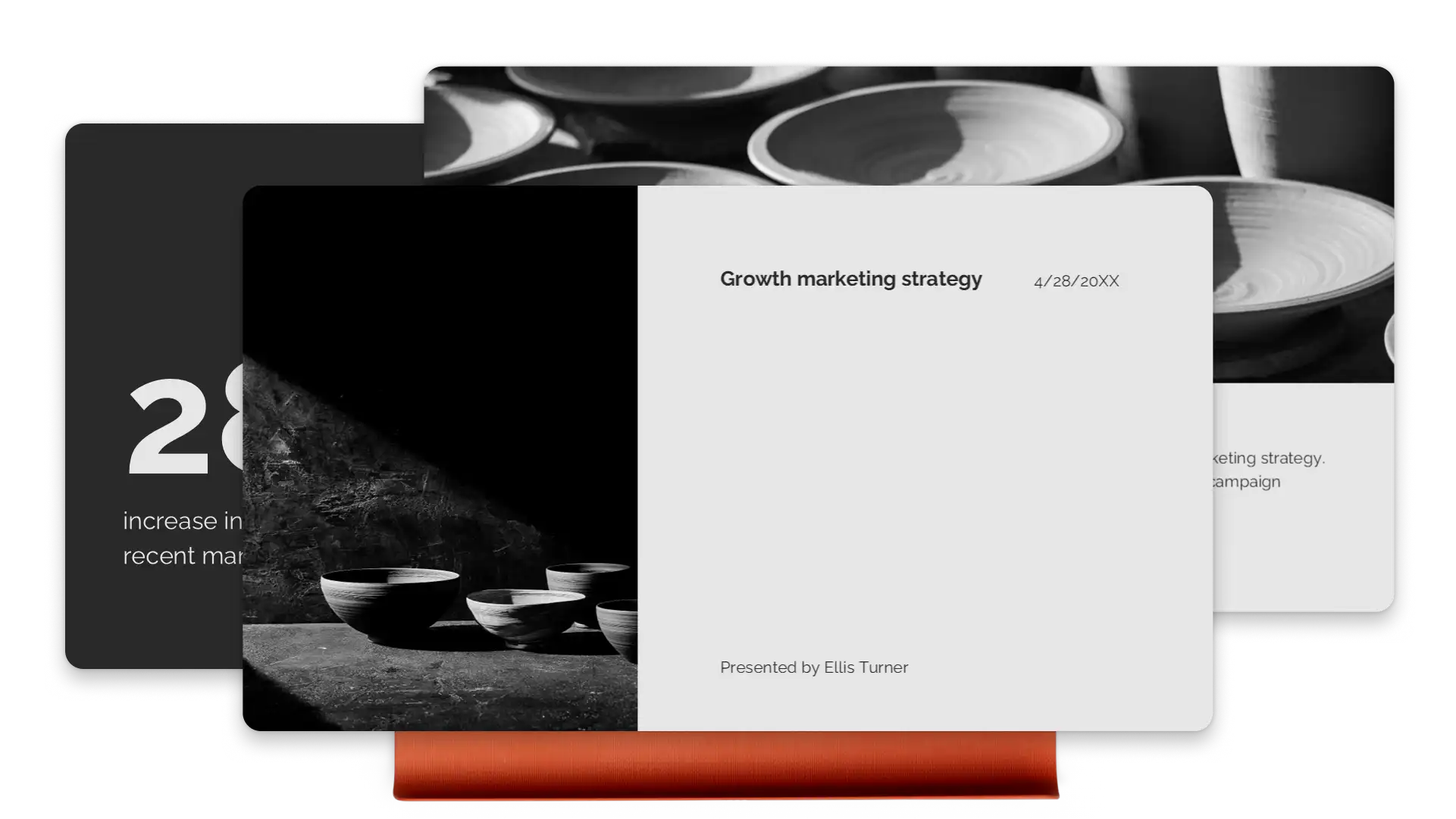
Karmaşık fikirleri takip etmeyi zorlaştıran ilgi çekici slayt animasyonları ve geçişler kullanarak izleyicilere önemli noktaları gösterin. Metinleri, resimleri ve grafikleri sorunsuz bir şekilde dönüştürün dönüşüm slaydı geçişi (opens in a new tab). İyi akan pazarlama sunumları ve portföylerle izleyicileri etkileyin.
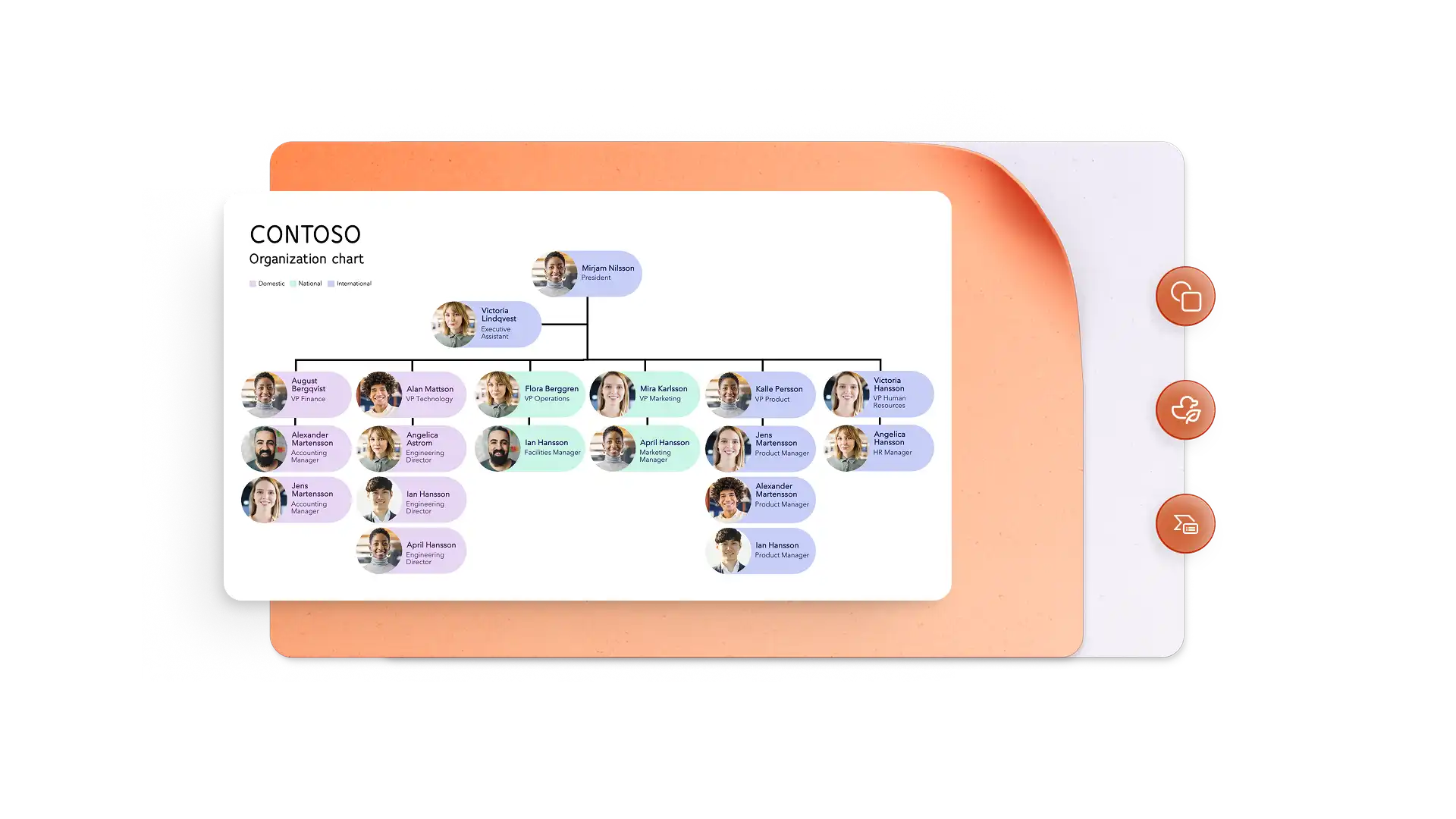
Performans ölçümlerini görsel hikayelere dönüştürün infografik oluşturucu ve SmartArt grafikleri. Net, taranabilir görseller içeren kampanya zaman çizelgeleri görüntüleyin. Marka videoları yerleştirin veya Cameo'yu kullanarak sahayı öne çıkarın ve kişisel bir bağ kurun.
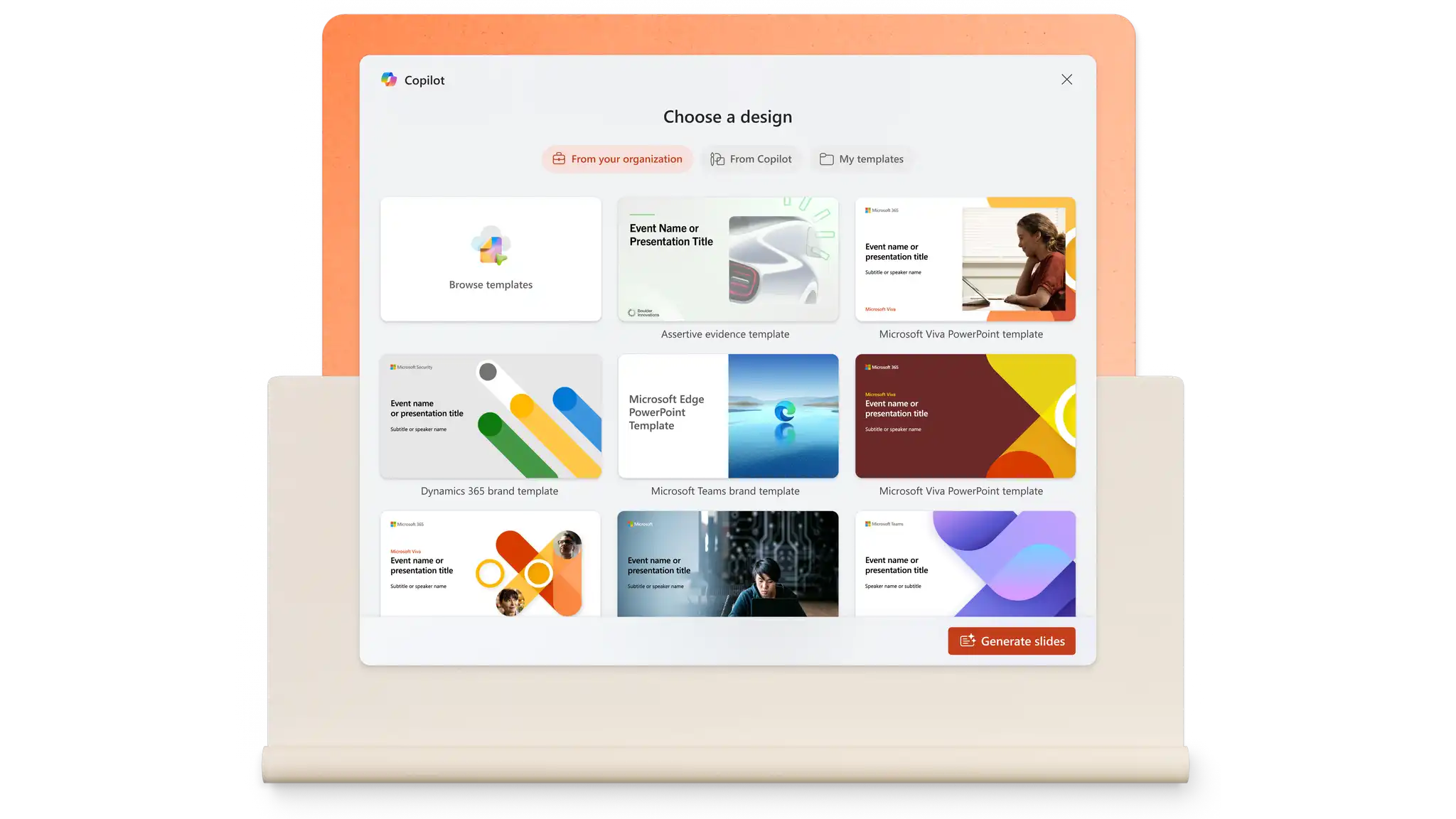
PowerPoint'te Copilot ile bir istemden slaytlar oluşturun veya mevcut dosyalardan içerik çekin. Tek bir istemle konuşmacı notları oluşturun, farklı kitleler için mesajı uyarlayın ve tasarımı iyileştirin. bu YAPAY ZEKA sunu oluşturucu yapıyı ve biçimlendirmeyi saniyeler içinde halleder.
Herkes tek bir yerden katkıda bulunabildiğinde pazarlama desteleri daha hızlı bir araya gelir. Açıklamalar ve bahsetmeler, geri bildirimin slaytlara bağlı kalmasını sağlayarak kişileri etiketlemeyi ve görevleri ileriye taşımayı kolaylaştırır. Kuruluş açısından güvenli bağlantılar, ajanslara ve serbest çalışanlara ihtiyaç duydukları erişimi sağlarken hassas içeriği korur.

Bitmiş bir desteyi paylaşmak saniyeler sürer. Bir sunuyu PDF olarak indirin veya her zaman en son sürümü gösteren güvenli bir OneDrive bağlantısı gönderin. Toplantılar için, PowerPoint Canlı (opens in a new tab) Microsoft Teams'de bulunan PowerPoint Canlı uygulaması, devralmak özellikler sayesinde uzaktaki izleyicilerin ilgisini canlı tutar. Her şey bulutta olduğundan, sunum sorunsuz çalışır.
Tarayıcıda, PowerPoint pazarlama sunusu şablonlarını keşfedin.
Bir şablon seçin ve yer tutucu metni pazarlama içeriğiyle değiştirin.
Görselleri düzenleyin ve görseller, marka logosu ve tercih edilen yazı tipi stillerini ekleyin.
Sunuları çevrimiçi kaydedip ücretsiz paylaşın veya PDF olarak e-posta olarak indirin.
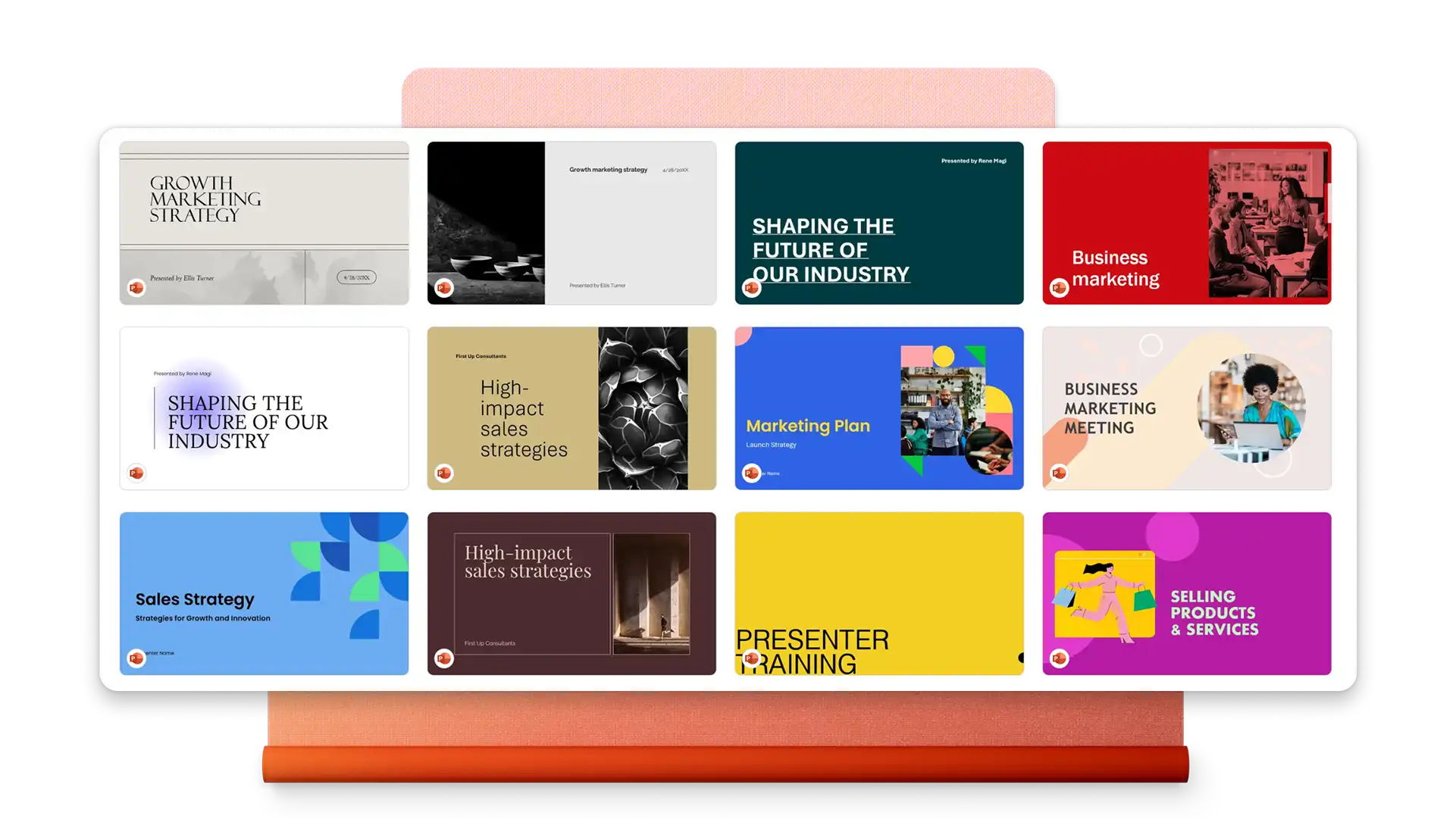
Bir pazarlama sunumu tipik olarak pazarlama hedeflerine, hedef kitle içgörülerine, strateji ve taktiklere, uygulama zaman çizelgesine, bütçe tahsisine ve temel performans ölçümlerine genel bir bakış içerir. Grafikler, marka varlıkları ve veri görselleştirmeleri gibi görsel öğeler, karmaşık bilgilerin paydaşlara net bir şekilde iletilmesine yardımcı olur.
PowerPoint'te bir pazarlama planı sunusu şablonuyla işe başlayın. Yer tutucu içeriği yönetici özeti, pazar analizi, hedefler, stratejiler ve eylem öğeleri ile değiştirin. Bütçeleri ve zaman çizelgelerini görselleştirmek için grafikler ekleyin, sonra PowerPoint'te Copilot ile mesajlaşmayı geliştirebilir ve konuşmacı notları oluşturabilirsiniz.
PowerPoint, sosyal medya pazarlama sunuları için tasarlanmış şablonlar sunar. Kampanya takvimleri, platforma özel stratejiler ekleyin pazarlama el ilanı örnekleri ve performans ölçümleri. Videoları ekleyin ve içerik iş akışlarını ve hedef kitle belirleme yaklaşımlarını göstermek için SmartArt kullanın.