
PowerPoint templates
Create stunning PowerPoint slides for work, school, or personal needs using professional templates in Microsoft PowerPoint. Customize text and update design with AI.

Versatile business presentation templates
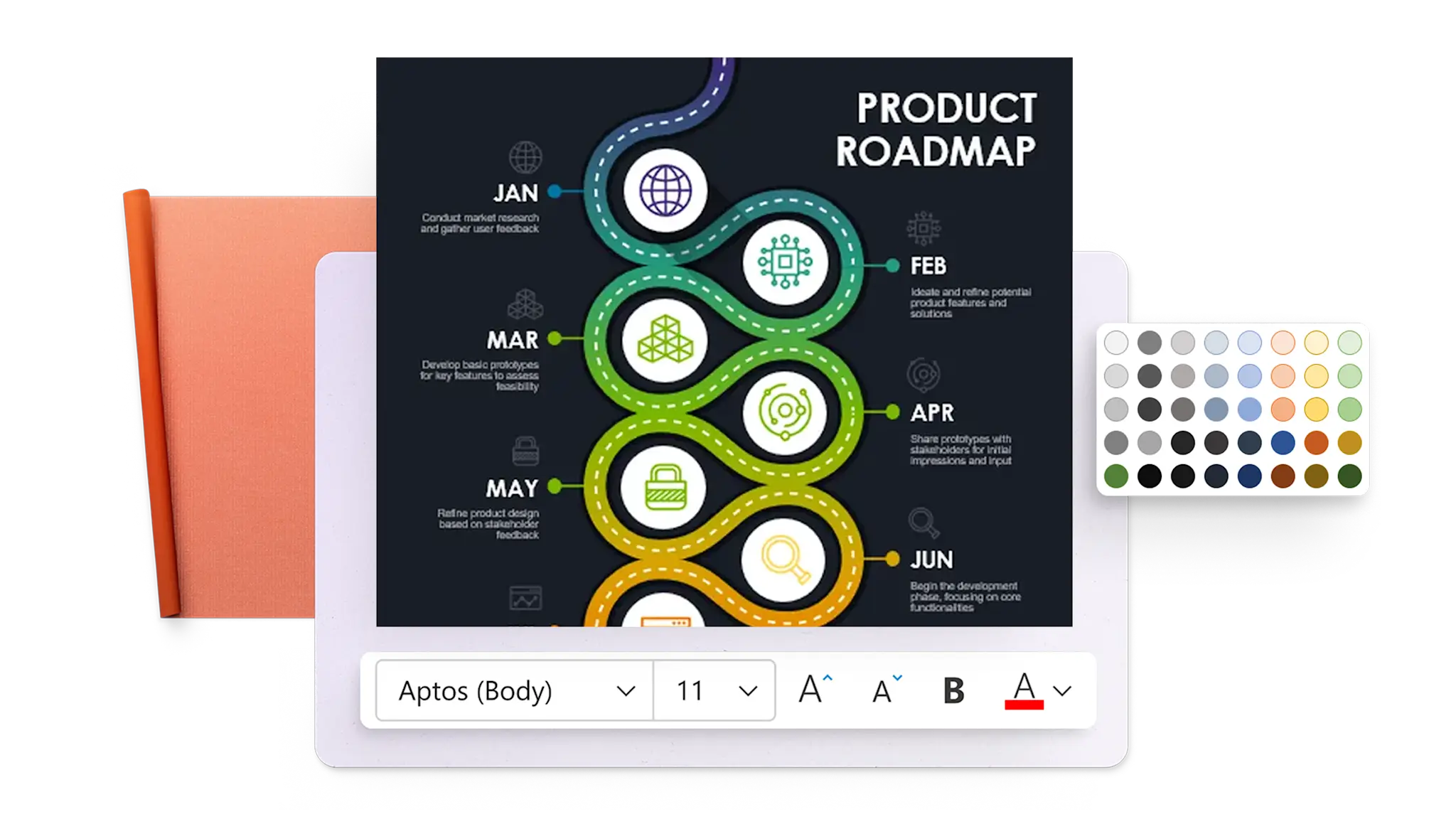
Business proposals: clearly outline plans and secure deals with business decks and professional proposal templates.
Project planning: organize timelines, assign tasks, and track timelines with clear project templates.
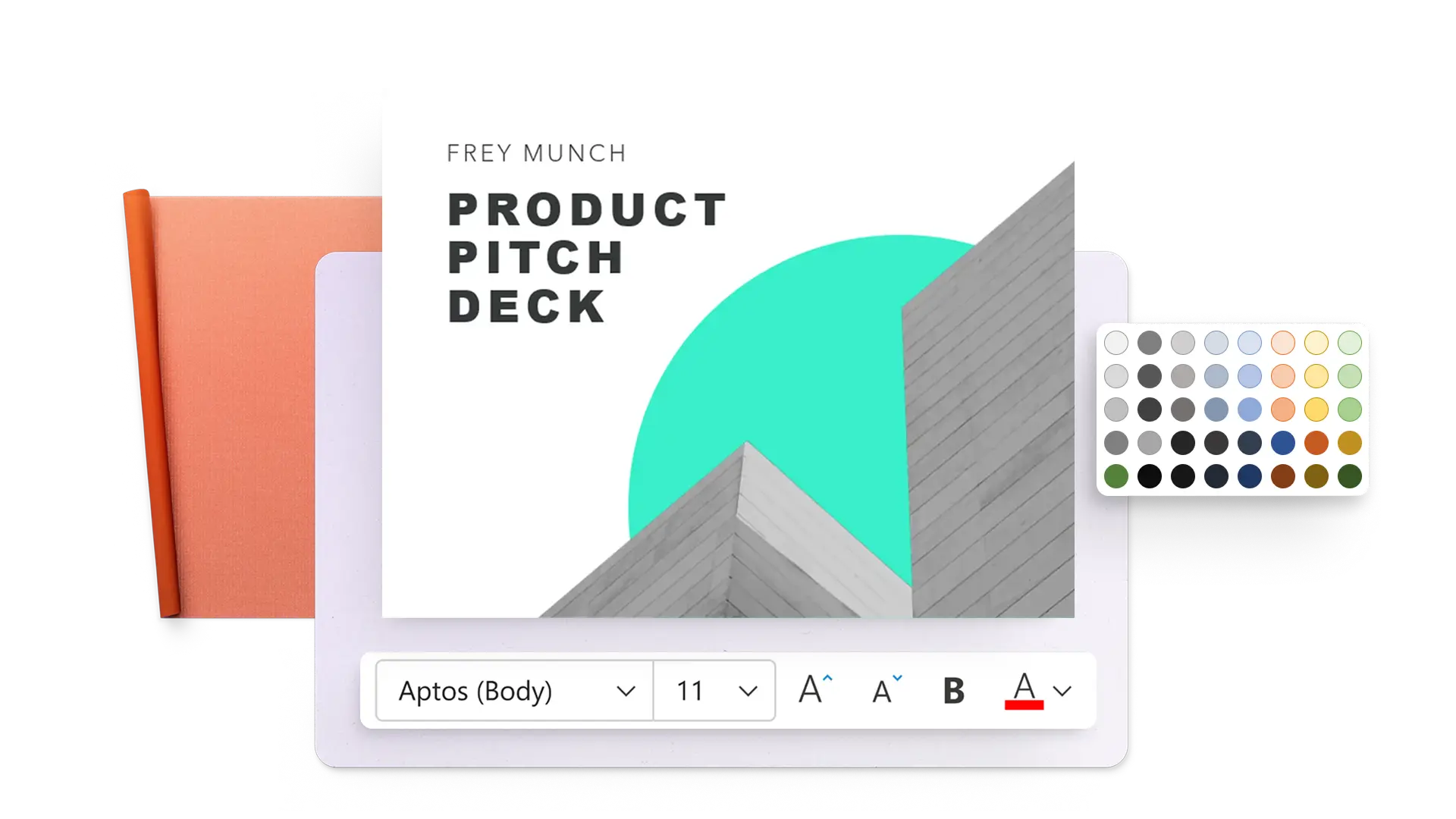
Pitch decks: create compelling investment presentations or showcase experience.
Employee training: develop step-by-step training decks to onboard and upskill teams.
Engaging templates for teaching and learning
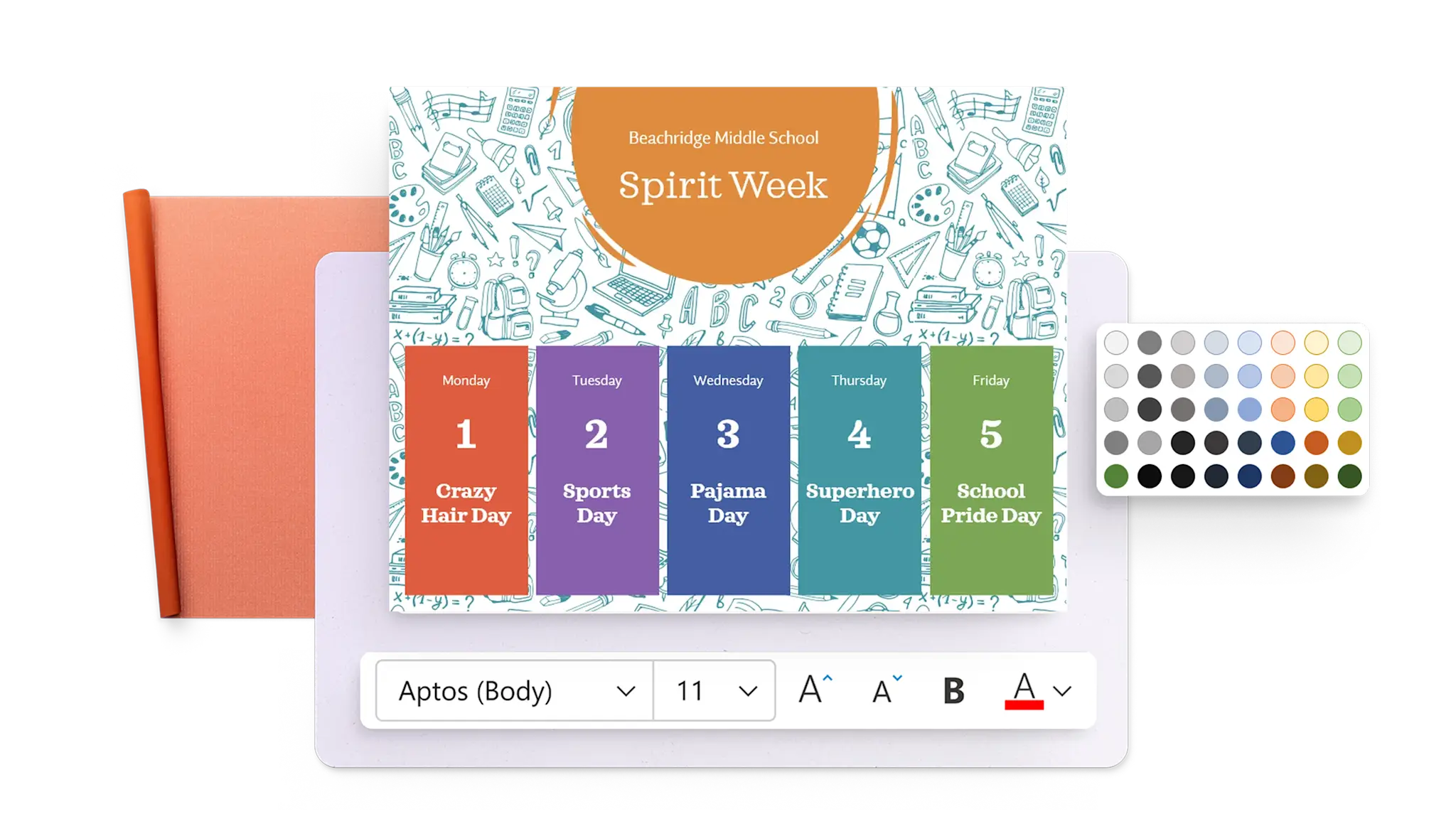
Education: produce fun and informative slides for school subjects.
Teacher presentations: deliver organized, captivating lessons with templates for teachers.
Class posters: reinforce key lessons and brighten classrooms with colorful, customizable poster designs.
Certificates: recognize student achievement and participation with ready-to-print awards.
Creative personal project templates
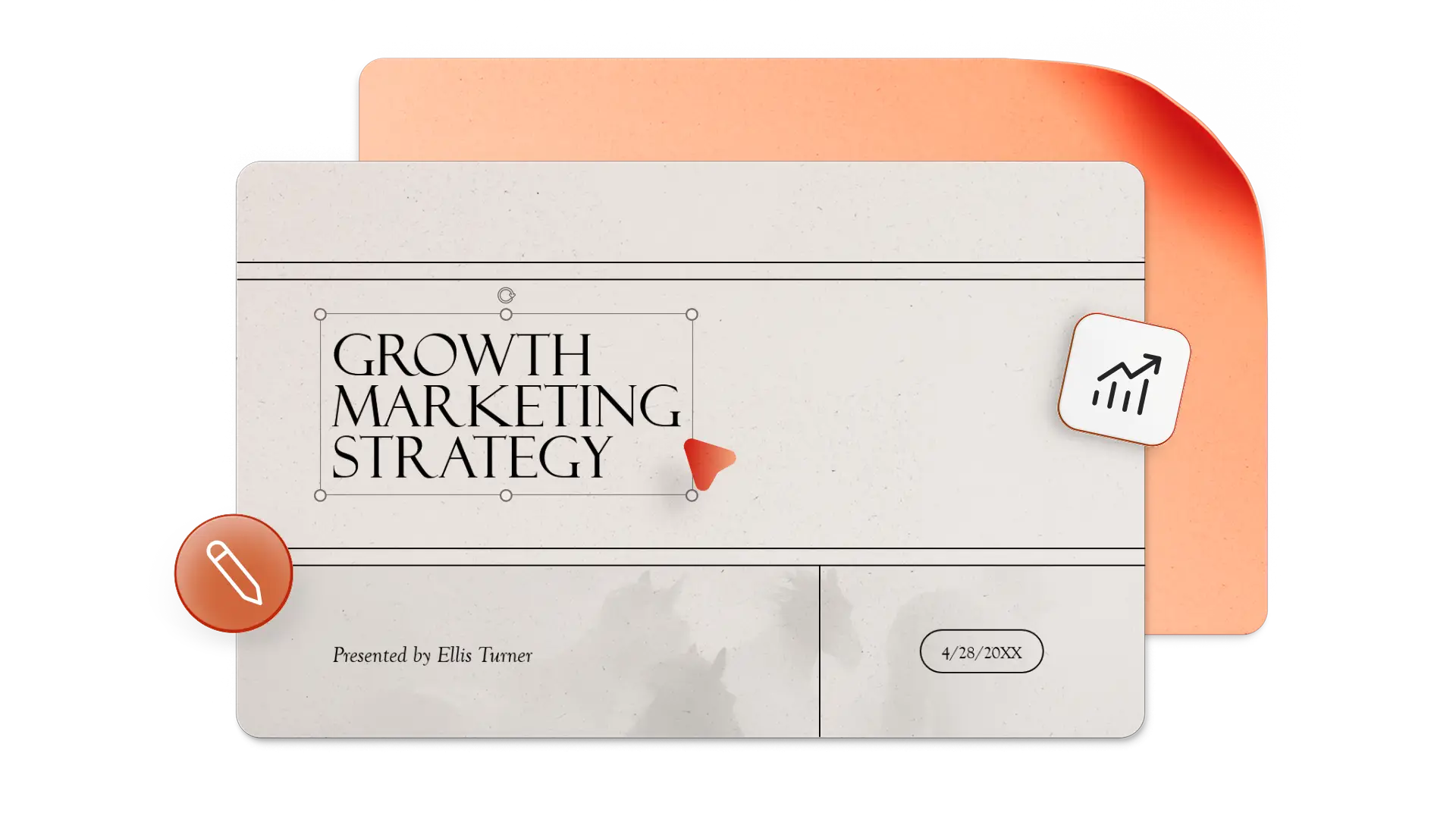
Presentations: tell a visual story for any topic with presentation templates.
Flyers: promote events, sales, or announcements with vibrant easy-to-customize flyers.
Scrapbooks: preserve favorite memories and photos in a digital keepsake with photo album templates.
Portfolio presentations: showcase creative work, case studies, or career highlights with portfolio templates.

Edit templates easily
Make any template presentation-ready in minutes with PowerPoint design tools and Microsoft Copilot. Replace placeholder text and images to suit the topic, then apply a theme to roll out brand colors and fonts across slides. Copilot in PowerPoint can also suggest layouts that suit the slide type, like agenda or summary slides, and generate unique visuals in the chat.
Download and share presentations
Update and save PowerPoint presentations online for free. Build and share any presentation seamlessly, from investor presentations to school posters. Save finished presentations as a PowerPoint file, PDF, or share a secure link via OneDrive for access from anywhere.
Frequently asked questions
What to use PowerPoint templates for?
PowerPoint templates suit projects of all kinds. Use them for sales presentations, academic reports, personal flyers, certificates, and creative scrapbooks. Professional designers create each template to provide a beautiful, functional, and engaging foundation for any presentation.
How to start using a PowerPoint template?
Click the download link on any template page, and the file saves to the computer. Open it in Microsoft PowerPoint, then edit the text, replace images, and customize the colors to fit the presentation topic.
Can I use Copilot with PowerPoint templates?
Select a PowerPoint template then click the Copilot button to start a chat. Describe the presentation topic and suggest the recommended length of the deck. Copilot will automatically update the template with new AI presentation content. Review and request changes in the chat to perfect the presentation.