












跳转到主要内容

PowerPoint 的教育模板

借助可自定义的 PowerPoint 幻灯片模板,提升课程计划和其他教育项目的质量。

教育模板

Choose from professionally designed education presentation templates for classrooms, lectures, and workshops. Customize teacher slides and learning materials to fit any subject or grade level.

Teach well with lesson slide templates

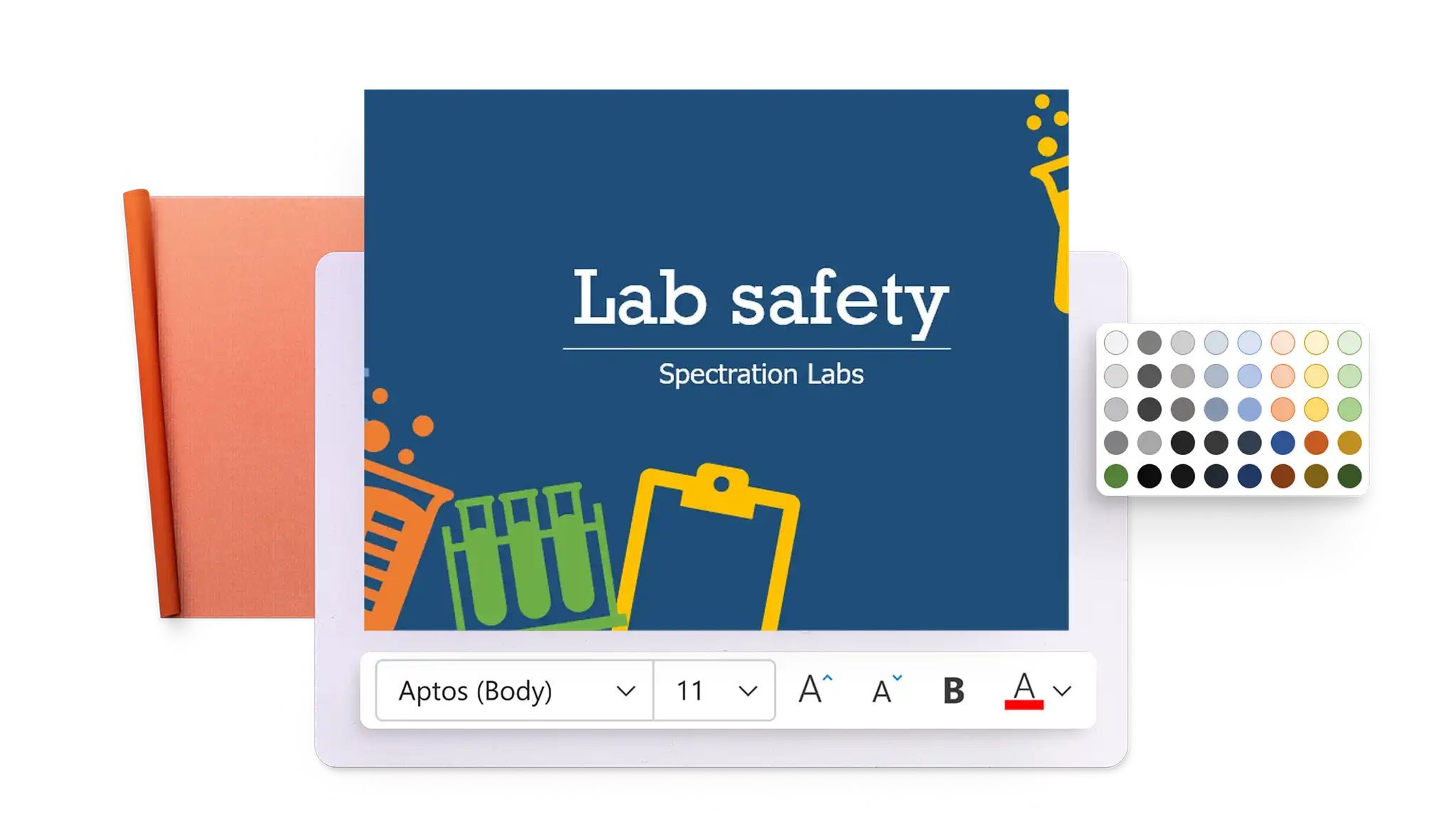
Create lesson slides for any subject using templates designed for clear, structured teaching. Customize layouts with text, images, and graphics to support learning objectives.

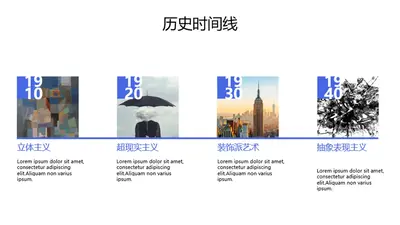
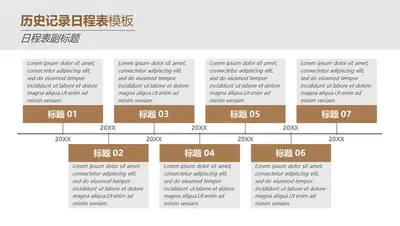
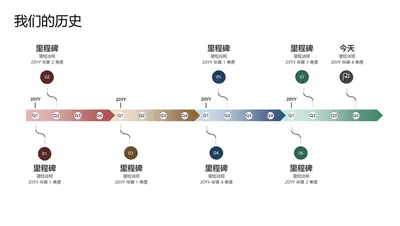
Tell stories with history presentation templates

Design history presentations for classrooms and lectures using templates designed for timelines, events, and historical figures. Customize layouts with images, maps, and supporting details.

Engage learners with science presentation templates

Make science presentations for classrooms, labs, and workshops using templates designed for experiments, data, and research topics. Customize layouts with charts, diagrams, and visuals.

How to use education templates in Microsoft PowerPoint

  1. Open PowerPoint for the web and browse education presentation templates.

  2. Select a template and customize the layout, text, and images.

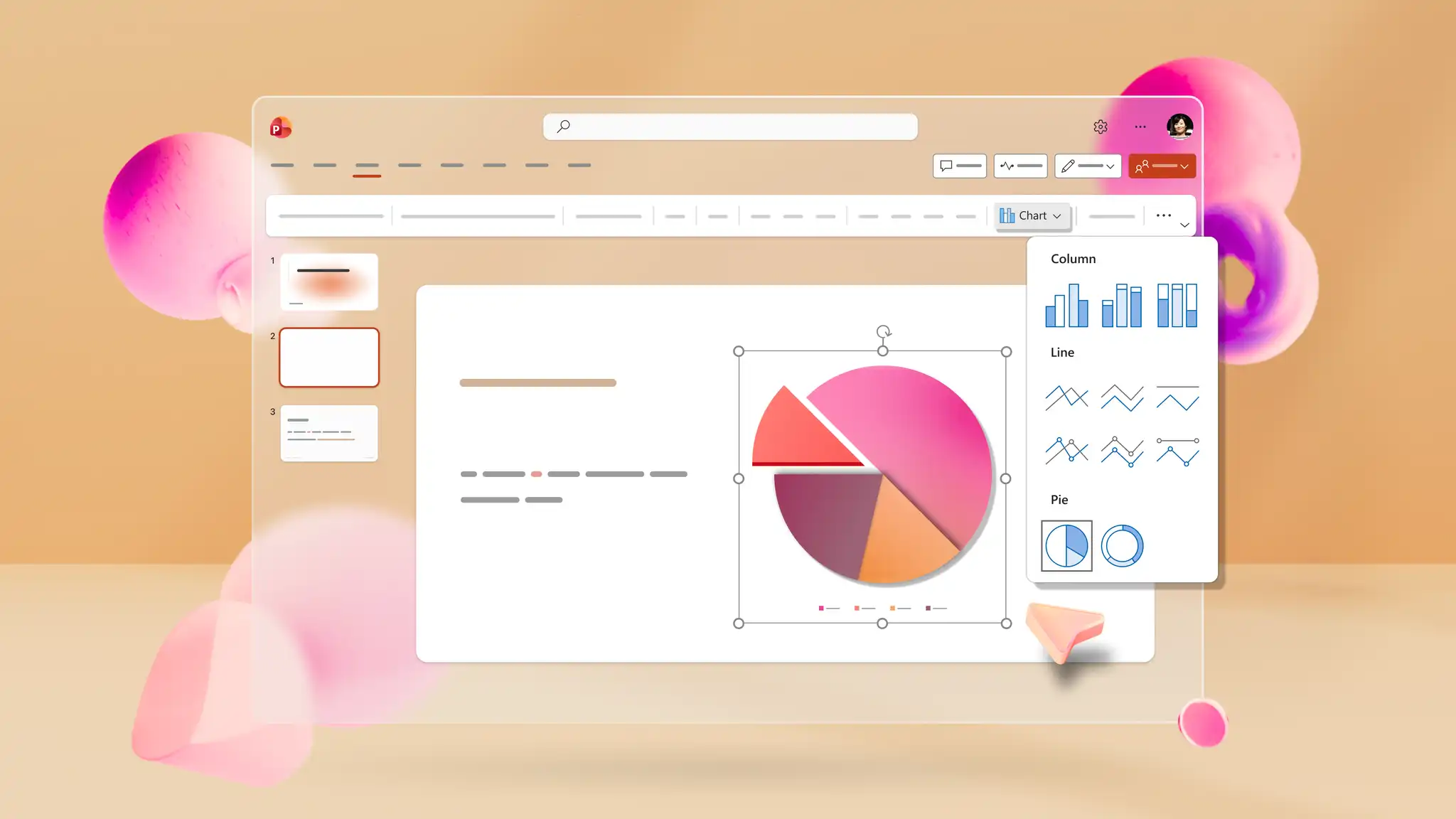
  3. Add visuals, charts, or infographics to support the lesson content.

  4. Save, print, send as a PDF, or present using PowerPoint Live.

为教室设计信息图

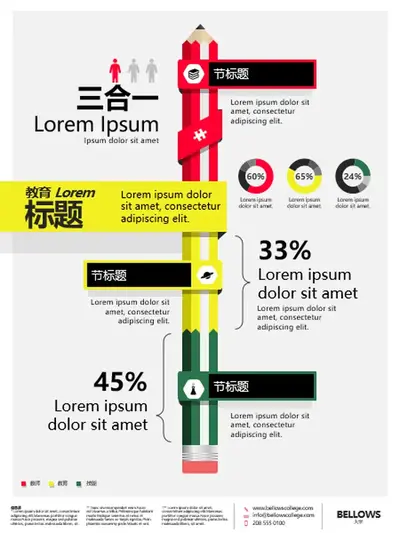
使用信息图制作工具和可编辑布局来创建课堂幻灯片和可视化摘要。添加图表、图标和图像以清晰解释主题。使用证书制作工具表扬学生成就或使用动画生成具有吸引力的演示文稿。

使用 Copilot 生成内容

PowerPoint 中的 Copilot 描述课程主题,获取针对文本、设计布局和视觉对象的建议,实现从概念到成品幻灯片的转化。在聊天中生成自定义海报设计图像或幻灯片背景,然后下载并将其添加到演示文稿。

在教室中打印、下载和共享

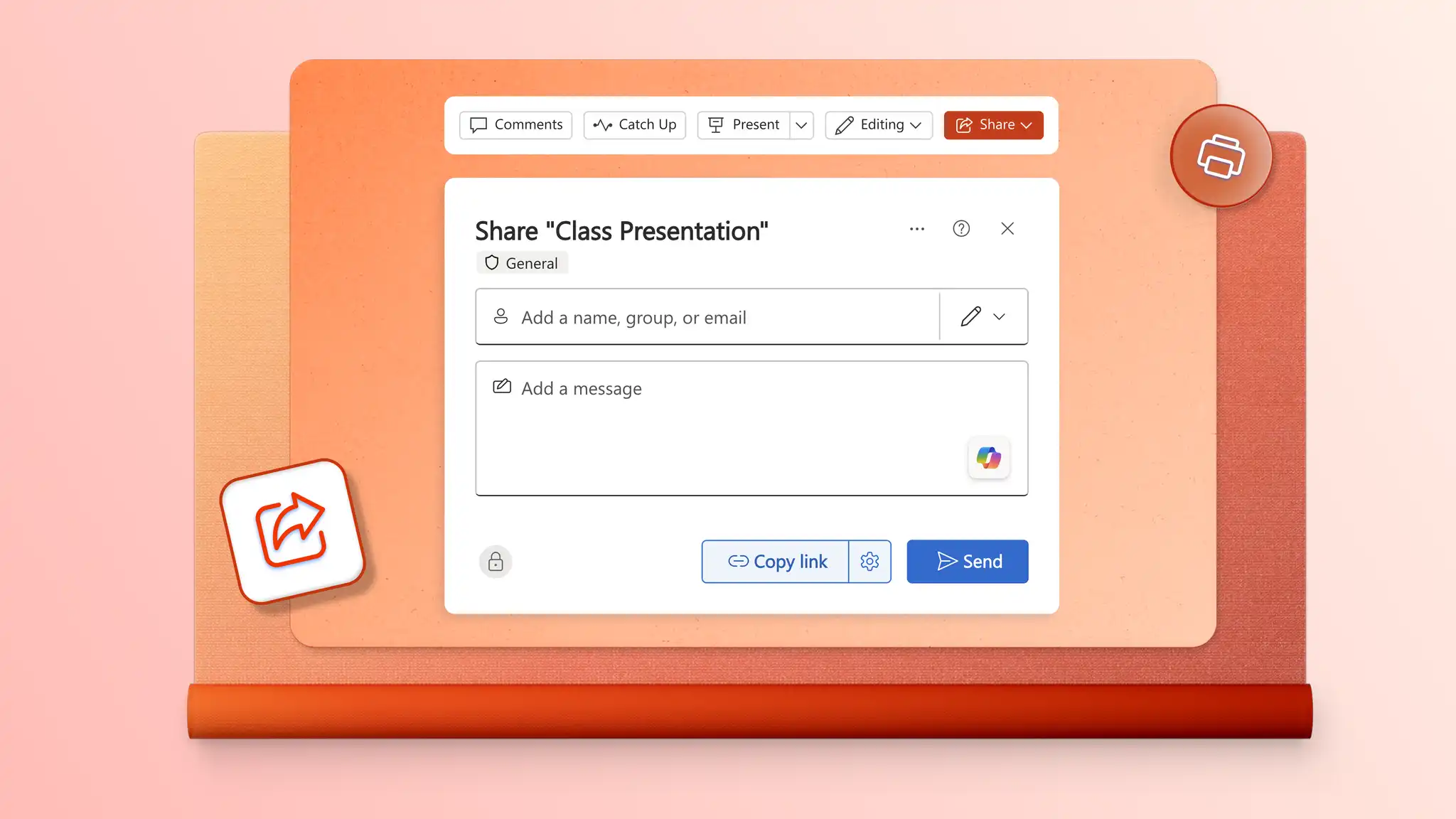
使用可控制访问的安全 OneDrive 链接与学生和同事共享教育演示文稿。幻灯片作为 PDF 附加到电子邮件,以便轻松分发。高质量地打印讲义、学习指南和课堂活动材料。

下载适用于教育领域的 PowerPoint 模板