
Business presentations
Create enterprise-grade business presentations using flexible templates, collaborative...

Review key presentation topics and takeaways with AI summaries made by Copilot in Microsoft PowerPoint.

Use Copilot in PowerPoint to generate a presentation overview, slide-wise summary, or topic-wise summary in the chat. Review key themes and ideas in summary notes to understand main points and prepare for discussions quickly.

Chat with Copilot to rewrite AI-generated summaries to suit different readers. Adjust the summary format, focus points, and level of detail to suit leadership updates, project reports, or study materials.

Generate AI summaries directly inside PowerPoint, with no need to upload slides to external websites. Copilot follows Microsoft 365 security controls, such as sensitivity labels and access permissions, to help protect work presentations.

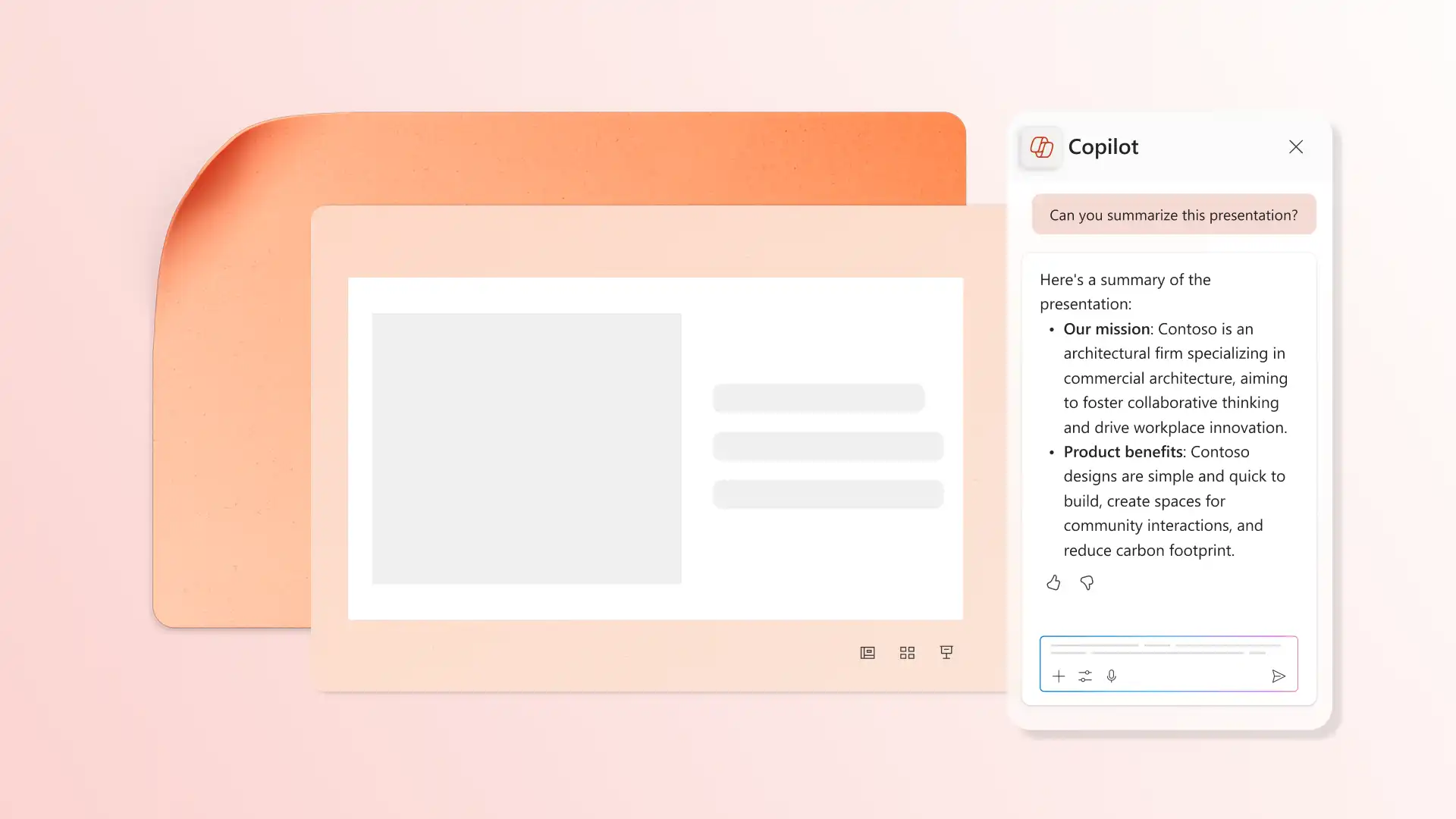
Use Copilot in PowerPoint to extract main presentation topics, insights, and key takeaways without reviewing every slide. Chat with Copilot to create slide summaries as narrative paragraphs, lists, or one-line statements to review new content or catch up on missed presentations.
Analyze presentations by content themes to find useful insights. Request Copilot to summarize a single slide, or make a topic-wise summary in the chat to identify key points. Filter long presentations by asking Copilot to show key slide summaries instead of searching manually.


Improve scannability by adding summary slides for every section. Ask Copilot in PowerPoint to summarise a section in the chat, then copy and paste into a new overview slide. Smoothly add executive summaries to proposal presentations or call-out startup highlights in a pitch deck with AI.
Turn any PowerPoint into notes, then adjust the level of detail before sharing. Copy summary points into emails to explain presentation context, or add notes to meeting agendas where the deck will be discussed, or reuse takeaways in project documents and reports to send to team members.


Ask Copilot to brainstorm relevant questions from each slide to prepare for meetings and find gaps in the presentation. Apply questions to self-test knowledge, guide meeting discussions, or to clarify next steps related to the deck.
Open PowerPoint and choose a presentation to summarize.
Click the Copilot button to start a chat, then ask AI to summarize presentation.
Specify a format for the summary, such as narrative paragraphs, lists, or short study notes.
Review the summary in the chat and ask for revisions if needed.
Copy the PowerPoint notes to share in a slide, email, or document.
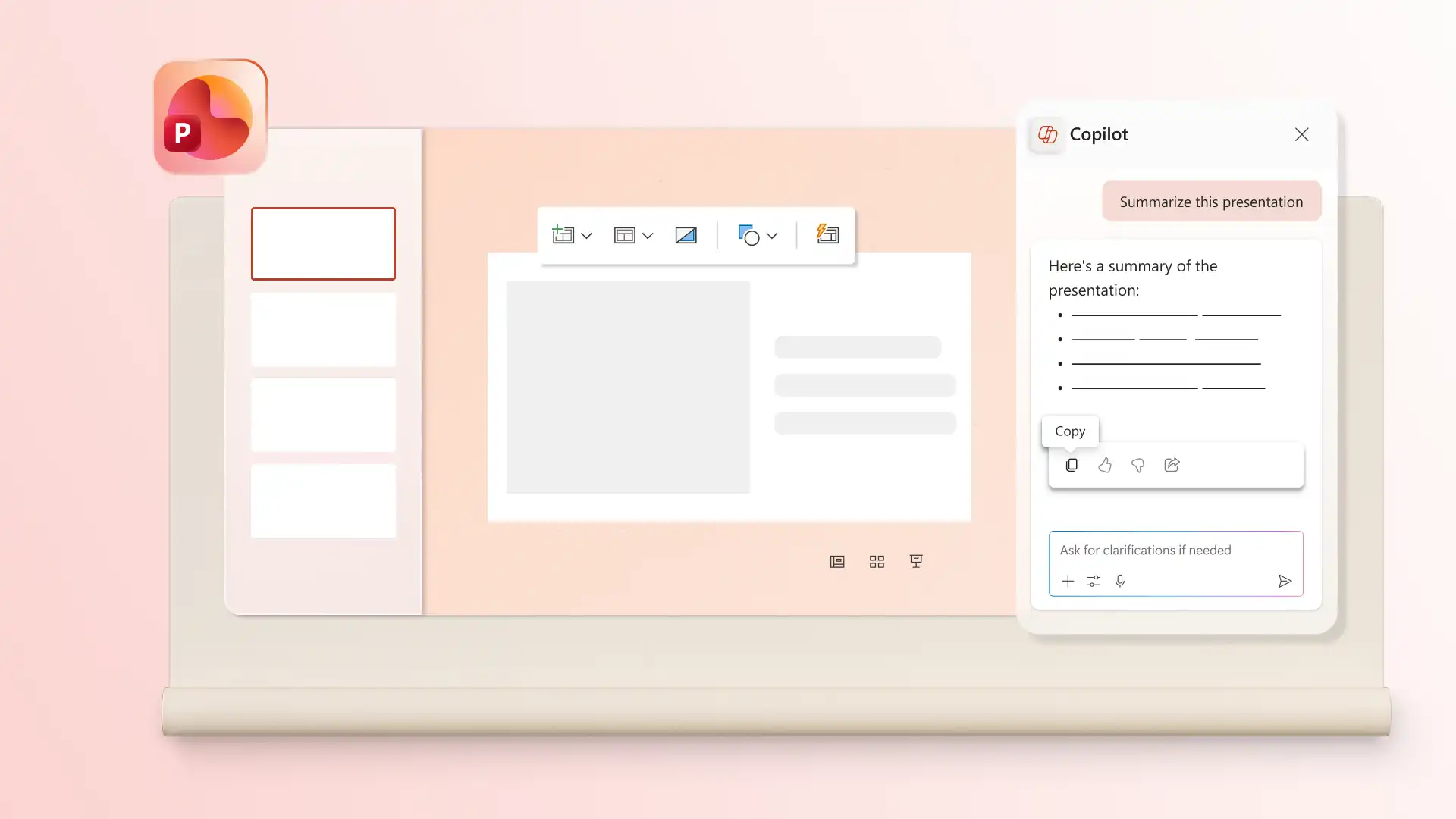
Copilot in PowerPoint can summarize a wide range of PowerPoint presentations including education decks, training decks, and marketing presentations. Copilot automatically extracts important data and presents the summary for review in chat.
Copilot identifies important topics from presentations by analyzing headings, body text, structure, and context. This works across slide content regardless of how the presentation was created, including slides built from an imported PDF.
Copilot generates AI PowerPoint summary notes in the chat. These can be copied, edited, or repurposed for different needs. Copilot can also rewrite the summary notes to match specific tones for different audiences, such as students or executives.
Copilot can summarize images in a PowerPoint presentation by describing the illustration styles or visual focus. It can summarize graphs and charts accurately if they contain readable text, labels, or data in a table format.