Moda fotoğraf kitabı

Microsoft PowerPoint'te şablonlar, geçiş efektleri ve yapay zeka destekli tasarım araçlarını kullanarak fotoğraf slayt gösterileri oluşturun.

Fotoğraf slayt gösterisi şablonlarına göz atın; resimleri, videoları ve başlıkları değiştirerek her türlü düzeni benzersiz hale getirin ve şık bir şekilde bir hikâye anlatın. Düğün albümü veya fotoğraf portföyüne uygun renkleri ve yazı tiplerini özelleştirerek sade ve profesyonel bir görünüm elde edin.

Ailenizi, arkadaşlarınızı veya iş arkadaşlarınızı fotoğraf eklemeye ve bir fotoğraf slayt gösterisini gerçek zamanlı olarak düzenlemeye davet edin. Doğum günleri veya konferanslar için slayt gösterileri üzerinde işbirliği yapmak üzere bir bağlantı paylaşın; çevrimiçi olarak kimin görüntüleyebileceği ve düzenleyebileceği konusunda tam kontrol sahibi olun, böylece her zaman doğru kişiler sürece dahil olsun.

Tasarım önerileri bölümündeki akıllı düzen seçeneklerine göz atarak her slayta etkileyici bir stil kazandırın. Görselleri veya metni ön plana çıkaran bir düzen seçin, ardından bunu her slayta kolayca uygulayın. PowerPoint’te Copilot ile oluşturulan benzersiz slayt arka planlarıyla slayt gösterilerinizi zenginleştirin.

Fotoğrafları, videoları ve açıklamaları, ayarlanabilir düzenlerle unutulmaz bir slayt gösterisine dönüştürmek için bir şablon seçin. Slayt gösterilerine kişilik katmak için slayt geçişleri ve animasyonlar ekleyin, ardından anılarınızı paylaşın veya portföyünüzü çevrimiçi olarak sergileyin.
Insert photos from a device or use free stock images that suit a theme. Add online videos to any slide or record a Cameo to give a personal touch to family photo albums and design portfolios. Format photos for large screens to play slideshows in any setting.


Import audio files to add a background track and give slideshows more personality. Use personal audio files or licensed music, then set tracks per slide to match the mood, whether it's a wedding photo album or nature slideshow. Adjust playback to automatic or on click and fine-tune volume, so music complements the narration.
Add some flair with slide transitions and animations. Try the morph effect (opens in a new tab) for a polished look, or use the classic fade, cube, or checkerboard. Layer text and image animations to build scenes step by step, so every business presentation and photo memory book holds attention from the first slide.

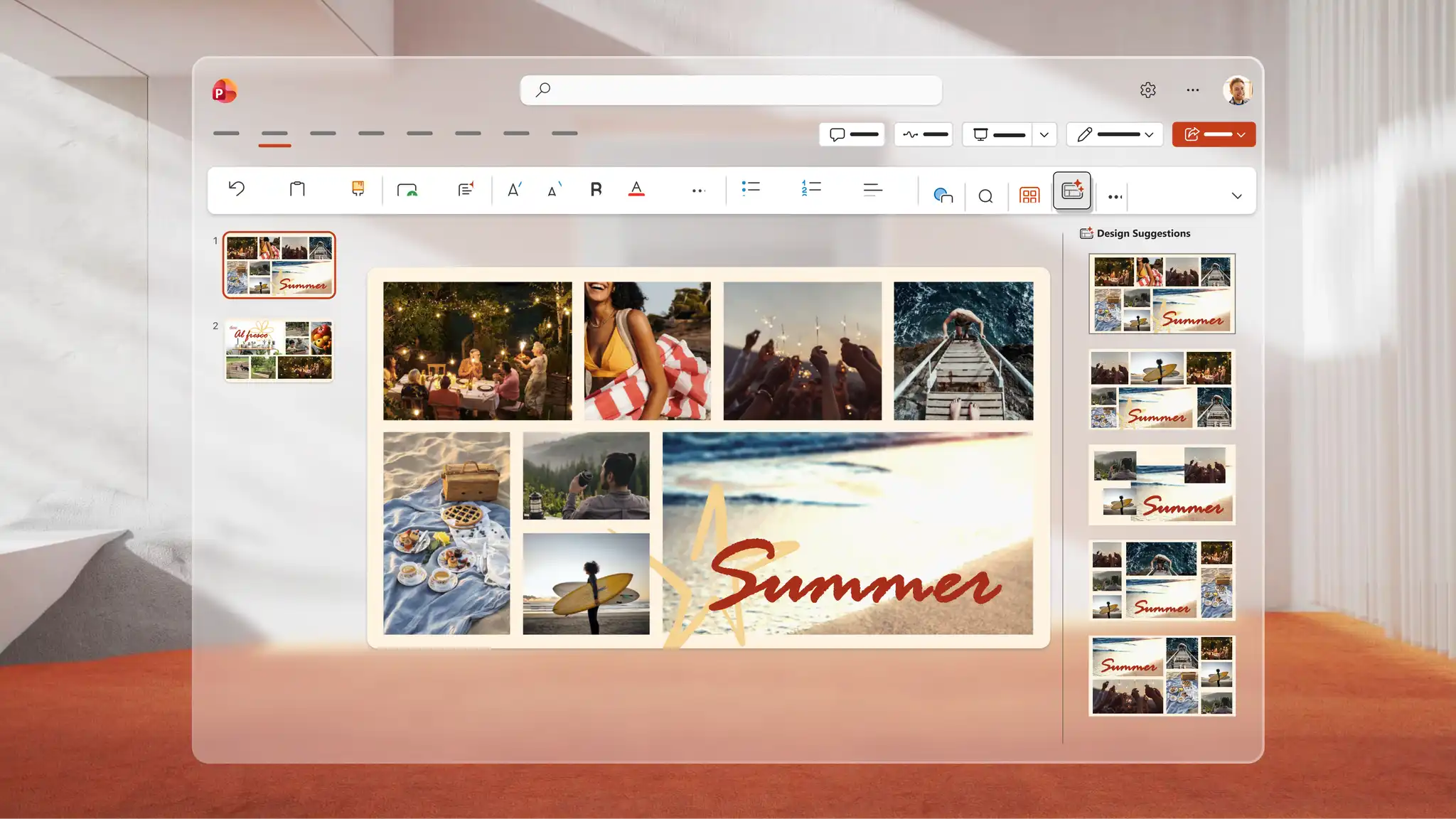
Use Copilot in PowerPoint to generate a unique image for any slideshow. Describe the idea to Copilot, and AI generates a visual to review in the chat, download, and add directly to any slide. Use Design suggestions to find smart layouts that transform every slide into a polished AI presentation design.
Save to OneDrive and share a link so recipients can view it across devices or download as a PDF to print and distribute at events. Rehearse a speech alongside the slideshow with Coach in PowerPoint (opens in a new tab) to refine delivery and present confidently for keynote presentations and personal celebrations.
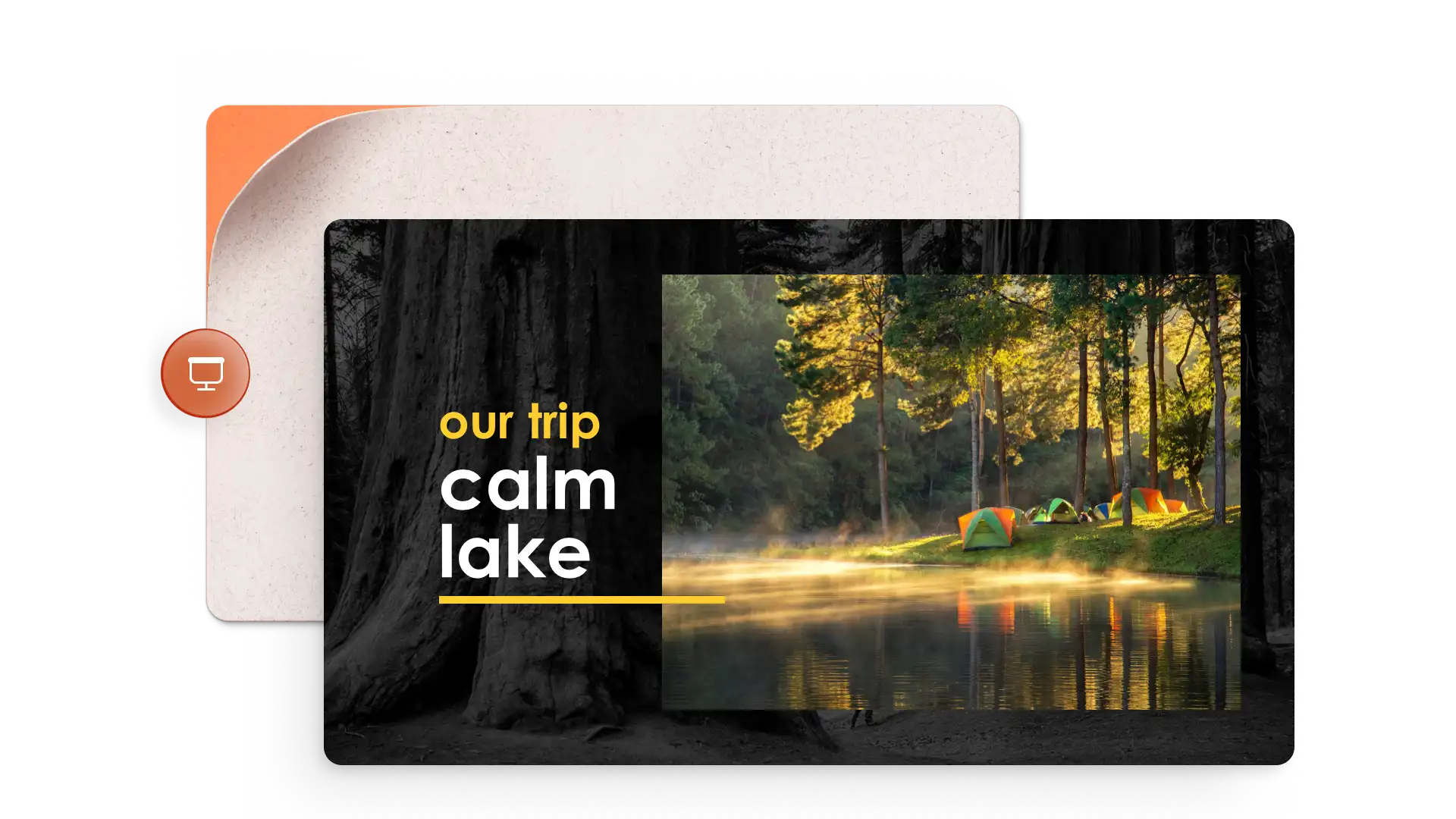

İçerik oluşturucular: Seyahat, düğün veya mezuniyet gibi önemli anları paylaşın.
Sanatçılar, fotoğrafçılar ve tasarımcılar: Portföylerinizi ve sanat eserlerinizi sergileyin.
Öğretmenler: Eğitim şablonlarını kullanarak görsel hikayeler anlatın veya saha gezilerini belgelendirin.
Gayrimenkul uzmanları: Yatırım sunusu şablonlarını kullanarak sanal emlak satış sunuları hazırlayın.
Open PowerPoint for the web and choose a photo slideshow template to start.
Replace the placeholders with photos, videos, and captions to each slide.
Apply slide transitions and add music from personal audio files or online libraries.
Use Copilot in PowerPoint to generate images or browse Design suggestions for polished layouts.
Save to OneDrive and share the slideshow via a secure link, or present live to an audience.
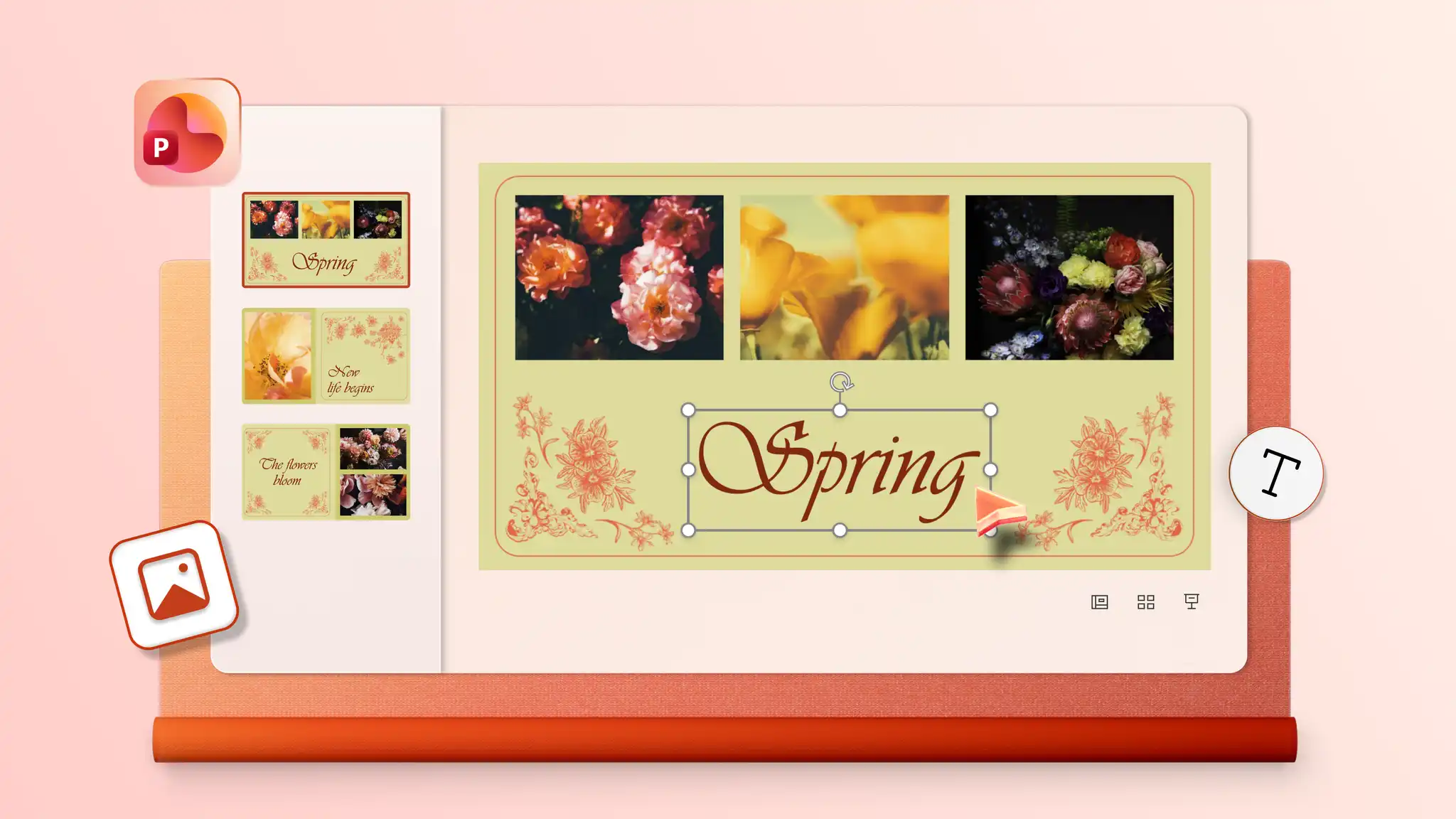
Start by adding photos to a template or blank slideshow in PowerPoint for the web. Insert audio and choose from playback options including automatic start, on click, or play as a loop to give the slideshow a soundtrack. Audio settings may vary depending on the PowerPoint version in use.
Combine static images and video clips into a single slideshow with PowerPoint for the web. Start with a template or blank presentation, then insert images and videos on chosen slides and resize and trim videos to suit the design. Make creative slideshows for everyday memories, personal milestones, or professional slideshows for portfolios and pitch decks.
Start with a photo album template or create blank slides with collage layouts using PowerPoint presentation maker. Add photos one at a time to the image placeholders.
To add old physical photos, digitize them first with a scanner or scanner app in a smartphone. Open PowerPoint for the web, click the Insert tab, and select Insert picture from device to upload the scanned images. Add the images to any slide in the presentation.