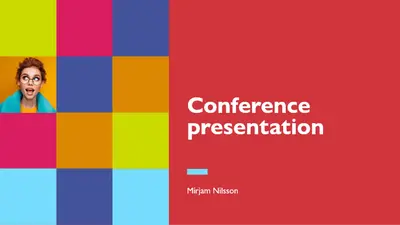
Renkli konferans

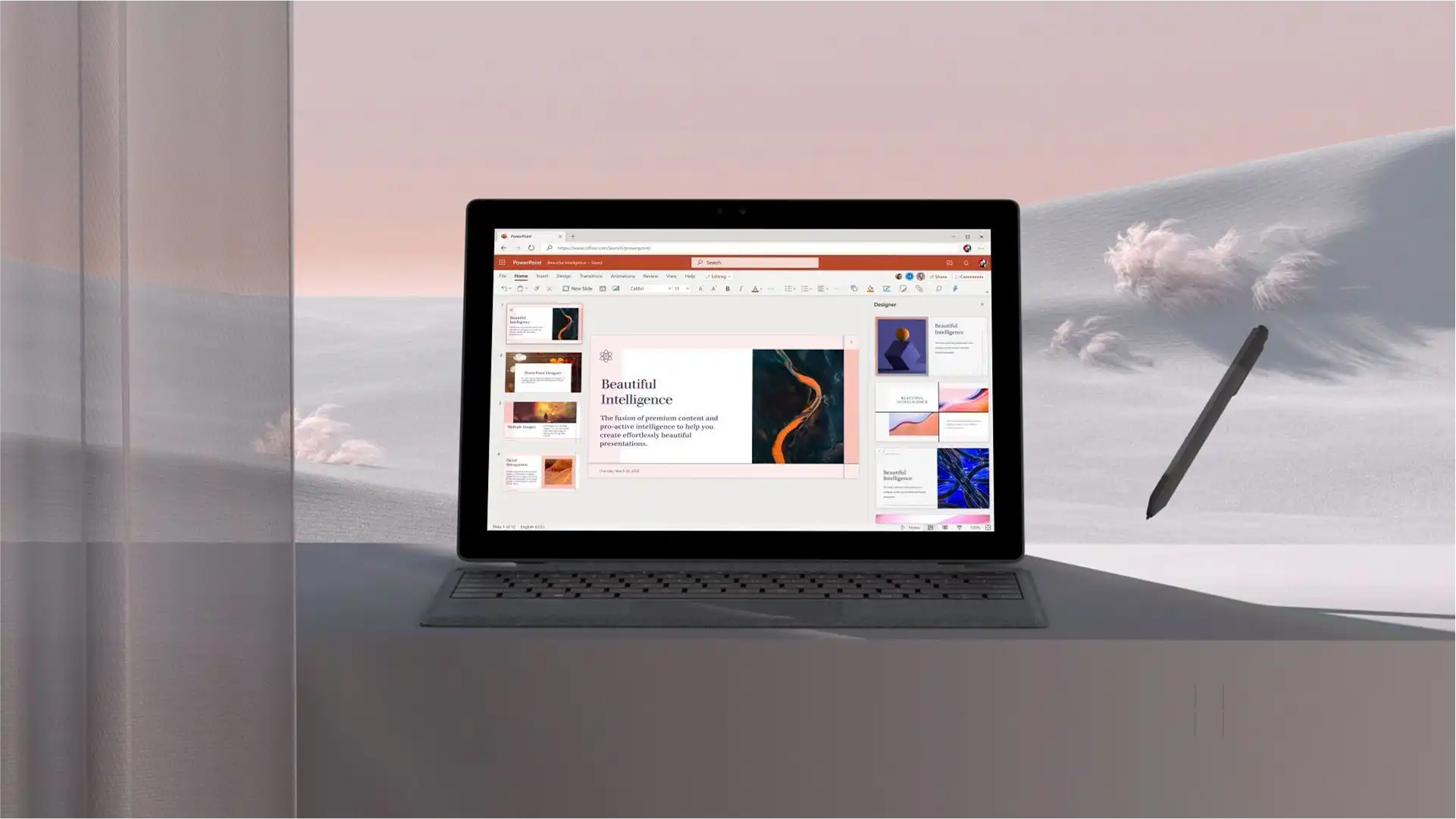
Microsoft PowerPoint’teki düzenlenebilir sunu şablonlarını, stok görselleri ve yapay zeka özelliklerini kullanarak etkileyici konuşma slaytları oluşturun.

İş sunuları, girişim sunuları veya eğitim atölyelerine uygun, profesyonelce tasarlanmış çeşitli sunu şablonları arasından seçim yapın. Halka açık konuşmalar için tasarlanmış dinamik ve erişilebilir şablonları keşfedin.
Bir konferans açılış konuşması, atölye çalışması veya sunum için sunuma mı ihtiyacınız var? Bir sunu şablonu seçip, sununuzun temasına uygun düzeni, yer tutucu metni, görselleri ve slayt animasyonlarını özelleştirerek, dikkat çeken açılış konuşması slaytlarını hızla oluşturun. PowerPoint’te Copilot ile içeriğinizi mükemmelleştirin ve Yapay Zeka Konuşma Koçu (opens in a new tab) ile sununuzu prova edin; böylece bir sonraki etkinliğinizde dinleyicileriniz üzerinde kalıcı bir izlenim bırakabilirsiniz.
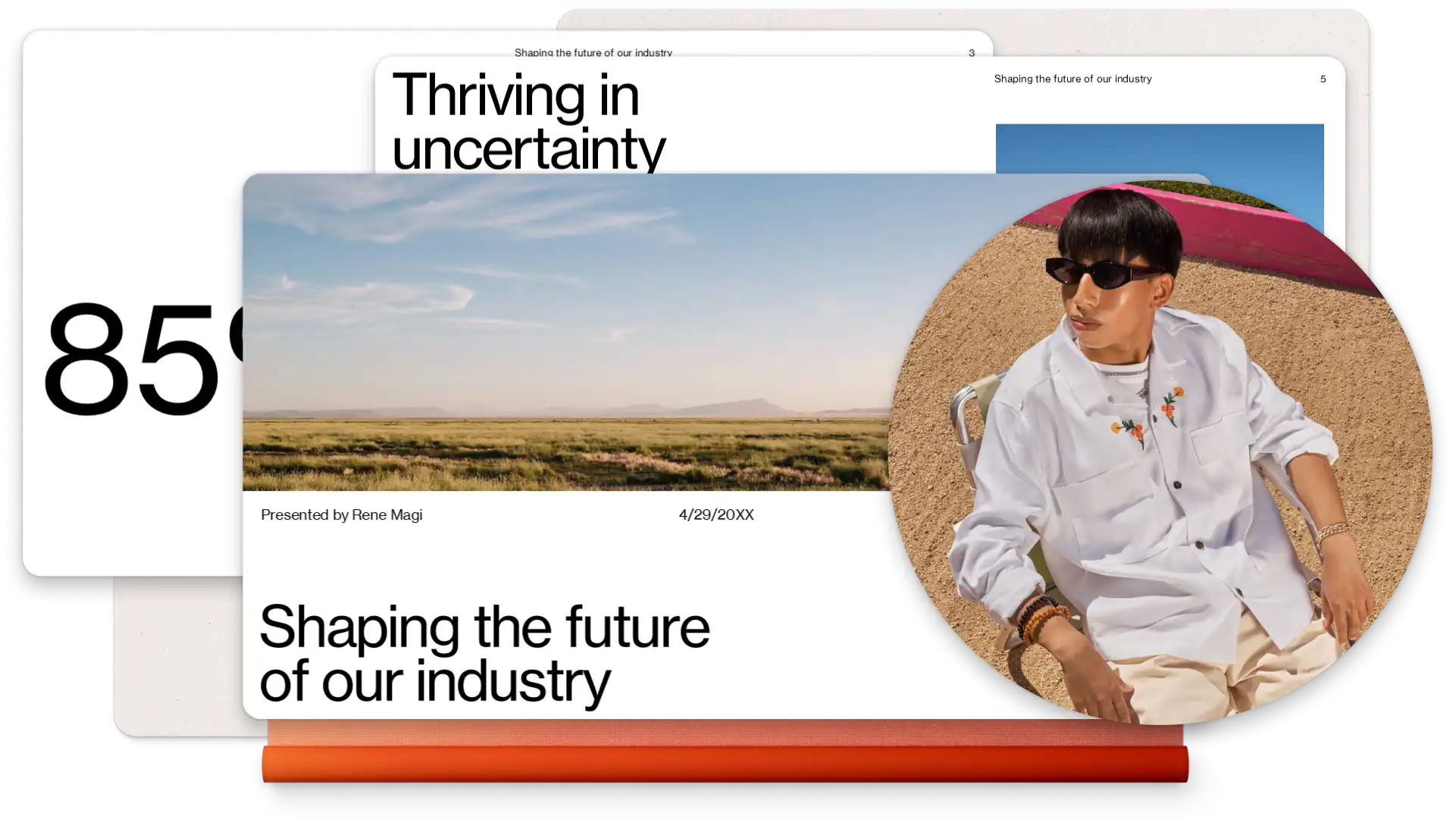
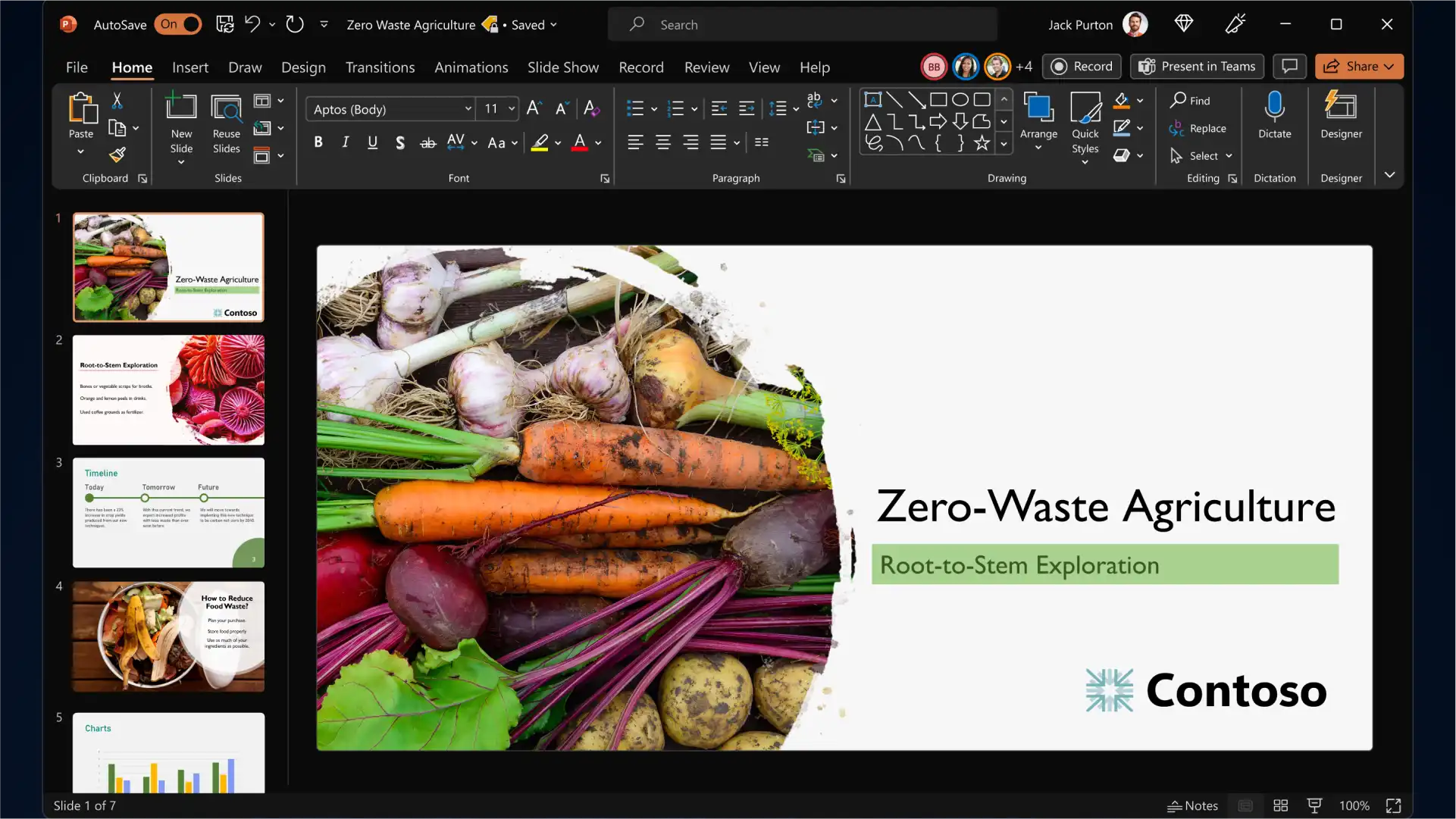
Start with a PowerPoint presentation template and personalize it to build slides for any event, topic and industry. Add branding elements such as your company logo and color palette, then pair classic and modern fonts to communicate your ideas while being memorable to the audience.
Engage viewers by adding eye-catching backgrounds, image slideshows, videos, Cameos, and graphics to complement your keynote presentation storytelling. Turn timelines and processes into easy-to-follow charts using SmartArt, create infographics, and choose modern icons to represent key talking points of your presentation.
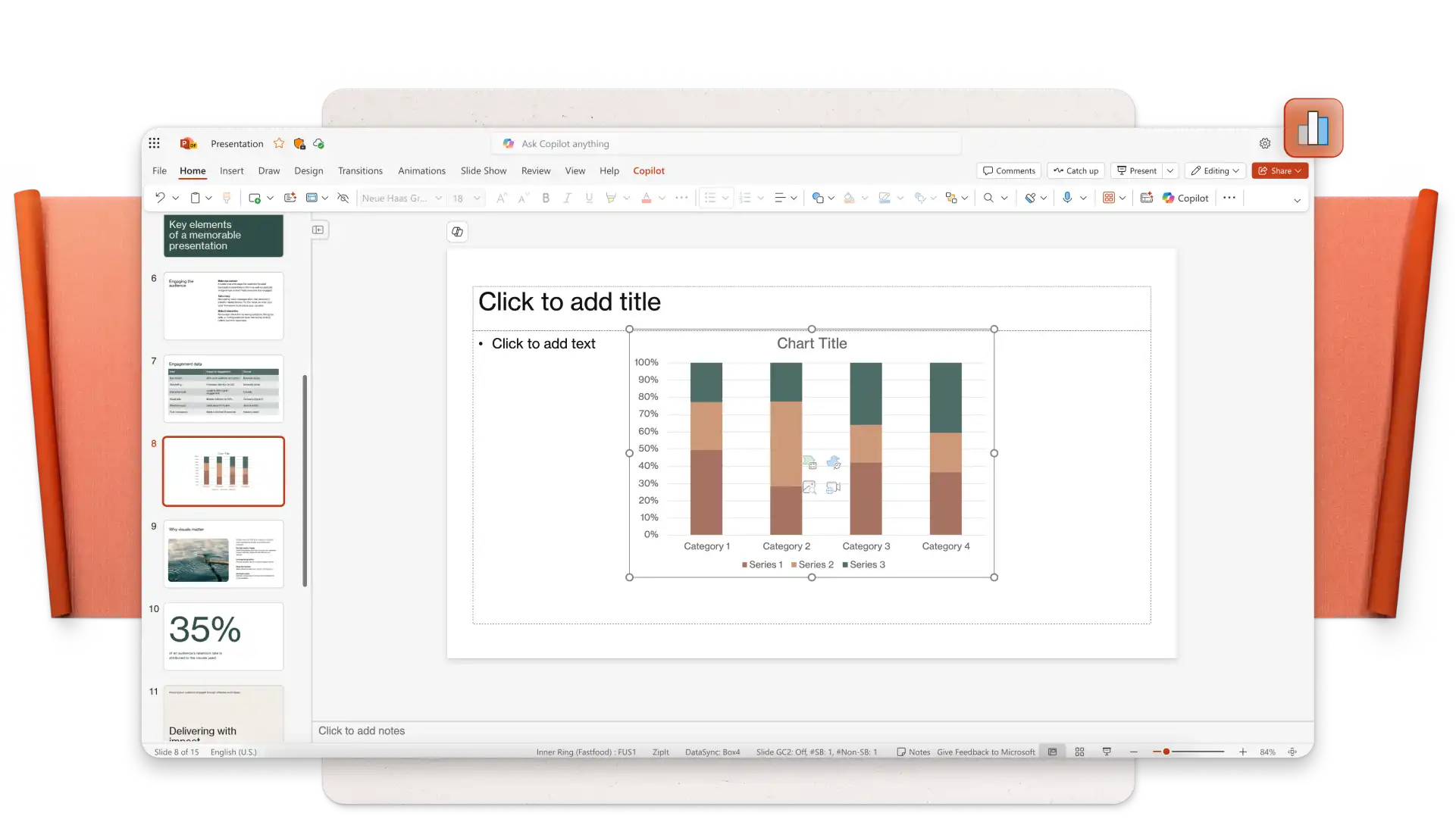
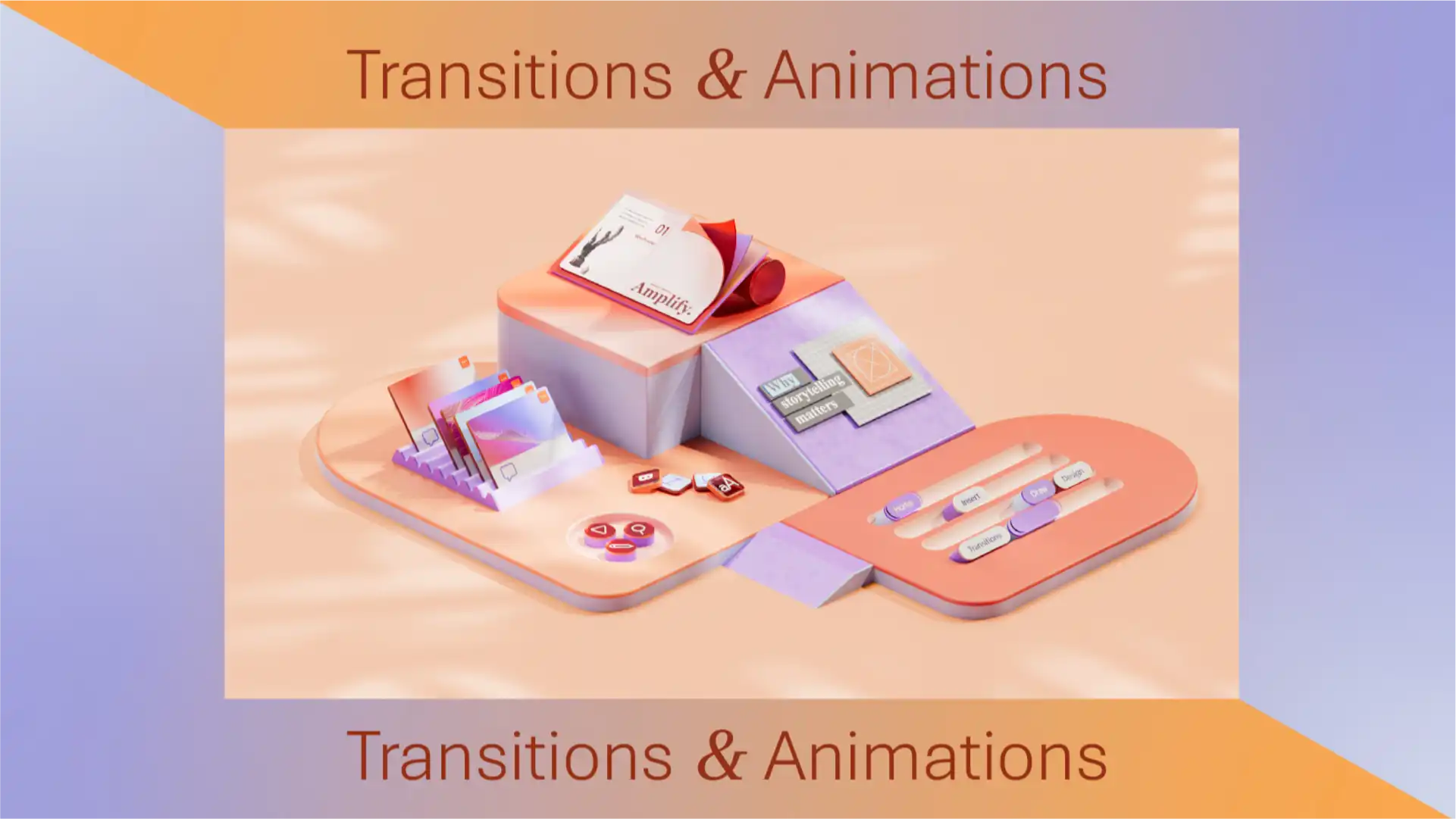
Apply subtle transitions like fades and wipes to add interest to business conference slides, or use dynamic transitions like uncover and morph effect (opens in a new tab) to emphasize a key point or do a big reveal while public speaking. Set your transition and animation timings to impress your audience.
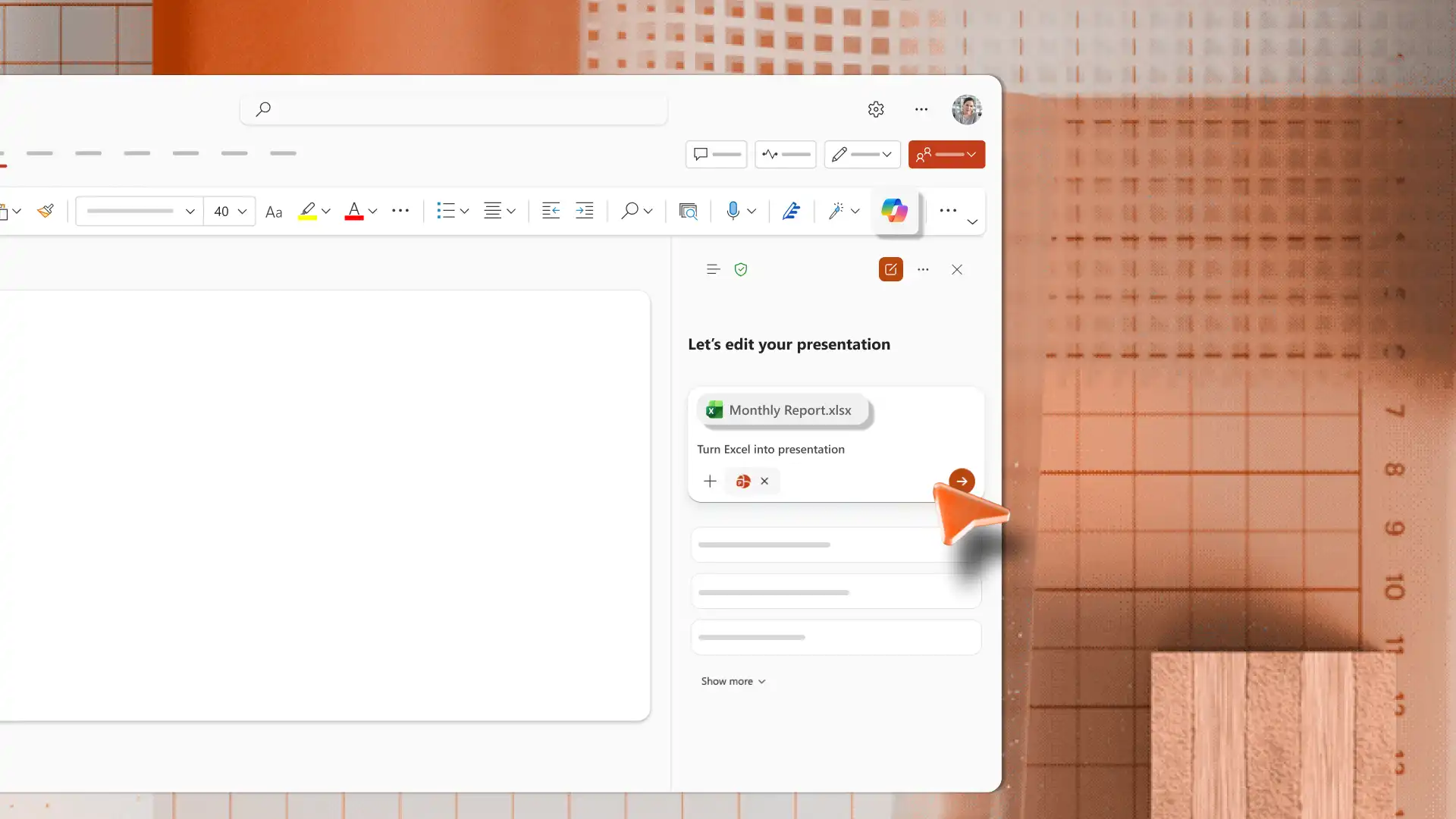
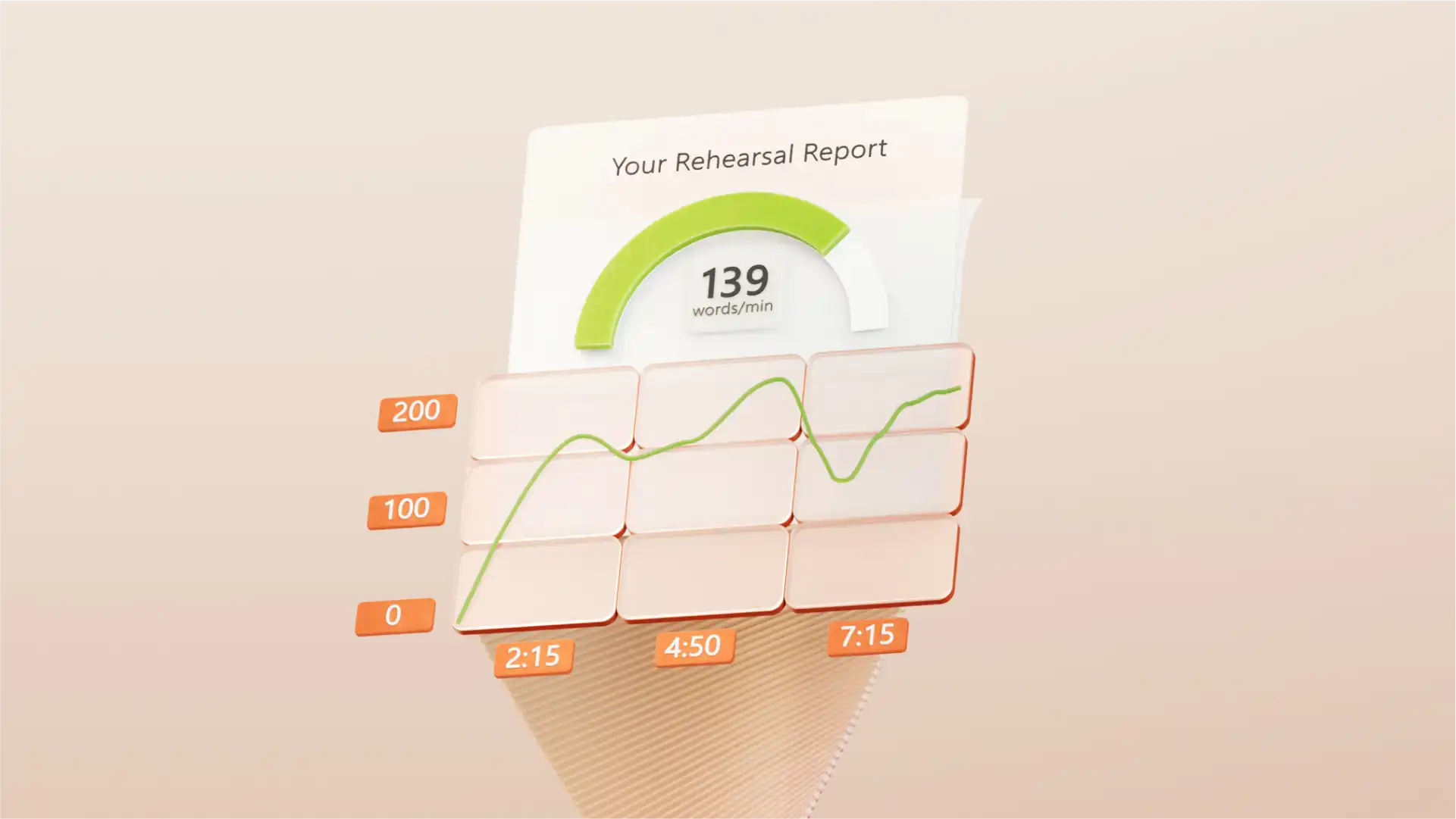
PowerPoint’te Copilot’u kullanarak otomatik yeniden yazma özelliği ile slayt içeriğinizi geliştirin veya daha etkili bir sunu için sunu notları oluşturun. Dinleyicilerle etkileşiminiz, sunumunuz ve konuşma hızınız hakkında geri bildirim sağlayan Yapay Zeka Konuşma Koçu (opens in a new tab) aracıyla pratik yaparak konuşma etkinliğinize hazırlanın. Son olarak, slaytların yazım hatası içermediğinden ve dilbilgisi açısından doğru olduğundan emin olmak için Düzenleyici (opens in a new tab) ile slaytları gözden geçirin.
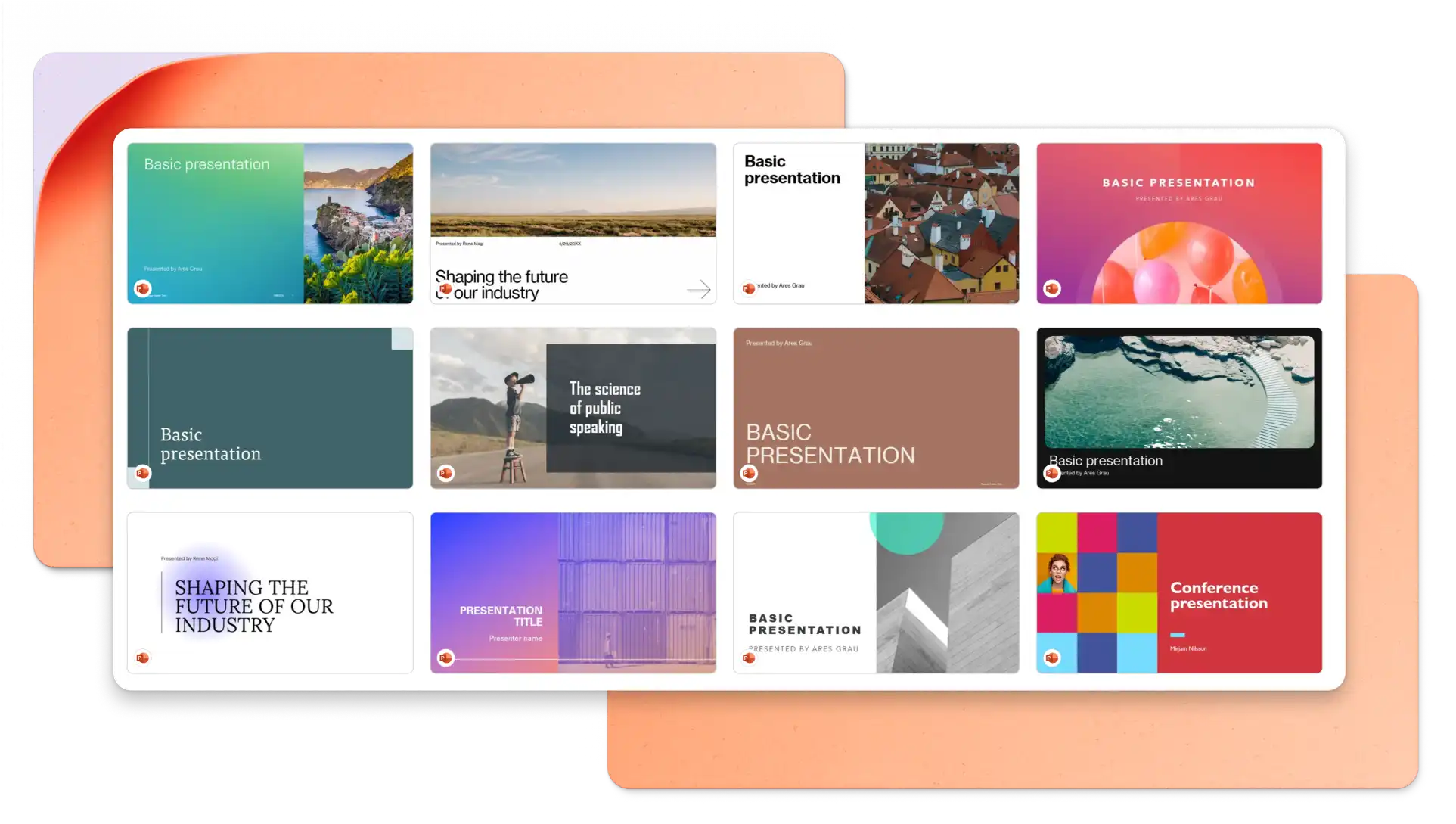
In your browser, explore PowerPoint keynote presentation templates
Choose a keynote presentation template you want to edit
Replace the text and graphics with your own information
Download, print and share your presentation for free
Structure your keynote presentation to deliver one idea per slide and stay on-theme to engage your audience. It’s recommended to use images and graphics to represent concepts and reduce distractions where possible. Choose a professionally designed keynote presentation template to make a great impression on your audience. Lastly, practice your timing and delivery using speech notes and AI Speaker Coach (opens in a new tab).
Animations can add engagement to your keynote presentation, however, you should choose animation styles based on the keynote topic and target audience. Choose slow reveals and movements to suit a business keynote presentation and select bold animations when presenting creative keynotes.
There are different ways to share your keynote PowerPoint presentation. Save your slides as a .PPT file, share a secure HTML link to viewers, or download your presentation slides as a PDF. You can also attach it to marketing presentations, and create accompanying certificates.