Ботанічна маркетингова зустріч
Використовувати цей шаблон
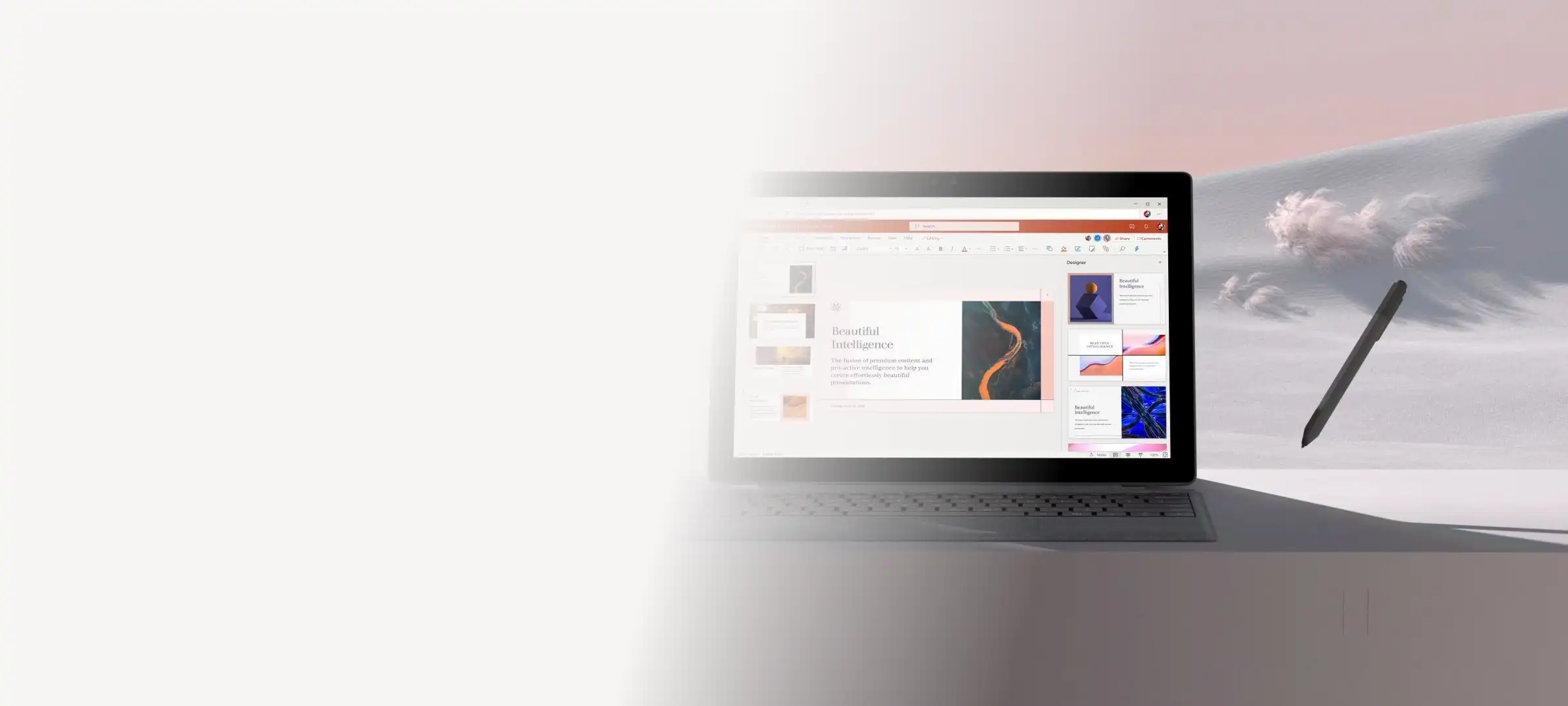
Створюйте та діліться маркетинговими планами й пропозиціями за допомогою шаблонів і ШІ в Microsoft PowerPoint.

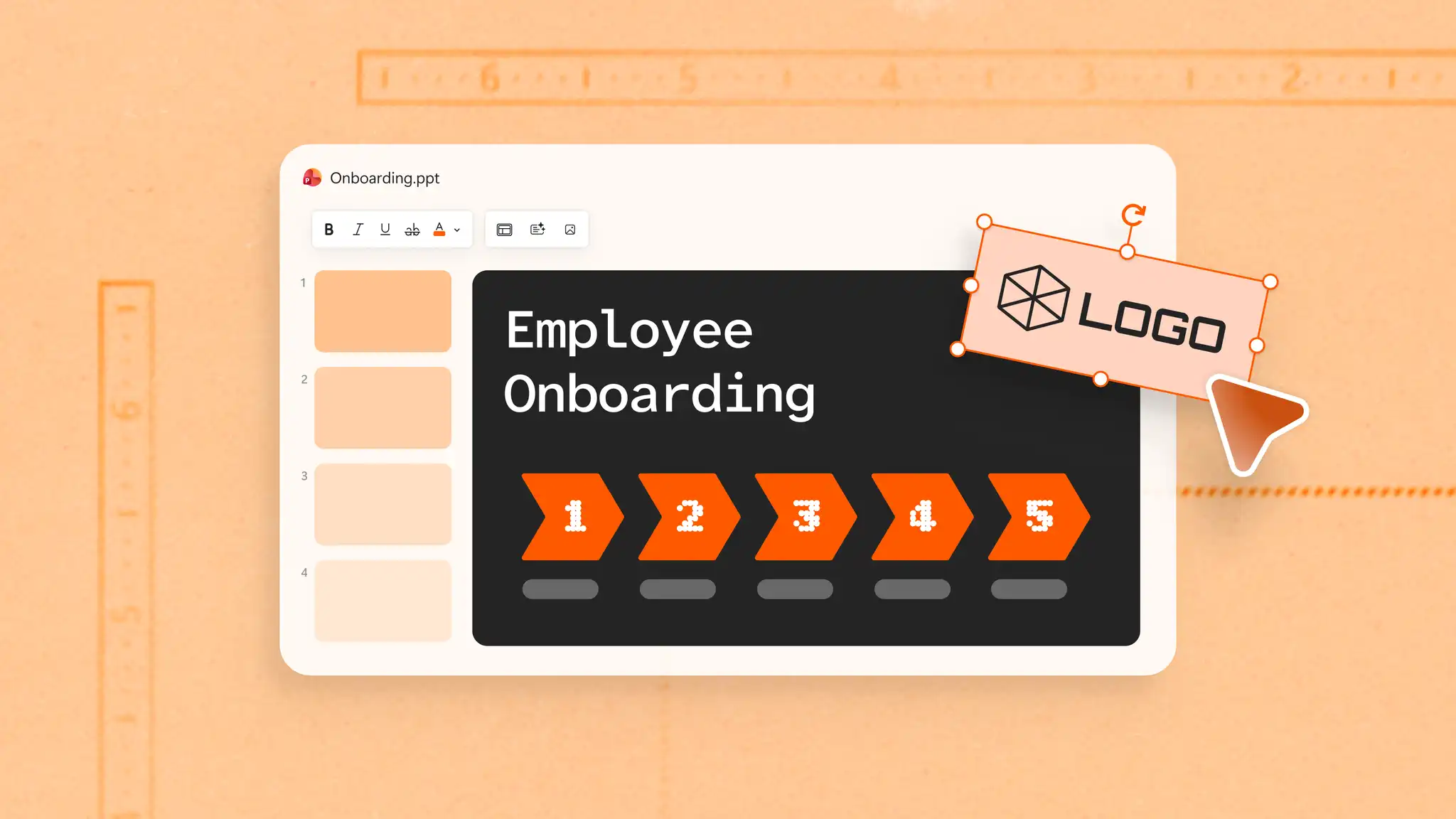
Створюйте на основі шаблону або почніть із нуля. Перетягуйте елементи, щоб упорядкувати макети, а потім додавайте текст, піктограми, графіки та діаграми, щоб адаптуватися до будь-якого маркетингового контексту – від швидких слайдів для пропозицій кампанії до повноцінних стратегій бренду.

Послідовно використовуйте кольори бренду на слайдах за допомогою параметрів зразка слайдів, щоб презентації мали бездоганний вигляд без ручного форматування. Додайте емблему, щоб одразу викликати довіру та зміцнити впізнаваність серед клієнтів і зацікавлених осіб.

Створюйте чернетки заголовків для маркетингу та ключових повідомлень і перетворюйте документи кампаній на слайди за допомогою Copilot у PowerPoint. Адаптуйте слайди для різних цільових аудиторій за допомогою переписування із ШІ, щоб пристосовувати повідомлення та оформлення, не починаючи з нуля.

Перегляньте приклади кампаній у соціальних мережах, пропозицій цифрових маркетингових планів та слайдів стратегії бренду. Адаптуйте їх, додавши власні емблеми, кольори та шрифти.
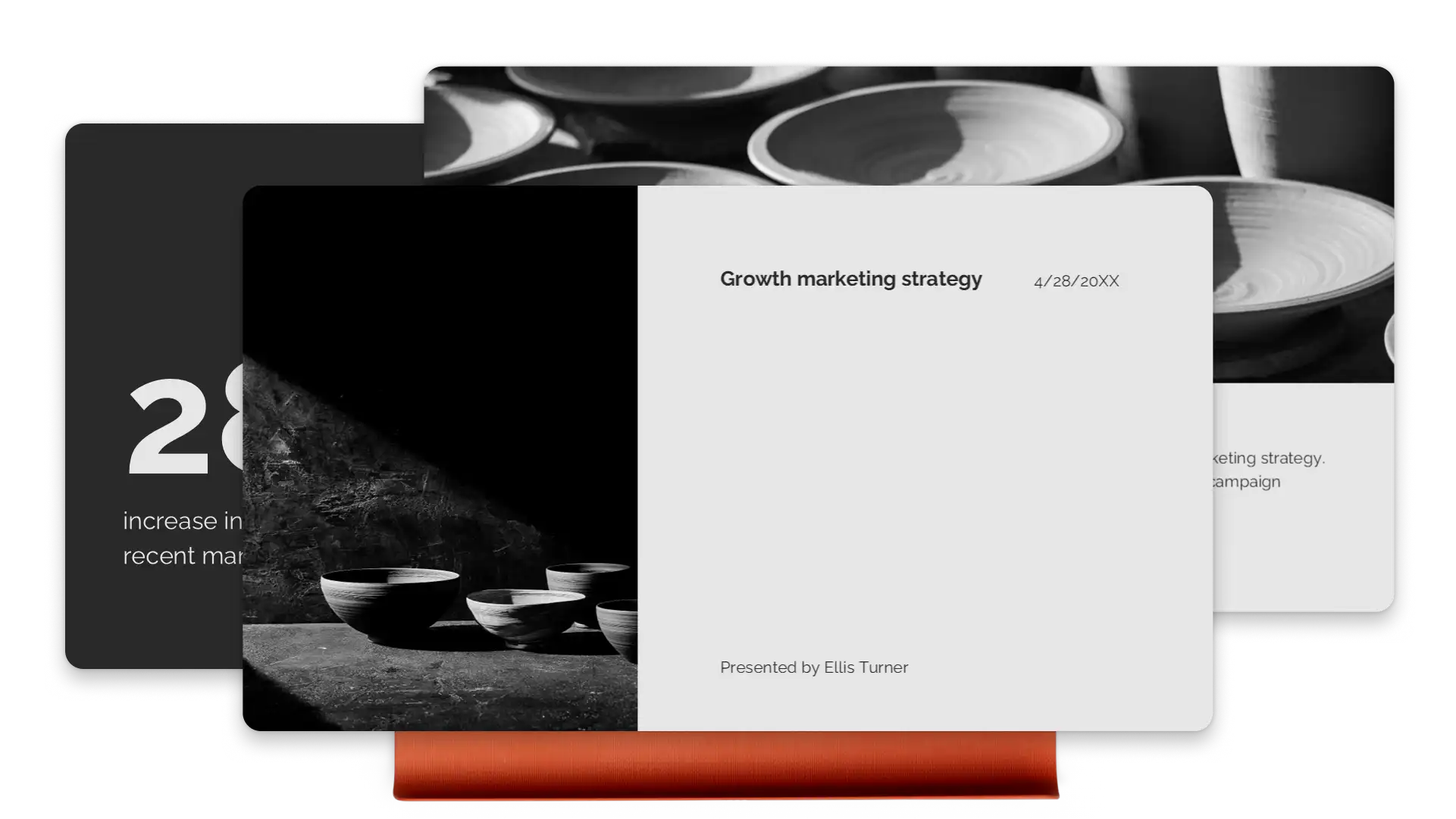
Спрямовуйте увагу глядачів на ключові моменти за допомогою ефектних анімацій і переходів, що спрощують сприйняття складних ідей. Перетворюйте текст, зображення та діаграми за допомогою плавного переходу між слайдами "Морфінг". Вражайте глядачів маркетинговими пропозиціями та портфоліо, які мають гарну структуру.
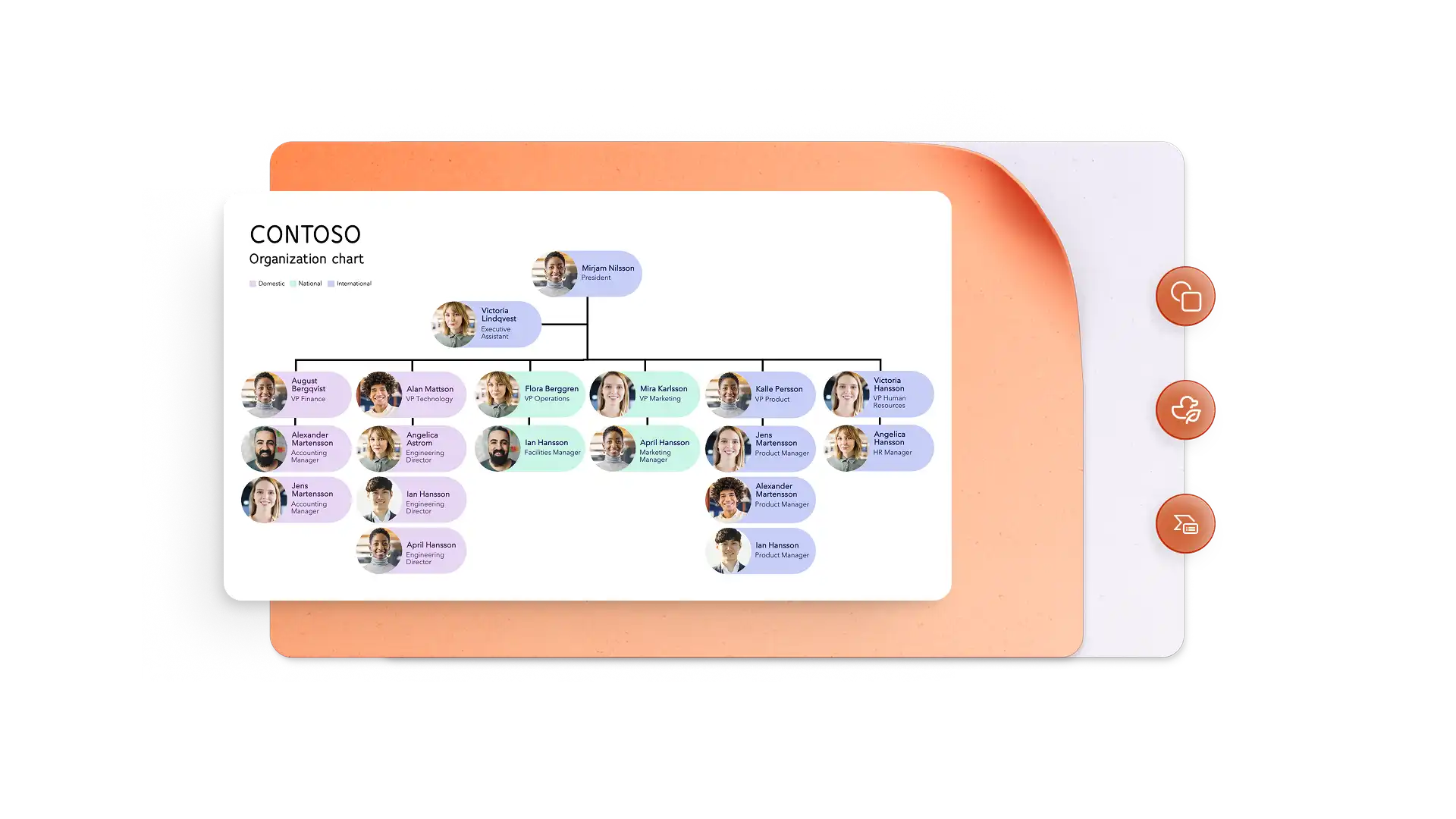
Перетворюйте показники ефективності на візуальні історії за допомогою конструктора інфографіки та діаграм SmartArt. Відображайте часові шкали кампаній за допомогою чітких, легко зрозумілих візуальних елементів. Вбудовуйте брендовані відео або використовуйте Cameo, щоб надати пропозиції людського виміру та створити особистий зв’язок.
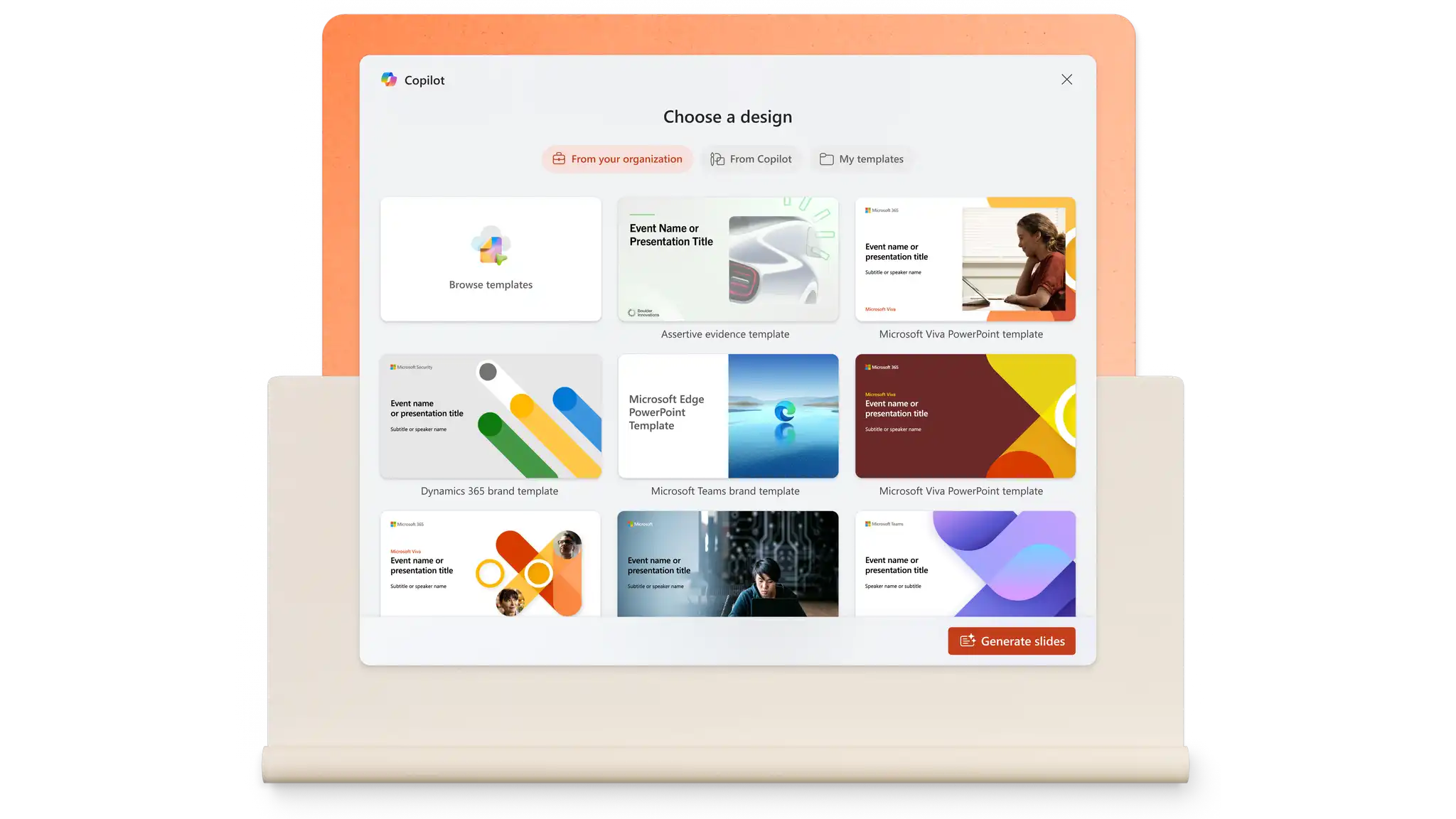
Створюйте слайди підказкою або видобувайте вміст із наявних файлів за допомогою Copilot у PowerPoint. Генеруйте нотатки промовця, адаптуйте повідомлення для різних аудиторій і вдосконалюйте оформлення за допомогою однієї підказки. Засіб для створення презентацій на основі ШІ за лічені секунди опрацьовує структуру та форматування.
Створення маркетингових слайдів займає менше часу, коли всі учасники в одному місці. Коментарі та згадки прив’язують відгуки до слайдів, що дає змогу легко позначати людей і виконувати завдання. Безпечні для організації посилання захищають делікатний вміст і водночас надають агентствам і фрилансерам потрібний доступ.

Ділитися слайдами можна за лічені секунди. Завантажуйте презентацію у форматі PDF або надсилайте безпечне посилання на OneDrive найновішої версії. Під час нарад PowerPoint наживо у Microsoft Teams допомагає залучати віддалені аудиторії завдяки інтерактивним функціям. Легко презентувати, коли все зберігається в хмарі.
У браузері перегляньте шаблони маркетингових презентацій PowerPoint.
Виберіть шаблон і замініть текст покажчика місця заповнення на маркетинговий вміст.
Відредагуйте візуальні елементи та додайте зображення, фірмові емблеми та потрібні стилі шрифтів.
Зберігайте презентації та діліться ними онлайн безкоштовно або завантажуйте їх у форматі PDF, щоб надіслати електронною поштою.
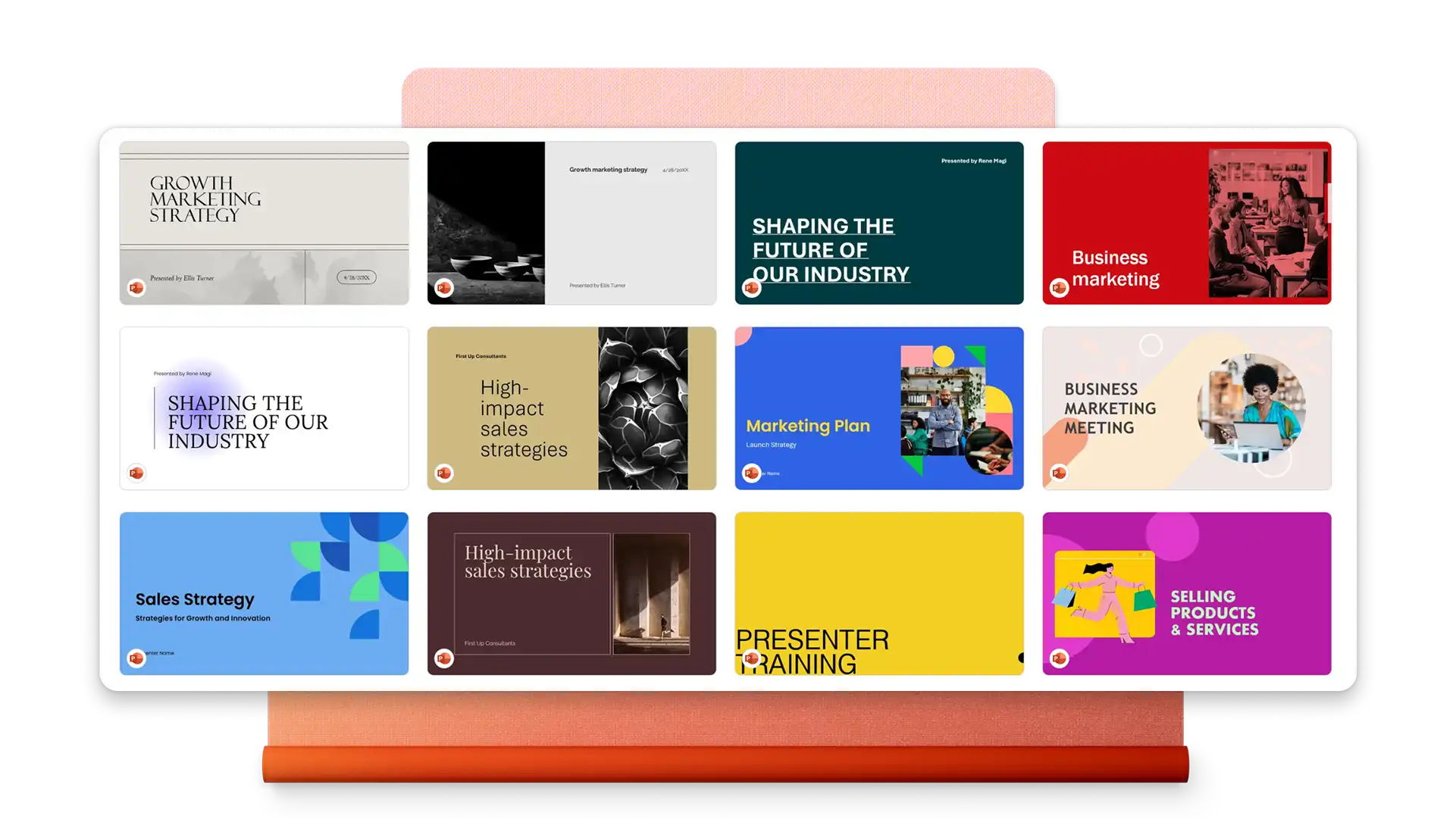
Маркетингова презентація зазвичай містить огляд маркетингових цілей, аналіз цільової аудиторії, стратегію й тактики, часову шкалу впровадження, розподіл бюджету та ключові показники ефективності. Такі візуальні елементи, як діаграми, ресурси бренда та візуалізації даних, допомагають чітко передавати складну інформацію зацікавленим сторонам.
Почніть із шаблону презентації маркетингового плану в PowerPoint. Замініть вміст заповнювачів на зведений звіт, аналіз ринку, цілі, стратегії та подальші дії. Додайте діаграми, щоб візуалізувати бюджети та терміни, а потім використовуйте Copilot у PowerPoint, щоб удосконалити повідомлення та згенерувати нотатки промовця.
PowerPoint пропонує шаблони, розроблені для презентацій з маркетингу в соціальних мережах. Додавайте календарі кампаній, стратегії для окремих платформ, приклади листівок для маркетингу та показники ефективності. Вбудовуйте відео та використовуйте SmartArt, щоб ілюструвати робочі процеси вмісту й підходи до вибору цільової аудиторії.