Cuộc họp tiếp thị về thực vật

Tạo và chia sẻ kế hoạch tiếp thị cũng như bản thuyết trình chào hàng với mẫu và AI trong Microsoft PowerPoint.

Xây dựng trên mẫu hoặc bắt đầu từ đầu. Kéo và thả để sắp xếp lại các bố cục, sau đó thêm văn bản, biểu tượng, đồ họa và biểu đồ để khớp với mọi ngữ cảnh tiếp thị, từ bản thuyết trình chào hàng chiến dịch nhanh đến chiến lược thương hiệu đầy đủ.

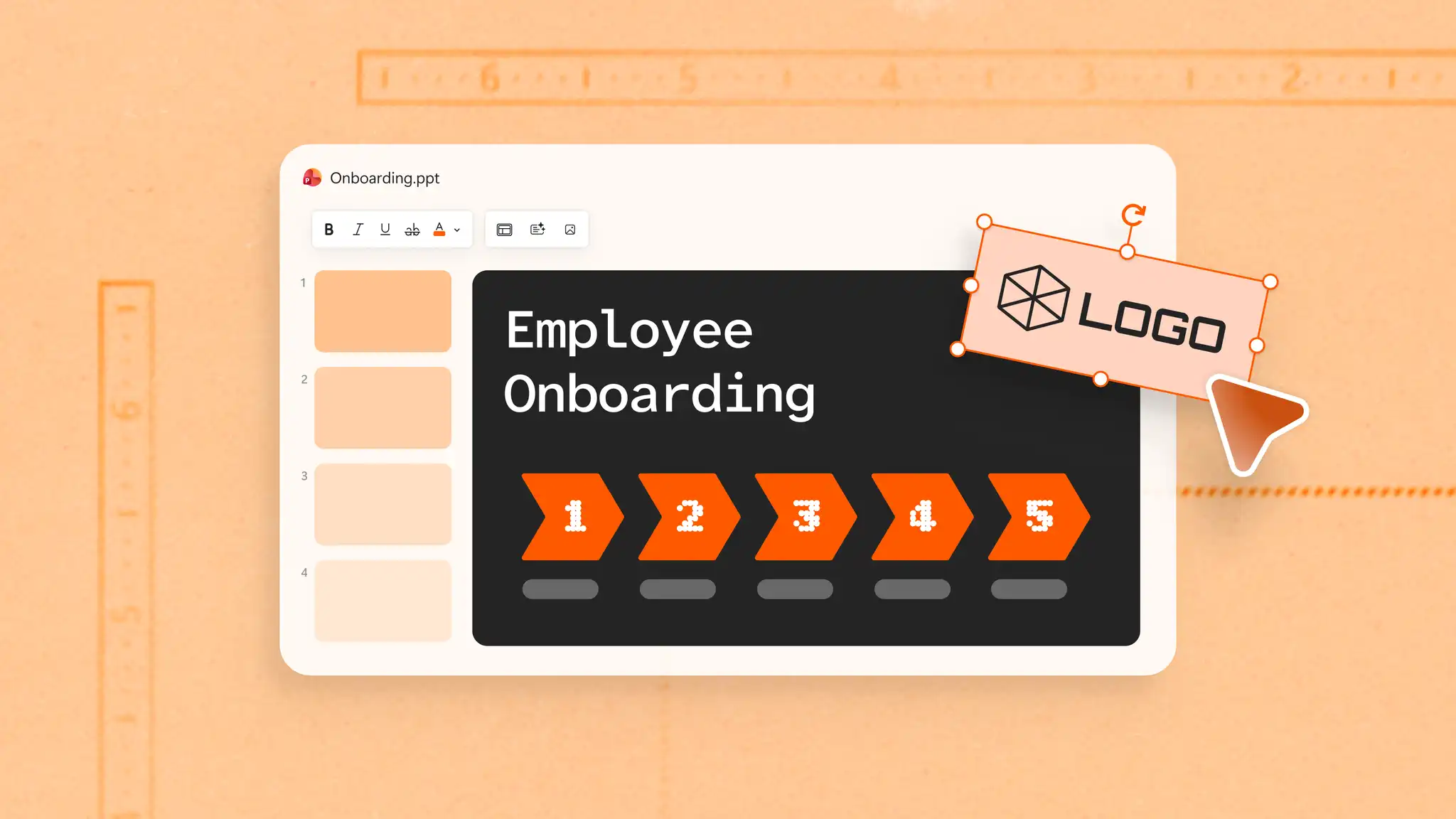
Sử dụng màu sắc thương hiệu nhất quán trên mọi trang chiếu với cài đặt Trang chiếu cái, giúp bản trình bày trở nên trau chuốt mà không cần định dạng thủ công. Thêm logo để tạo độ tin cậy tức thì và xây dựng độ nhận diện với khách hàng và các bên liên quan.

Soạn tiêu đề tiếp thị, thông điệp chính và biến tài liệu chiến dịch thành bản trình chiếu với Copilot trong PowerPoint. Điều chỉnh bản trình chiếu cho phù hợp với các đối tượng mục tiêu khác nhau bằng tính năng viết lại AI để điều chỉnh thông điệp và thiết kế mà không cần bắt đầu lại từ đầu.

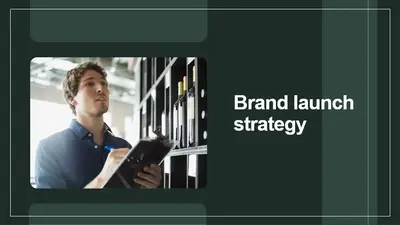
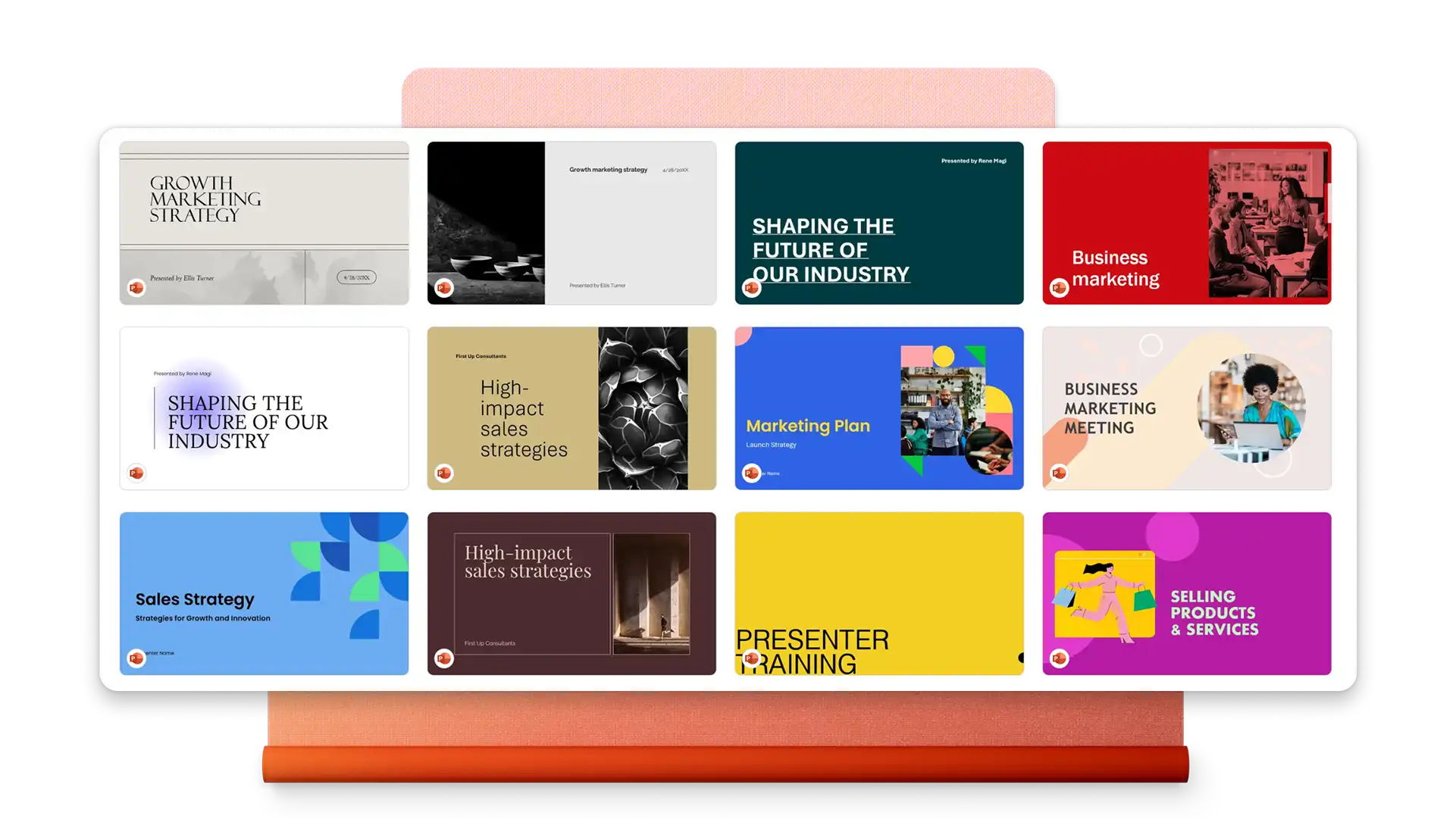
Duyệt xem các ví dụ về chiến dịch mạng xã hội, bản chào hàng kế hoạch tiếp thị kỹ thuật số và bản trình chiếu chiến lược thương hiệu. Tùy chỉnh bằng logo, màu sắc và phông chữ riêng.
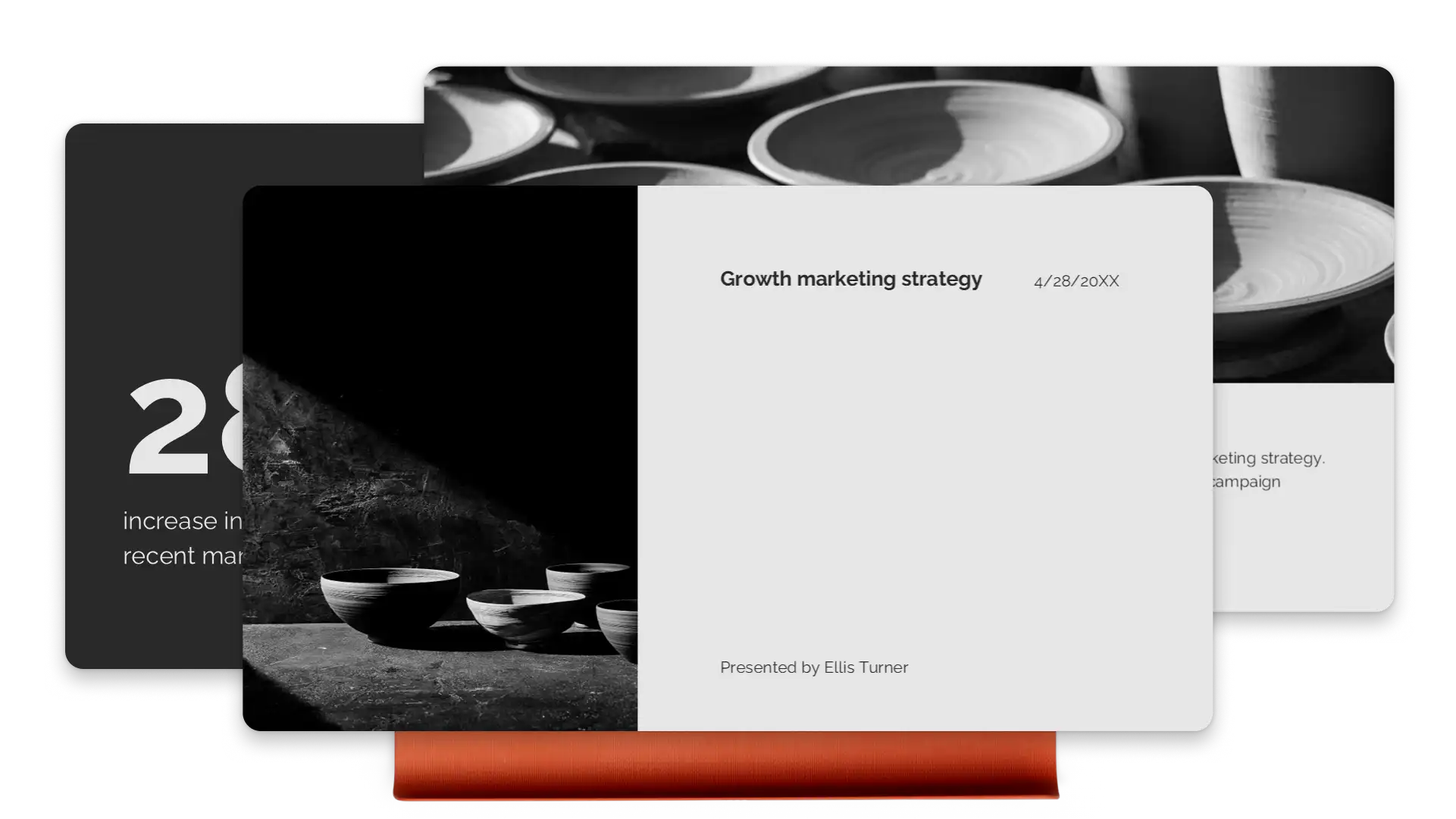
Dẫn dắt người xem qua các điểm chính bằng hoạt ảnh và hiệu ứng chuyển trang chiếu hấp dẫn, giúp các ý tưởng phức tạp trở nên dễ theo dõi. Chuyển đổi văn bản, hình ảnh và biểu đồ với hiệu ứng chuyển trang chiếu Biến đổi (opens in a new tab) liền mạch. Gây ấn tượng với người xem bằng các bài thuyết trình chào hàng tiếp thị và danh mục dự án có nội dung liền mạch.
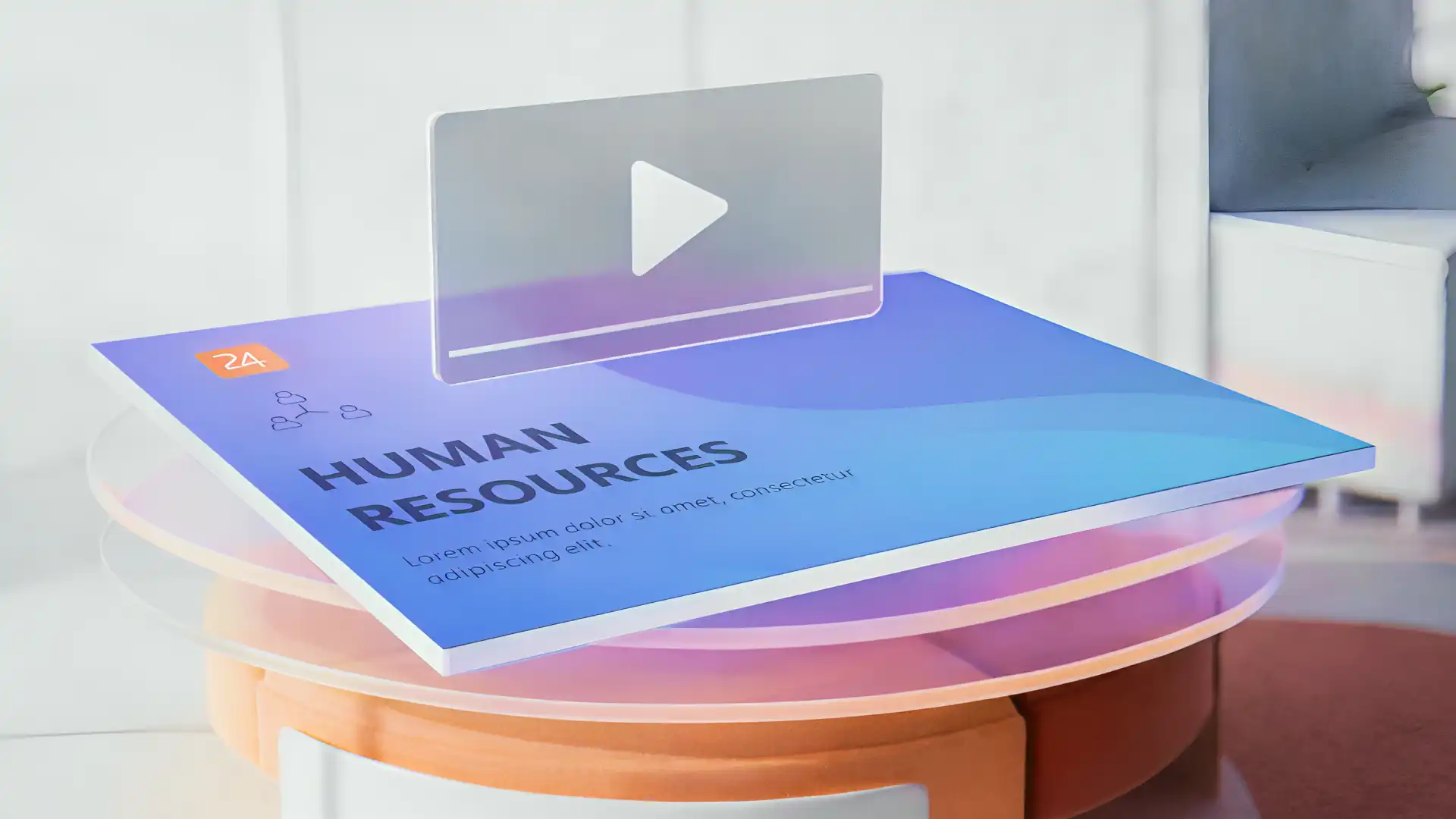
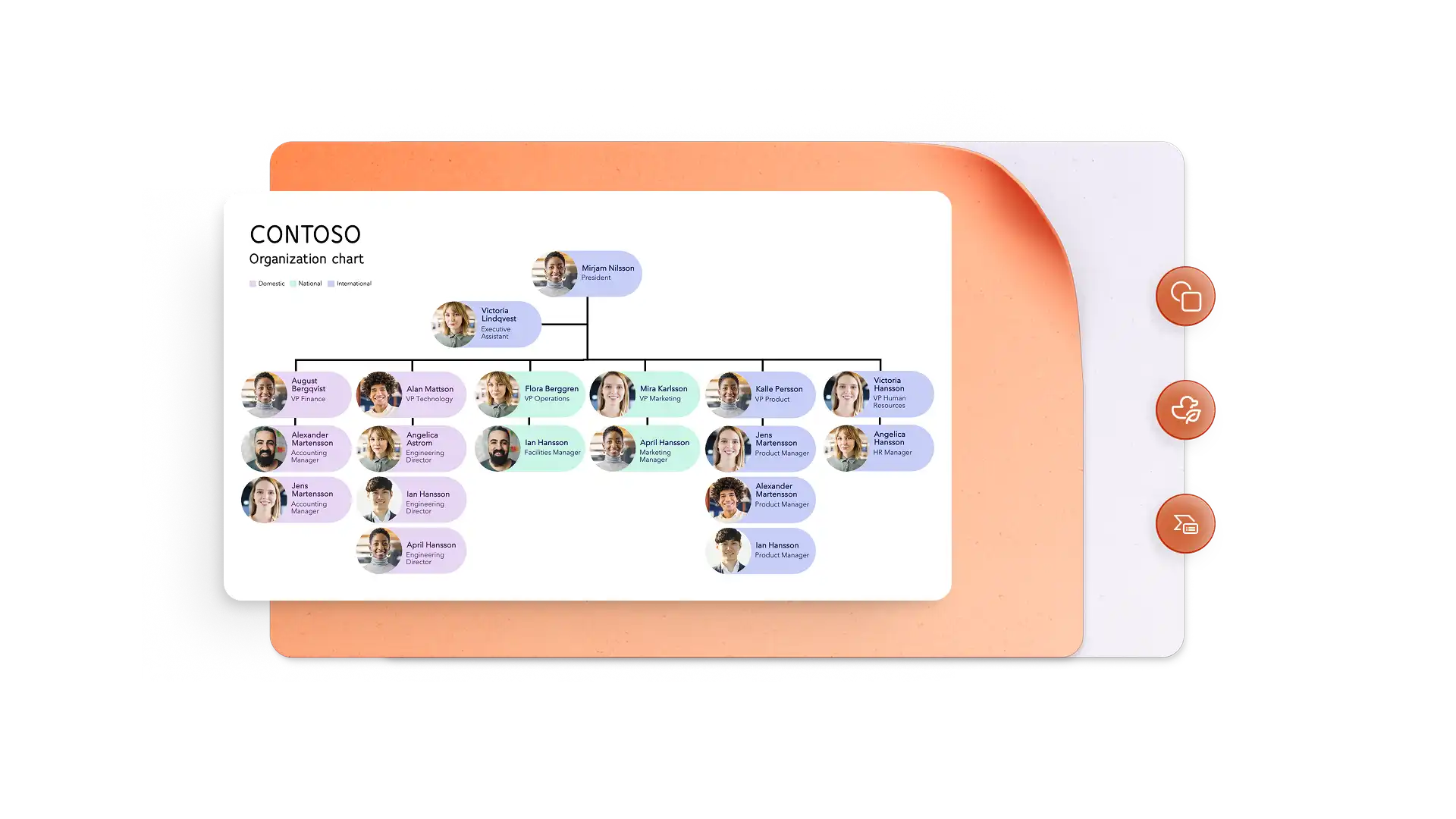
Biến chỉ số hiệu suất thành các câu chuyện trực quan bằng trình tạo đồ họa thông tin và biểu đồ SmartArt. Hiển thị mốc thời gian chiến dịch với hình ảnh rõ ràng, dễ xem lướt. Nhúng video thương hiệu hoặc sử dụng Cameo để thêm gương mặt vào bài thuyết trình chào hàng và xây dựng kết nối cá nhân.
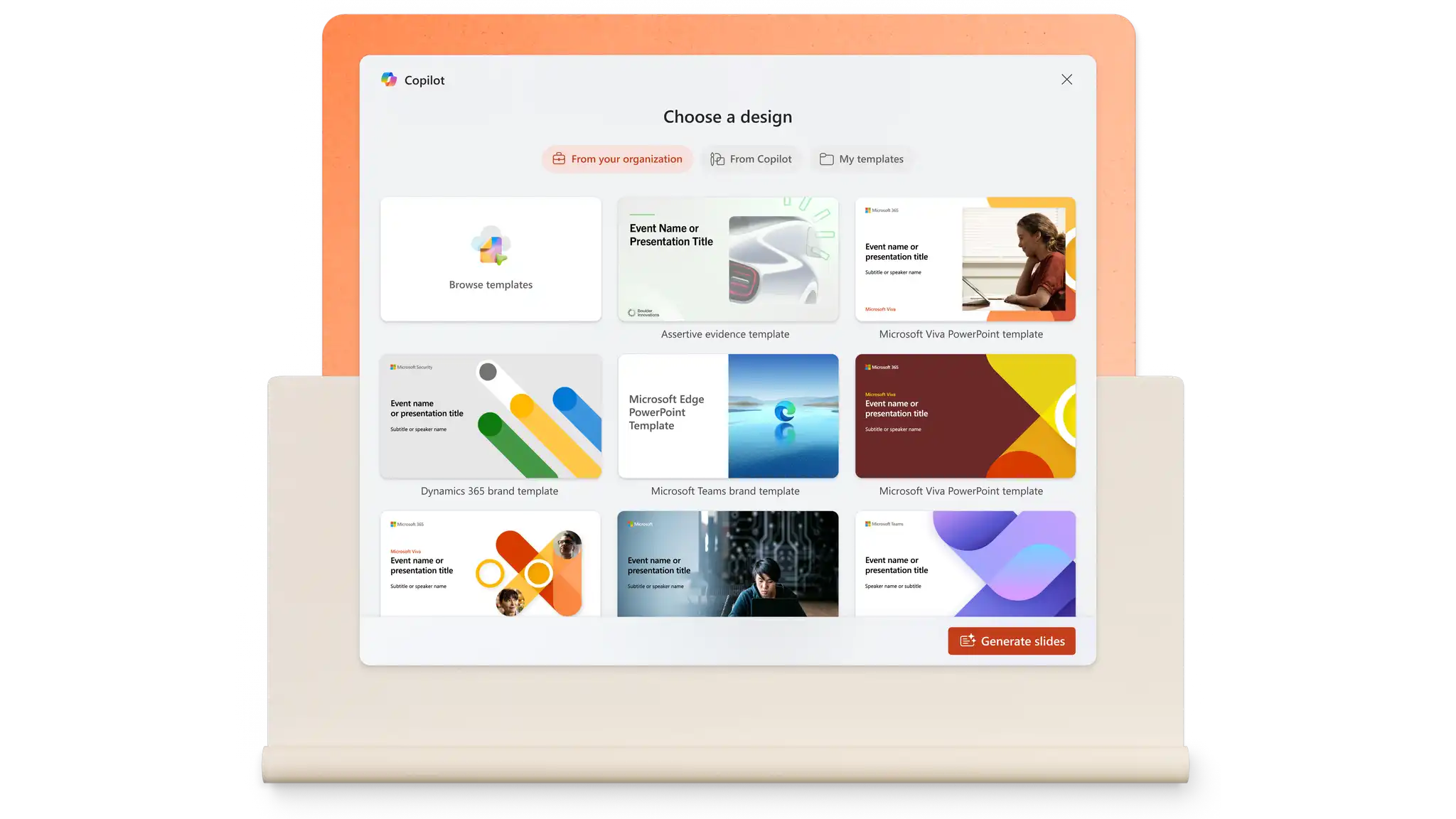
Xây dựng trang chiếu từ yêu cầu hoặc kéo nội dung từ các tệp hiện có bằng Copilot trong PowerPoint. Tạo ghi chú cho diễn giả, điều chỉnh thông điệp cho phù hợp với các đối tượng khác nhau và tinh chỉnh thiết kế chỉ với một yêu cầu. Trình tạo bản trình bày AI xử lý cấu trúc và định dạng trong vài giây.
Các bản trình chiếu tiếp thị kết hợp với nhau nhanh hơn khi mọi người có thể đóng góp ở cùng một nơi. Tính năng nhận xét và đề cập giúp ý kiến phản hồi gắn với từng trang chiếu nên dễ gắn thẻ mọi người và thúc đẩy tiến độ công việc. Các liên kết an toàn cho tổ chức giúp bảo vệ nội dung nhạy cảm đồng thời cung cấp cho các đại lý và người làm việc tự do quyền truy nhập mà họ cần.

Việc chia sẻ bản trình chiếu hoàn tất sẽ mất vài giây. Tải xuống bản trình bày dưới dạng PDF hoặc gửi liên kết OneDrive an toàn luôn hiển thị phiên bản mới nhất. Đối với các cuộc họp, PowerPoint trực tiếp (opens in a new tab) trên Microsoft Teams giúp người xem từ xa luôn hứng thú với các tính năng tương tác. Khi mọi thứ đều ở trên đám mây, việc trình bày sẽ diễn ra suôn sẻ.
Trong trình duyệt, hãy khám phá các mẫu bản trình bày tiếp thị PowerPoint.
Chọn một mẫu và thay thế văn bản chỗ dành sẵn bằng nội dung tiếp thị.
Chỉnh sửa hình ảnh và thêm ảnh, logo thương hiệu và kiểu phông chữ mong muốn.
Lưu và chia sẻ bản trình bày trực tuyến miễn phí hoặc tải xuống dưới dạng PDF vào email.
Một bản trình bày tiếp thị thường bao gồm tổng quan về mục tiêu tiếp thị, thông tin chi tiết về đối tượng mục tiêu, chiến lược và chiến thuật, mốc thời gian triển khai, phân bổ ngân sách và các chỉ số hiệu suất chính. Các thành phần trực quan như biểu đồ, tài sản thương hiệu và trực quan hóa dữ liệu giúp truyền đạt thông tin phức tạp một cách rõ ràng cho các bên liên quan.
Bắt đầu với mẫu bản trình bày kế hoạch tiếp thị trong PowerPoint. Thay thế nội dung chỗ dành sẵn bằng tóm tắt thực hiện, phân tích thị trường, mục tiêu, chiến lược và mục hành động. Thêm biểu đồ để trực quan hóa ngân sách và mốc thời gian, sau đó sử dụng Copilot trong PowerPoint để tinh chỉnh thông điệp và tạo ghi chú cho diễn giả.
PowerPoint cung cấp các mẫu được thiết kế cho các bản trình bày tiếp thị trên mạng xã hội. Thêm lịch chiến dịch, chiến lược dành riêng cho nền tảng, ví dụ về tờ bướm tiếp thị và chỉ số hiệu suất. Nhúng video và sử dụng SmartArt để minh họa quy trình nội dung và phương pháp nhắm mục tiêu đối tượng.