
Business sales presentation
Use this template

Make engaging presentations by customizing templates and layouts with stock media, themes, animations, and AI tools in Microsoft PowerPoint.

Choose from pre-formatted templates for every presentation type, including slideshow, marketing, or business presentations. Modify text, layouts, visuals, and colors to fit any topic, then save for reuse.

Invite teams to co-author in real-time using PowerPoint for the web. Share decks securely and track edits, comments, and version history, to create a great presentation together.

Chat with Copilot in PowerPoint to build outlines, create unique images, and summarize long presentations. Draft a full presentation on any topic by chatting with the AI presentation maker.

Present ideas with impactful slides and free PowerPoint templates. Create engaging business presentations, deliver marketing pitches, or design slideshow decks with fully customizable templates.
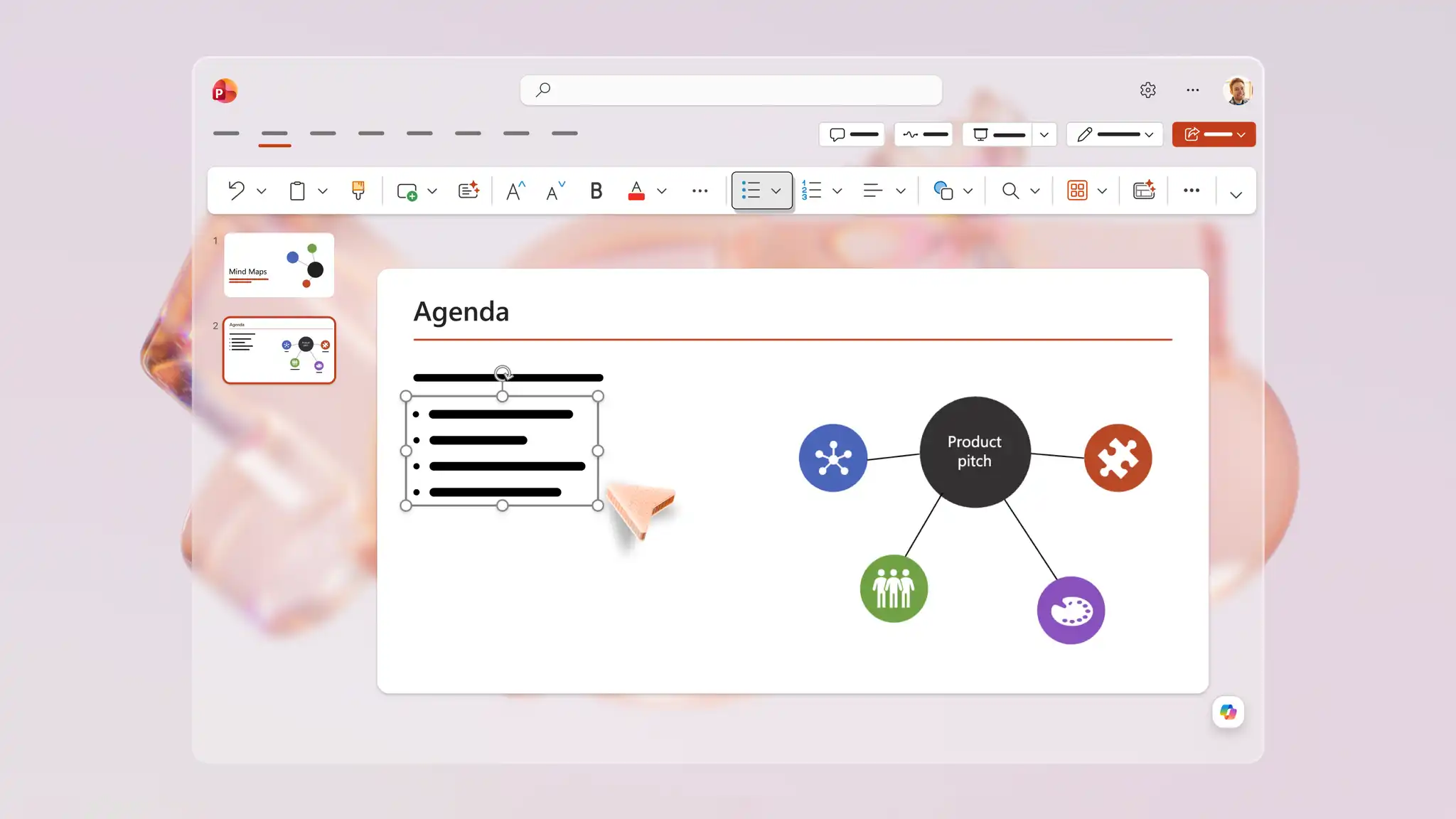
Start from a blank slide, use a ready-made template, or edit an uploaded file. Pre-formatted slides show exactly where to update content, so personalizing text, colors, and images to suit any topic is easy. Include specific slides like intros and agendas, then add slide transitions for a more dynamic, professional finish.
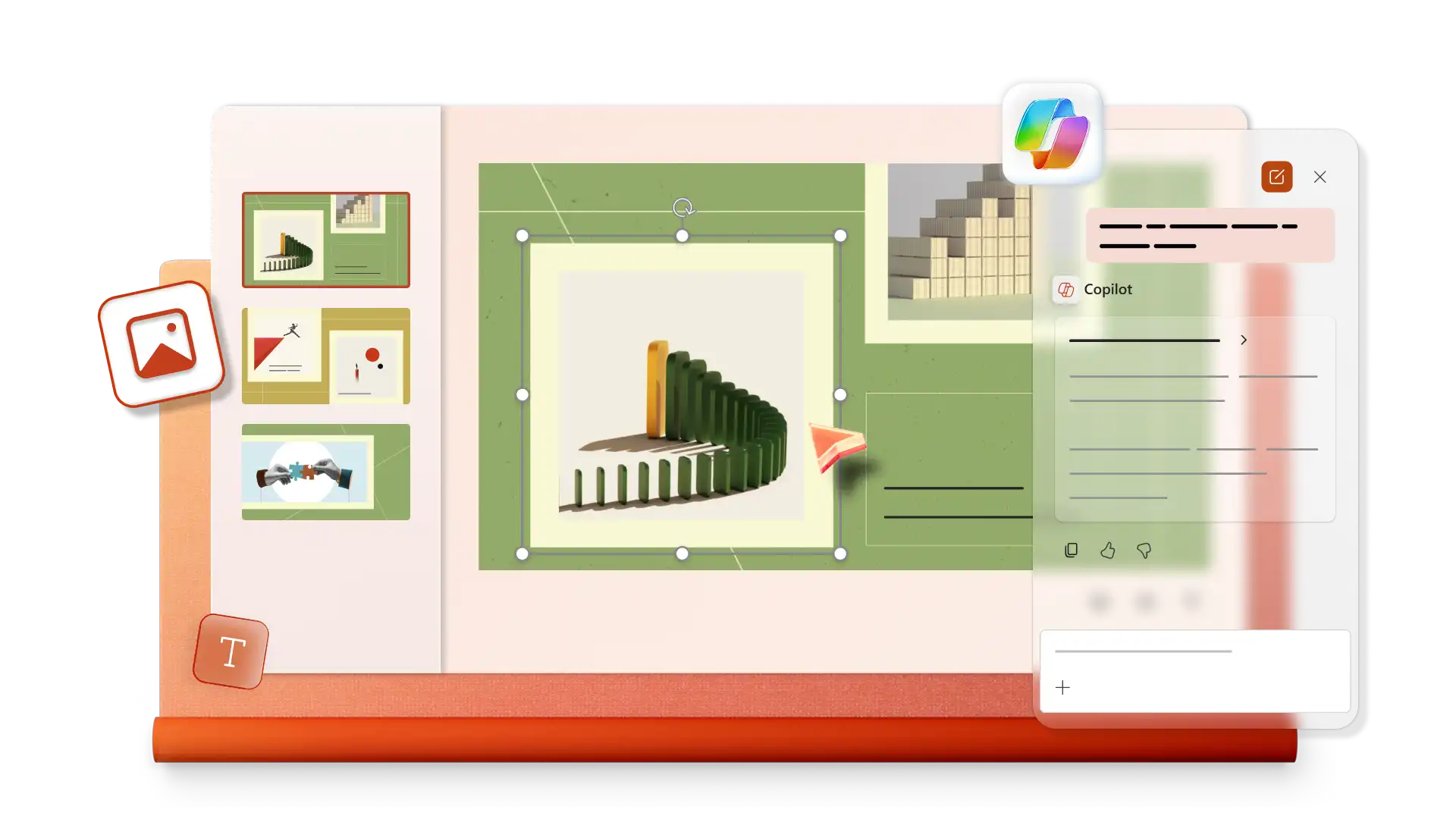
Describe any topic in Copilot chat to build a full presentation outline, or ask for specific slides like project overviews and timelines. Polish existing slides using Copilot design suggestions that can update layouts and add images to make information engaging. Use Copilot to create a summary to share key points after the presentation ends.
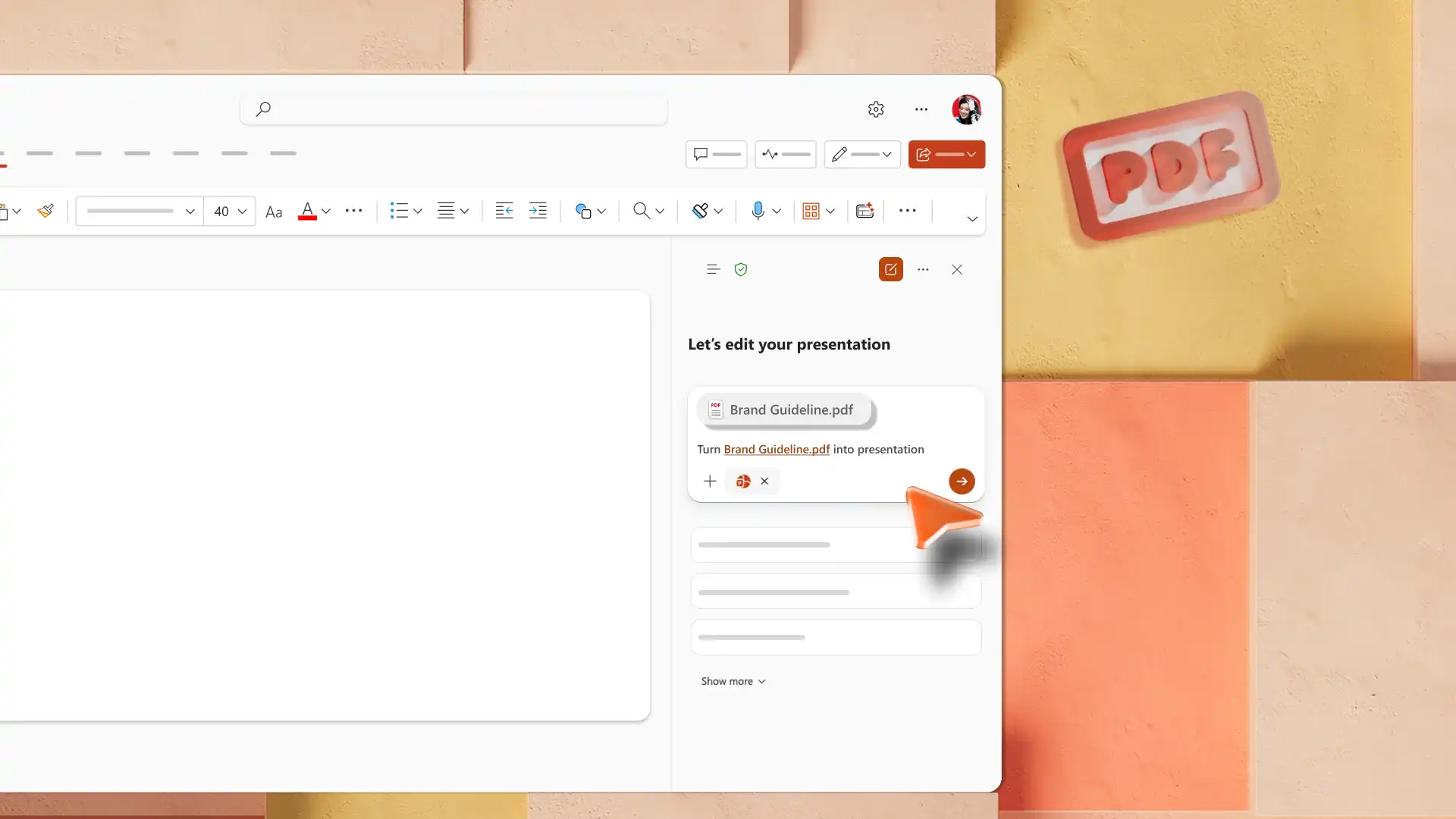
Convert files into presentations with AI. Upload Word documents, Excel spreadsheets, or PDF files into Copilot chat, to transform files into structured slide decks and insights. Reports, papers, or briefings become structured draft presentations, with every slide ready to edit and refine for any audience.
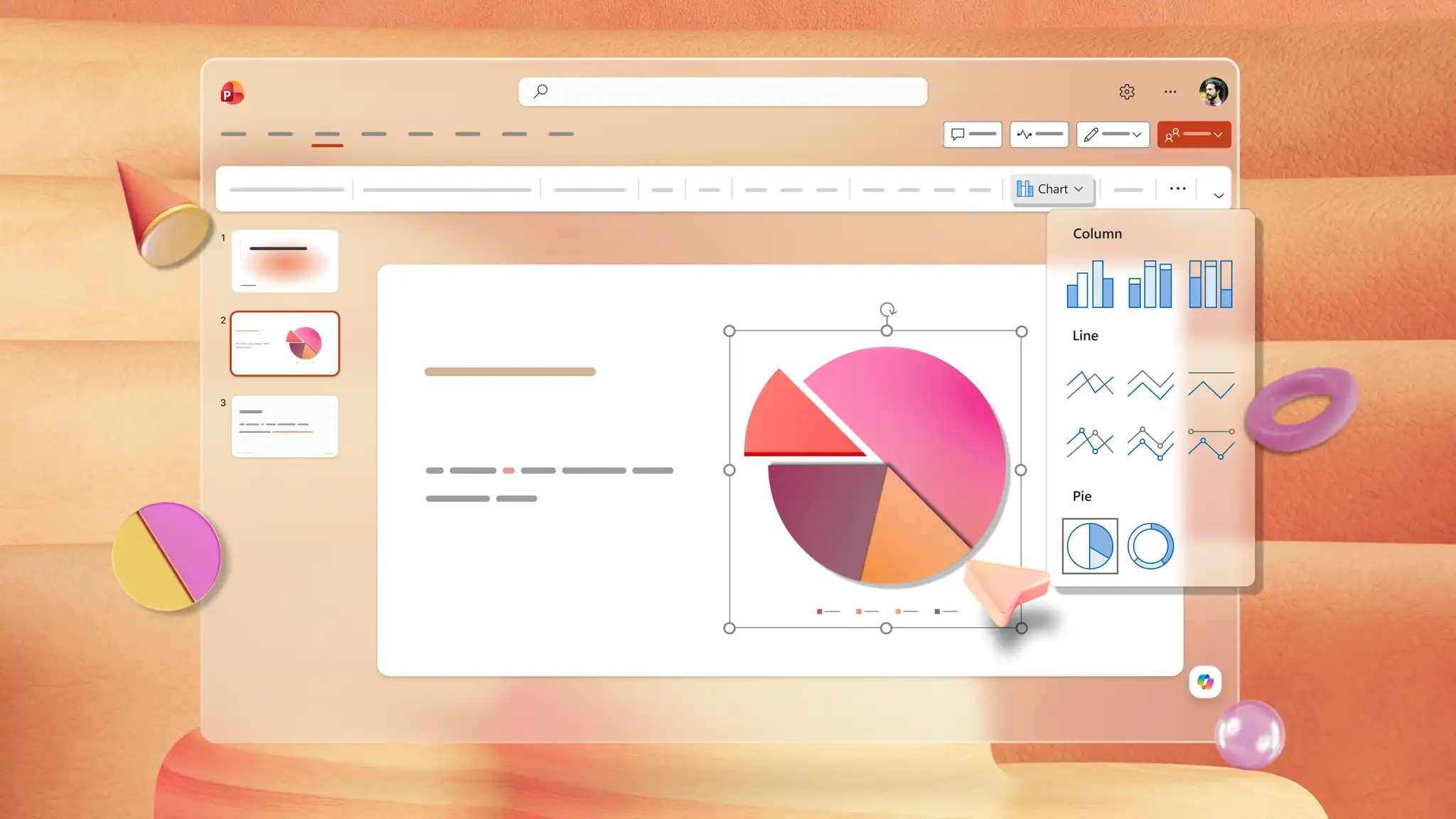
Enrich a presentation with charts, SmartArt, and stock images that turn data into something audiences remember. Transform complex information into infographics and timeline slides, and embed YouTube videos or record live with Cameo to keep viewers engaged. Combine every visual element to tell a story.
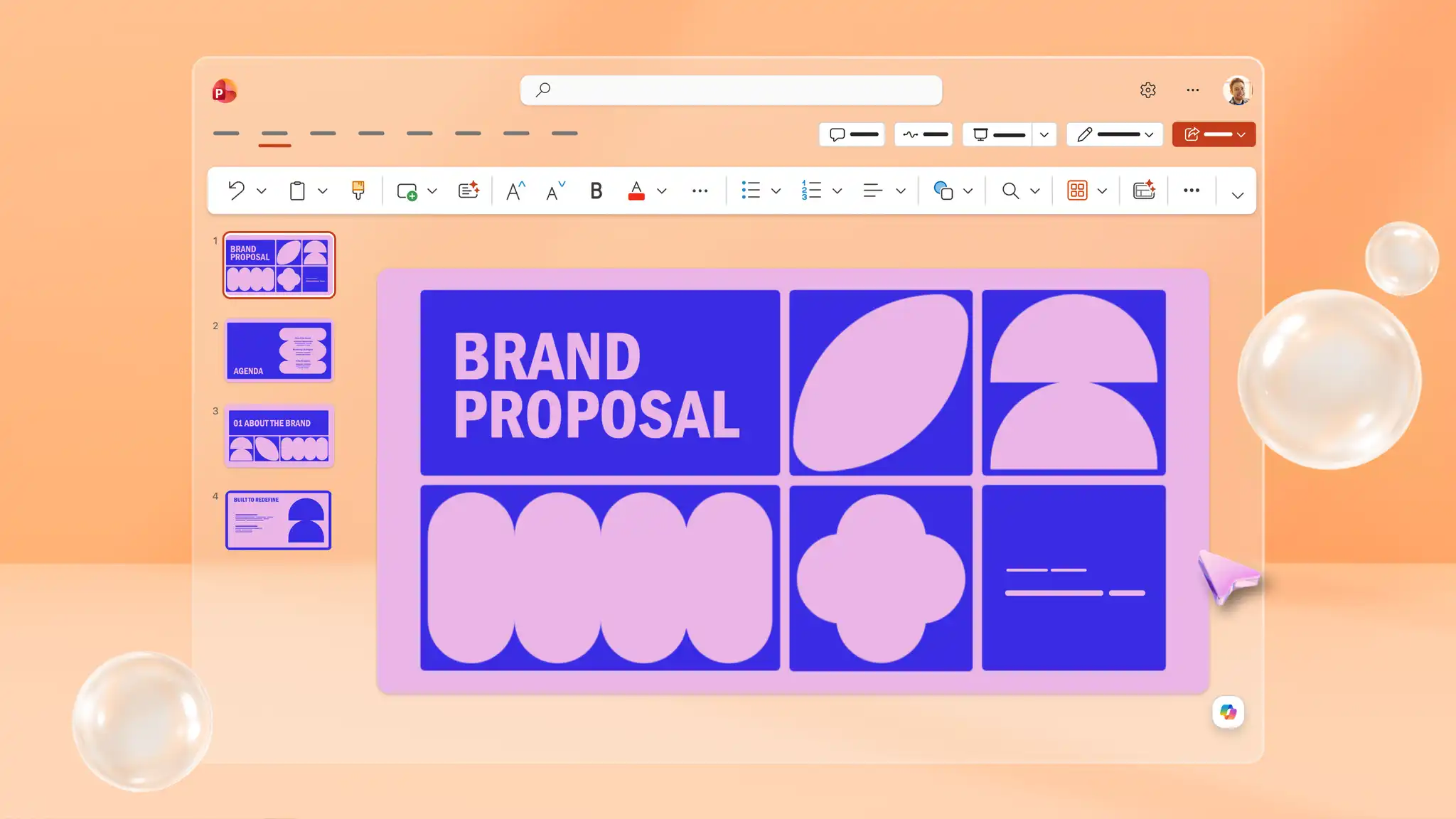
Choose from expert-designed PowerPoint themes and personalize with company logos, fonts, and color palettes so every slide feels cohesive. Apply the same look across every deck with themes built around brand identity guidelines. Save brand assets and reusable themes, so every new presentation starts with a consistent, polished look.
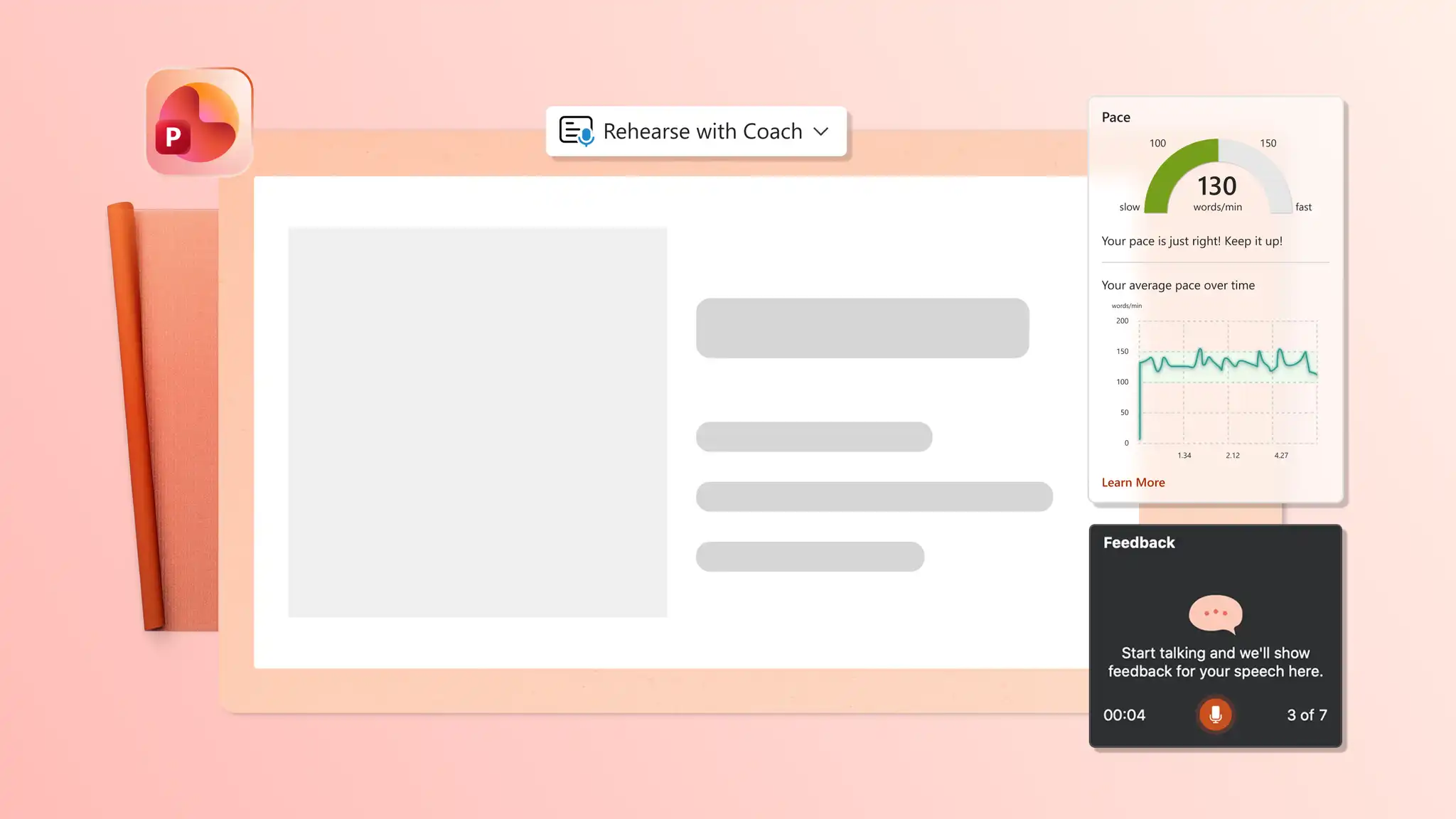
Deliver confidently with Presenter View which keeps speaker notes and upcoming slides visible on screen. Train with Coach in PowerPoint to improve pace and reduce filler words before any presentation. Practice with Rehearse Timings to perfect pitch timing and stay within time limits.
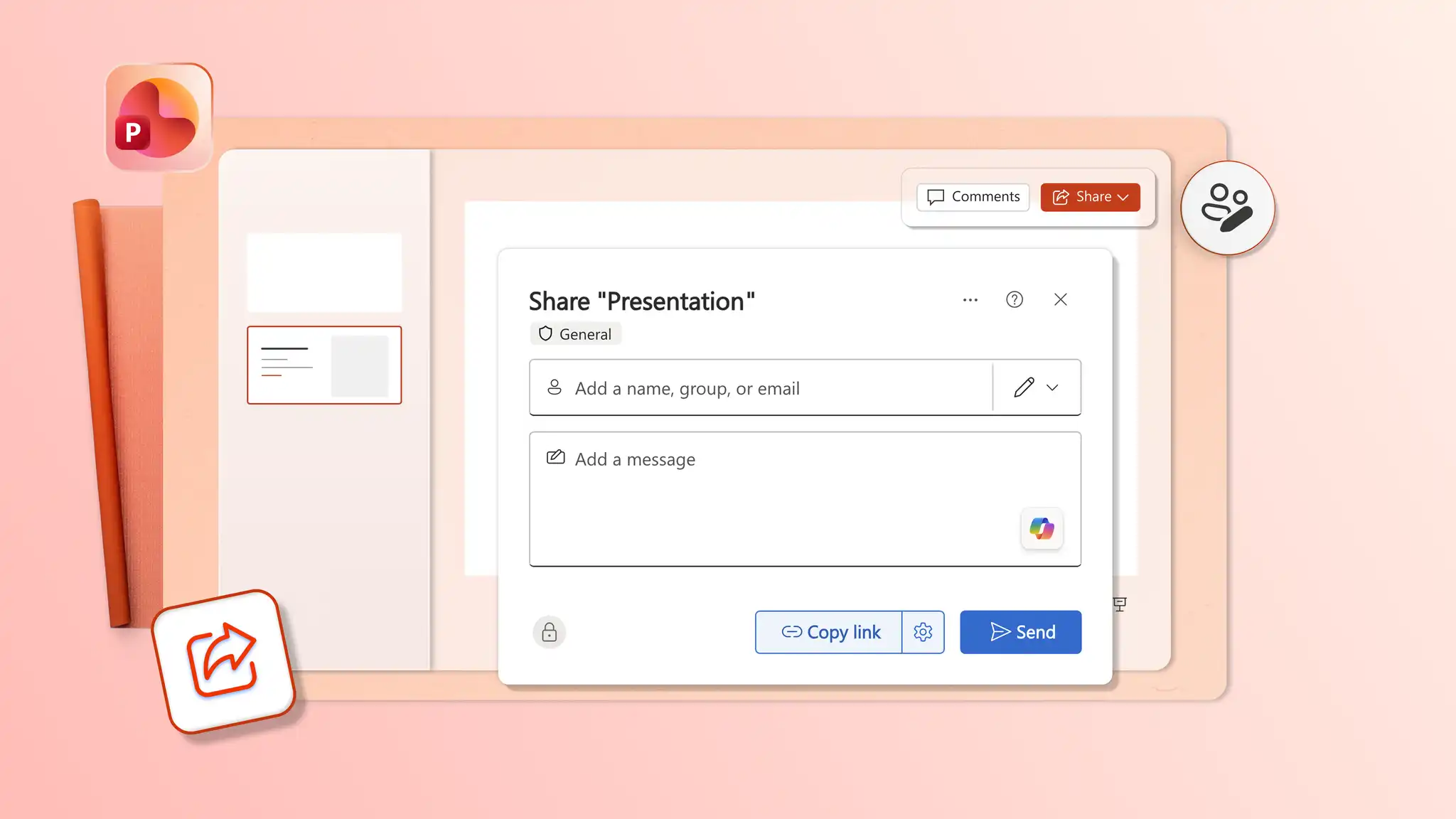
Download and share PowerPoint presentations as a PDF, or a secure OneDrive link for access from anywhere. Save any presentation as a reusable template for ongoing projects. Invite anyone to edit and comment on slides to achieve effective teamwork in real-time.
Open PowerPoint for the web and explore presentation templates online.
Choose a presentation template to start customizing.
Edit the text and replace placeholder visuals.
Apply brand colors and add slide transitions.
Download, print, and share the presentation.
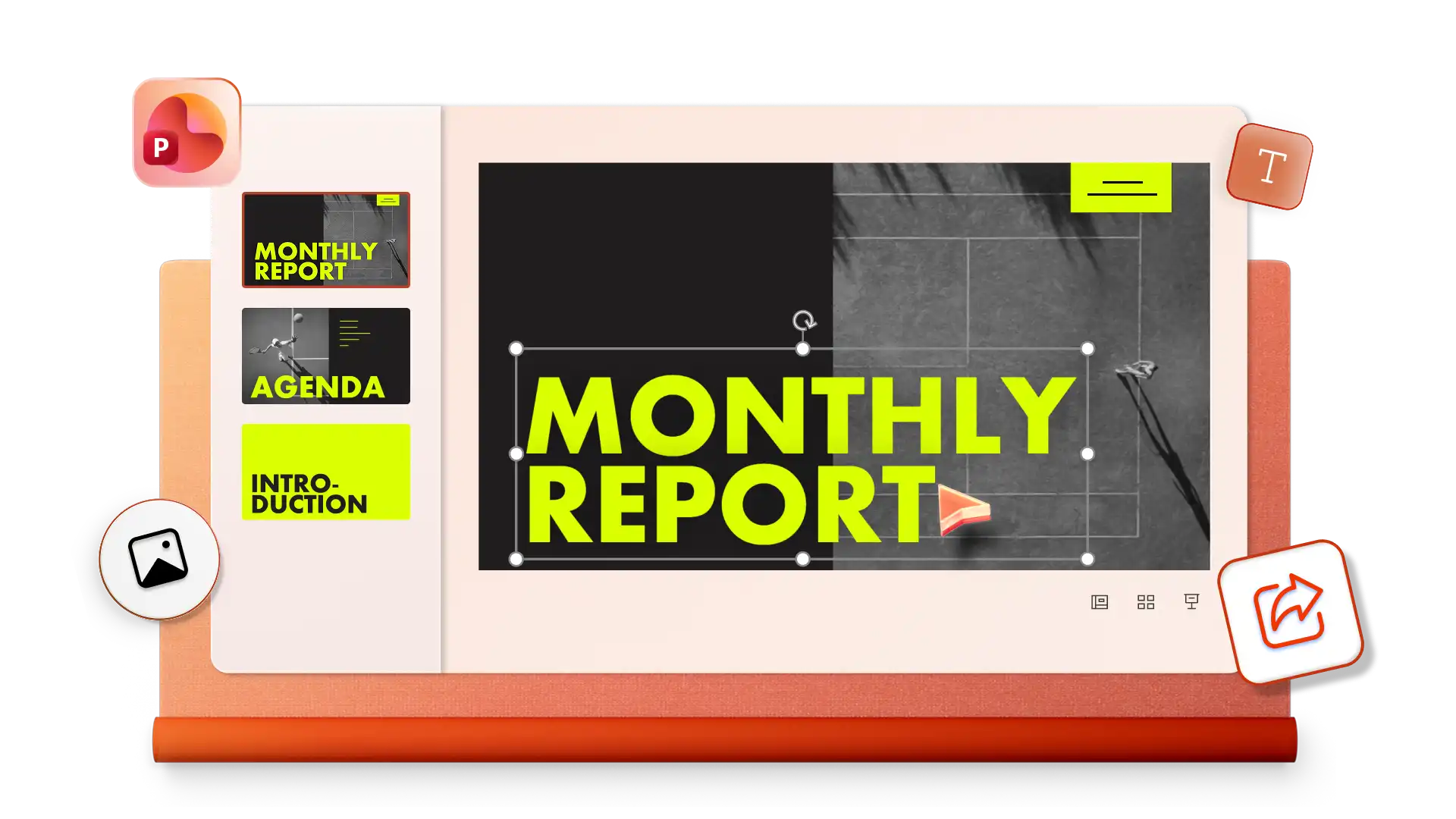
To create a new presentation with a PowerPoint template, navigate to File > New, then browse the template gallery or search by category such as sales presentations, financial presentations, or marketing presentations. Select a template, replace the placeholder text and visuals, and save the presentation when complete.
To update the design of an existing presentation, open the file, select Design, and choose a theme. The selected theme can be applied to all slides or only to selected slides, depending on the layout required.
Custom images can be added to slides from a device or shared location. PowerPoint supports resizing, repositioning, and layering images with text, icons, and shapes, making it easier to align visual content with branding and presentation goals. Copilot subscribers can also create AI images by describing the visual in the Copilot chat, then reviewing and inserting the result directly onto any slide.
Presentations can be saved on one’s device and opened offline. The PowerPoint desktop app supports viewing and presenting slides without an internet connection, which is useful for meetings, travel, and on‑site presentations.
AI-powered assistance in PowerPoint can be used for creating and refining decks. Chat with Copilot by sharing a topic or request to receive slide ideas, outlines, and presentation summaries to review and refine in the chat. These capabilities help maintain clarity and consistency throughout a presentation. Copilot in PowerPoint is included with Microsoft 365 Personal, Family, and Premium subscriptions.
Speaker notes can be generated based on slide content using Copilot in PowerPoint. Chat with Copilot to generate slide notes, review suggestions, then add to slides. Generated notes highlight key points for each slide, supporting clearer delivery, and reducing manual preparation.