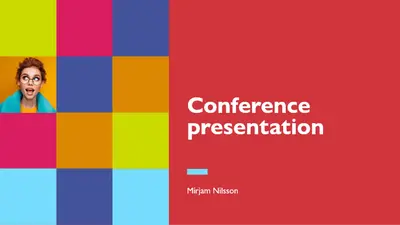
Kolorowa konferencja

Twórz efektowne slajdy do wystąpień publicznych, korzystając z edytowalnych szablonów prezentacji, materiałów stockowych i funkcji AI w programie Microsoft PowerPoint.

Wybieraj spośród wielu profesjonalnie zaprojektowanych szablonów dopasowanych do prezentacji biznesowej, typu startup pitch lub warsztatów edukacyjnych. Odkryj dynamiczne i dostępne szablony do wystąpień publicznych.
Potrzebujesz prezentacji na przemówienie konferencyjne, warsztaty lub prezentację? Szybko twórz wyróżniające się slajdy przemówienia, wybierając szablon prezentacji i dostosowując układ, tekst zastępczy, elementy wizualne i animacje slajdów pasujące do motywu prezentacji. Dopracuj treść za pomocą funkcji Copilot w programie PowerPoint i przećwicz wystąpienie za pomocą trenera prelegenta (opens in a new tab) AI, aby zrobić trwałe wrażenie na odbiorcach podczas kolejnego wydarzenia.

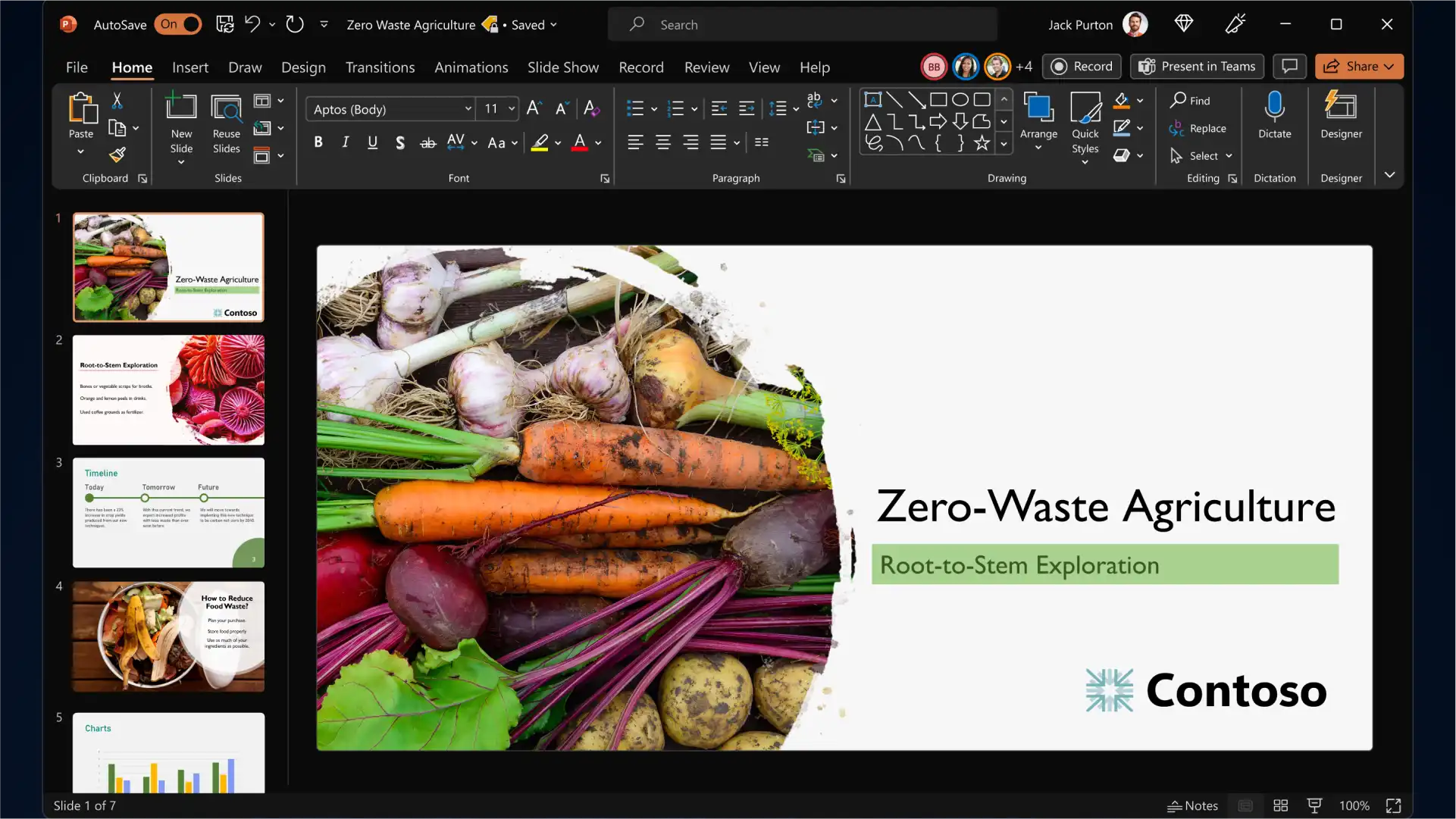
Start with a PowerPoint presentation template and personalize it to build slides for any event, topic and industry. Add branding elements such as your company logo and color palette, then pair classic and modern fonts to communicate your ideas while being memorable to the audience.
Engage viewers by adding eye-catching backgrounds, image slideshows, videos, Cameos, and graphics to complement your keynote presentation storytelling. Turn timelines and processes into easy-to-follow charts using SmartArt, create infographics, and choose modern icons to represent key talking points of your presentation.
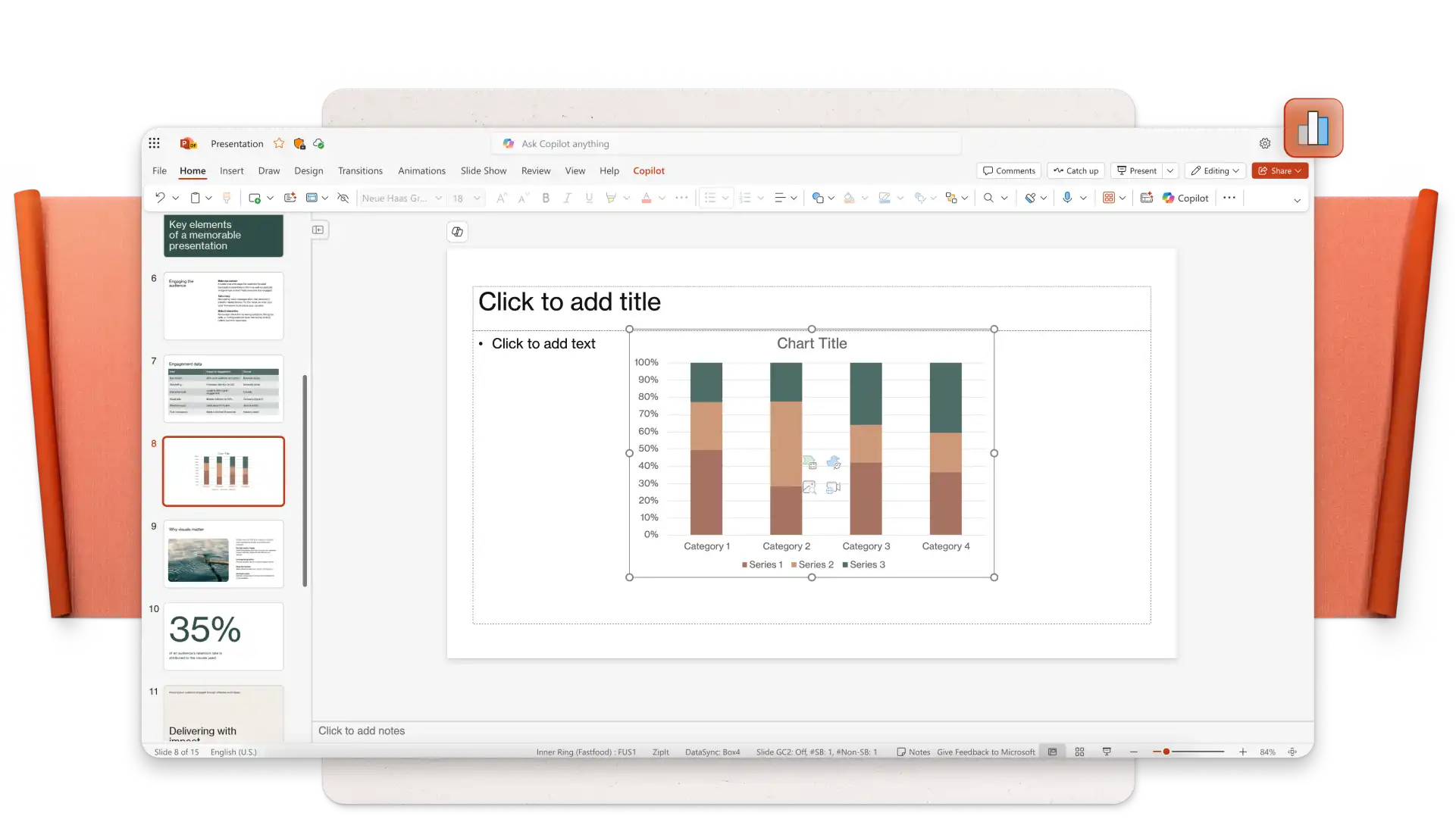
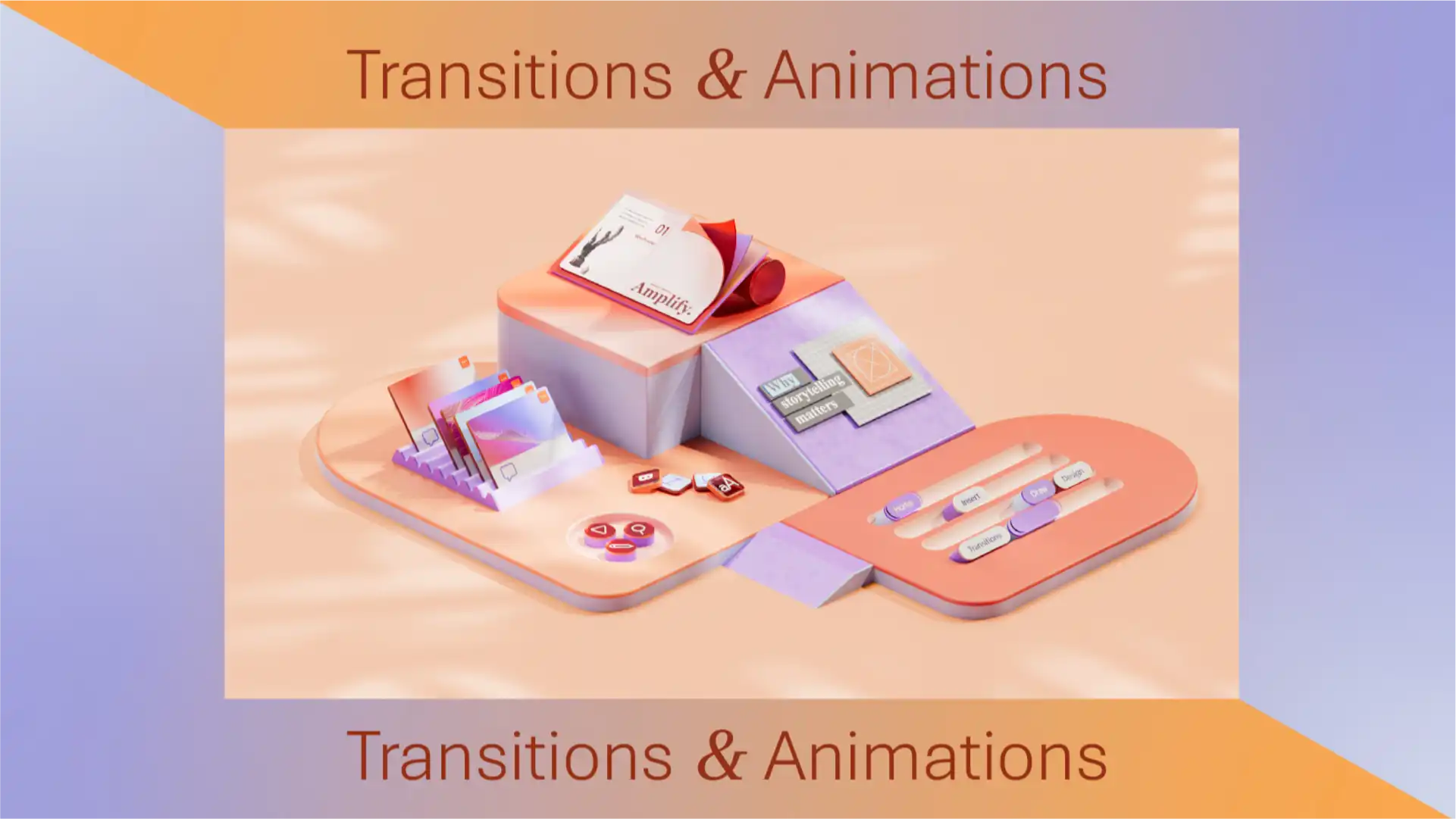
Apply subtle transitions like fades and wipes to add interest to business conference slides, or use dynamic transitions like uncover and morph effect (opens in a new tab) to emphasize a key point or do a big reveal while public speaking. Set your transition and animation timings to impress your audience.
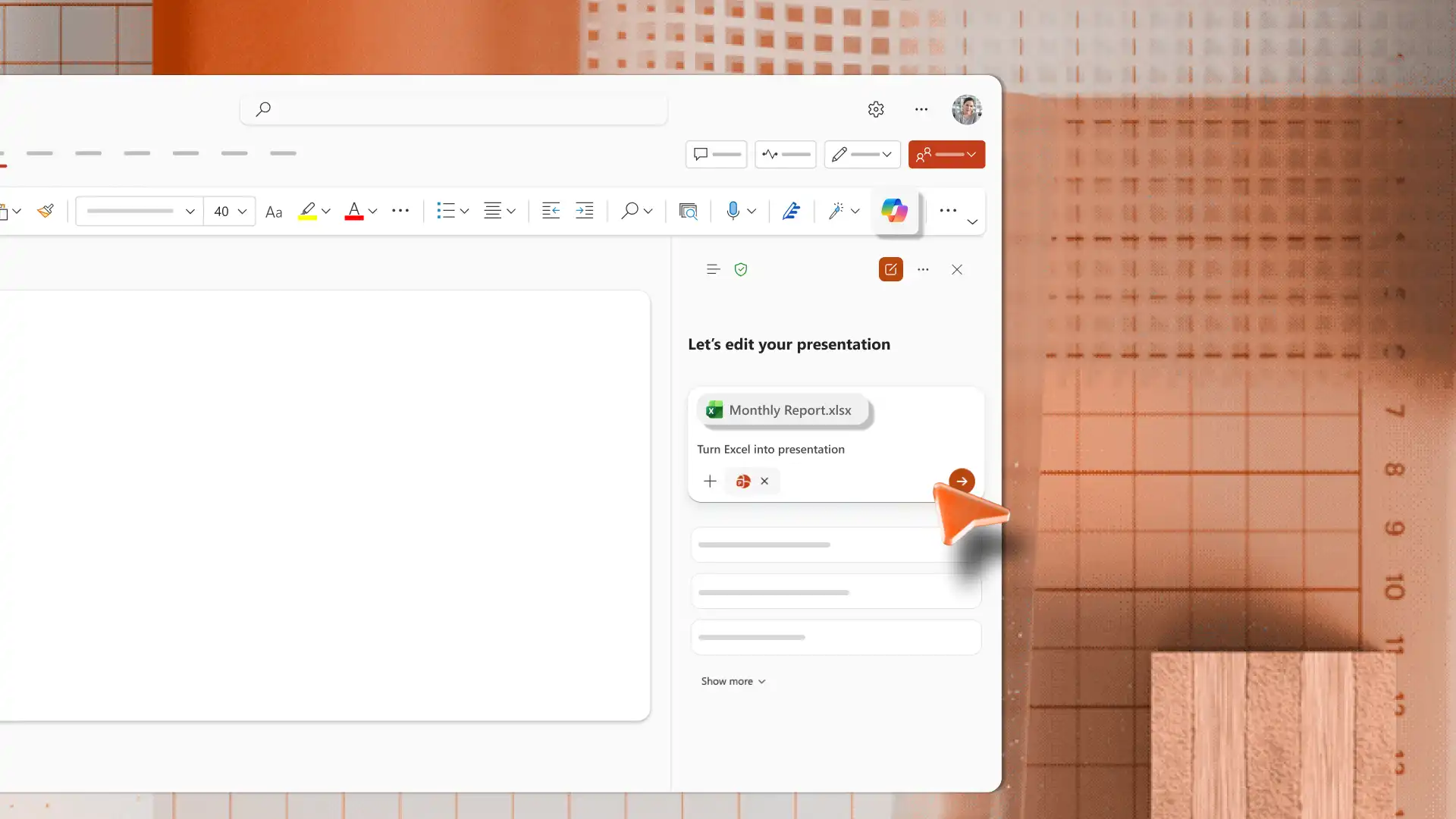
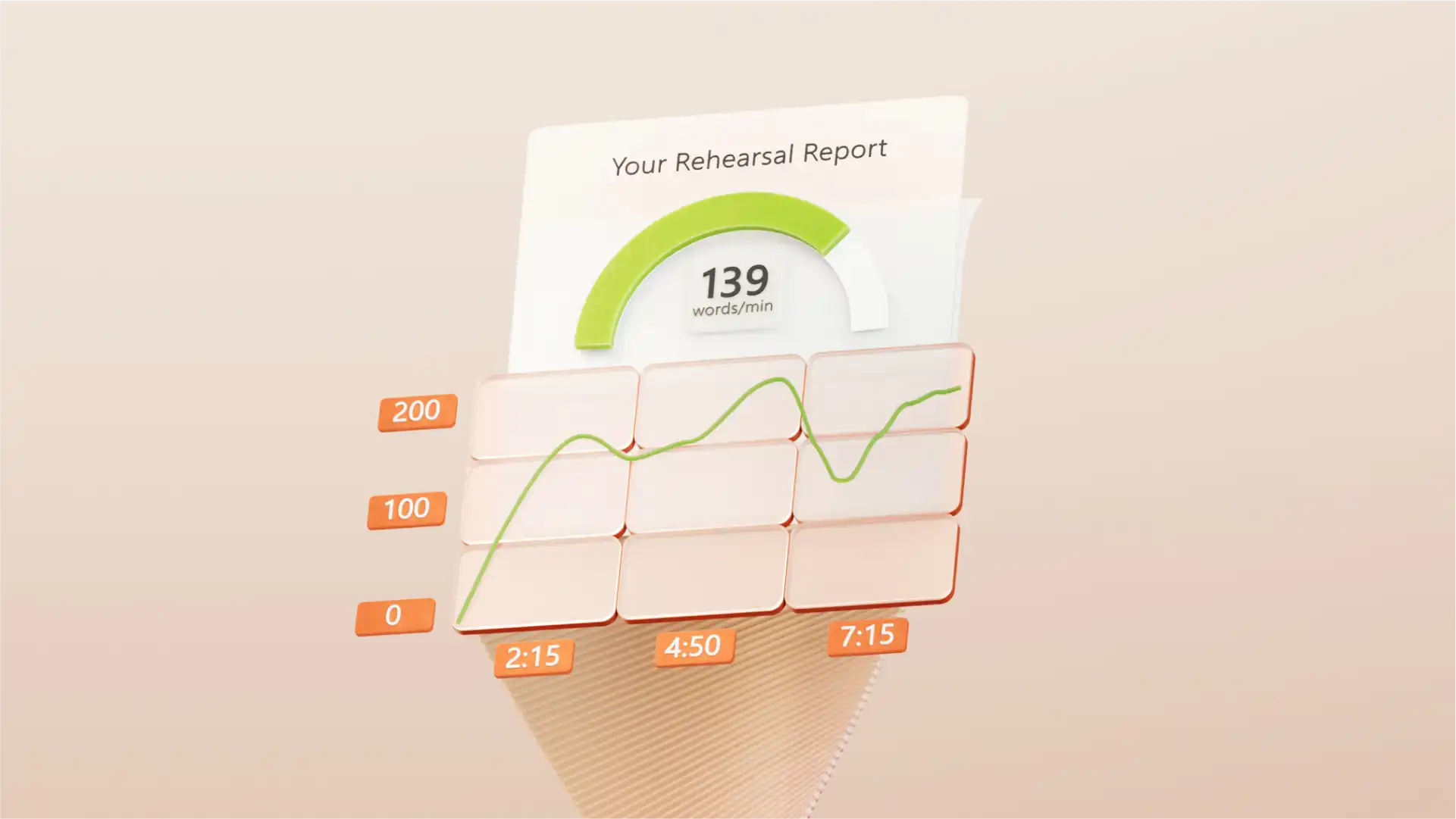
Użyj funkcji Copilot w programie PowerPoint, aby ulepszyć zawartość slajdów dzięki automatycznemu modyfikowaniu albo wygenerować notatki prelegenta, aby zwiększyć ich skuteczność. Przygotuj się do wystąpienia ustnego, ćwicząc z narzędziem AI trener prelegenta (opens in a new tab), które może przekazywać opinie na temat zaangażowania odbiorców, tonacji i tempa. Na koniec sprawdź slajdy za pomocą Redaktora (opens in a new tab), aby wyeliminować błędy ortograficzne i gramatyczne.
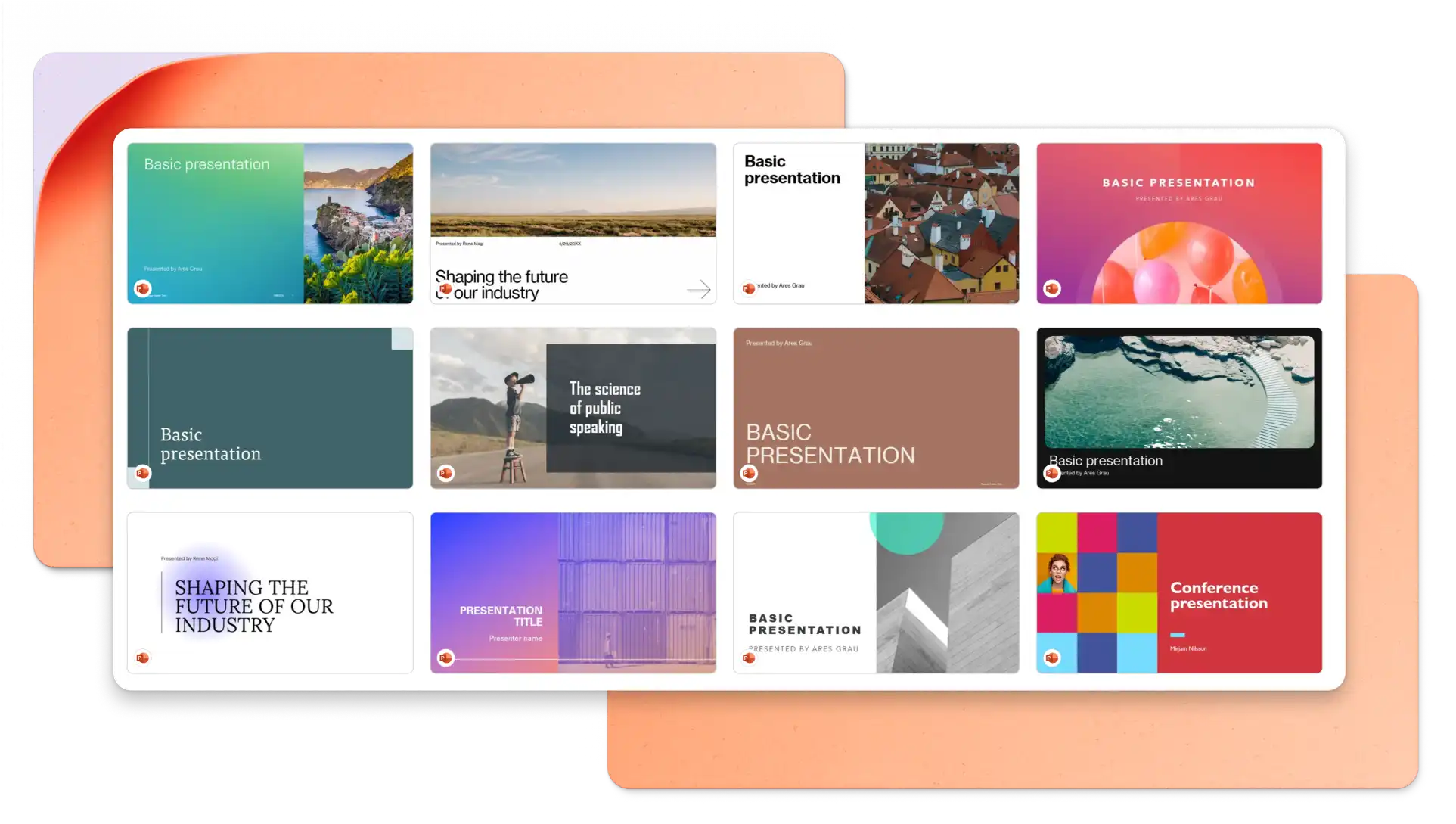
In your browser, explore PowerPoint keynote presentation templates
Choose a keynote presentation template you want to edit
Replace the text and graphics with your own information
Download, print and share your presentation for free
Structure your keynote presentation to deliver one idea per slide and stay on-theme to engage your audience. It’s recommended to use images and graphics to represent concepts and reduce distractions where possible. Choose a professionally designed keynote presentation template to make a great impression on your audience. Lastly, practice your timing and delivery using speech notes and AI Speaker Coach (opens in a new tab).
Animations can add engagement to your keynote presentation, however, you should choose animation styles based on the keynote topic and target audience. Choose slow reveals and movements to suit a business keynote presentation and select bold animations when presenting creative keynotes.
There are different ways to share your keynote PowerPoint presentation. Save your slides as a .PPT file, share a secure HTML link to viewers, or download your presentation slides as a PDF. You can also attach it to marketing presentations, and create accompanying certificates.