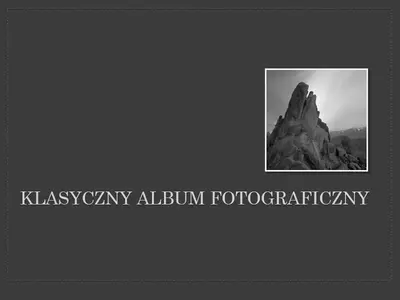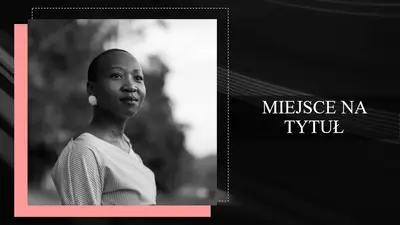
Album fotograficzny ze zdjęciami mody

Twórz pokazy slajdów ze zdjęciami przy użyciu szablonów, przejść i narzędzi projektowych AI w programie Microsoft PowerPoint.

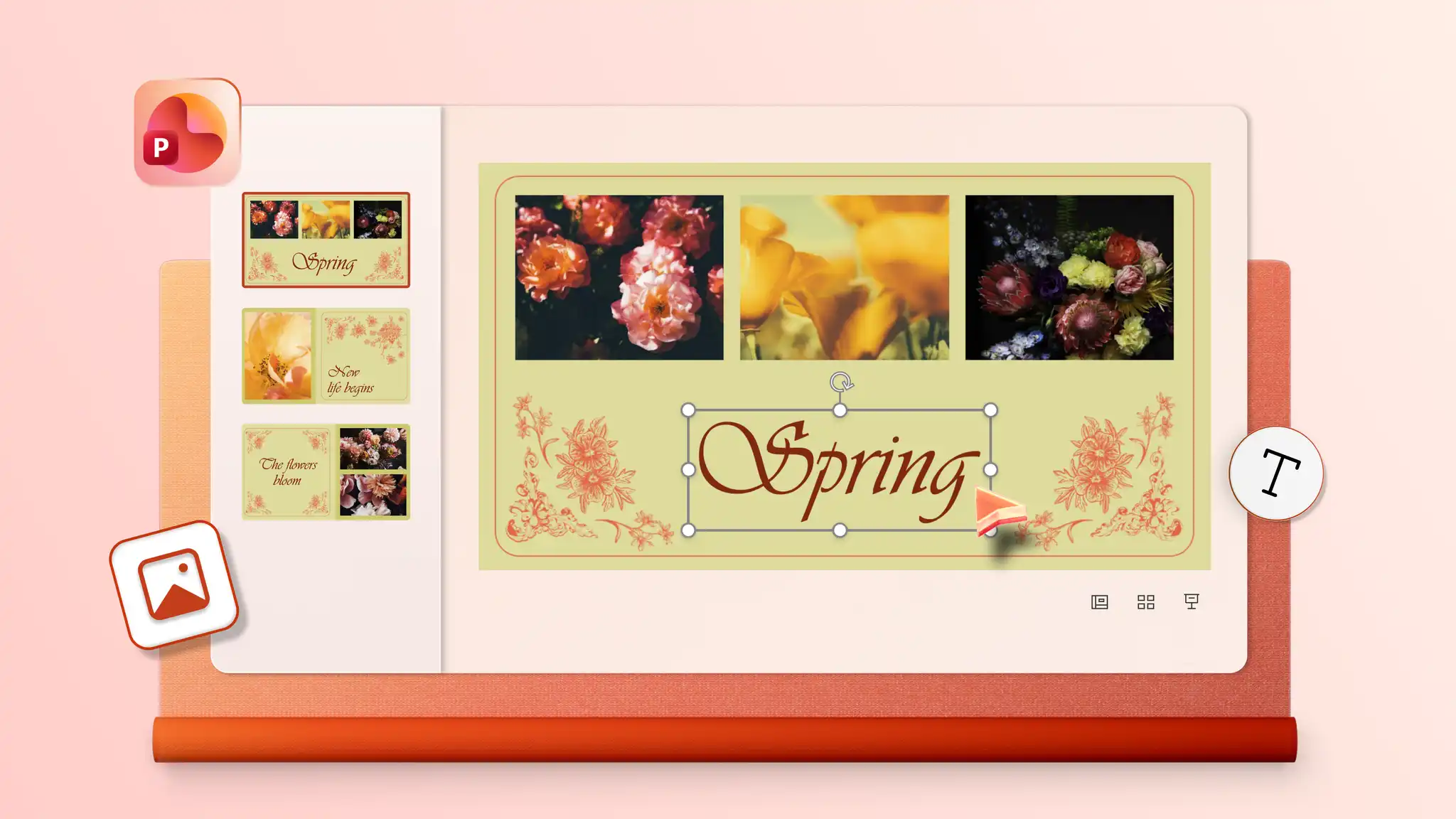
Przejrzyj szablony pokazów slajdów ze zdjęciami i zamień obrazy, klipy wideo oraz podpisy, aby każdy układ był niepowtarzalny i opowiadał historię ze stylem. Dostosuj kolory i czcionki tak, aby pasowały do albumu weselnego lub portfolio fotografii, aby uzyskać czyste profesjonalne zakończenie.

Zaproś rodzinę, znajomych lub współpracowników do dodawania obrazów i edytowania pokazu slajdów ze zdjęciami w czasie rzeczywistym. Udostępnij link umożliwiający współpracę nad pokazami slajdów z okazji urodzin lub konferencjiz pełną kontrolą nad tym, kto może wyświetlać i edytować zawartość online, aby zawsze angażować odpowiednie osoby.

Przeglądaj inteligentne warianty układu w funkcji Sugestie dotyczące projektu, aby nadać każdemu slajdowi efektowny styl. Wybierz układ, który bardziej eksponuje elementy wizualne lub tekst, a potem łatwo zastosuj go do każdego slajdu. Uzupełnij pokazy slajdów unikatowymi tłami slajdów utworzonymi za pomocą funkcji Copilot w programie PowerPoint.

Wybierz szablon, aby uporządkować zdjęcia, klipy wideo i podpisy w niezapomniany pokaz slajdów z regulowanymi układami. Dodaj przejścia i animacje slajdów, aby nadać pokazom slajdów osobowość, a potem udostępnij wspomnienia lub zaprezentuj portfolio online.
Insert photos from a device or use free stock images that suit a theme. Add online videos to any slide or record a Cameo to give a personal touch to family photo albums and design portfolios. Format photos for large screens to play slideshows in any setting.


Import audio files to add a background track and give slideshows more personality. Use personal audio files or licensed music, then set tracks per slide to match the mood, whether it's a wedding photo album or nature slideshow. Adjust playback to automatic or on click and fine-tune volume, so music complements the narration.
Add some flair with slide transitions and animations. Try the morph effect (opens in a new tab) for a polished look, or use the classic fade, cube, or checkerboard. Layer text and image animations to build scenes step by step, so every business presentation and photo memory book holds attention from the first slide.

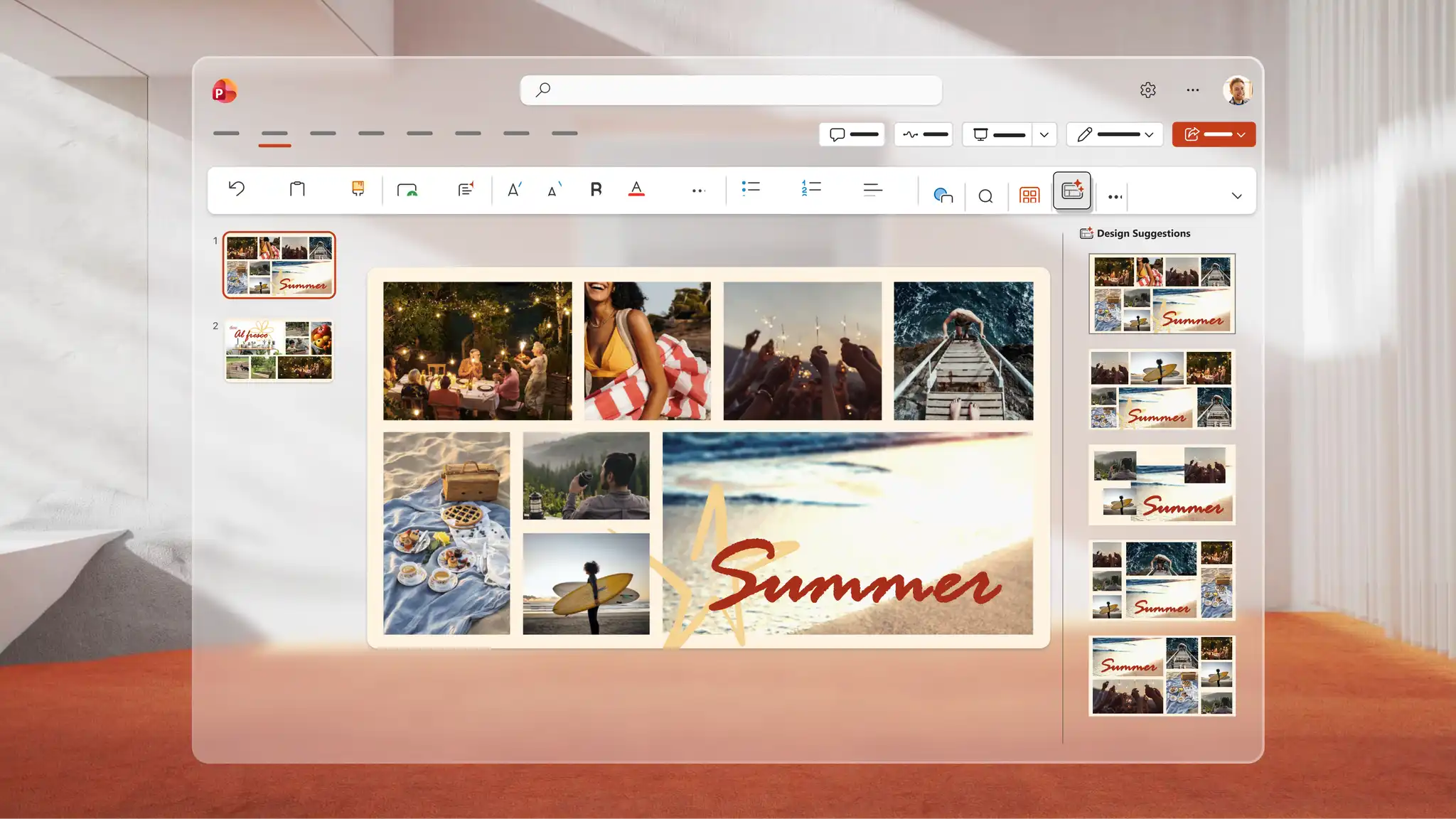
Use Copilot in PowerPoint to generate a unique image for any slideshow. Describe the idea to Copilot, and AI generates a visual to review in the chat, download, and add directly to any slide. Use Design suggestions to find smart layouts that transform every slide into a polished AI presentation design.
Save to OneDrive and share a link so recipients can view it across devices or download as a PDF to print and distribute at events. Rehearse a speech alongside the slideshow with Coach in PowerPoint (opens in a new tab) to refine delivery and present confidently for keynote presentations and personal celebrations.
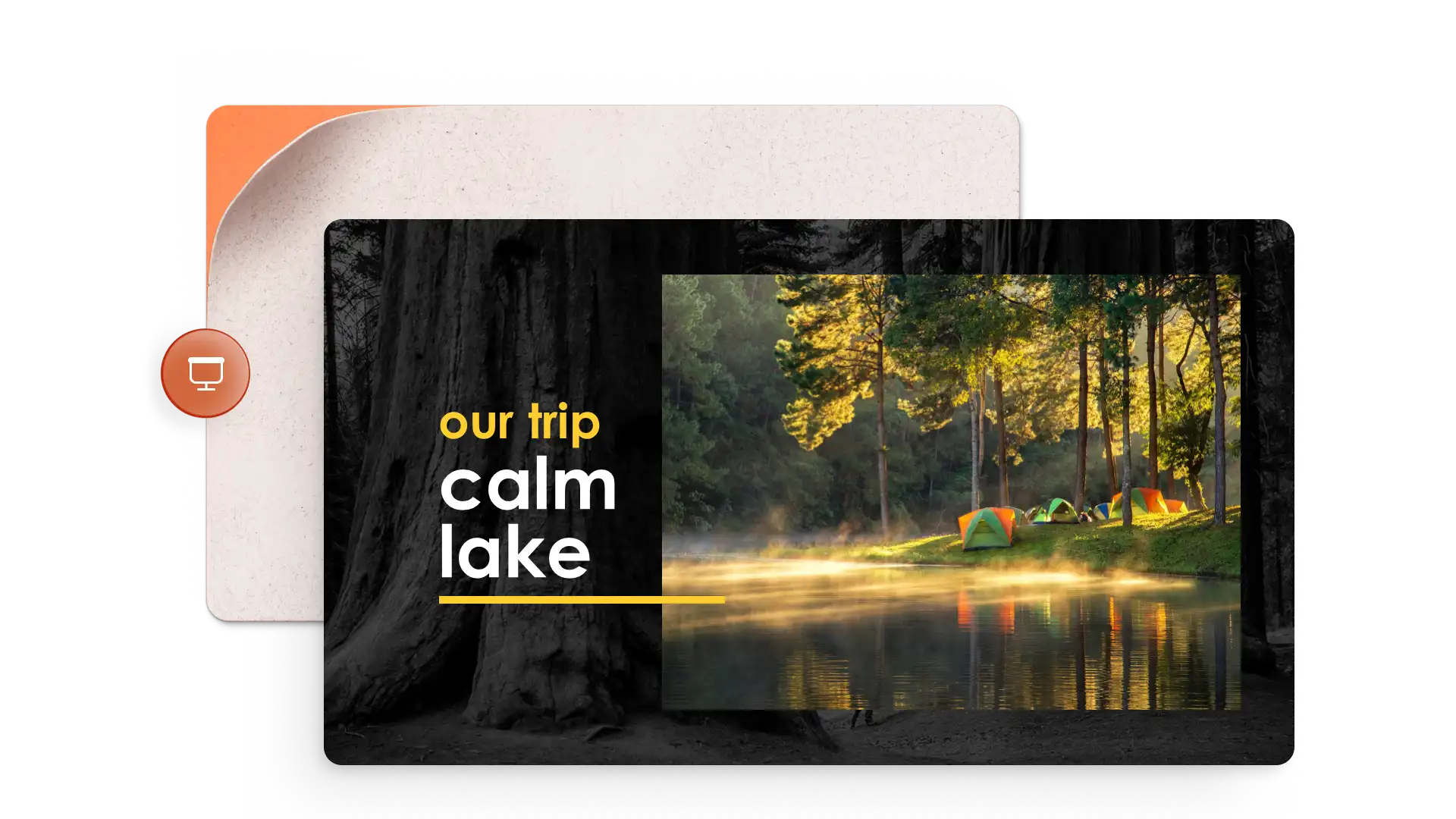

Twórcy zawartości: udostępniają kamienie milowe, takie jak podróże, śluby lub uroczystości ukończenia szkoły.
Wykonawcy, fotograficy i projektanci: prezentują portfolio i dzieł sztuki.
Nauczyciele: opowiedz historie wizualne lub udokumentuj podróże w terenie za pomocą szablonów edukacyjnych.
Specjaliści ds. nieruchomości: twórz wirtualne prezentacje sprzedaży domu za pomocą szablonów krótkich prezentacji.
Open PowerPoint for the web and choose a photo slideshow template to start.
Replace the placeholders with photos, videos, and captions to each slide.
Apply slide transitions and add music from personal audio files or online libraries.
Use Copilot in PowerPoint to generate images or browse Design suggestions for polished layouts.
Save to OneDrive and share the slideshow via a secure link, or present live to an audience.
Start by adding photos to a template or blank slideshow in PowerPoint for the web. Insert audio and choose from playback options including automatic start, on click, or play as a loop to give the slideshow a soundtrack. Audio settings may vary depending on the PowerPoint version in use.
Combine static images and video clips into a single slideshow with PowerPoint for the web. Start with a template or blank presentation, then insert images and videos on chosen slides and resize and trim videos to suit the design. Make creative slideshows for everyday memories, personal milestones, or professional slideshows for portfolios and pitch decks.
Start with a photo album template or create blank slides with collage layouts using PowerPoint presentation maker. Add photos one at a time to the image placeholders.
To add old physical photos, digitize them first with a scanner or scanner app in a smartphone. Open PowerPoint for the web, click the Insert tab, and select Insert picture from device to upload the scanned images. Add the images to any slide in the presentation.