Nowoczesne portfolio z zakresu projektowania wnętrz

Prezentuj projekty za pomocą bezpłatnych cyfrowych szablonów portfolio, interaktywnego tekstu, elementów wizualnych i funkcji Copilot w aplikacji Microsoft PowerPoint.

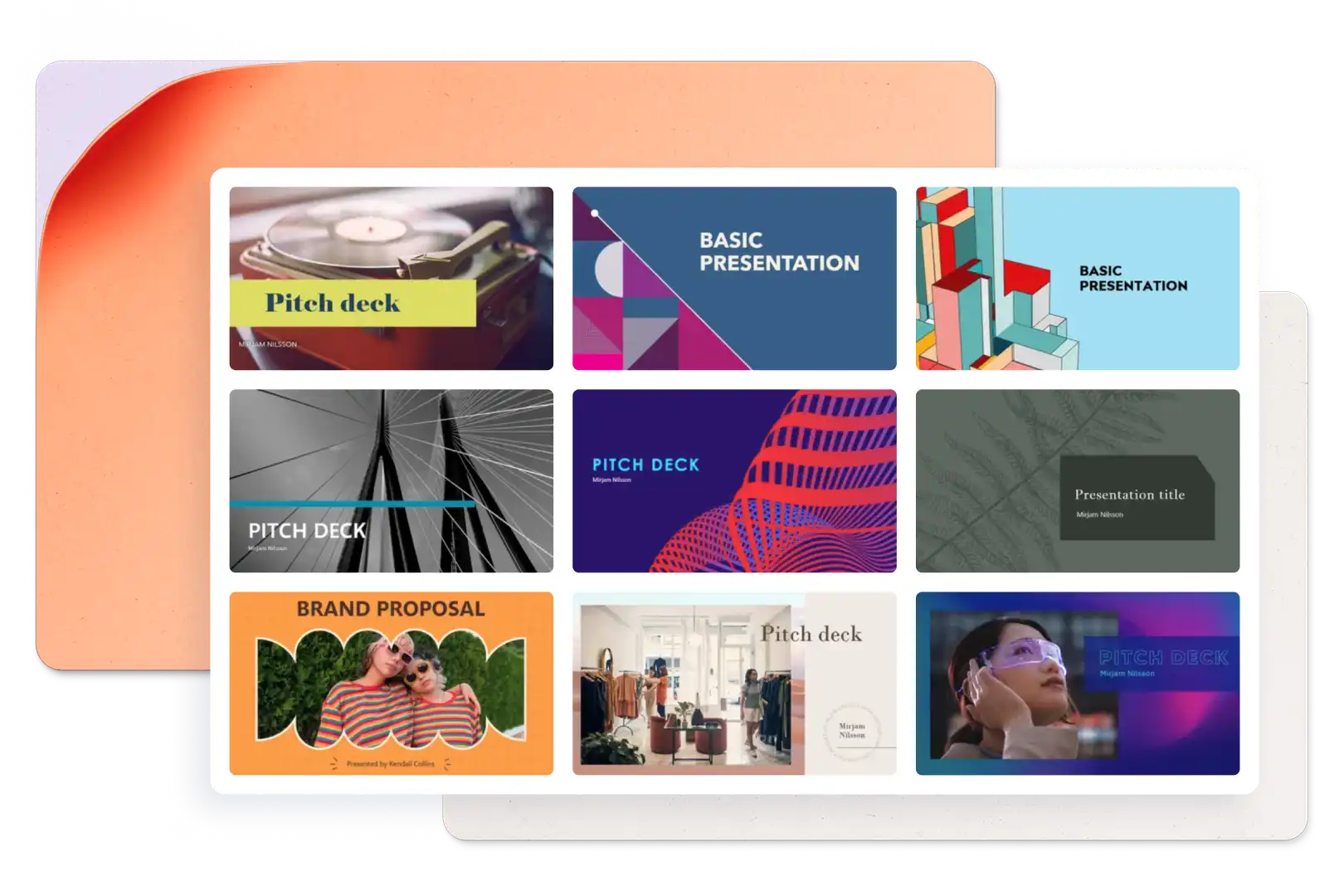
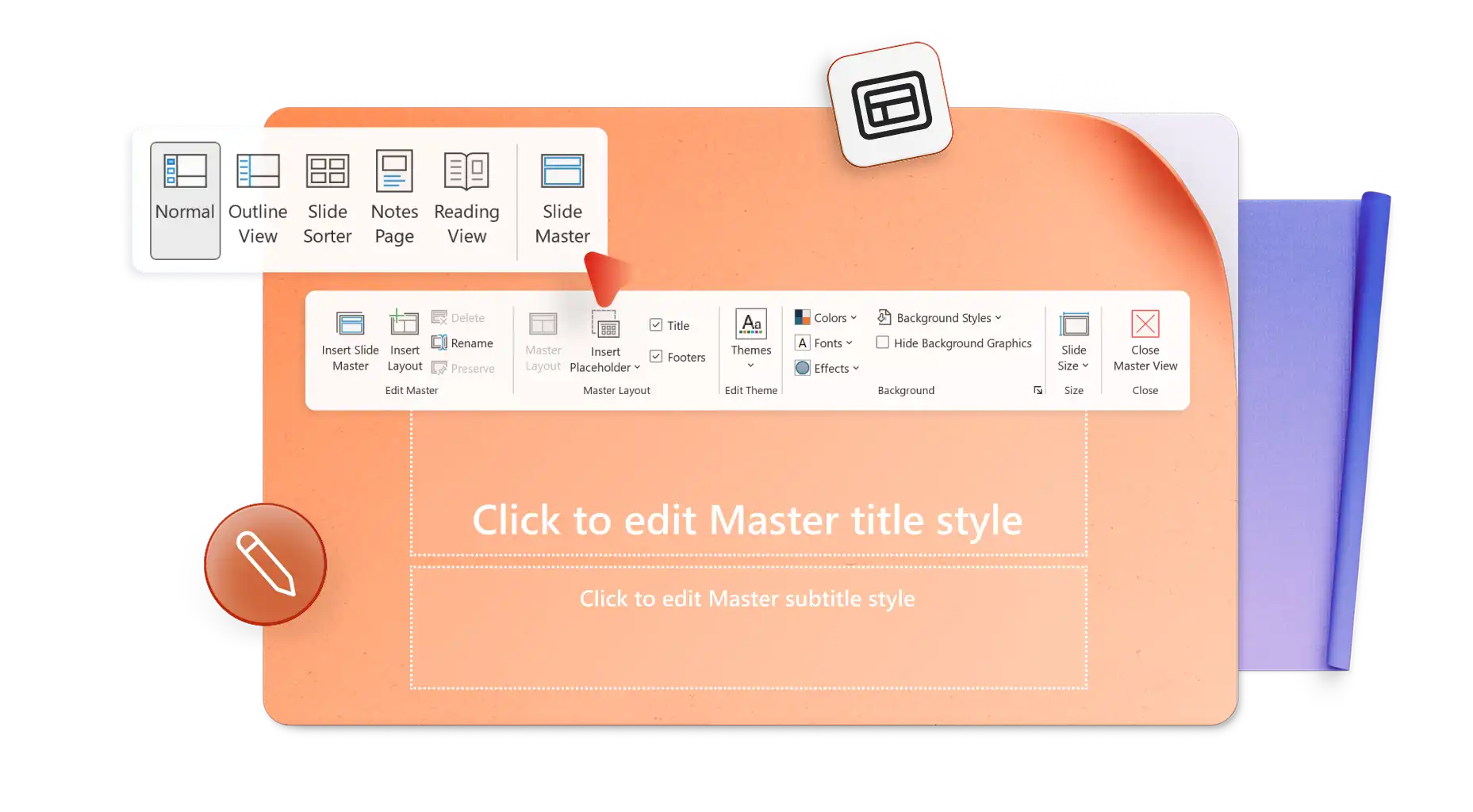
Stwórz dopasowaną prezentację portfolio od podstaw albo użyj szablonu, żeby było łatwiej. Układaj tekst, obrazy i filmy w modułowych układach, aby w angażujący sposób pokazać swoją pracę. Łatwo zmieniaj kolory i czcionki szablonu, aby utworzyć prezentację w stylu zgodnym z Twoją wizją twórczą lub marką.

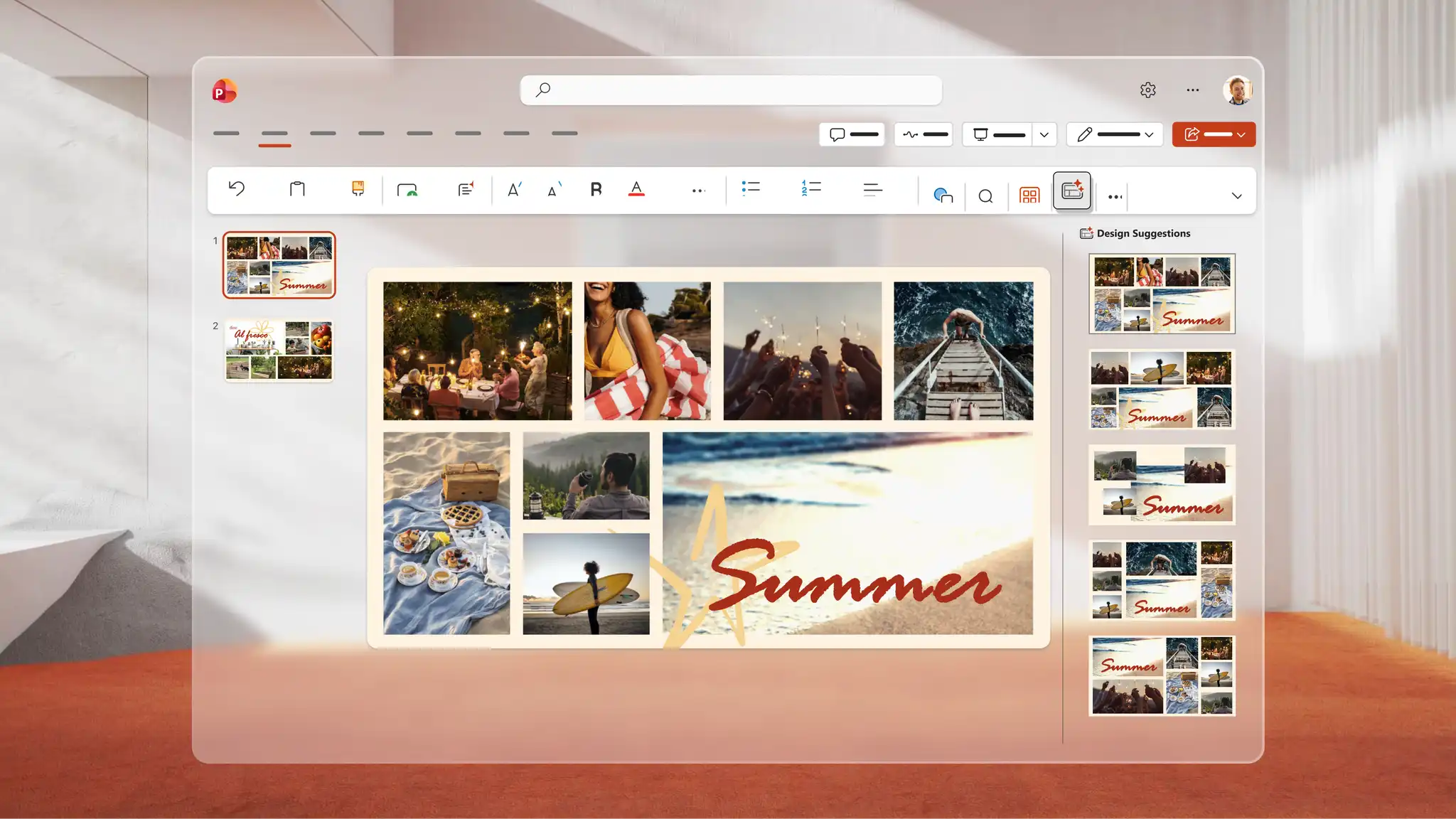
Opowiedz wizualną historię w internetowym portfolio, korzystając z formatu pokazu zdjęć z obrazami pełnoekranowymi lub kolażami. Użyj narzędzia do nagrywania w PowerPoint, aby utworzyć film wprowadzający, który nada całości osobisty charakter. Osadzaj filmy z YouTube, żeby każdy mógł je oglądać bezpośrednio w prezentacji.

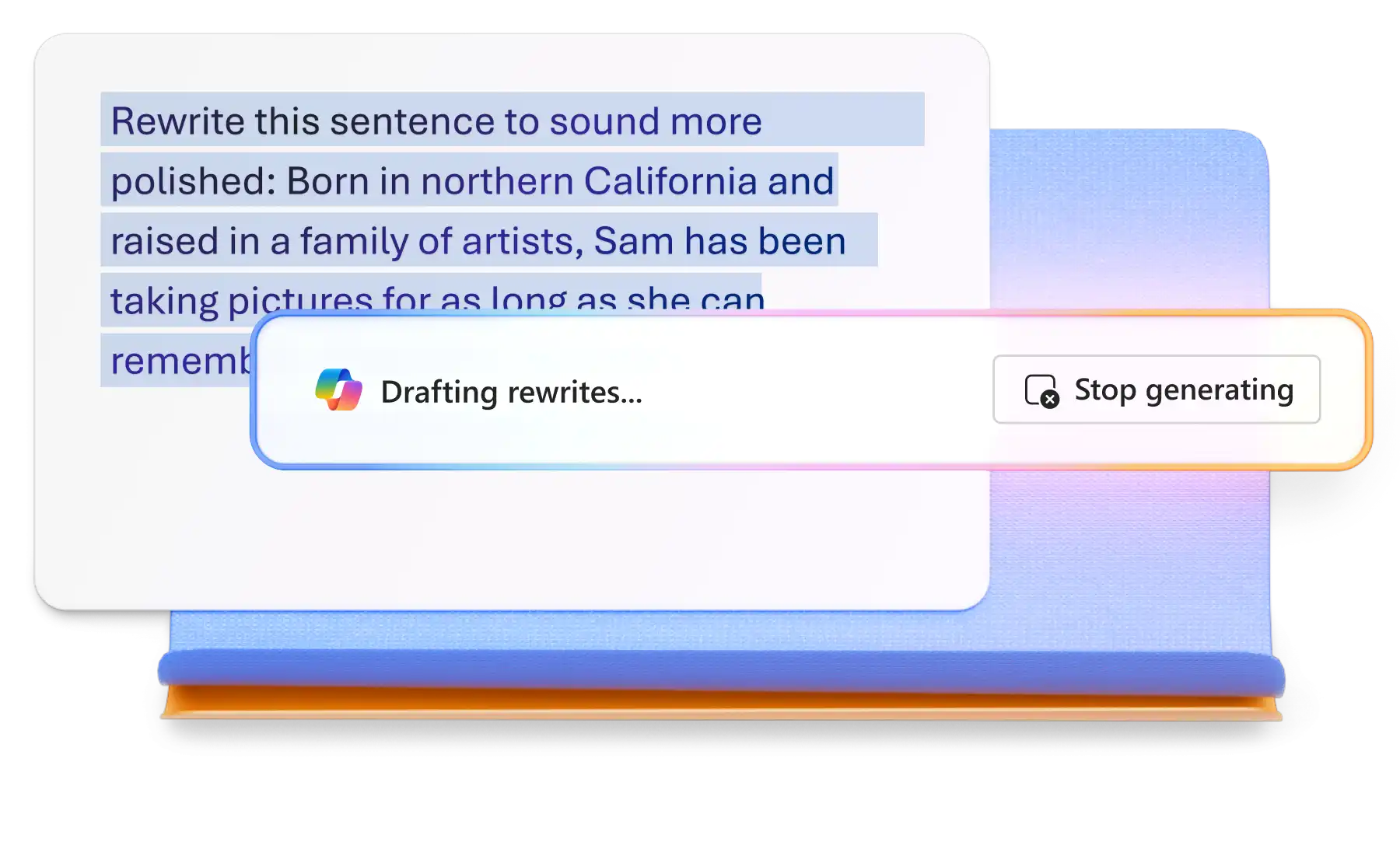
Rozmawiaj z funkcją Copilot w aplikacji PowerPoint, aby utworzyć uporządkowaną narrację do prezentacji portfolio albo przepisać opisy portfolio, żeby były bardziej czytelne. Przejrzyj sugestie na czacie i w razie potrzeby wprowadź zmiany. Dołącz dokument programu Word, na przykład CV lub plan projektu, aby Copilot mógł przygotować zarys do przejrzenia na czacie.

Wybieraj spośród szablonów portfolio dla portfolio artystycznych, zawodowych i kariery z regulowanymi układami i przejściami slajdów. Łatwo zamieniaj obrazy i filmy, aby utworzyć prezentację portfolio, która podkreśli umiejętności i projekty.
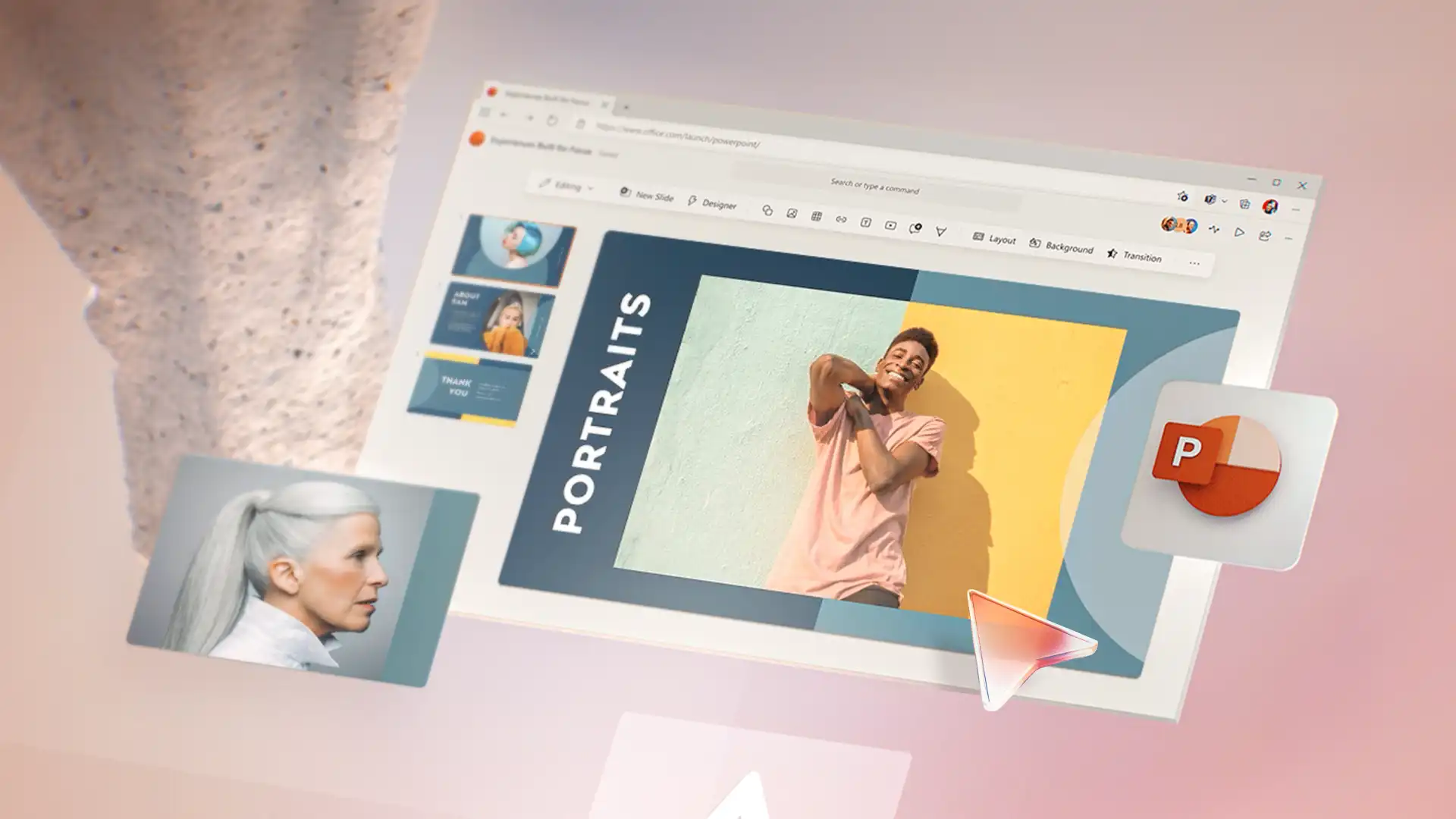
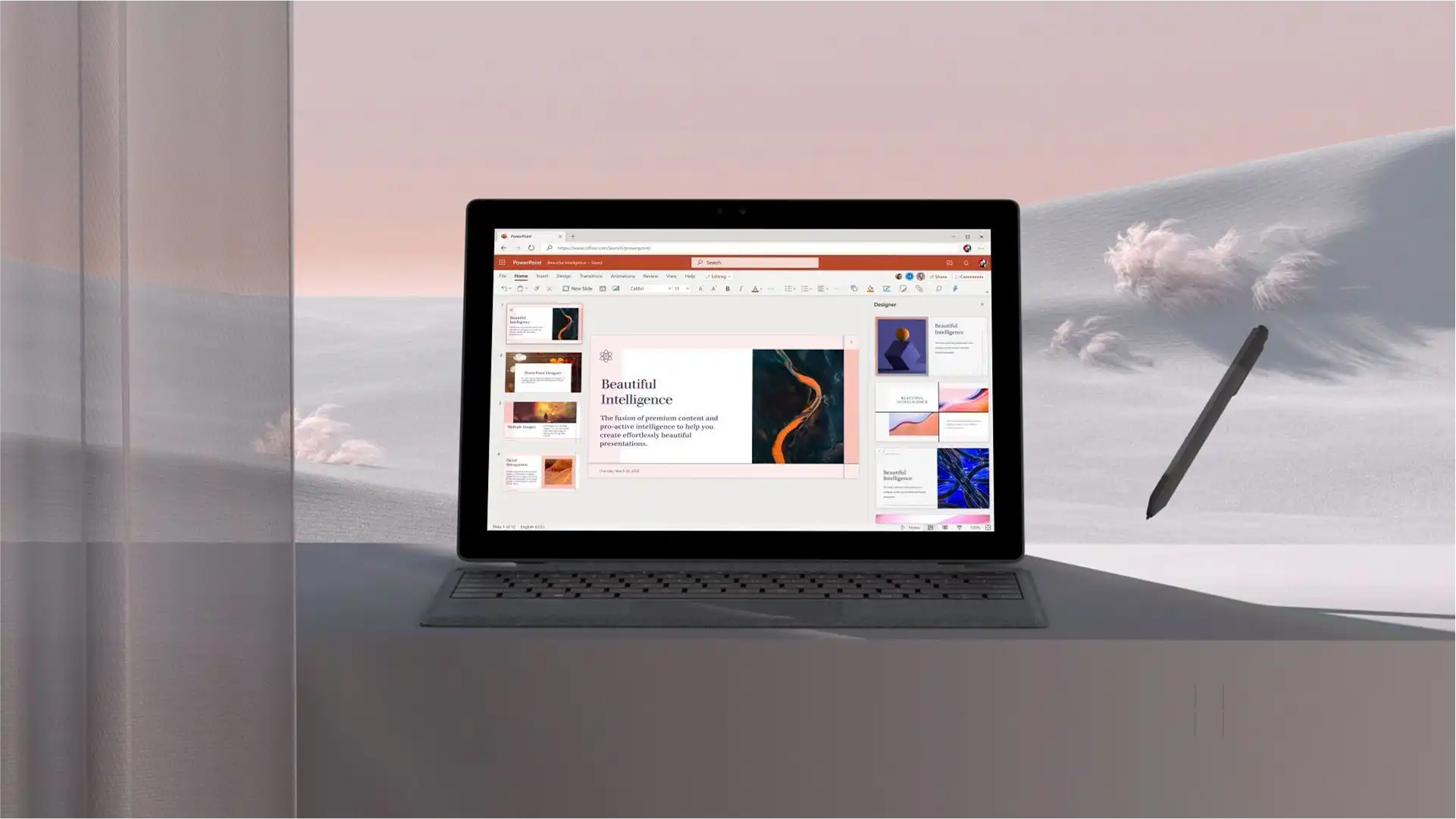
Zastępuj łatwe do edycji zastępcze pola tekstowe w szablonach portfolio opisami projektów, umiejętnościami i osiągnięciami. Dostosowuj układy do różnych typów zawartości i dodawaj przejścia slajdów, aby nadać sekcjom dopracowany i płynny charakter. Wypróbuj układy galerii dla portfolio środowiska użytkownika i marketingowych albo formaty studiów przypadku dla portfolio projektowych.
Rozmawiaj z funkcją Copilot w aplikacji PowerPoint, aby utworzyć strukturę narracyjną do prezentacji portfolio i przejrzeć wynik przed zastosowaniem sugestii. Przekaż i skonwertuj dokument na czacie, aby funkcja Copilot mogła przygotować sekcje, takie jak O mnie, Wyniki i Umiejętności. Zmodyfikuj i podsumuj opisy projektów, aby utworzyć slajdy podsumowujące, które opowiadają historie jak studia przypadku.
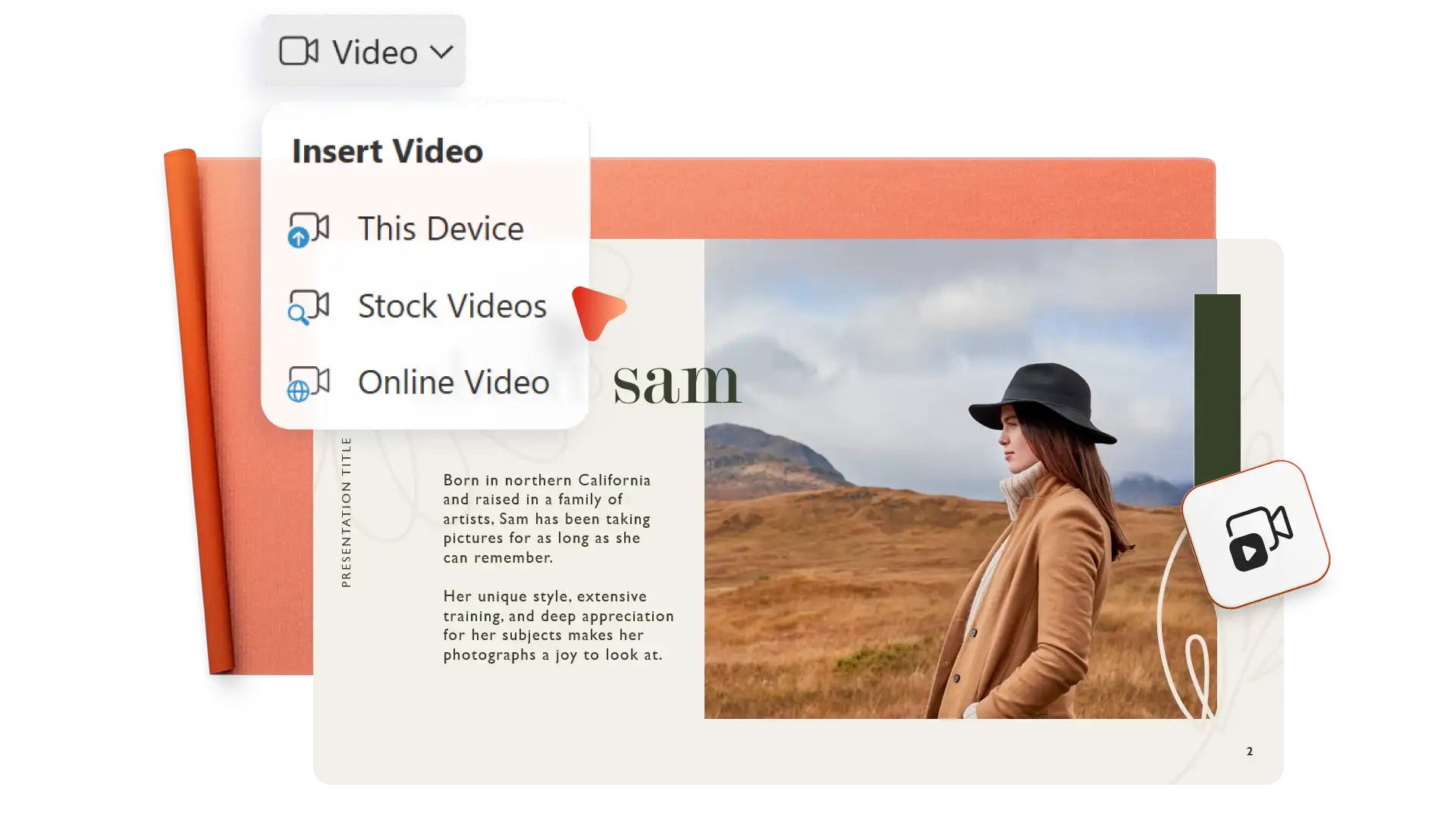
Upload photos to build a visual narrative or insert stock images to illustrate conceptual work. Add video elements like screen recordings, Cameo videos, or clips from OneDrive or YouTube to bring projects to life. Highlight results with infographics, clarify project phases with timeline visuals, and link to supporting documents.
Customize portfolio style to fit a personal or corporate brand. Incorporate color accents and fonts from a resume to create a consistent brand identity. Add logos, branded icons, and header and footer elements from a brand kit to match other marketing materials. Match portfolio visuals with agency or freelancer collateral for a cohesive look.


Send a portfolio digitally with secure sharing or print without limits to distribute at interviews. Save to OneDrive and share a direct link that gives recipients viewing access. Add the sharing link to emails or resumes, or download a PDF version to share the portfolio as an attachment or a LinkedIn upload.
Otwórz PowerPoint dla sieci web i przeglądaj szablony portfolio albo zacznij od pustej prezentacji.
Wybierz szablon i zastąp zastępczy tekst szczegółami projektu, umiejętnościami i osiągnięciami.
Dodaj zdjęcia, filmy i grafiki, aby wizualnie pokazać swoją pracę.
Rozmawiaj z funkcją Copilot w programie PowerPoint, aby generować struktury narracyjne, tworzyć sekcje lub dopracowywać zawartość.
Zapisz w usłudze OneDrive i udostępnij bezpieczny link lub pobierz jako plik PDF.
Start by creating a PowerPoint portfolio to showcase work. Next, share the PowerPoint file over the web or save a PDF to OneDrive and share that via email or messaging. Either way, the online portfolio stays secure in OneDrive with no need to create a personal portfolio website.
Use Microsoft Teams and PowerPoint Live (opens in a new tab) to present a digital portfolio directly. The presenter sees slide notes during the presentation, while the interviewer views each slide clearly and can read at their own pace if needed.
Since many recruiters and potential clients review portfolios on their own time, choose quality over quantity. Ensure each project in the portfolio highlights something unique and fits into the job and opportunity description. Additionally, add certificates and spotlight achievements per project.
End a portfolio presentation with contact information, website links, and links to professional social networks. Include a clear call to action, like inviting the reader to request a consultation, connect through LinkedIn, or view a resume.