
PowerPoint 中 Copilot 的概念图像

PowerPoint 中的 Copilot 简介

借助 Microsoft PowerPoint 中的 Copilot,通过 AI 节省演示文稿的设计与创建时间。

借助 AI 设计并创建专业的 PowerPoint 演示文稿

An icon of the Copilot logo.

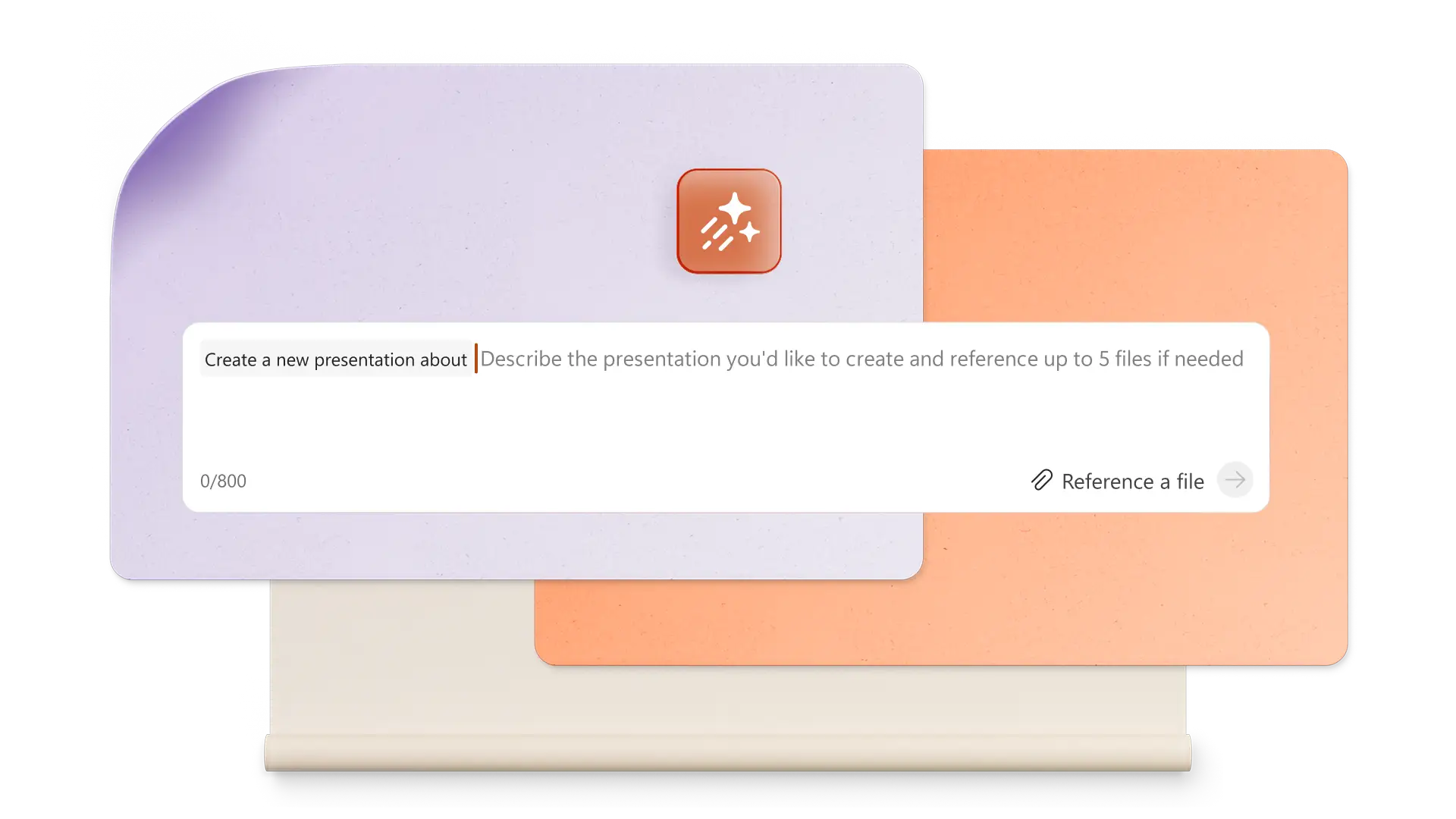
借助 Copilot,通过简单提示词生成 AI 驱动的演示文稿

向 Copilot 发出提示,将你的想法转化为完整的 AI 生成的演示文稿只需描述你的主题,Copilot 就会生成文本、设计布局和自定义视觉素材,助你快速从概念落地为成品幻灯片。

An icon of a paint brush and shapes.

使用 DALL-E 3 即时创建独特视觉素材

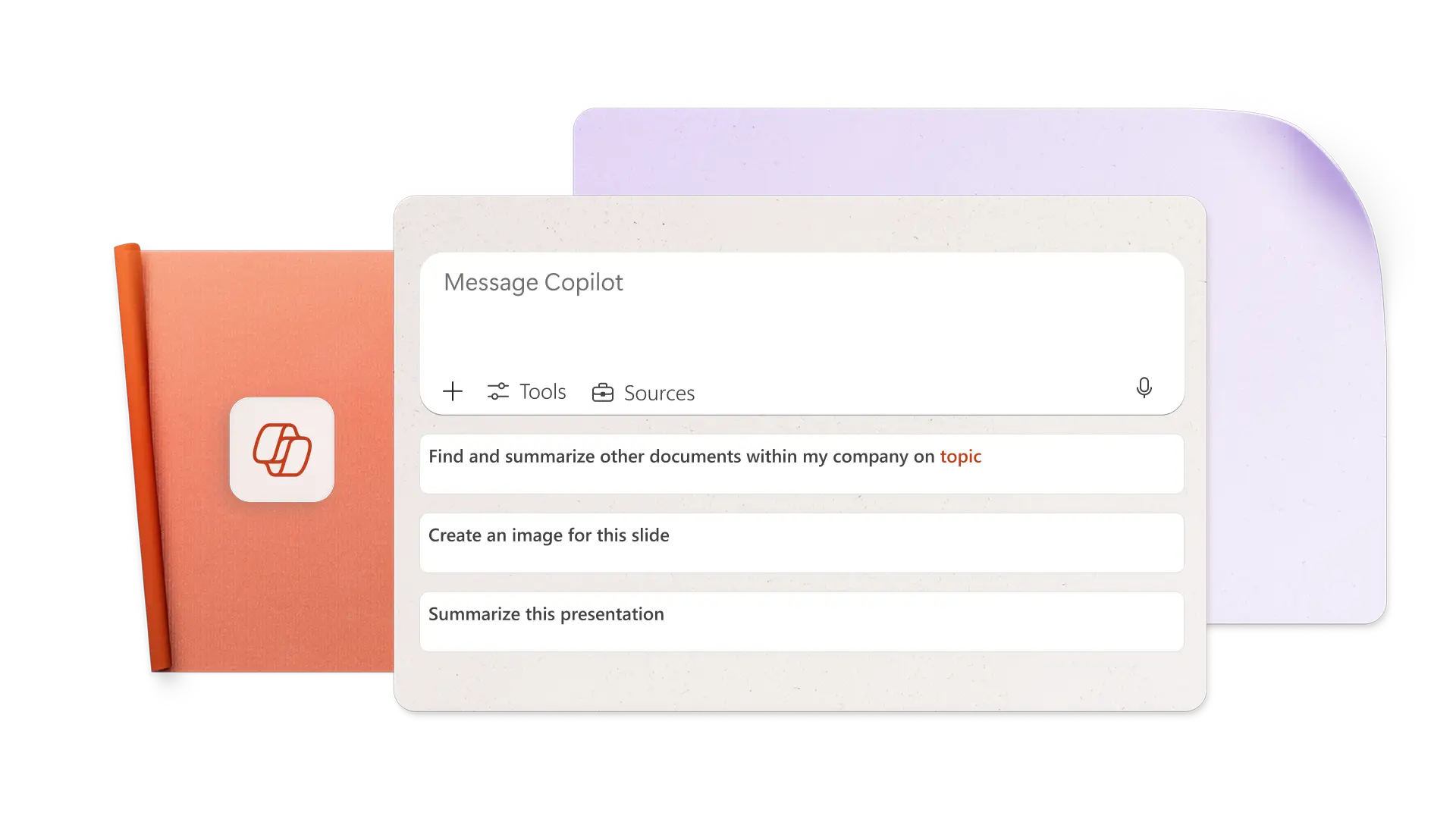
借助 AI 和 DALL・E 3,直接在 PowerPoint 中创建图像素材。向 Copilot 发出提示,借助 AI 设计你所需的内容(如图像、设计元素或幻灯片背景),即刻获取多个设计方案,全程无需离开 Copilot 聊天面板。

An icon of documents.

借助 AI 驱动的演讲者备注,自信呈现演示内容

借助 AI 生成的演讲者备注,将你的幻灯片串联成连贯的叙事。只需一个提示词,Copilot 就会为每张幻灯片生成贴合上下文的备注,强化叙事效果,帮助你吸引观众并自信地完成演示。

了解如何提示 Copilot 在 PowerPoint 中制作演示文稿

通过单个提示词创建 PowerPoint 演示文稿

向 Copilot 发出提示,借助 AI 制作演示文稿,激发创作灵感。融入你的徽标和品牌元素,将创意转化为引人入胜的幻灯片组。与 Copilot 交互,优化文本、重新排列幻灯片并自动添加新幻灯片。从设计灵感中探索多种布局选项。

使用 Copilot 概念图像制作演示文稿

Create AI images from prompts in Copilot

Generate the perfect image for any slide by telling Copilot what you need in your own words. Have Copilot create AI images, slide backgrounds, and icons, or search for stock photography, and then pick your favorite to insert on a specific slide. Copilot can also search your Brand Center assets for images that work with your presentation.

Microsoft Office user lifestyle image

Add speaker notes to present confidently

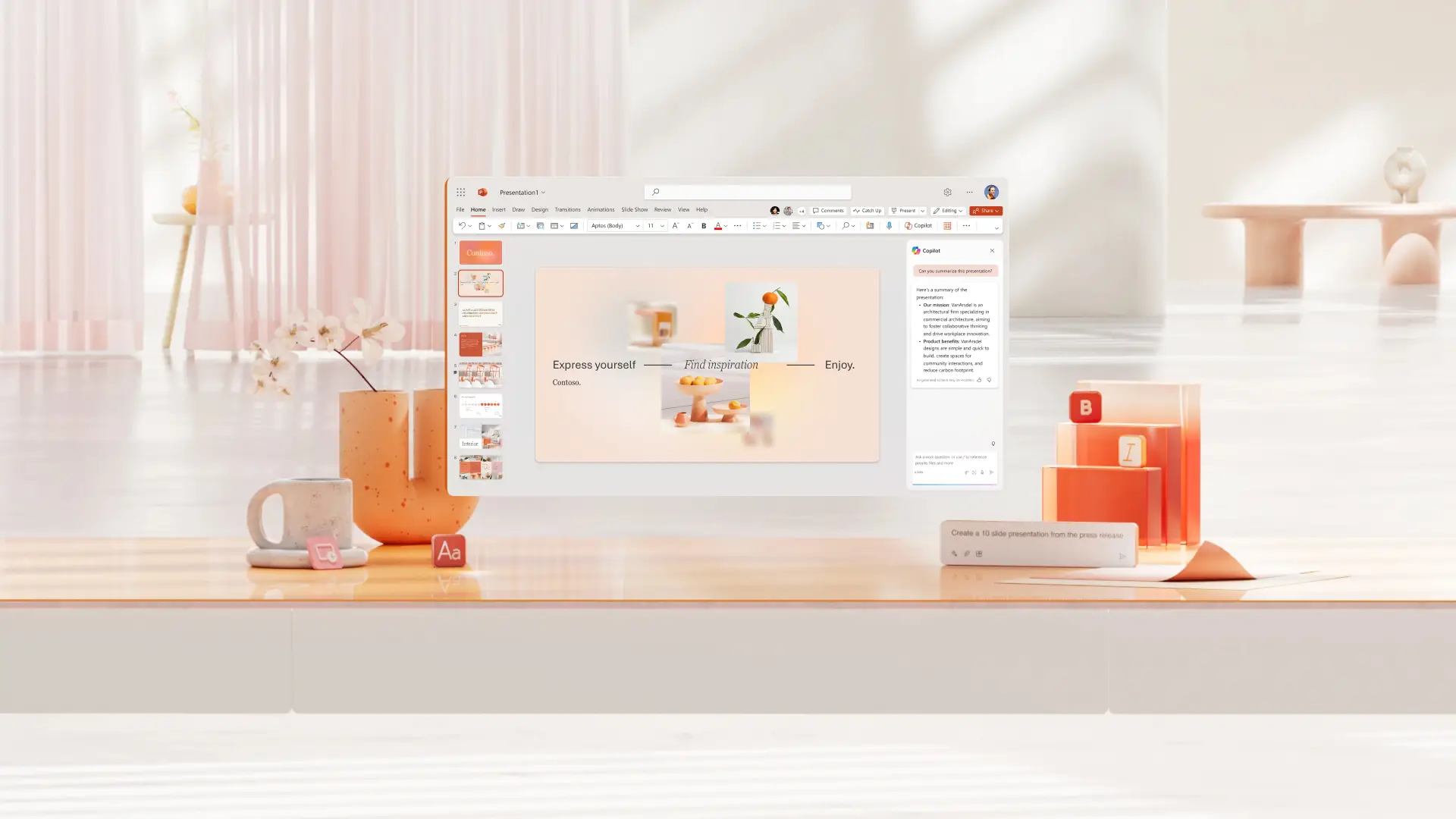
Produce speaker notes with a single prompt to present with confidence. To modify notes, simply ask Copilot to use a different tone of voice or add image descriptions for presenting. Take preparation further by using Copilot to anticipate audience questions and suggest answers. Finally, time your delivery and have Copilot rewrite speaker notes to match a duration goal.

Microsoft PowerPoint interface concept image

Collaborate online and share with anyone

Invite team members to co-author PowerPoint presentations in real time. Those with Copilot access can edit, rewrite, generate images, and more with AI. Before finalizing, use Copilot to identify action items from comments. Afterward, share the presentation to a recipient's email or send a OneDrive link. Print a presentation to share it in a meeting.

Presentation collaboration with Microsoft PowerPoint

Learn how to use Copilot to create a presentation with AI

Learn about the many ways Copilot can help create presentations, like generating topic ideas, designing slides, adding stock visuals, and improving presentation formatting.

Use Copilot in PowerPoint examples concept image

How to make an AI presentation with Copilot in PowerPoint

  1. Click the Copilot button above a new slide and select Create a new presentation or ask Copilot to create a new presentation in the chat

  2. Attach a OneDrive file or upload a document to ground the presentation

  3. Review the initial outline and insert or delete sections, then generate the presentation

  4. Refine the tone of voice, images, speaker notes, and slide order

  5. Collaborate with others during creation and share the presentation with viewers after you’re done

How to use Copilot in PowerPoint to create presentations concept image

Start with a PowerPoint template for Copilot to expand

Choose from templates for business, creative projects, school, events, and more, then have Copilot customize the template in seconds with text and images based on a prompt.

Frequently asked questions

  • How to use Copilot in PowerPoint

    Start with Copilot in PowerPoint by clicking on the Copilot button in the upper right corner. Tell Copilot what you want to create and add an external file or OneDrive attachment to ground the presentation.

  • Can Copilot create a PowerPoint presentation?

    Copilot can create a PowerPoint presentation with AI based on a topic or document. Provide Copilot with details about the presentation, review an initial outline, then generate the presentation.

  • How to add Copilot to PowerPoint

    Copilot is enabled in PowerPoint for anyone with a Microsoft 365 Personal or Family plan, or with a Copilot Pro subscription. Free plans and some Business plans don’t come with Copilot access. You can get Copilot in PowerPoint by upgrading your plan.

  • Can Copilot create PowerPoint slides?

    Chat with Copilot to quickly create individual PowerPoint slides and add to a presentation. Let Copilot create a new visualization based on a data table, a key takeaways slide, a conclusion slide, or another type of slide.

Chat with Copilot to quickly design and create professional presentations with AI