Модний фотоальбом
Використовувати цей шаблон

Робіть покази слайдів із фото за допомогою шаблонів, переходів та інструментів із ШІ для оформлення в Microsoft PowerPoint.

Перегляньте шаблони показу слайдів із фото та замініть зображення, відео й субтитри, щоб зробити будь-який макет унікальним і розповісти історію зі стилем. Налаштуйте кольори та шрифти відповідно до весільного альбому або портфеля фотографій для чіткого професійного оформлення.

Запросіть рідних, друзів або колег долучитися до зображень і редагувати показ слайдів із фото в режимі реального часу. Поділіться посиланням, щоб співпрацювати над показом слайдів для днів народження або конференцій, з повним контролем за тим, хто може переглядати та редагувати онлайн, щоб до роботи завжди долучалися потрібні люди.

Перегляньте варіанти інтелектуального макета в Підказках щодо дизайну, щоб надати кожному слайду ефектного стилю. Виберіть макет, який підкреслює візуальні ефекти або текст, а потім легко застосуйте його до кожного слайда. Доповнюйте покази слайдів унікальними фонами слайдів, створеними за допомогою Copilot у PowerPoint.

Виберіть шаблон, щоб упорядкувати фотографії, відео та субтитри в незабутній показ слайдів зі змінюваними макетами. Додайте переходи та анімацію слайдів, щоб надати показу слайдів індивідуальності, а потім поділіться спогадами або продемонструйте портфель онлайн.




Insert photos from a device or use free stock images that suit a theme. Add online videos to any slide or record a Cameo to give a personal touch to family photo albums and design portfolios. Format photos for large screens to play slideshows in any setting.


Import audio files to add a background track and give slideshows more personality. Use personal audio files or licensed music, then set tracks per slide to match the mood, whether it's a wedding photo album or nature slideshow. Adjust playback to automatic or on click and fine-tune volume, so music complements the narration.
Add some flair with slide transitions and animations. Try the morph effect for a polished look, or use the classic fade, cube, or checkerboard. Layer text and image animations to build scenes step by step, so every business presentation and photo memory book holds attention from the first slide.

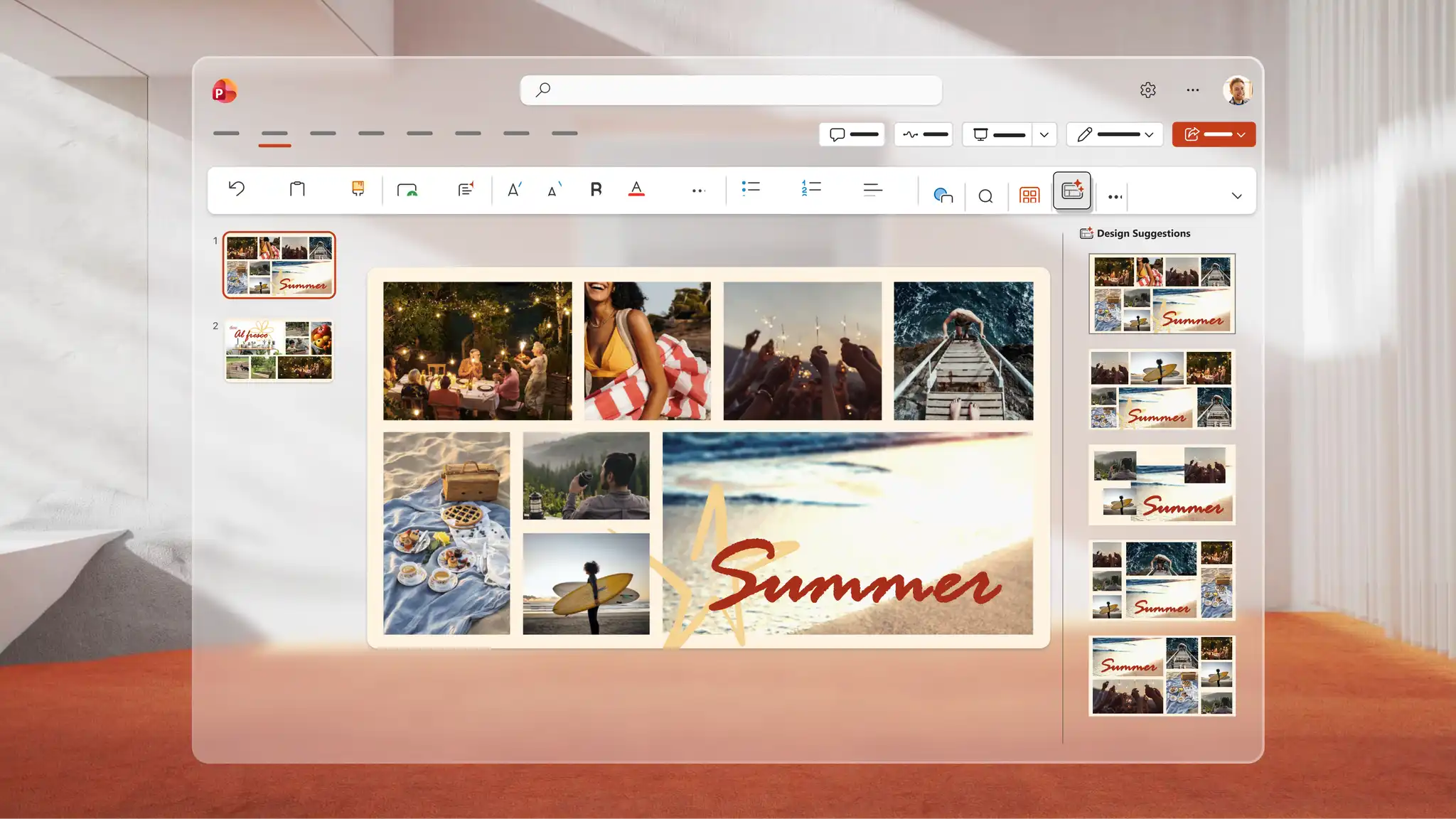
Use Copilot in PowerPoint to generate a unique image for any slideshow. Describe the idea to Copilot, and AI generates a visual to review in the chat, download, and add directly to any slide. Use Design suggestions to find smart layouts that transform every slide into a polished AI presentation design.
Save to OneDrive and share a link so recipients can view it across devices or download as a PDF to print and distribute at events. Rehearse a speech alongside the slideshow with Coach in PowerPoint to refine delivery and present confidently for keynote presentations and personal celebrations.

Автори вмісту: діліться важливими подіями, як-от подорожжю, весіллям чи випускними.
Художники, фотографи й дизайнери: демонструйте свої портфелі й роботи.
Викладачі: розповідайте візуальні історії або документуйте подорожі за допомогою навчальних шаблонів.
Фахівці з нерухомості: створюйте віртуальні презентації для продажу житла за допомогою шаблонів бізнес-презентацій.
Open PowerPoint for the web and choose a photo slideshow template to start.
Replace the placeholders with photos, videos, and captions to each slide.
Apply slide transitions and add music from personal audio files or online libraries.
Use Copilot in PowerPoint to generate images or browse Design suggestions for polished layouts.
Save to OneDrive and share the slideshow via a secure link, or present live to an audience.
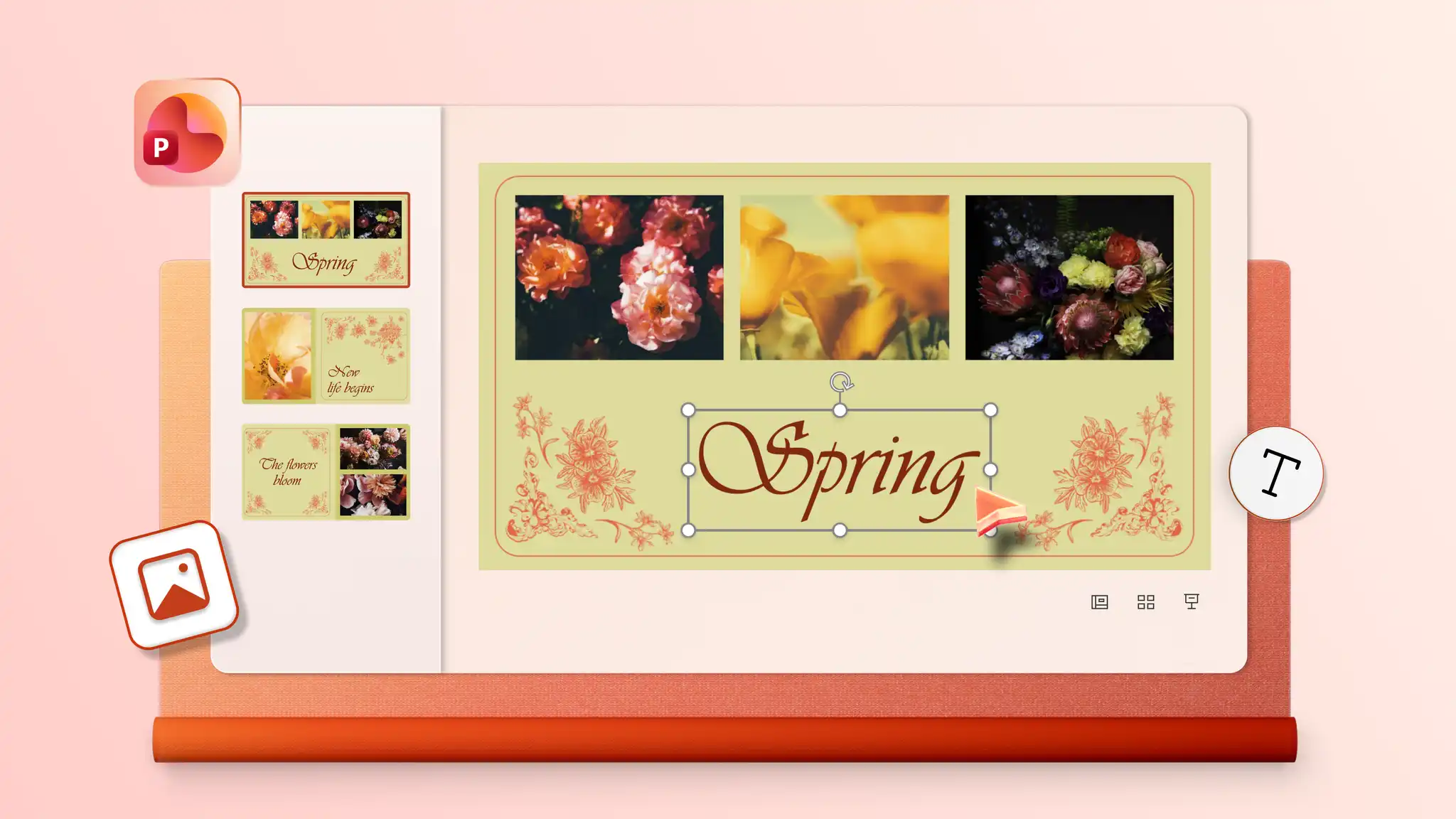
Start by adding photos to a template or blank slideshow in PowerPoint for the web. Insert audio and choose from playback options including automatic start, on click, or play as a loop to give the slideshow a soundtrack. Audio settings may vary depending on the PowerPoint version in use.
Combine static images and video clips into a single slideshow with PowerPoint for the web. Start with a template or blank presentation, then insert images and videos on chosen slides and resize and trim videos to suit the design. Make creative slideshows for everyday memories, personal milestones, or professional slideshows for portfolios and pitch decks.
Start with a photo album template or create blank slides with collage layouts using PowerPoint presentation maker. Add photos one at a time to the image placeholders.
To add old physical photos, digitize them first with a scanner or scanner app in a smartphone. Open PowerPoint for the web, click the Insert tab, and select Insert picture from device to upload the scanned images. Add the images to any slide in the presentation.