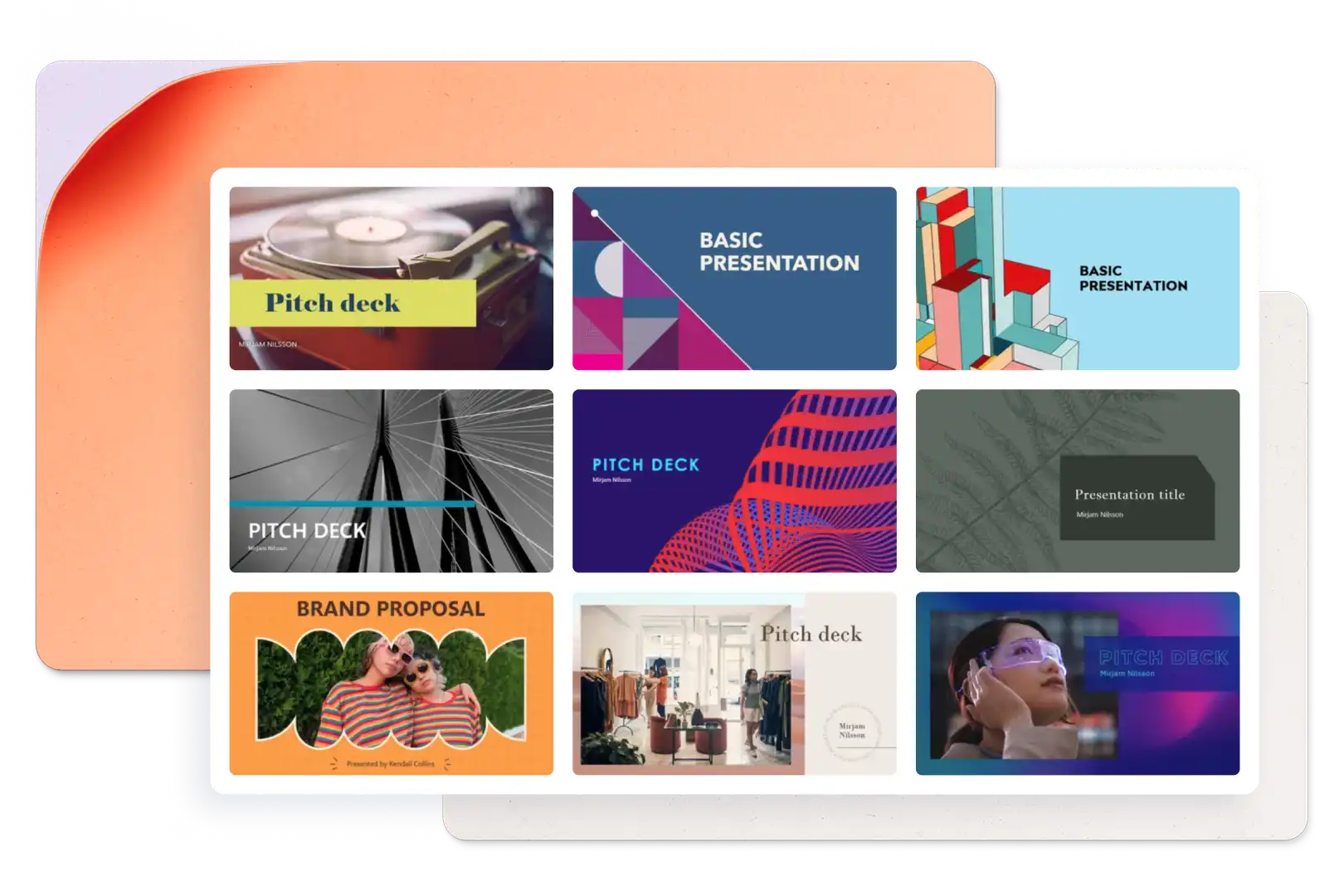
Сучасний портфель з дизайну інтер’єрів
Використовувати цей шаблон

Демонструйте проєкти за допомогою безкоштовних цифрових шаблонів портфеля, інтерактивного тексту, візуальних елементів і Copilot у Microsoft PowerPoint.

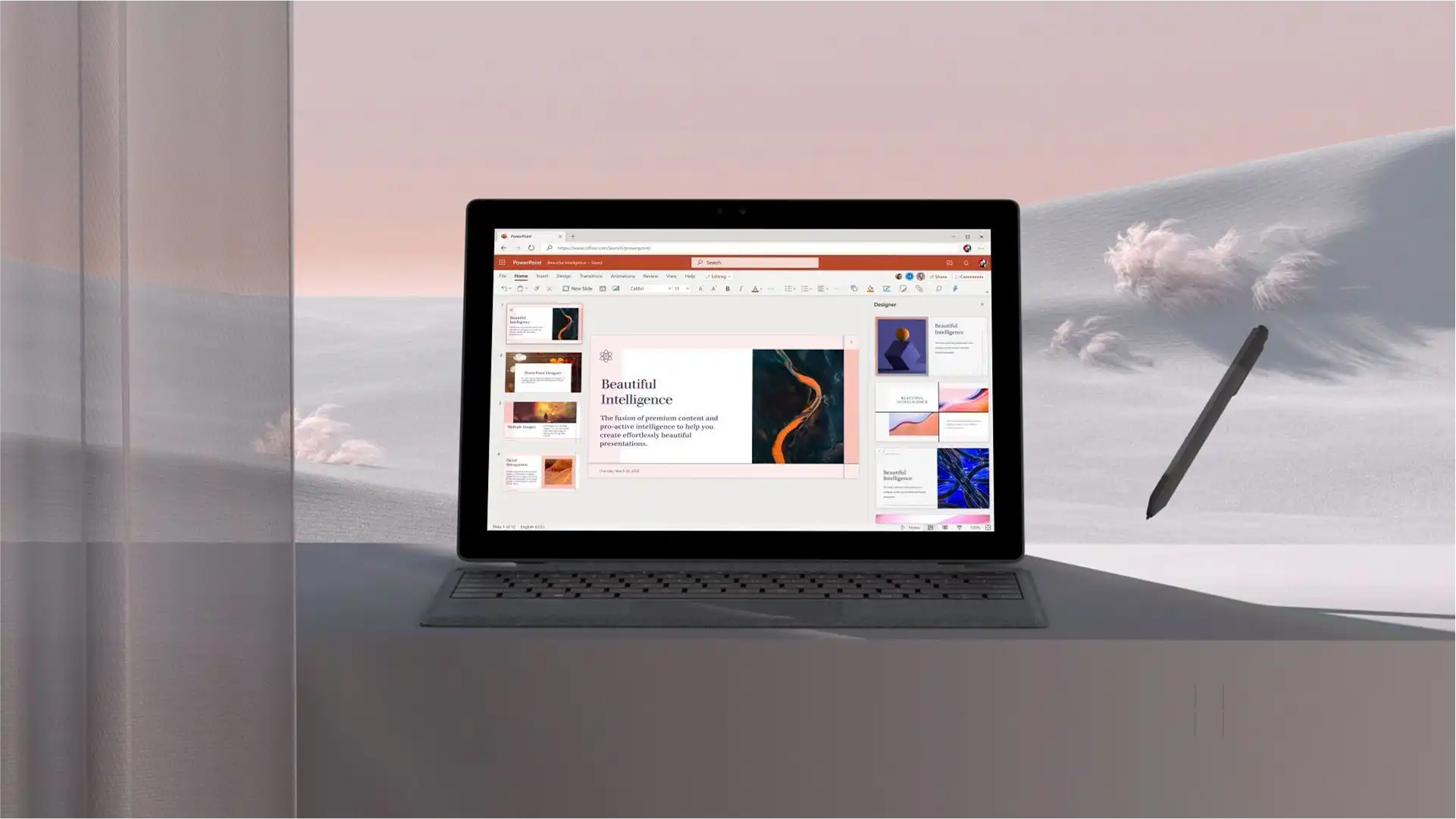
Створіть індивідуальну презентацію портфеля з нуля або скористайтеся шаблоном для зручності. Нашаруйте текст, зображення та відео в модульних макетах, щоб продемонструвати свою роботу імерсивно. Легко змінюйте кольори та шрифти шаблону, щоб зробити презентацію в стилі, який відповідає творчому баченню або бренду.

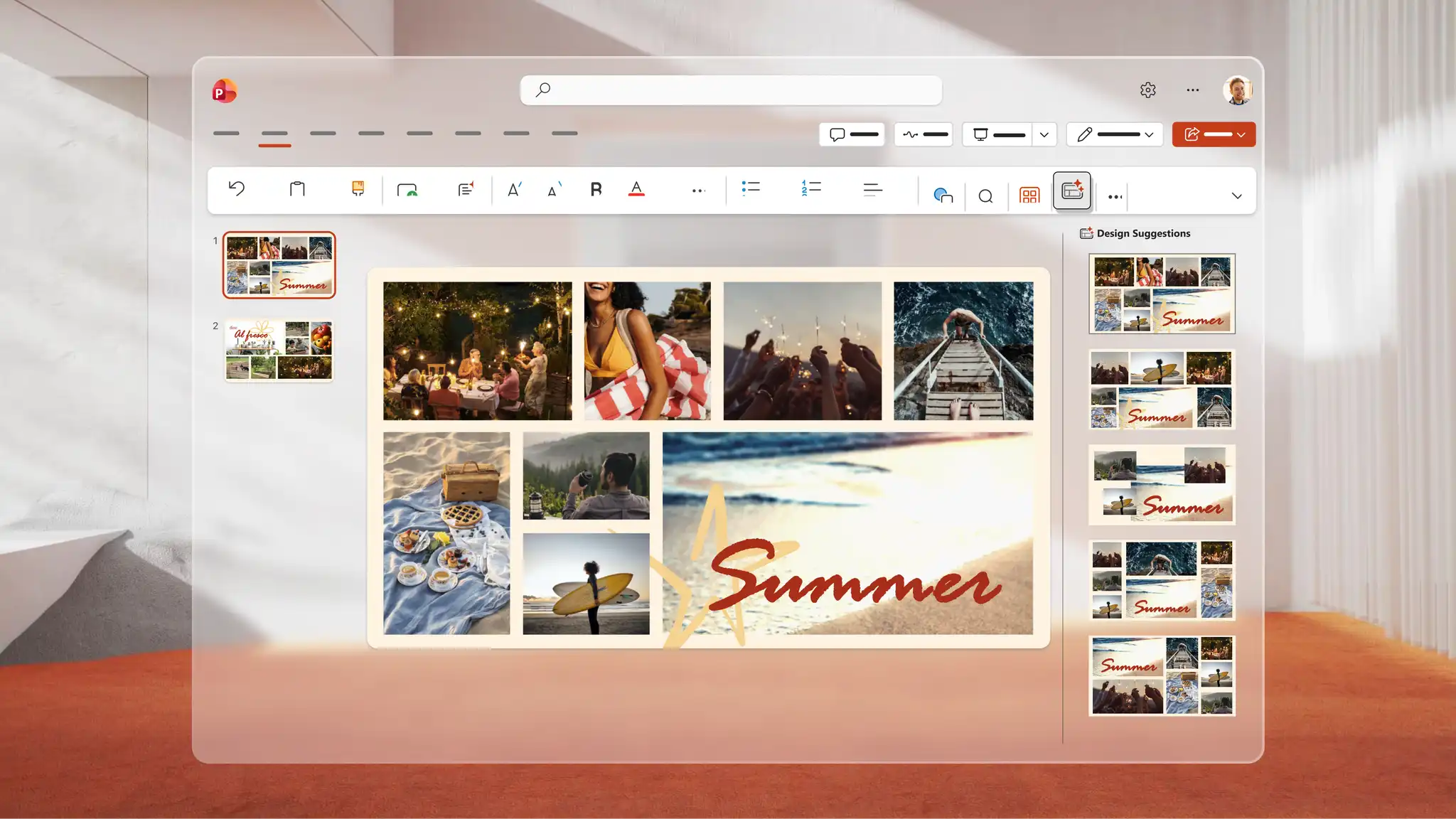
Розкажіть візуальну історію в онлайн-портфелі за допомогою формату слайд-шоу з фото з повноекранними зображеннями або колажами. Використайте інструмент запису PowerPoint, щоб створити вступне відео, яке додасть особистий штрих. Вбудовуйте відео YouTube, щоб будь-хто міг переглядати їх безпосередньо в презентації.

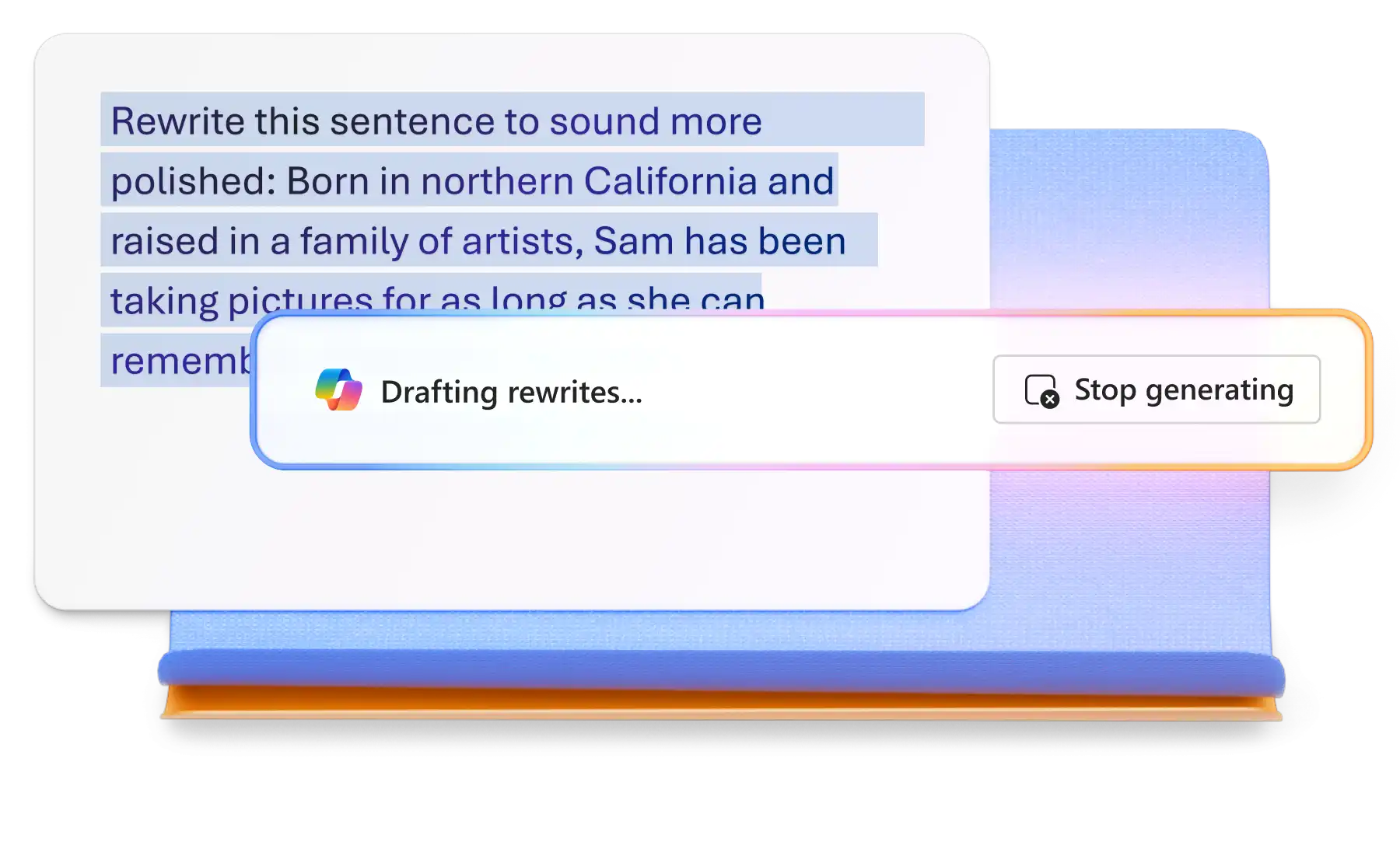
Спілкуйтеся з Copilot у PowerPoint, щоб створити структуровану розповідь для презентації портфеля або переписати описи портфелів для кращої зрозумілості. Перегляньте пропозиції в чаті та внесіть зміни за потреби. Прикріпіть у чаті документ Word, наприклад резюме або план проєкту, щоб Copilot міг підготувати для перегляду в чаті план.

Вибирайте шаблони портфелів для мистецьких, професійних і кар’єрних портфелів з макетами, що налаштовуються, та переходами між слайдами. Легко замінюйте зображення та відео, щоб створити презентацію портфеля, яка підкреслює навички та проєкти.

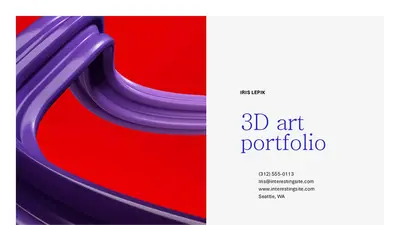


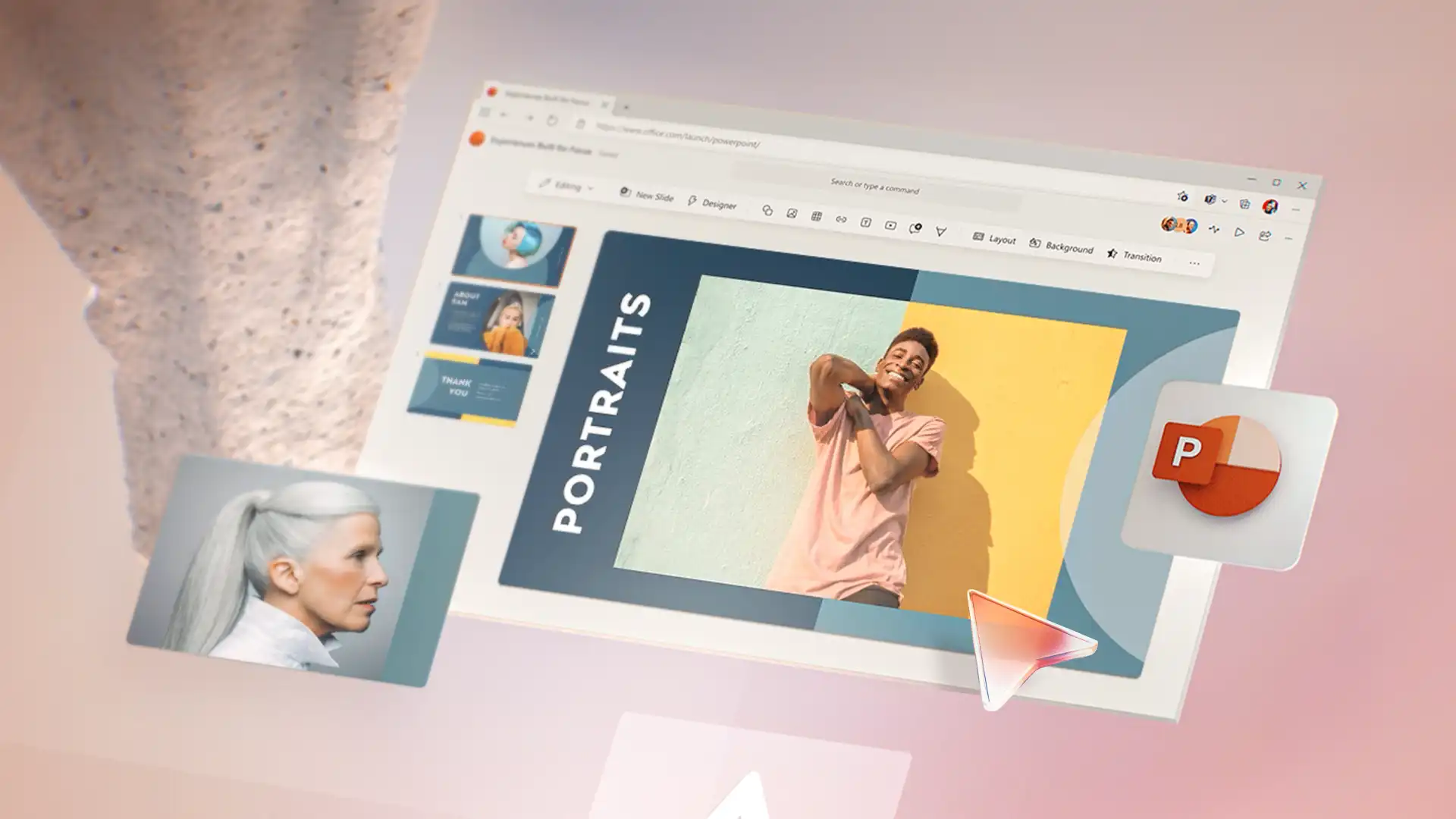
Замінюйте текстові заповнювачі, які легко редагувати, у шаблонах портфелів описами проєктів, навичками та досягненнями. Налаштуйте макети відповідно до різних типів вмісту та додайте переходи між слайдами для професійного потоку між розділами. Спробуйте макети колекції для UX і маркетингові портфелі або формати прикладів для портфелів проєктів.
У спілкуванні в чаті з Copilot у PowerPoint створіть структуру оповіді для презентації портфеля та перевірте результат перед застосуванням рекомендацій. Передайте в чат документ та змініть його формат, щоб Copilot міг підготувати розділи на кшталт "Про мене", "Результати" та "Уміння". Перепишіть і підсумуйте описи проєктів, щоб створити підсумкові слайди, які розповідають історії на прикладах.
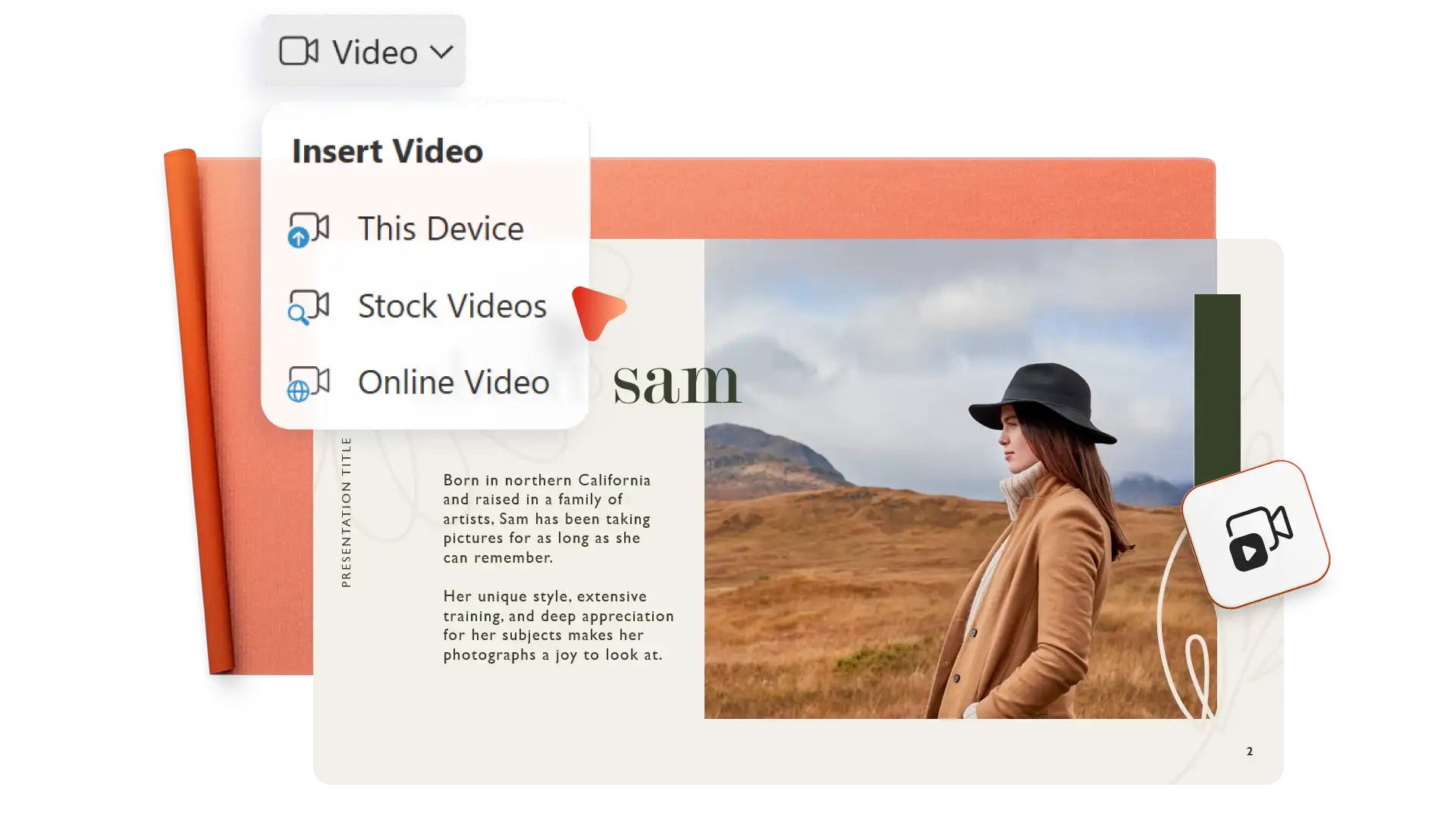
Upload photos to build a visual narrative or insert stock images to illustrate conceptual work. Add video elements like screen recordings, Cameo videos, or clips from OneDrive or YouTube to bring projects to life. Highlight results with infographics, clarify project phases with timeline visuals, and link to supporting documents.
Customize portfolio style to fit a personal or corporate brand. Incorporate color accents and fonts from a resume to create a consistent brand identity. Add logos, branded icons, and header and footer elements from a brand kit to match other marketing materials. Match portfolio visuals with agency or freelancer collateral for a cohesive look.


Send a portfolio digitally with secure sharing or print without limits to distribute at interviews. Save to OneDrive and share a direct link that gives recipients viewing access. Add the sharing link to emails or resumes, or download a PDF version to share the portfolio as an attachment or a LinkedIn upload.
Open PowerPoint for the web and browse portfolio templates or start with a blank presentation.
Select a template and replace placeholder text with project details, skills, and achievements.
Add photos, videos, and graphics to showcase work visually.
Chat with Copilot in PowerPoint to generate narrative structures, draft sections, or refine content.
Save to OneDrive and share a secure link, or download as PDF.
Start by creating a PowerPoint portfolio to showcase work. Next, share the PowerPoint file over the web or save a PDF to OneDrive and share that via email or messaging. Either way, the online portfolio stays secure in OneDrive with no need to create a personal portfolio website.
Use Microsoft Teams and PowerPoint Live to present a digital portfolio directly. The presenter sees slide notes during the presentation, while the interviewer views each slide clearly and can read at their own pace if needed.
Since many recruiters and potential clients review portfolios on their own time, choose quality over quantity. Ensure each project in the portfolio highlights something unique and fits into the job and opportunity description. Additionally, add certificates and spotlight achievements per project.
End a portfolio presentation with contact information, website links, and links to professional social networks. Include a clear call to action, like inviting the reader to request a consultation, connect through LinkedIn, or view a resume.