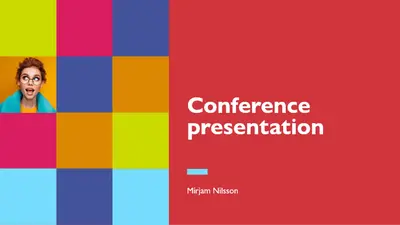
Hội thảo đầy màu sắc

Tạo trang chiếu bài phát biểu trước công chúng ấn tượng bằng các mẫu bản trình bày có thể chỉnh sửa, tệp đa phương tiện có sẵn và các tính năng AI trong Microsoft PowerPoint.

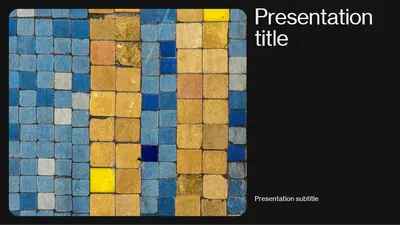
Chọn trong số hàng loạt các mẫu bản trình bày được thiết kế chuyên nghiệp phù hợp với cuộc nói chuyện kinh doanh, thuyết trình khởi nghiệp hoặc hội thảo giáo dục. Khám phá các mẫu năng động và dễ tiếp cận được thiết kế để nói trước công chúng.
Bạn cần bản trình bày cho bài phát biểu chủ đạo, hội thảo hoặc thuyết trình cho hội nghị? Nhanh chóng tạo các trang chiếu chủ đạo nổi bật bằng cách chọn mẫu bản trình bày và tùy chỉnh bố cục, văn bản chỗ dành sẵn, hình ảnh trực quan và hiệu ứng hoạt hình trang chiếu phù hợp với chủ đề bản trình bày của bạn. Trau chuốt nội dung của bạn với Copilot trong PowerPoint và luyện tập bài phát biểu của bạn bằng Huấn luyện viên diễn thuyết (opens in a new tab) AI để bạn có thể để lại ấn tượng khó phai với khán giả tại sự kiện tiếp theo.
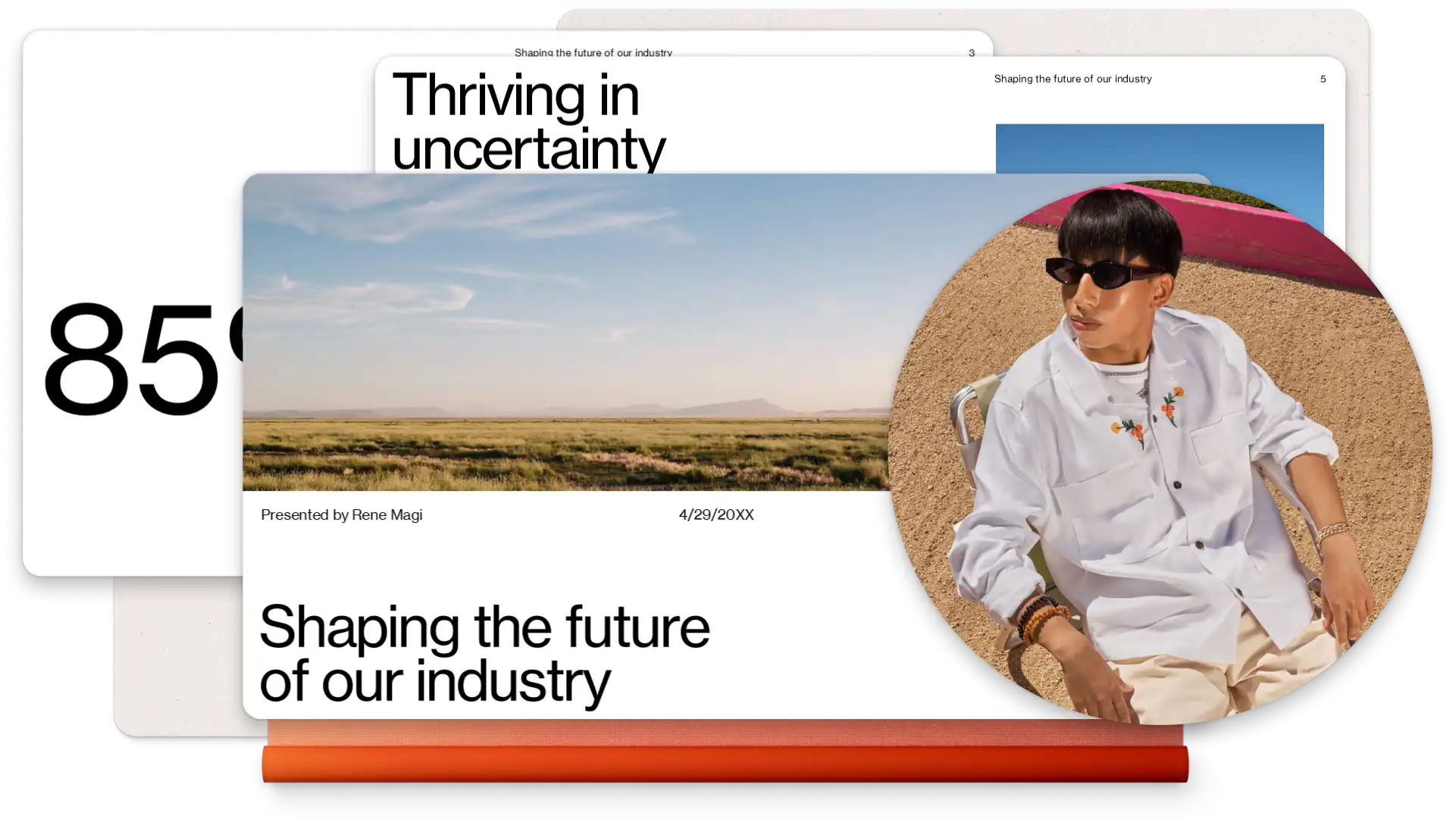
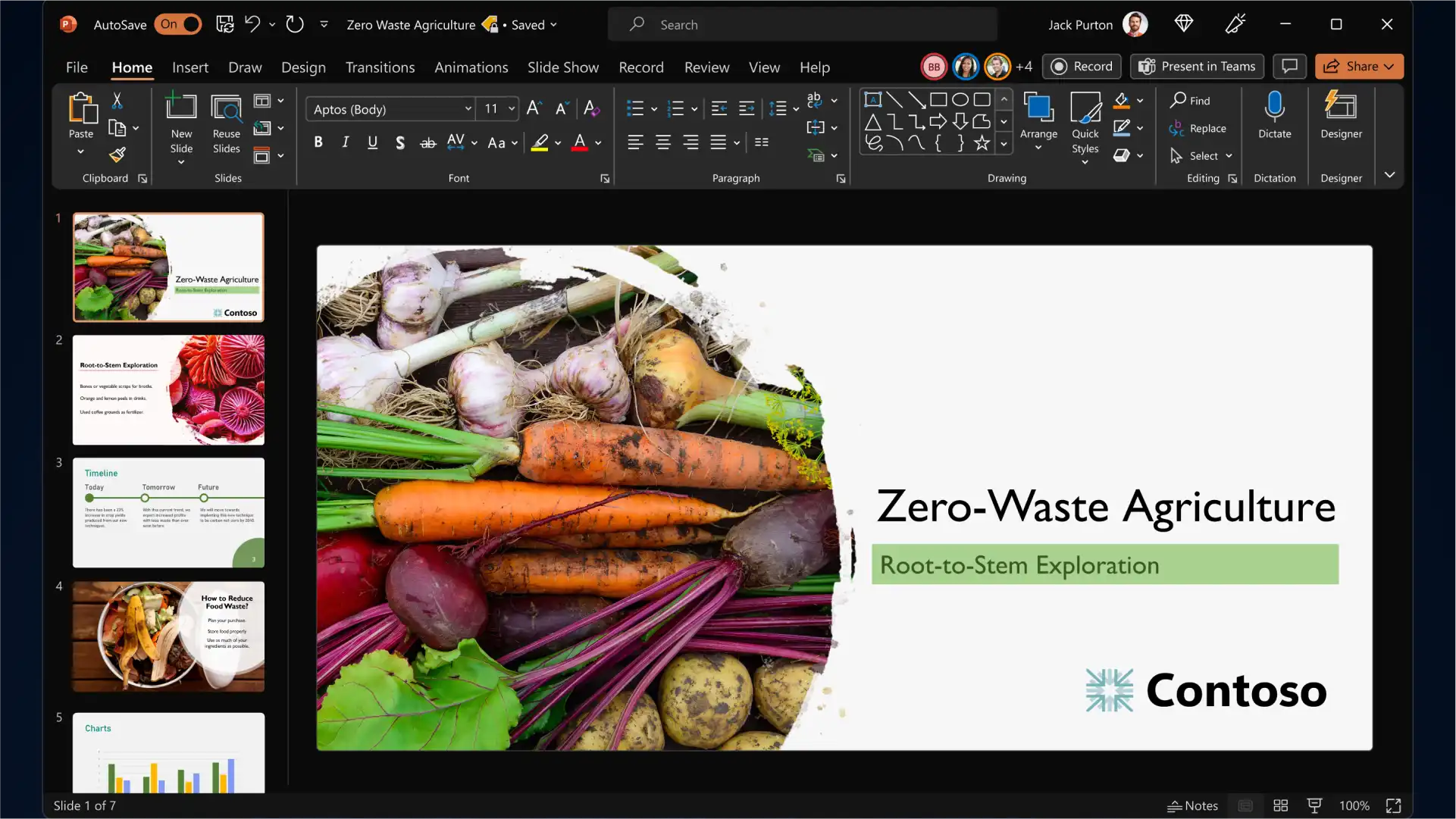
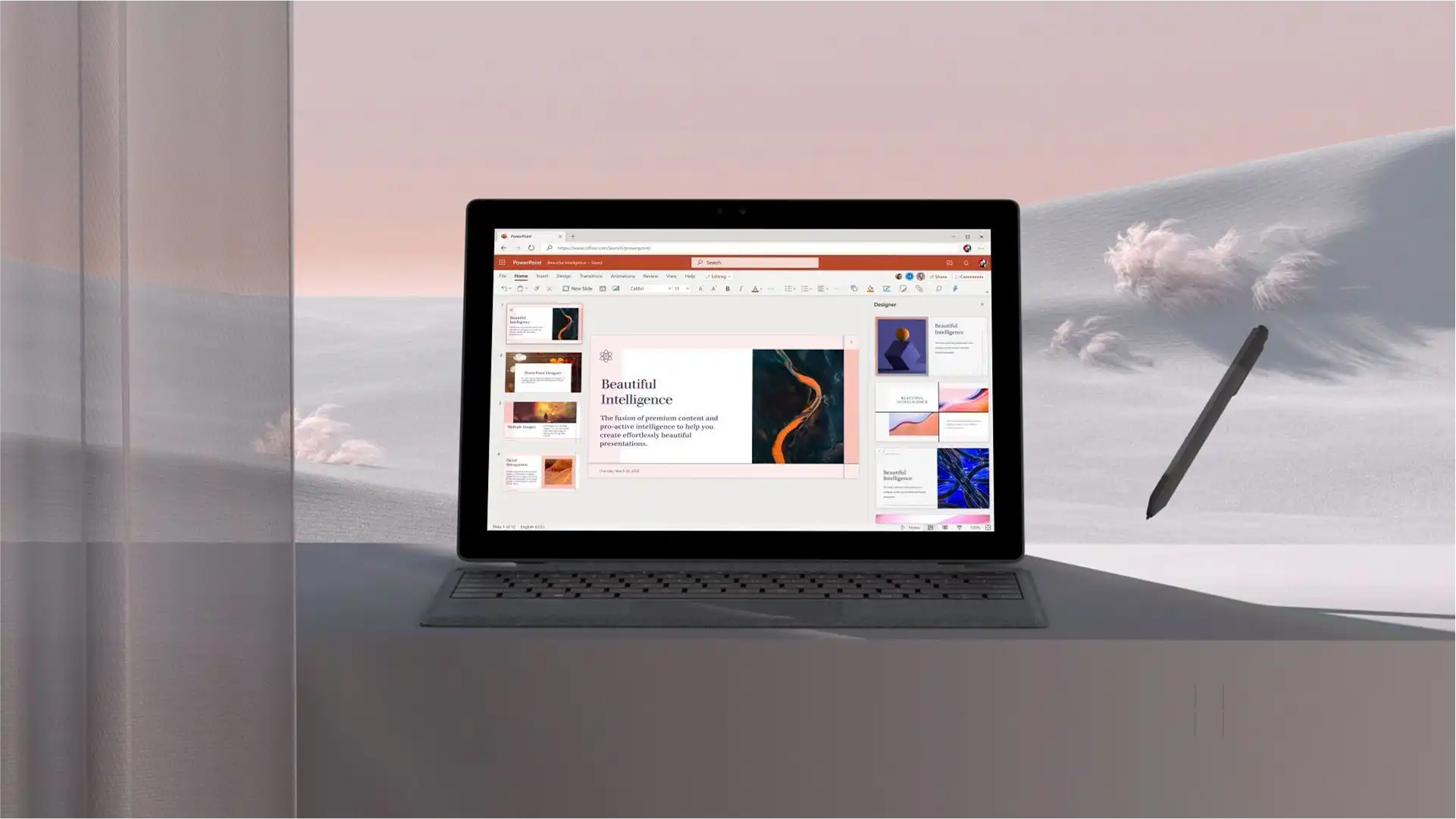
Start with a PowerPoint presentation template and personalize it to build slides for any event, topic and industry. Add branding elements such as your company logo and color palette, then pair classic and modern fonts to communicate your ideas while being memorable to the audience.
Engage viewers by adding eye-catching backgrounds, image slideshows, videos, Cameos, and graphics to complement your keynote presentation storytelling. Turn timelines and processes into easy-to-follow charts using SmartArt, create infographics, and choose modern icons to represent key talking points of your presentation.
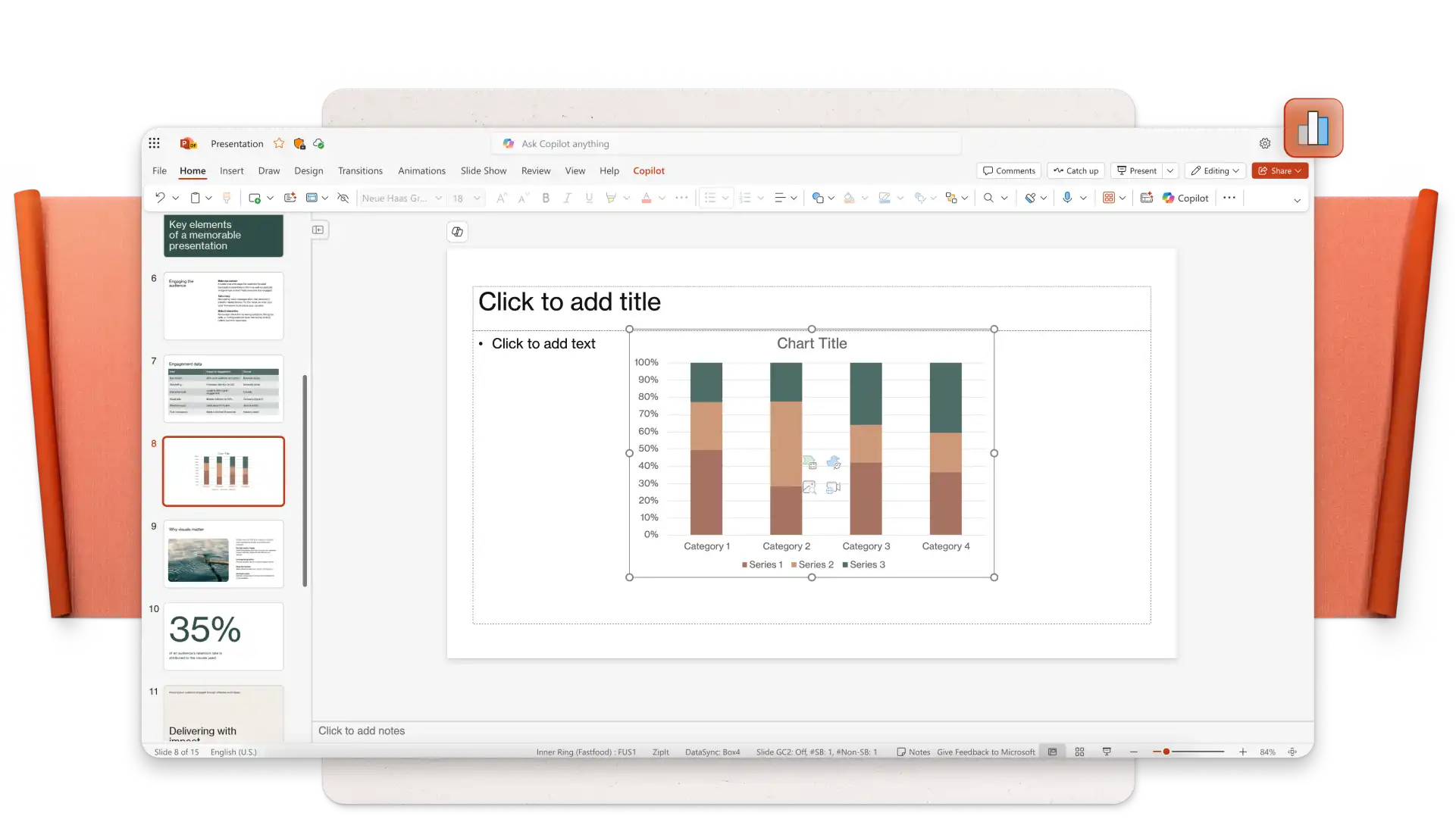
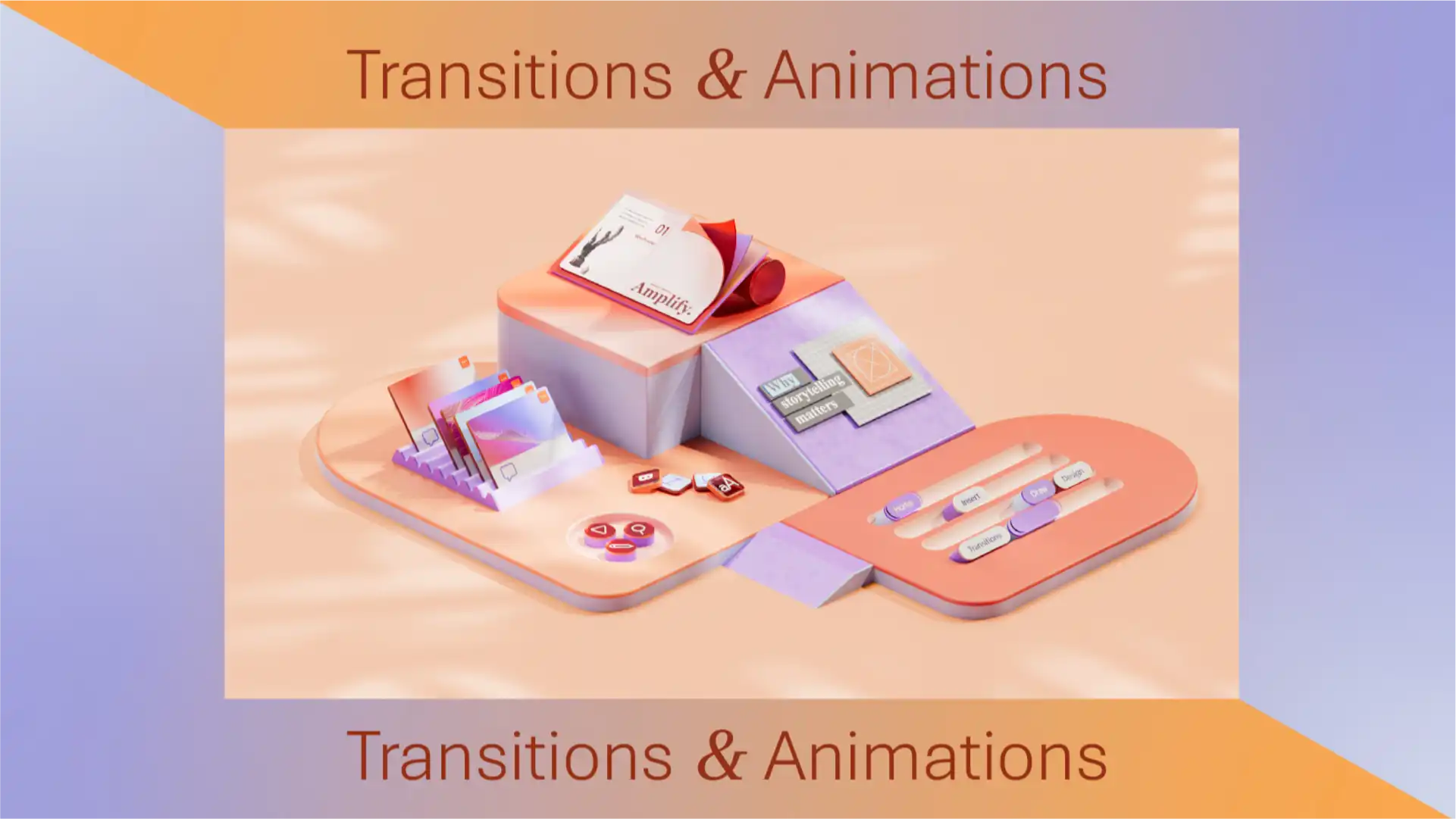
Apply subtle transitions like fades and wipes to add interest to business conference slides, or use dynamic transitions like uncover and morph effect (opens in a new tab) to emphasize a key point or do a big reveal while public speaking. Set your transition and animation timings to impress your audience.
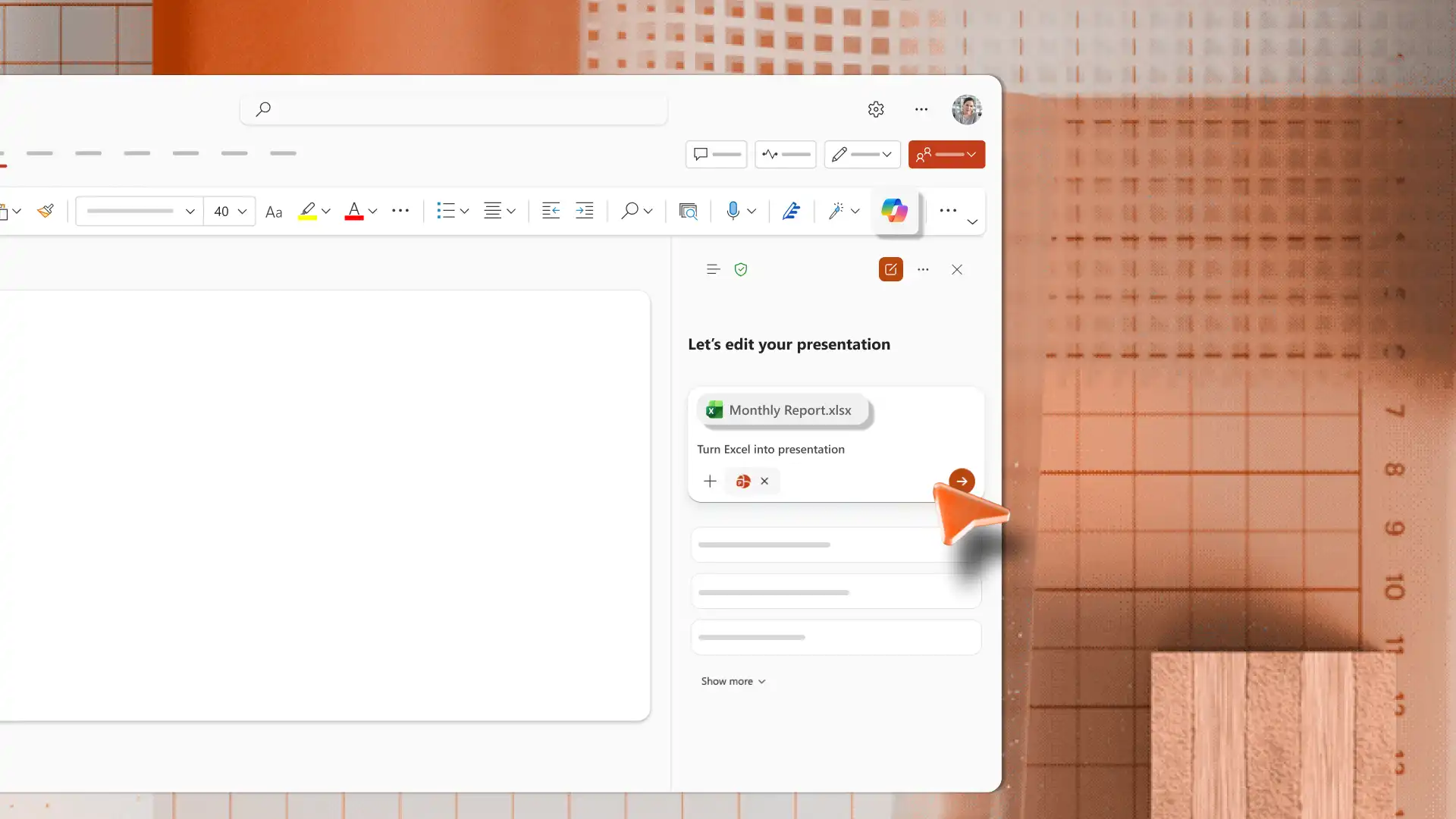
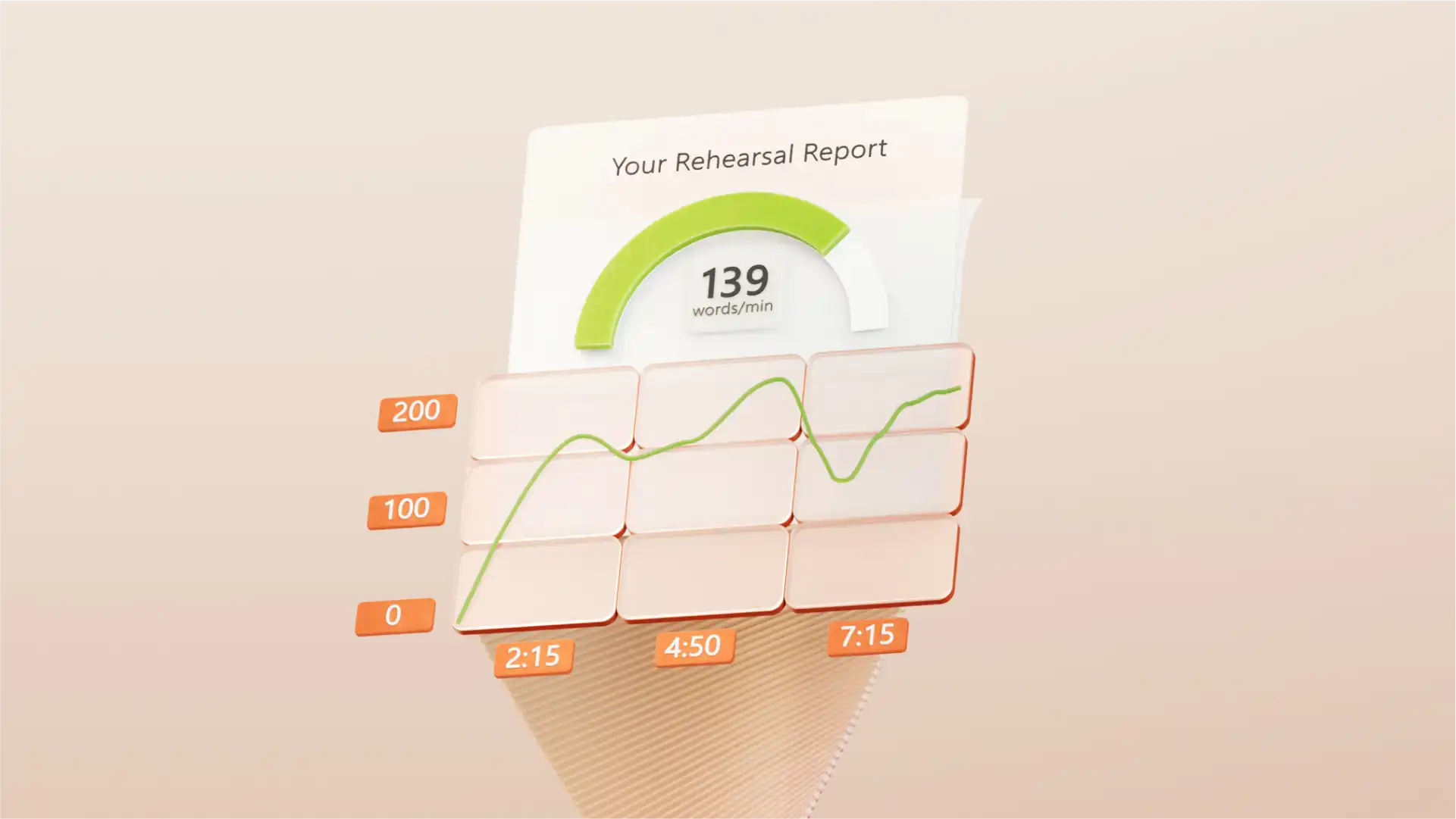
Sử dụng Copilot trong PowerPoint để cải thiện nội dung trang chiếu của bạn bằng tính năng tự động viết lại hoặc tạo ghi chú diễn giả để gây ấn tượng mạnh hơn. Sẵn sàng cho sự kiện thuyết trình của bạn bằng cách luyện tập với công cụ Huấn luyện viên diễn thuyết (opens in a new tab) AI, nơi cung cấp phản hồi về mức độ thu hút khán giả, cao độ và tốc độ nói của bạn. Cuối cùng, kiểm lỗi các trang chiếu bằng Trình soạn thảo (opens in a new tab) để đảm bảo nội dung trang chiếu không có lỗi chính tả và đúng ngữ pháp.
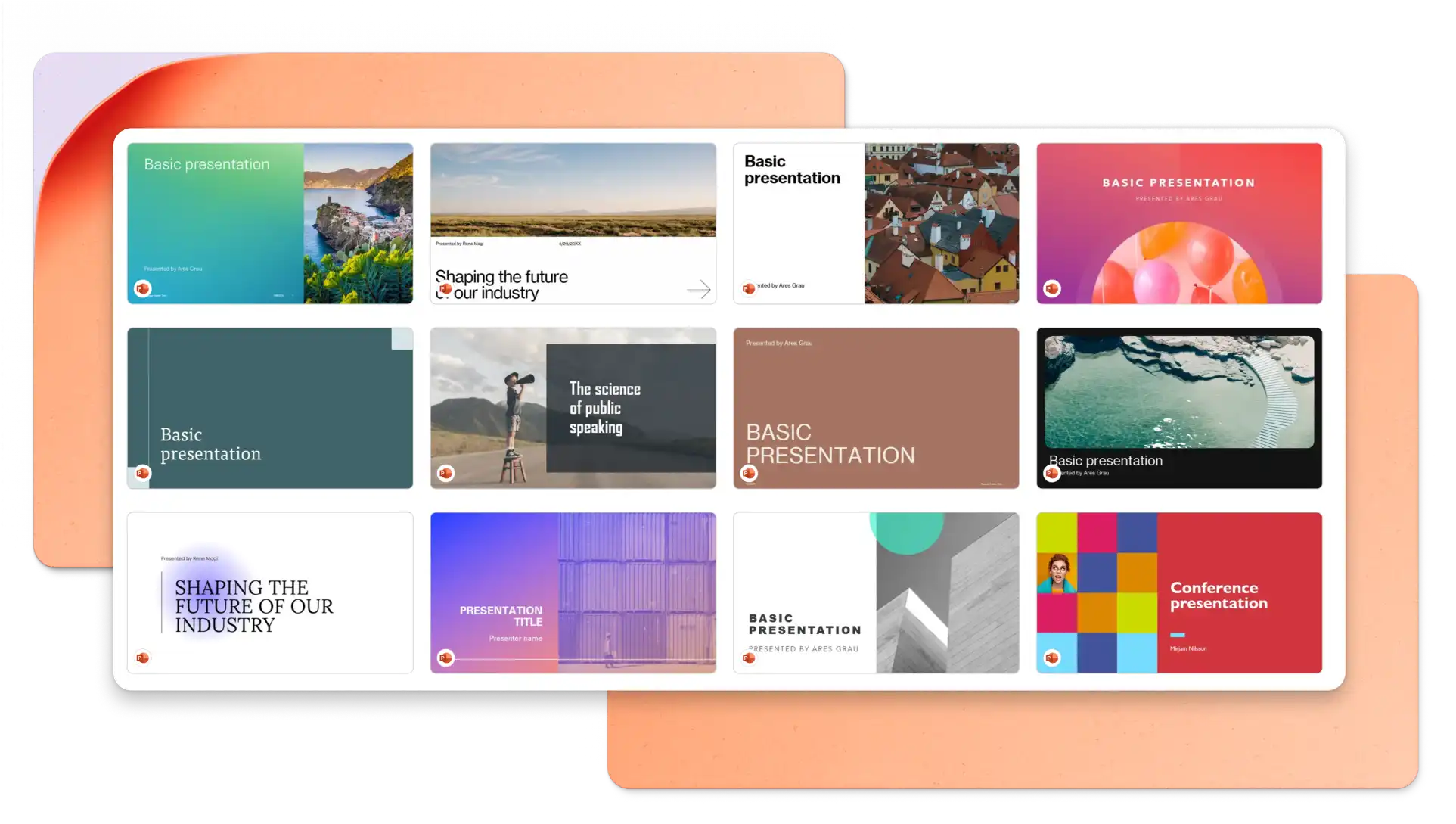
In your browser, explore PowerPoint keynote presentation templates
Choose a keynote presentation template you want to edit
Replace the text and graphics with your own information
Download, print and share your presentation for free
Structure your keynote presentation to deliver one idea per slide and stay on-theme to engage your audience. It’s recommended to use images and graphics to represent concepts and reduce distractions where possible. Choose a professionally designed keynote presentation template to make a great impression on your audience. Lastly, practice your timing and delivery using speech notes and AI Speaker Coach (opens in a new tab).
Animations can add engagement to your keynote presentation, however, you should choose animation styles based on the keynote topic and target audience. Choose slow reveals and movements to suit a business keynote presentation and select bold animations when presenting creative keynotes.
There are different ways to share your keynote PowerPoint presentation. Save your slides as a .PPT file, share a secure HTML link to viewers, or download your presentation slides as a PDF. You can also attach it to marketing presentations, and create accompanying certificates.