
Sách ảnh thời trang

Tạo trình chiếu ảnh với các mẫu, hiệu ứng chuyển tiếp và công cụ thiết kế AI trong Microsoft PowerPoint.

Duyệt qua các mẫu trình chiếu ảnh và thay thế hình ảnh, video và chú thích để tạo ra bố cục độc đáo và kể câu chuyện một cách đầy phong cách. Tùy chỉnh màu sắc và phông chữ cho phù hợp với album đám cưới hoặc danh mục nhiếp ảnh cho một hoàn tất gọn gàng chuyên nghiệp.

Mời gia đình, bạn bè hoặc đồng nghiệp đóng góp hình ảnh và chỉnh sửa trình chiếu ảnh theo thời gian thực. Chia sẻ liên kết để cùng nhau tạo bản trình chiếu cho các dịp sinh nhật hoặc hội nghị, với quyền kiểm soát hoàn toàn ai có thể xem và chỉnh sửa trực tuyến, đảm bảo luôn có người phù hợp tham gia.

Duyệt qua các biến thể bố trí thông minh trong các đề xuất Thiết kế để mang lại cho mọi trang chiếu một kiểu ấn tượng. Hãy chọn bố cục nhấn mạnh vào hình ảnh hoặc văn bản, sau đó dễ dàng áp dụng cho từng trang chiếu. Bổ sung cho trình chiếu bằng các nền trang chiếu độc đáo được tạo bằng Copilot trong PowerPoint.

Chọn một mẫu để sắp xếp ảnh, video và chú thích thành một bản trình chiếu ấn tượng với bố cục có thể điều chỉnh. Thêm hiệu ứng chuyển tiếp và hoạt ảnh cho các trang chiếu để tạo điểm nhấn cho bản trình chiếu, sau đó chia sẻ kỷ niệm hoặc giới thiệu danh mục dự án trực tuyến.
Insert photos from a device or use free stock images that suit a theme. Add online videos to any slide or record a Cameo to give a personal touch to family photo albums and design portfolios. Format photos for large screens to play slideshows in any setting.


Import audio files to add a background track and give slideshows more personality. Use personal audio files or licensed music, then set tracks per slide to match the mood, whether it's a wedding photo album or nature slideshow. Adjust playback to automatic or on click and fine-tune volume, so music complements the narration.
Add some flair with slide transitions and animations. Try the morph effect (opens in a new tab) for a polished look, or use the classic fade, cube, or checkerboard. Layer text and image animations to build scenes step by step, so every business presentation and photo memory book holds attention from the first slide.

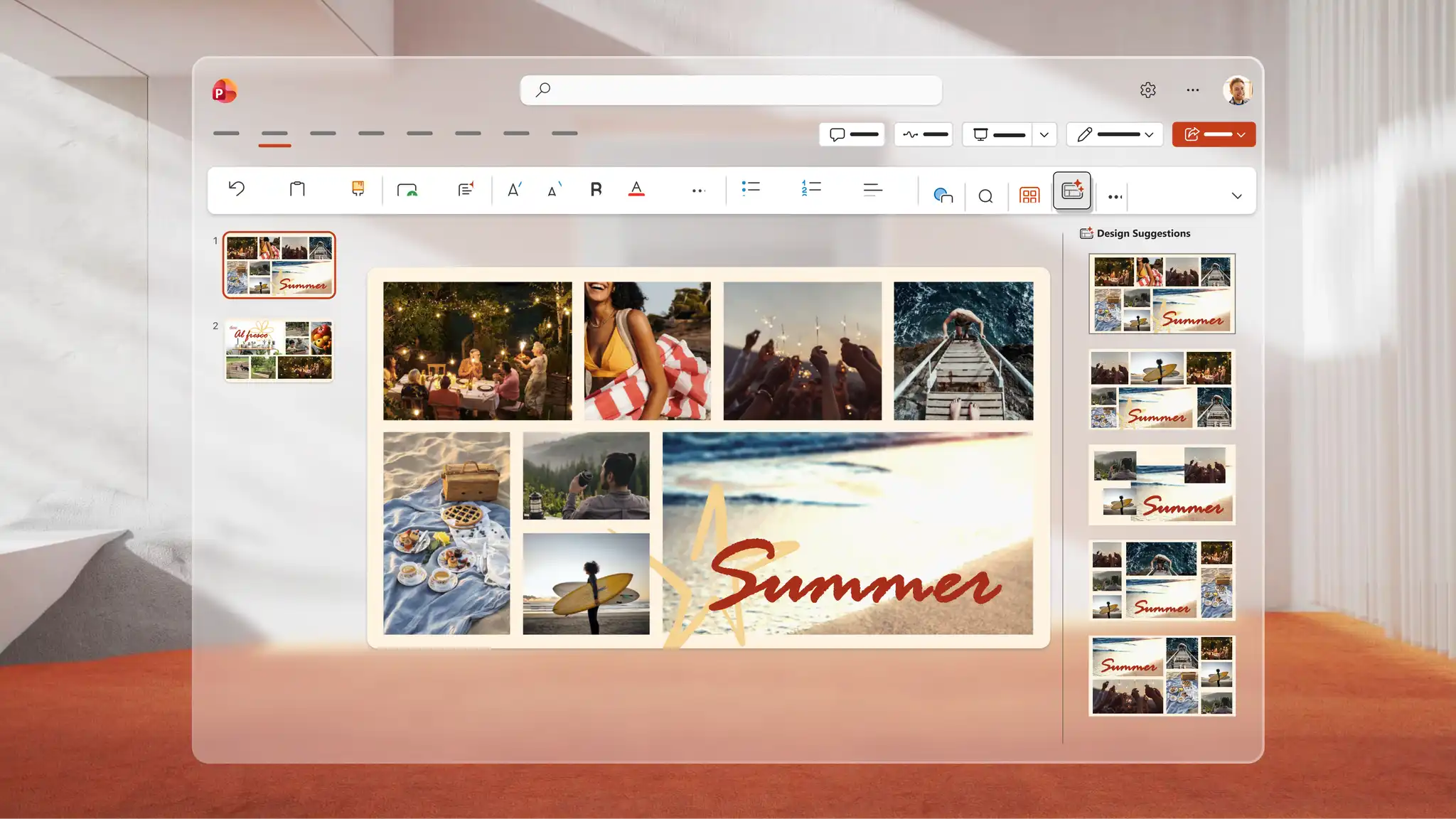
Use Copilot in PowerPoint to generate a unique image for any slideshow. Describe the idea to Copilot, and AI generates a visual to review in the chat, download, and add directly to any slide. Use Design suggestions to find smart layouts that transform every slide into a polished AI presentation design.
Save to OneDrive and share a link so recipients can view it across devices or download as a PDF to print and distribute at events. Rehearse a speech alongside the slideshow with Coach in PowerPoint (opens in a new tab) to refine delivery and present confidently for keynote presentations and personal celebrations.


Nhà sáng tạo nội dung: chia sẻ các cột mốc như du lịch, đám cưới hoặc lễ tốt nghiệp.
Nghệ sĩ, nhiếp ảnh gia và nhà thiết kế: giới thiệu danh mục và tác phẩm nghệ thuật.
Giáo viên: kể chuyện bằng hình ảnh hoặc ghi lại các chuyến đi thực tế với các mẫu giáo dục.
Chuyên gia bất động sản: tạo sàn bán nhà ảo với mẫu bài thuyết trình.
Open PowerPoint for the web and choose a photo slideshow template to start.
Replace the placeholders with photos, videos, and captions to each slide.
Apply slide transitions and add music from personal audio files or online libraries.
Use Copilot in PowerPoint to generate images or browse Design suggestions for polished layouts.
Save to OneDrive and share the slideshow via a secure link, or present live to an audience.
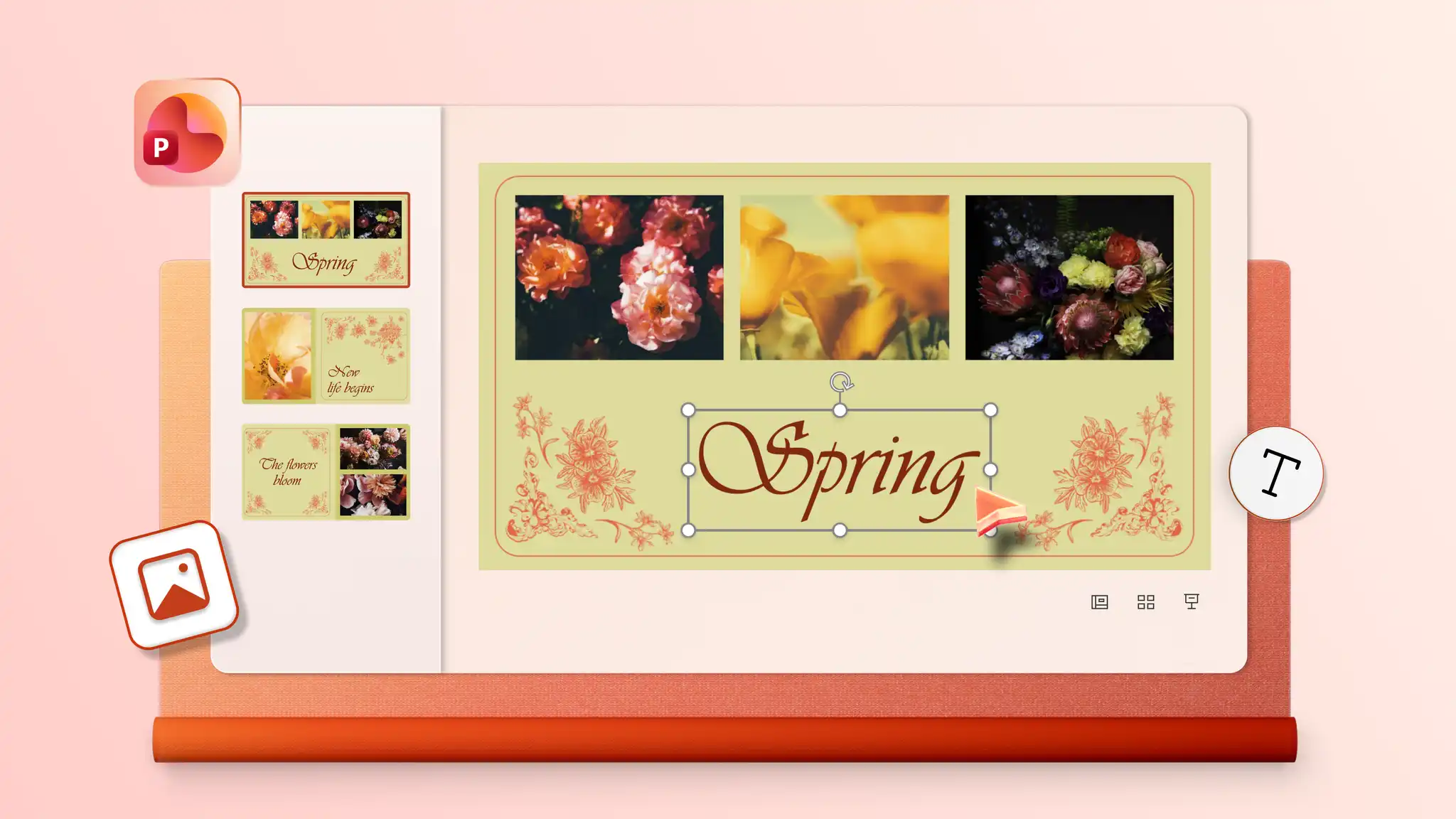
Start by adding photos to a template or blank slideshow in PowerPoint for the web. Insert audio and choose from playback options including automatic start, on click, or play as a loop to give the slideshow a soundtrack. Audio settings may vary depending on the PowerPoint version in use.
Combine static images and video clips into a single slideshow with PowerPoint for the web. Start with a template or blank presentation, then insert images and videos on chosen slides and resize and trim videos to suit the design. Make creative slideshows for everyday memories, personal milestones, or professional slideshows for portfolios and pitch decks.
Start with a photo album template or create blank slides with collage layouts using PowerPoint presentation maker. Add photos one at a time to the image placeholders.
To add old physical photos, digitize them first with a scanner or scanner app in a smartphone. Open PowerPoint for the web, click the Insert tab, and select Insert picture from device to upload the scanned images. Add the images to any slide in the presentation.