Hồ sơ năng lực thiết kế nội thất hiện đại

Trình bày các dự án bằng những mẫu hồ sơ năng lực kỹ thuật số miễn phí, văn bản tương tác, hình ảnh trực quan và Copilot trong Microsoft PowerPoint.

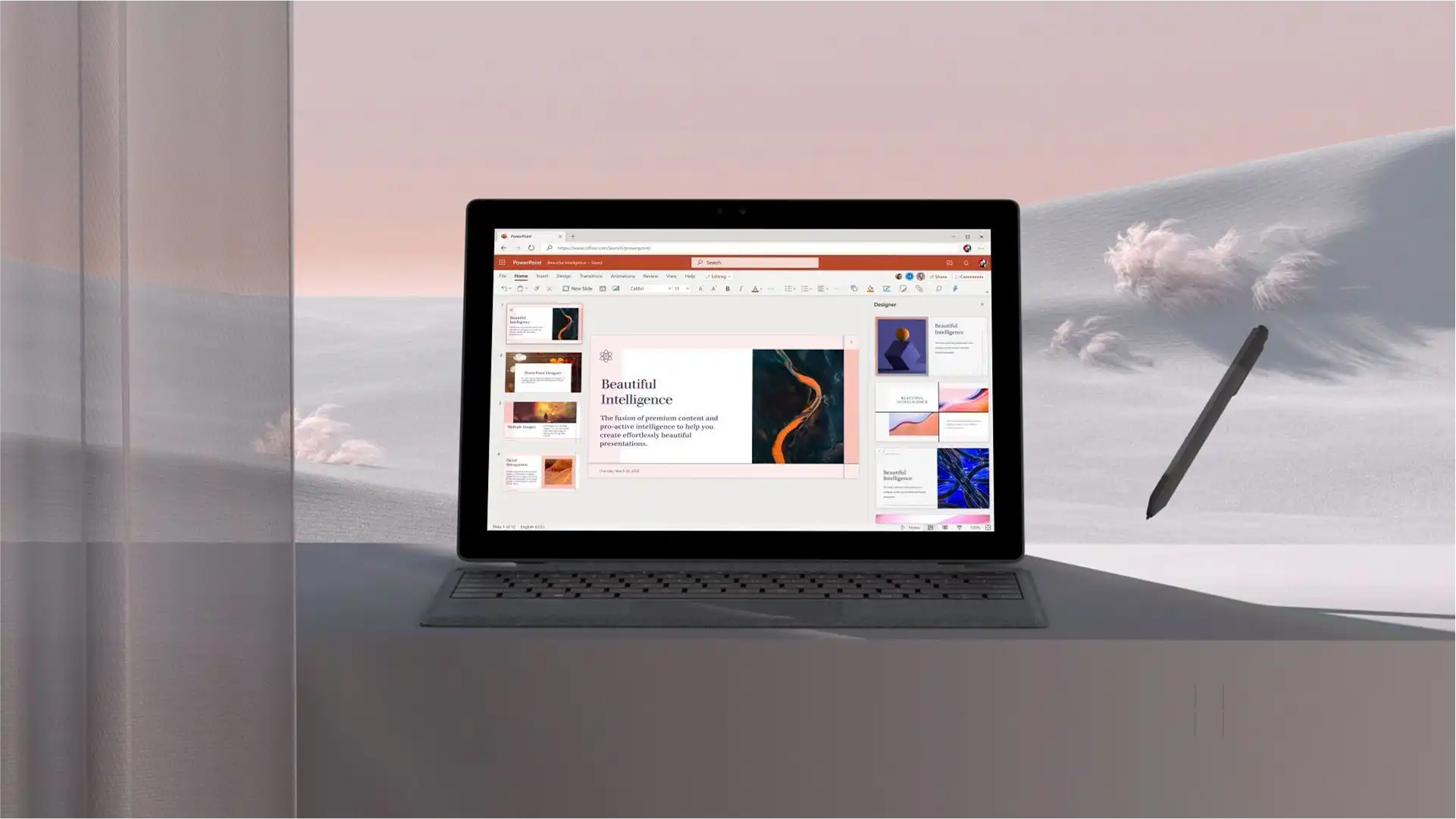
Tạo một bản trình bày hồ sơ năng lực phù hợp từ đầu hoặc dùng mẫu để thực hiện dễ dàng. Sắp xếp văn bản, hình ảnh, và video trong các bố cục mô-đun để giới thiệu công việc một cách sống động. Dễ dàng chỉnh sửa màu sắc, phông chữ của mẫu để tạo bản trình bày theo phong cách phù hợp với tầm nhìn sáng tạo hoặc thương hiệu.

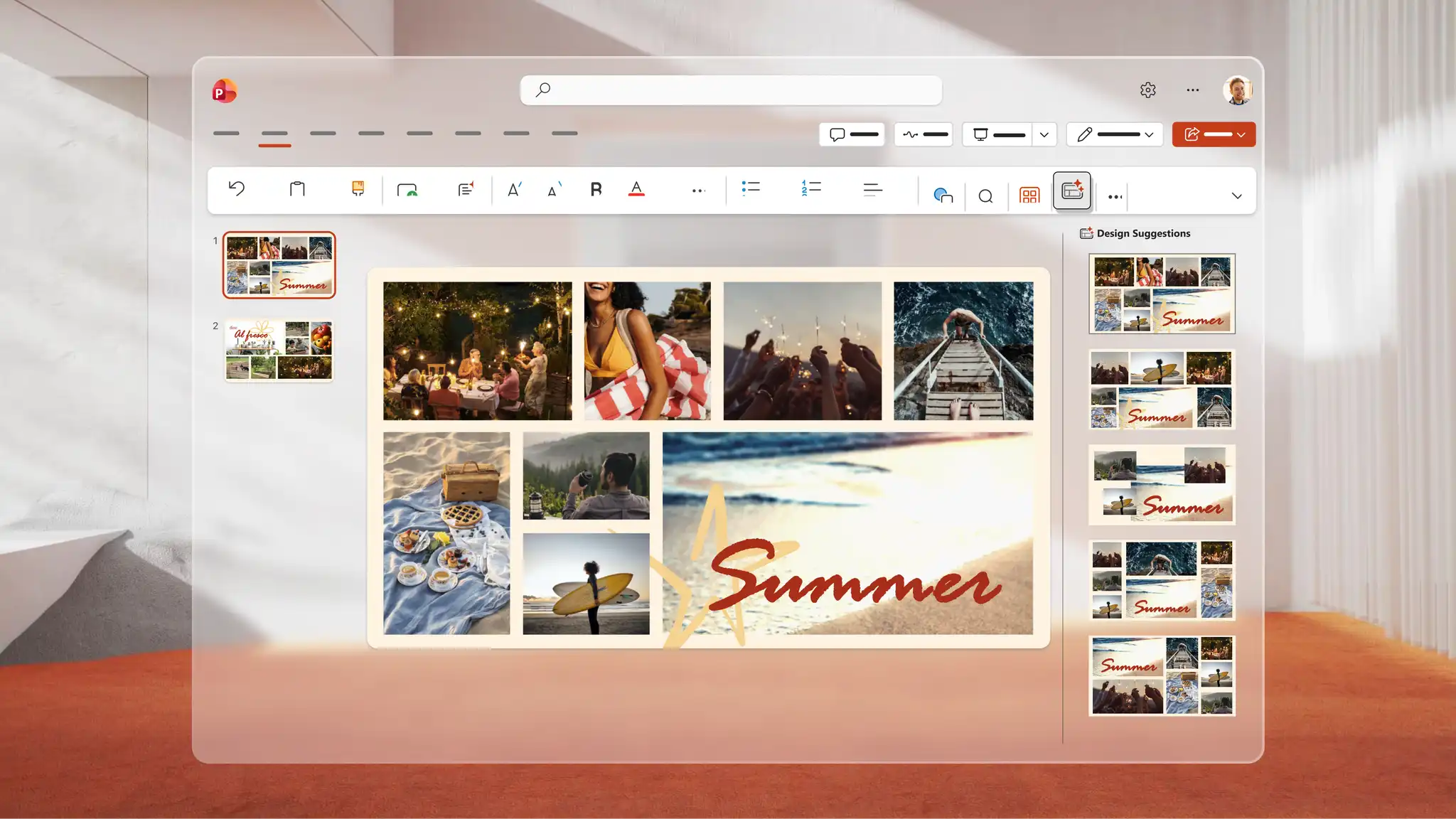
Kể một câu chuyện trực quan trong hồ sơ năng lực trực tuyến bằng định dạng trình chiếu ảnh với ảnh toàn khung hình hoặc ảnh ghép. Dùng công cụ ghi âm trong PowerPoint để tạo video giới thiệu, giúp thêm dấu ấn cá nhân. Nhúng video YouTube để mọi người có thể xem trực tiếp trong bản trình bày.

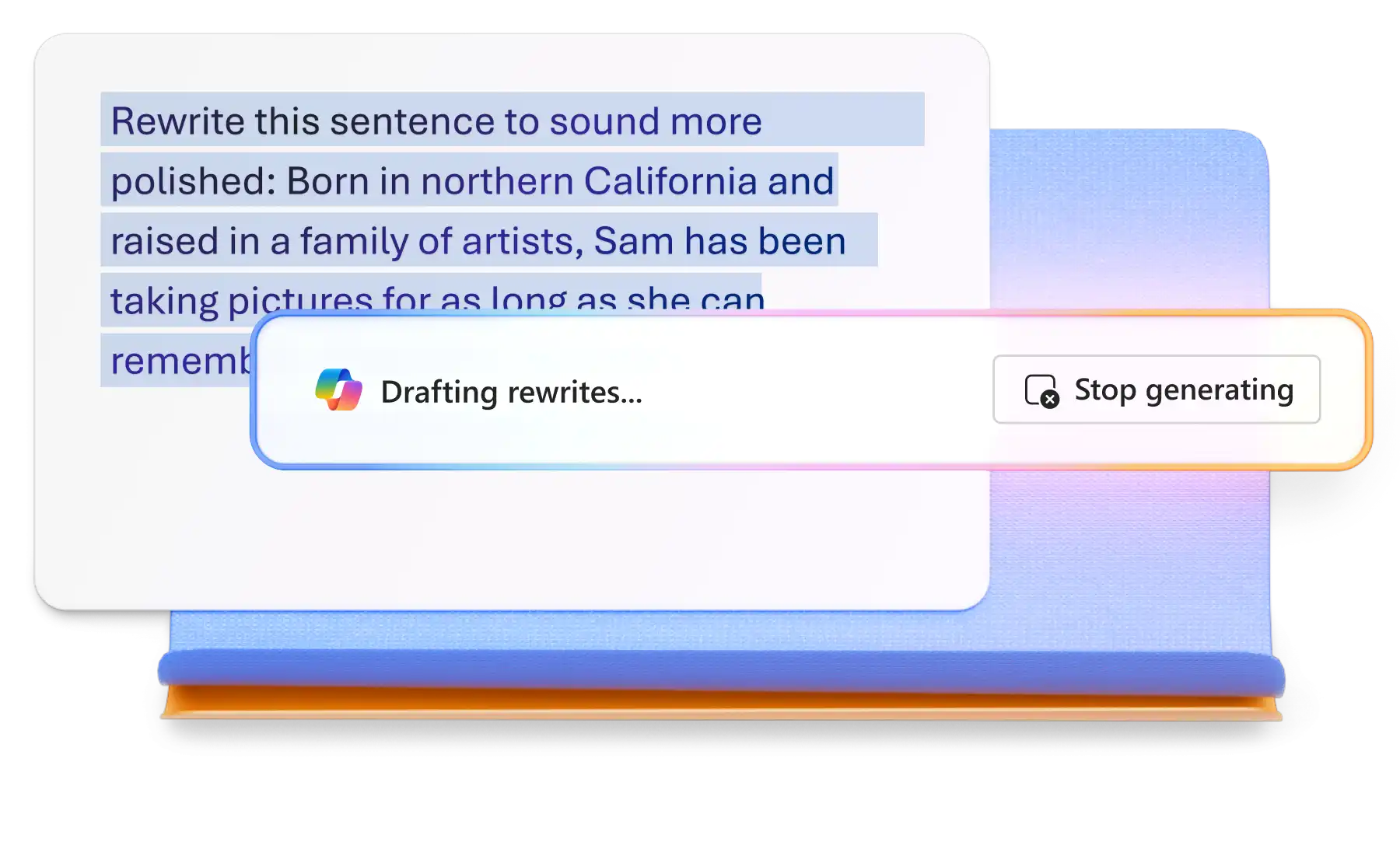
Trò chuyện Copilot trong PowerPoint để tạo ra một câu chuyện có cấu trúc cho bản trình bày hồ sơ năng lực hoặc viết lại mô tả hồ sơ năng lực nhằm làm rõ. Xem lại các đề xuất trong cuộc trò chuyện và áp dụng các thay đổi nếu cần. Đính kèm tài liệu Word như sơ yếu lý lịch hoặc kế hoạch dự án để Copilot có thể soạn thảo dàn ý để xem lại trong cuộc trò chuyện.

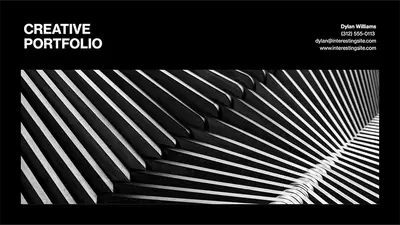
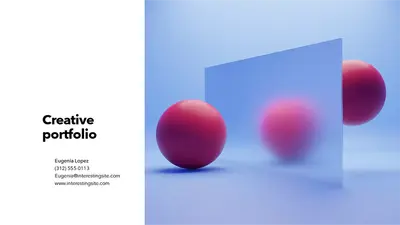
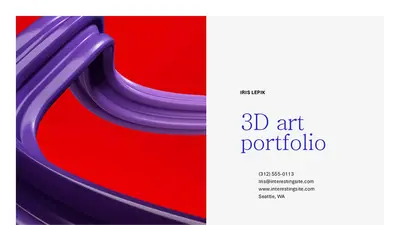
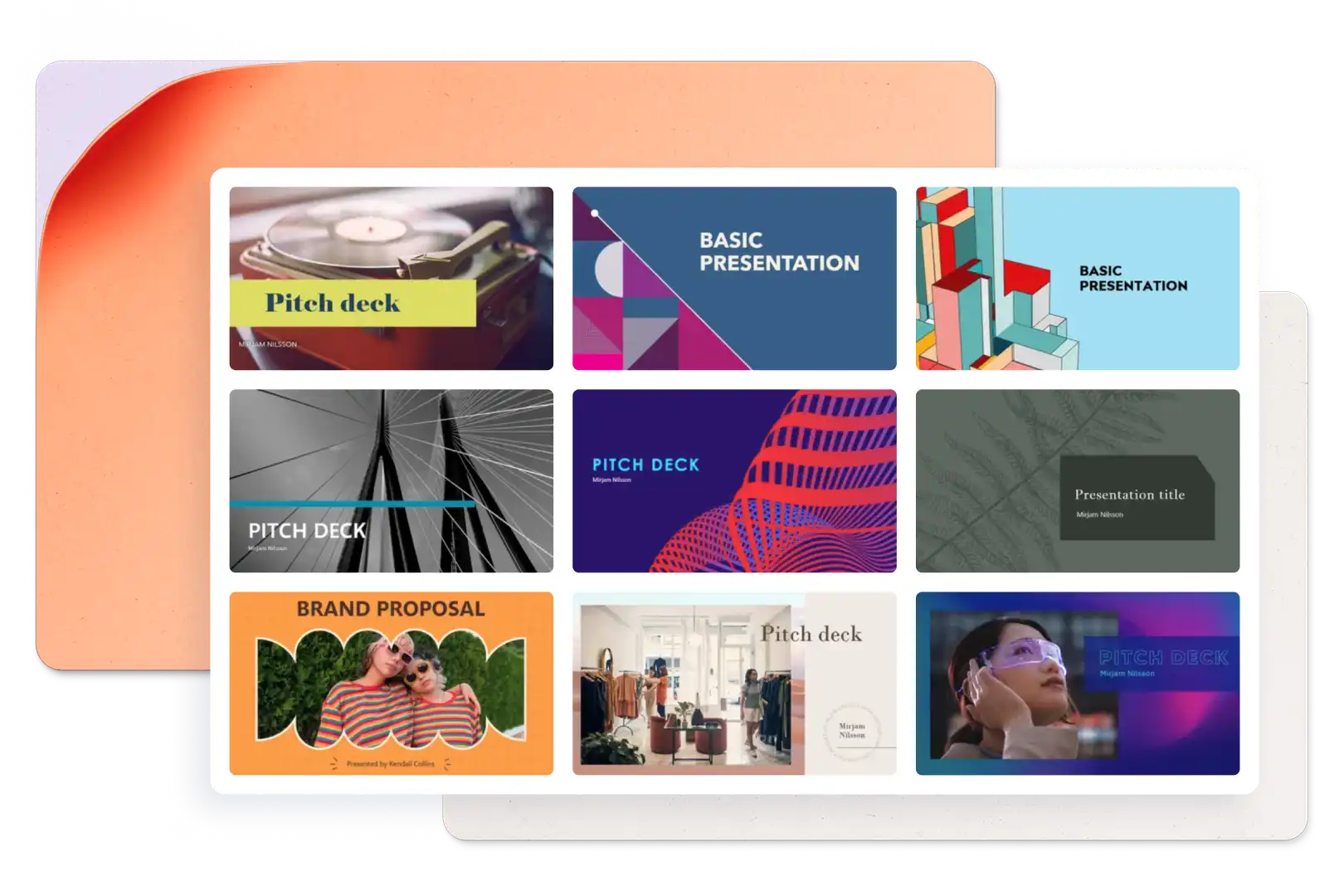
Chọn từ các mẫu hồ sơ năng lực cho hồ sơ năng lực nghệ thuật, hồ sơ năng lực chuyên nghiệp, và hồ sơ năng lực nghề nghiệp, với bố cục và chuyển tiếp trang chiếu có thể điều chỉnh. Thay nhanh hình ảnh, và video để tạo bản trình bày hồ sơ năng lực làm nổi bật kỹ năng, và dự án.
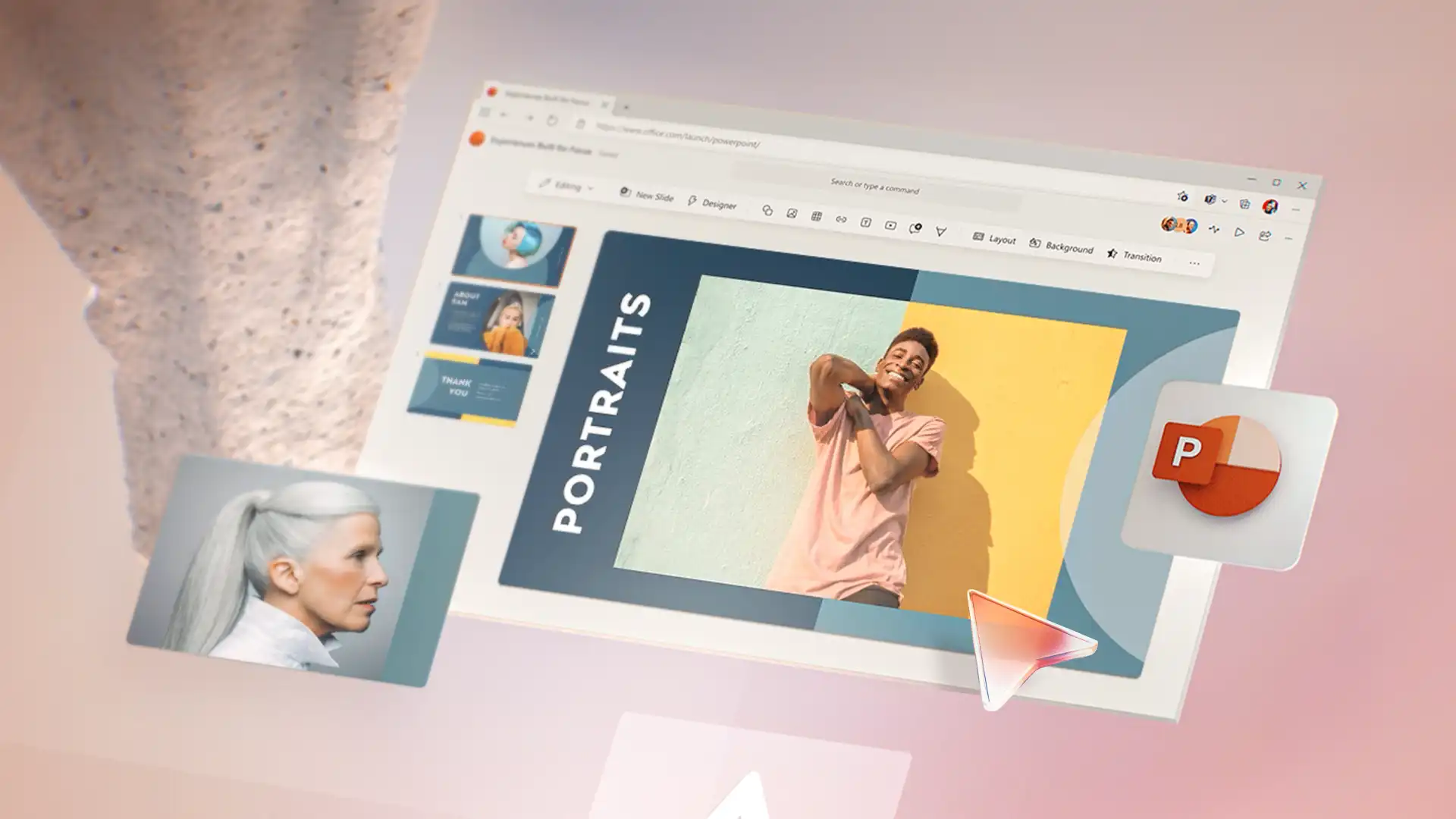
Thay thế các chỗ giữ chỗ văn bản dễ chỉnh sửa trong mẫu hồ sơ năng lực bằng mô tả dự án, kỹ năng, và thành tựu. Điều chỉnh bố cục để phù hợp với các loại nội dung khác nhau, và thêm hiệu ứng chuyển tiếp trang chiếu để tạo nhịp chuyển mượt mà giữa các phần. Thử các bố cục dạng thư viện cho hồ sơ năng lực UX và marketing, hoặc định dạng nghiên cứu tình huống cho hồ sơ năng lực thiết kế.
Trò chuyện với Copilot trong PowerPoint để xây dựng cấu trúc mạch truyện cho bản trình bày hồ sơ năng lực, và xem lại kết quả trước khi áp dụng các đề xuất. Tải lên và chuyển đổi tài liệu trong cuộc trò chuyện để Copilot có thể soạn thảo các mục như Giới thiệu về tôi, Kết quả và Kỹ năng. Viết lại và tóm tắt mô tả dự án để tạo các trang chiếu tóm tắt kể các câu chuyện dưới dạng nghiên cứu tình huống.
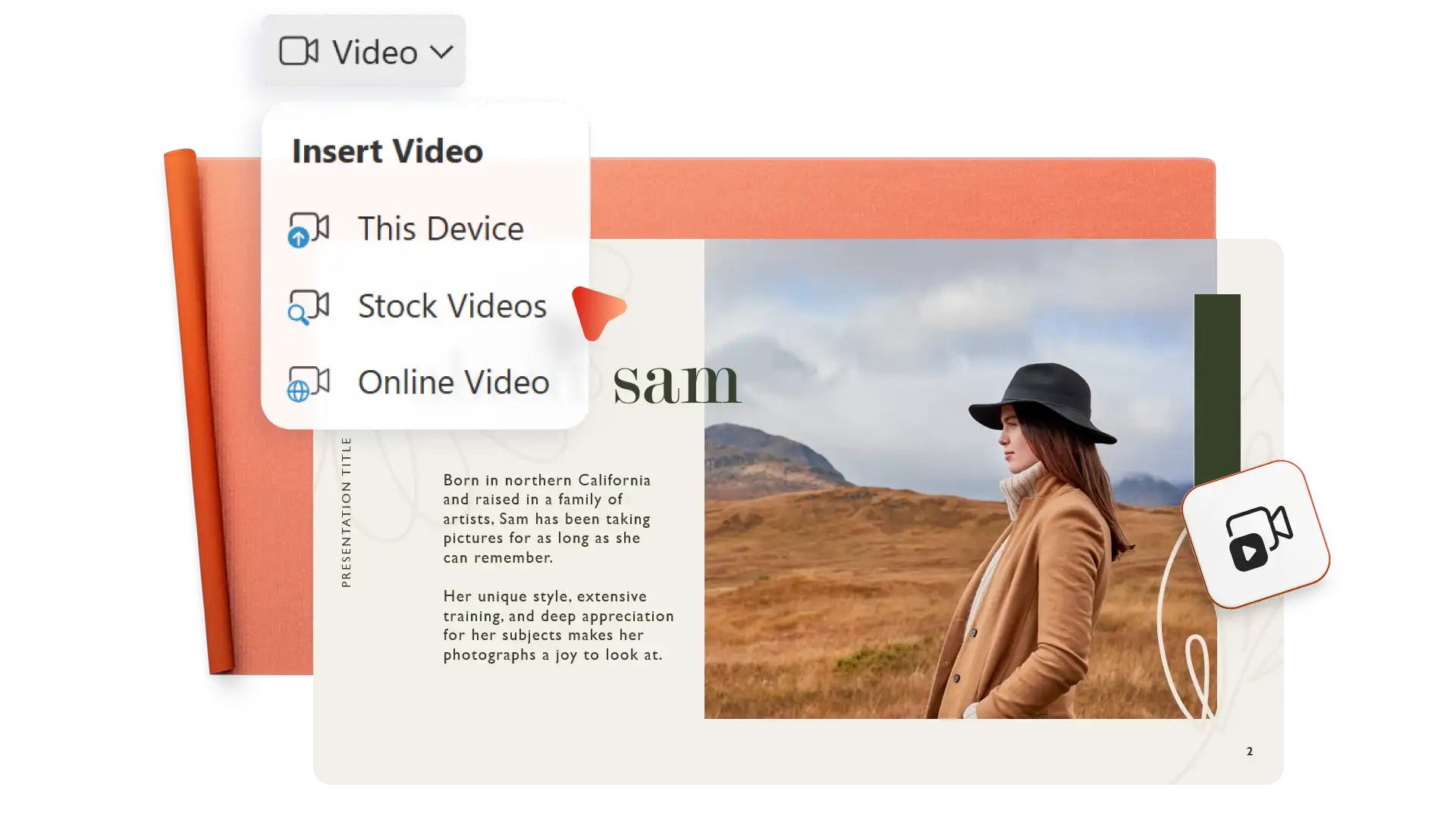
Upload photos to build a visual narrative or insert stock images to illustrate conceptual work. Add video elements like screen recordings, Cameo videos, or clips from OneDrive or YouTube to bring projects to life. Highlight results with infographics, clarify project phases with timeline visuals, and link to supporting documents.
Customize portfolio style to fit a personal or corporate brand. Incorporate color accents and fonts from a resume to create a consistent brand identity. Add logos, branded icons, and header and footer elements from a brand kit to match other marketing materials. Match portfolio visuals with agency or freelancer collateral for a cohesive look.


Send a portfolio digitally with secure sharing or print without limits to distribute at interviews. Save to OneDrive and share a direct link that gives recipients viewing access. Add the sharing link to emails or resumes, or download a PDF version to share the portfolio as an attachment or a LinkedIn upload.
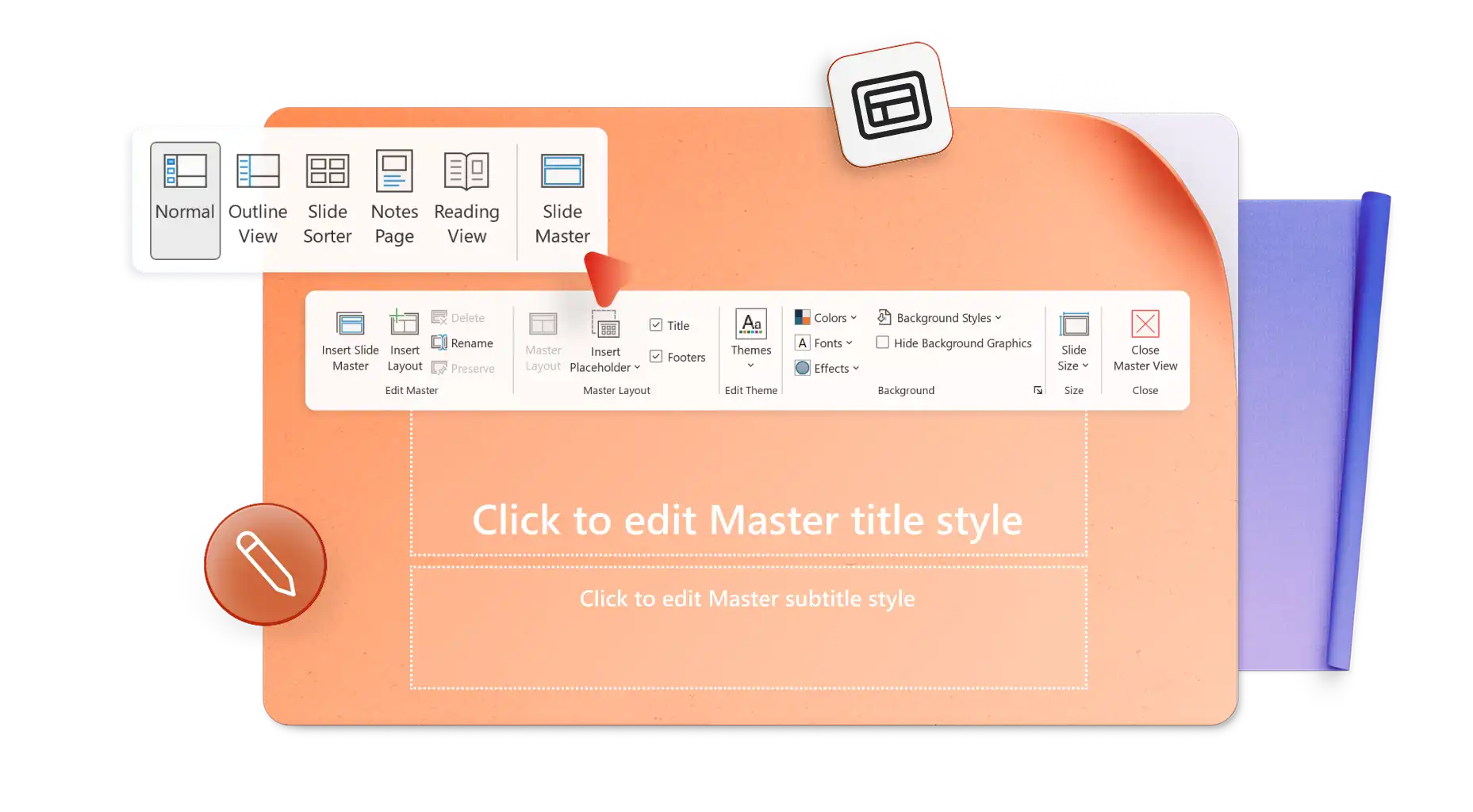
Mở PowerPoint cho web và duyệt qua các mẫu hồ sơ năng lực hoặc bắt đầu với một bản trình bày trống.
Chọn một mẫu và thay thế văn bản chỗ dành sẵn bằng chi tiết, kỹ năng và thành tích dự án.
Thêm ảnh, video, và đồ họa để trình bày công việc một cách trực quan.
Trò chuyện với Copilot trong PowerPoint để tạo cấu trúc mạch truyện, viết nháp các phần hoặc tinh chỉnh nội dung.
Lưu vào OneDrive và chia sẻ một liên kết bảo mật, hoặc tải xuống dưới dạng PDF.
Start by creating a PowerPoint portfolio to showcase work. Next, share the PowerPoint file over the web or save a PDF to OneDrive and share that via email or messaging. Either way, the online portfolio stays secure in OneDrive with no need to create a personal portfolio website.
Use Microsoft Teams and PowerPoint Live (opens in a new tab) to present a digital portfolio directly. The presenter sees slide notes during the presentation, while the interviewer views each slide clearly and can read at their own pace if needed.
Since many recruiters and potential clients review portfolios on their own time, choose quality over quantity. Ensure each project in the portfolio highlights something unique and fits into the job and opportunity description. Additionally, add certificates and spotlight achievements per project.
End a portfolio presentation with contact information, website links, and links to professional social networks. Include a clear call to action, like inviting the reader to request a consultation, connect through LinkedIn, or view a resume.