
Квартальне бюджетування
Використовувати цей шаблон

Створюйте зрозумілі фінансові презентації за допомогою шаблонів із можливістю редагування, візуальних діаграм і Copilot у Microsoft PowerPoint.

Почніть із пустого слайда або адаптуйте шаблон фінансової презентації, щоб продемонструвати бюджети, звіти чи прогнози. Замініть текст покажчика місця заповнення та налаштуйте дизайн слайдів, щоб забезпечити логічну структуру вмісту.

Вставляйте діаграми й графіки, щоб наочно показати фінансові показники, прогнози доходів і ринкові тенденції. Використовуйте інфографіку, рисунки SmartArt і таблиці, щоб структурувати складну інформацію та перетворити її на чіткі візуальні схеми.

Завантажуйте фінансові звіти, документи або таблиці в чат Copilot у PowerPoint, щоб отримати пропозиції щодо структури презентації. Переглядайте чернетку й за потреби вносьте зміни до слайдів.

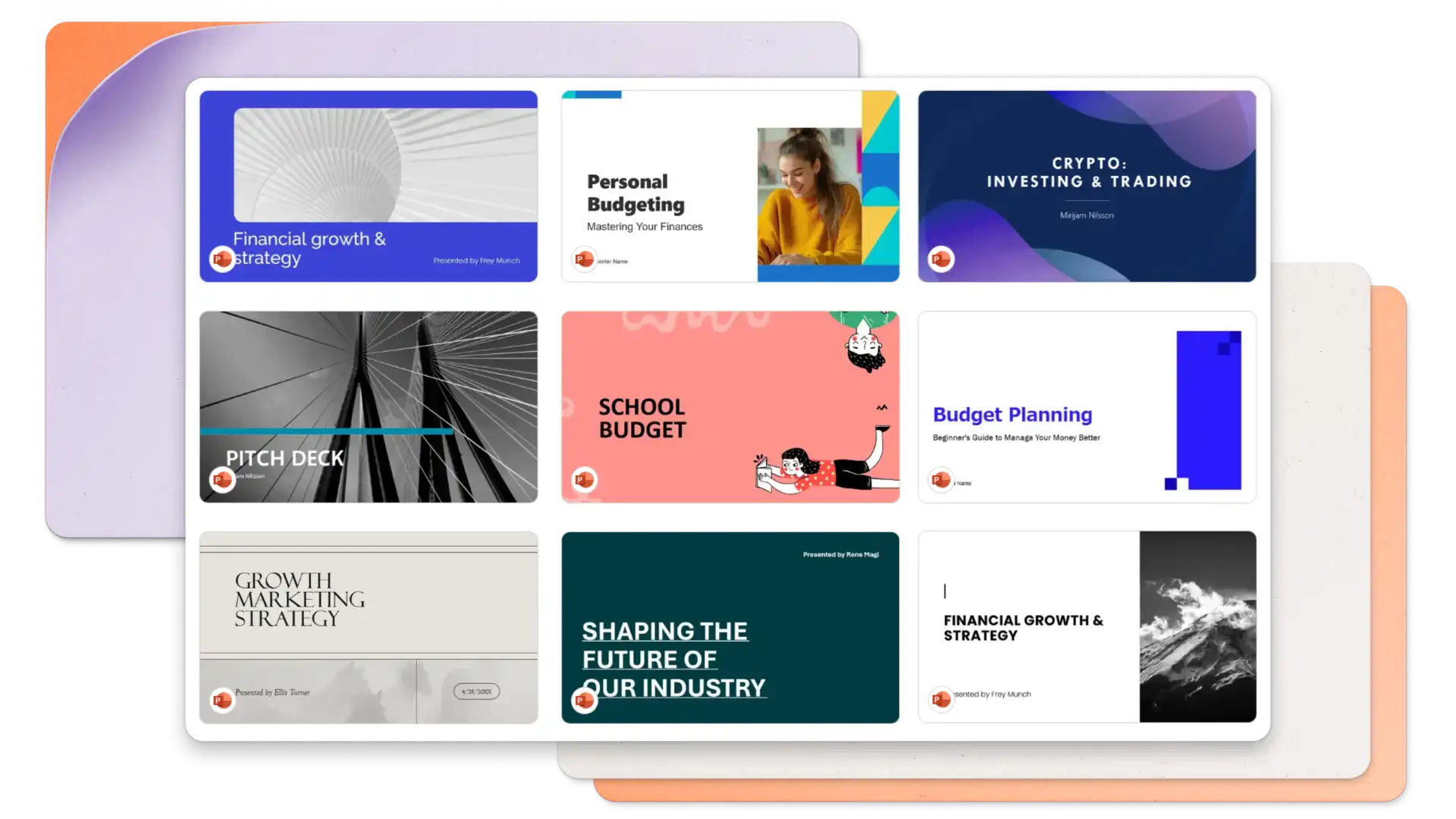
Обирайте з-поміж різноманітних шаблонів фінансових презентацій для аналізу бюджету, квартальних звітів, інвестиційних презентацій і фінансових планів. Адаптуйте макети для засідань ради директорів, звітів перед клієнтами або обліку особистих фінансів.
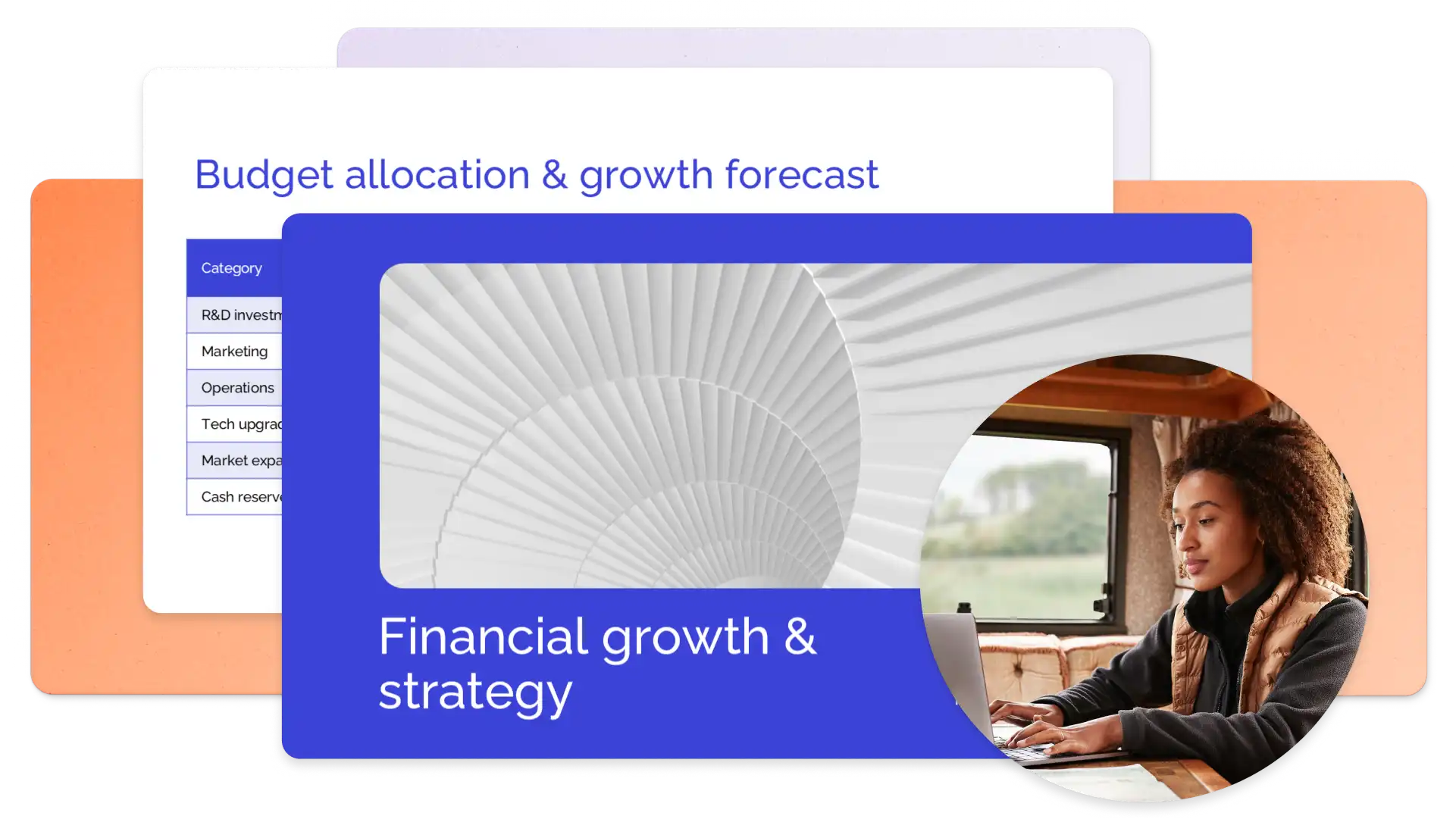
Choose a presentation template featuring placeholder slides for profit and loss statements, revenue breakdowns, and financial forecasts. Replace sample content with actual data, add branding, and adjust visuals to prepare a clear presentation.
Працюйте швидше з Copilot у PowerPoint. Швидко налаштуйте фінансову презентацію, оскільки Copilot може оновлювати оформлення слайдів, додавати відповідні зображення та створювати презентацію на основі шаблону вашого бренду. Створюйте пропозиції щодо вмісту та слайди зведення, спілкуючись із Copilot, і вдосконалюйте слайди за допомогою автоматичного переписування. Коли будете готові, вдосконалюйте навички виступу за допомогою тренування говоріння.
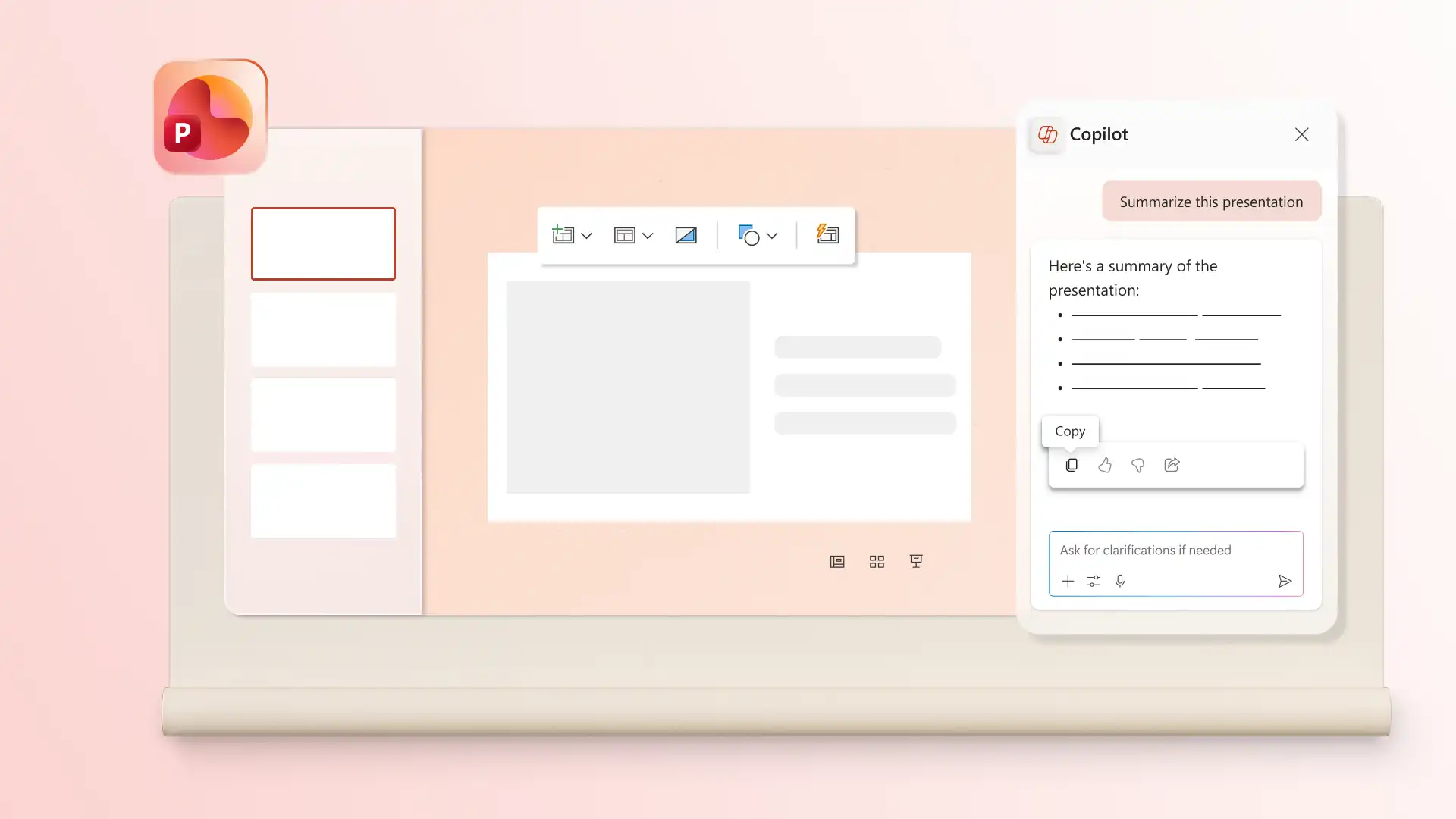
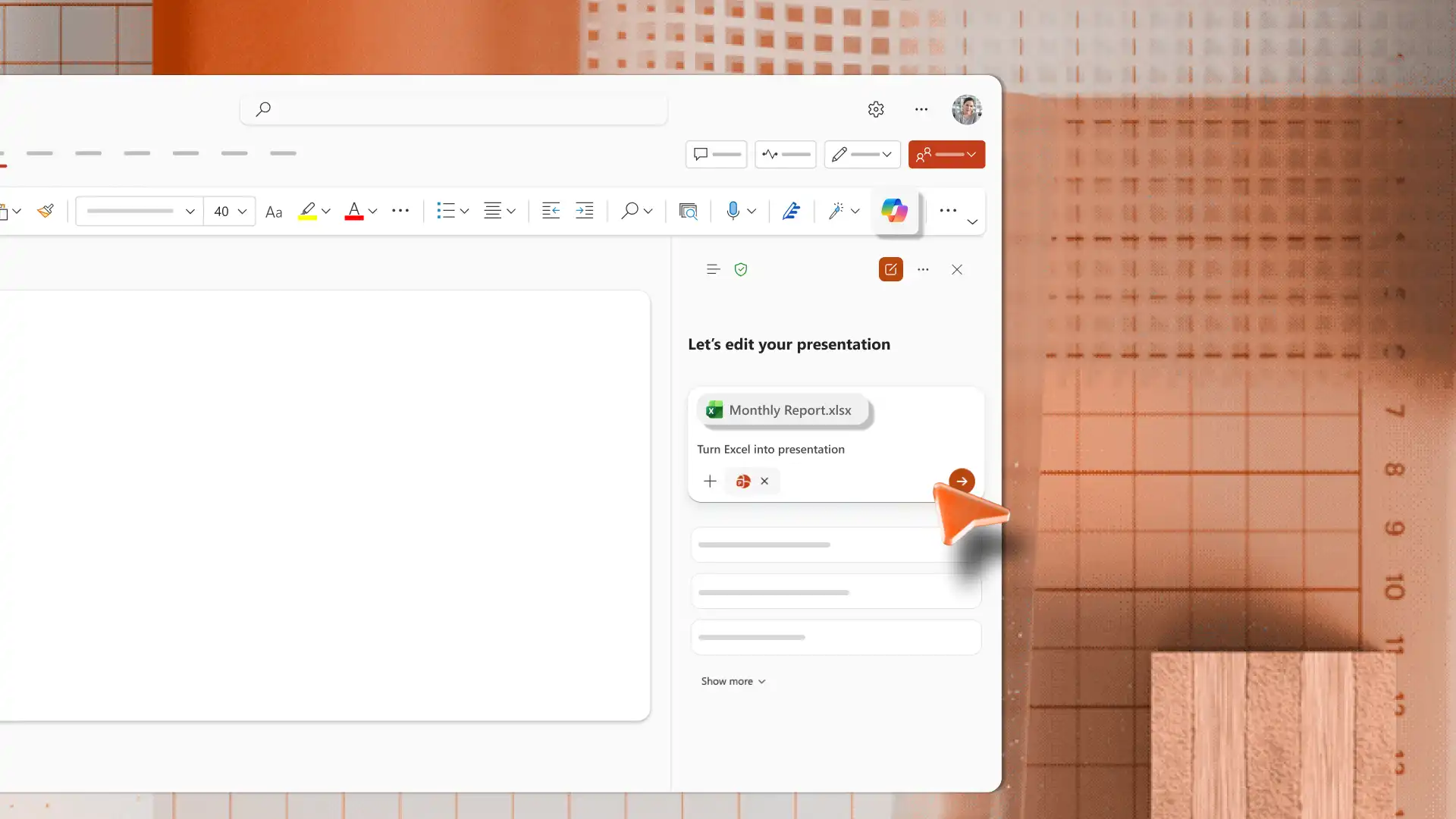
Generate slides from existing files using the AI presentation maker in PowerPoint. Upload an Excel file or document to Copilot chat and receive a presentation outline to review and apply. Review the suggested structure to organize and format slides, so the final deck is clear and easy to follow.
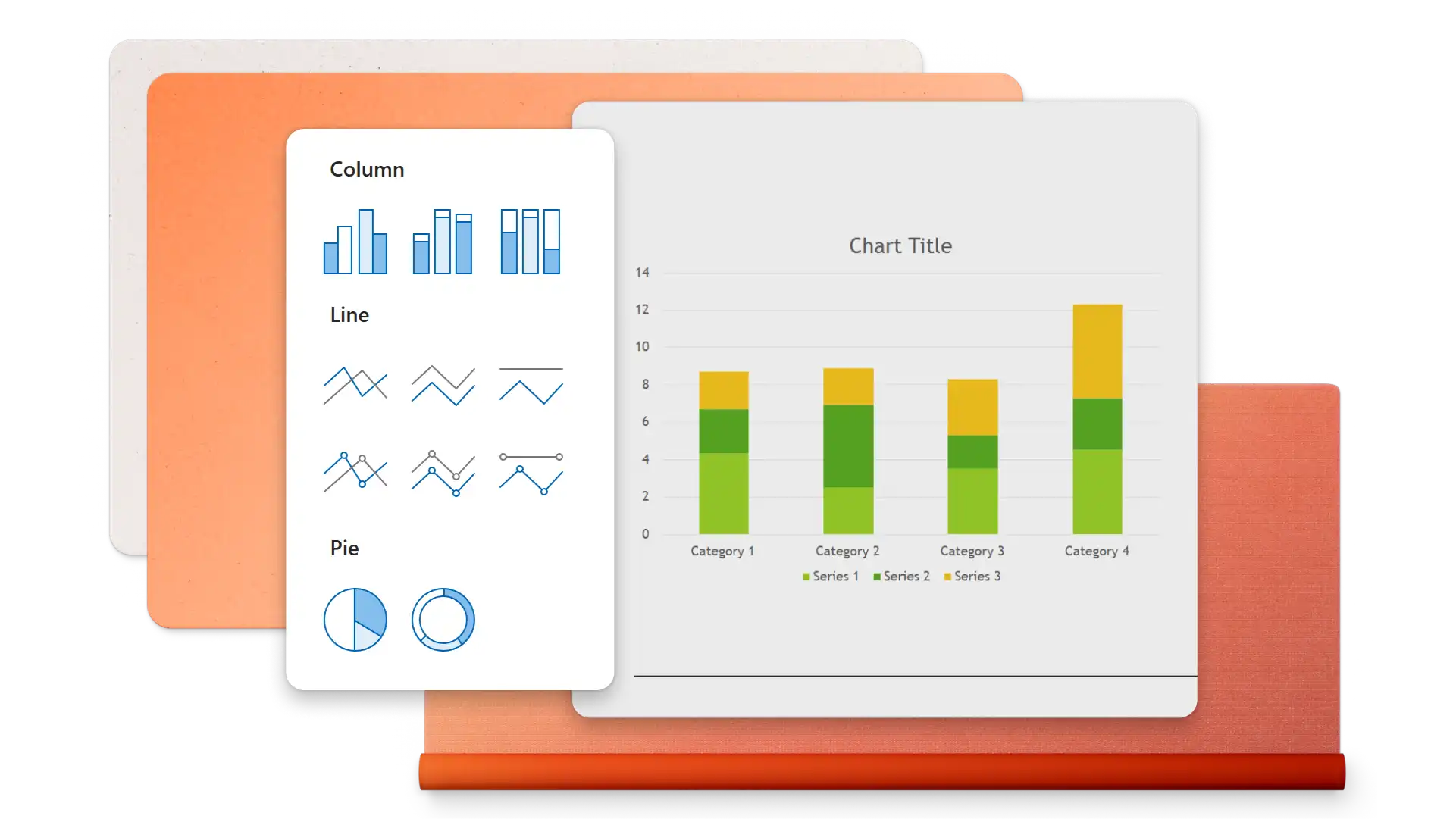
Insert charts, tables, diagrams, or timeline slides that directly support topics in a finance presentation. Use the right chart type for the data, such as line charts for trends, pie charts for proportions, or bar charts for comparisons. Keep one main insight per slide so the data supports the message.
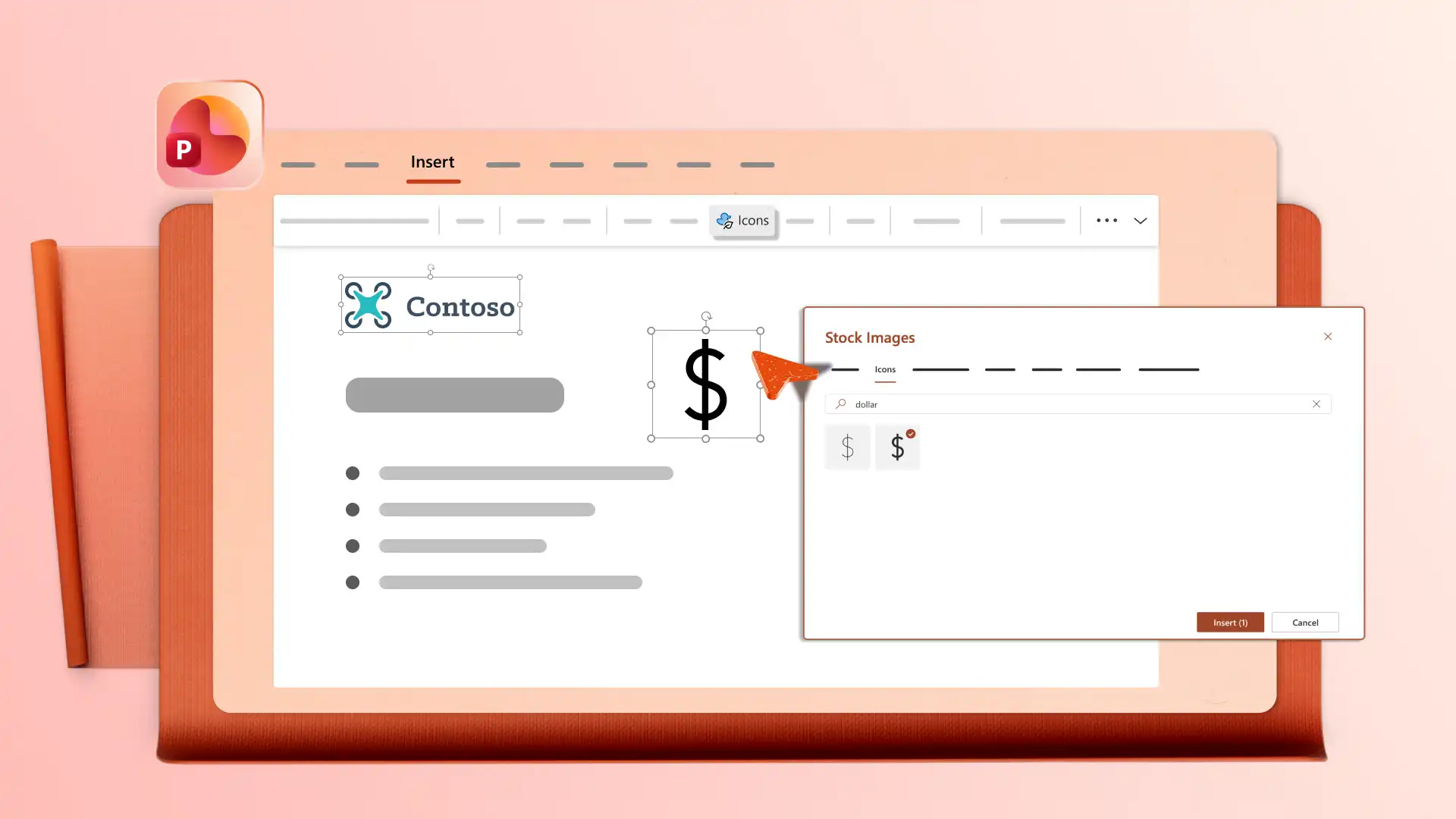
Add a company logo, apply brand colors, and choose fonts that match brand guidelines, so finance presentations look consistent with other company materials. Open the Design tab to review layout suggestions that organize content clearly. Use clean layouts so audiences can read the data and remember key points.
Edit finance presentations with a team using real-time collaboration tools like mentions and comments to review and add ideas. Download a presentation as a PDF or send a secure OneDrive link that always shows the latest version for stakeholders, clients, or board members.

Open PowerPoint for the web and start from blank or browse finance presentation templates.
Select a template and replace placeholder content with financial data and reports.
Insert charts, tables, and visuals to support key points in each slide.
Chat with Copilot in PowerPoint to generate outlines, summaries, or slides from attached files.
Save and share presentation via OneDrive link or download as a PDF.
Finance presentation templates work well for budget reviews, quarterly reports, investment pitches, and financial forecasts. Share these decks with executives, investors, or clients for business purposes. Personal finance presentations can also be shared with family or colleagues. Combine finance templates with sales presentations or business presentations for broader coverage.
Start with an executive summary that covers the main points, then move into detailed sections for revenue, expenses, profit and loss, and forecasts. Use a finance template to follow a ready-made structure and save time on formatting. End with key takeaways and next steps.
Use charts that match the data type, such as line charts for trends, pie charts for proportions, and bar charts for comparisons. Add timeline slides to show progress over time. Keep one main insight per slide so the visuals support the story rather than replace it.
Follow a clear structure using a finance template to cover key areas like summaries, data, and forecasts. Practice delivery with the coach in PowerPoint to review pacing, tone, and filler words. Keep slides focused on one insight each so the audience can follow along.